
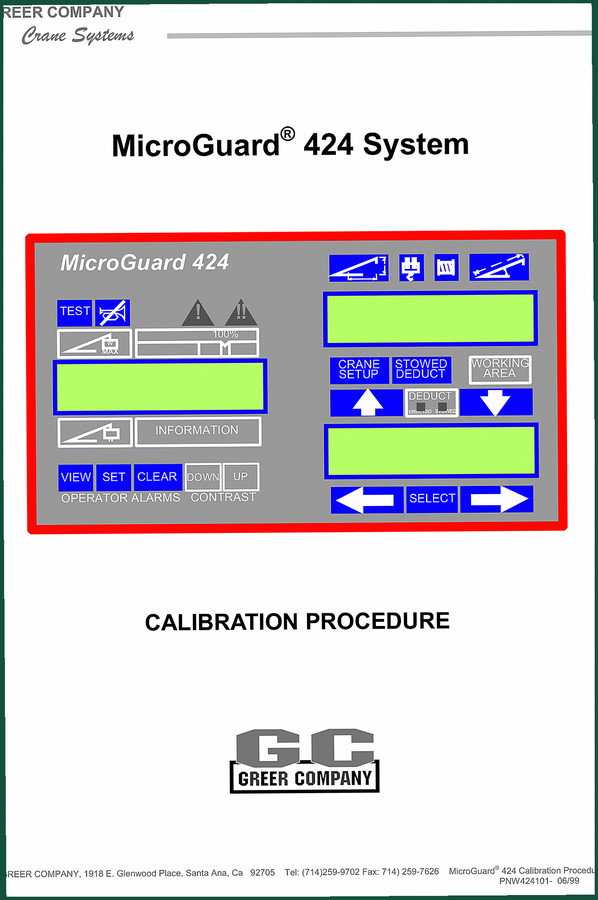
Greer MicroGuard 424 1999 Diagnostics Manual – Factory Calibration Data
Original price was: $22.49.$14.99Current price is: $14.99.
Factory calibration procedures for MicroGuard 424, 50 pages covering zero, span, fault codes, and crane setup mode. 1999 OEM document.
Description
Greer MicroGuard 424 1999 Diagnostics Manual – The Calibration Blueprint
If you are tearing into a Greer MicroGuard 424 system and do not have the factory calibration data in your hand, stop. I have seen more than one crane down for a week because a tech guessed the zero-pressure transducer offset. This 1999 Diagnostics Manual is the only document that gives you the exact pre-calibration requirements, the key sequences, and the fault code list that matches the hardware in that box. 50 pages, no filler. Page 5 tells you what you need before you even power up the display unit. I have torqued more head bolts than most people have had hot meals, and I know that aftermarket documentation on crane electronics is junk. Trust me: the factory print is the only tool that keeps you ahead of the liability curve. On-board Diagnostics (OBD) systems like this one need factory procedures, and that is what you get here.
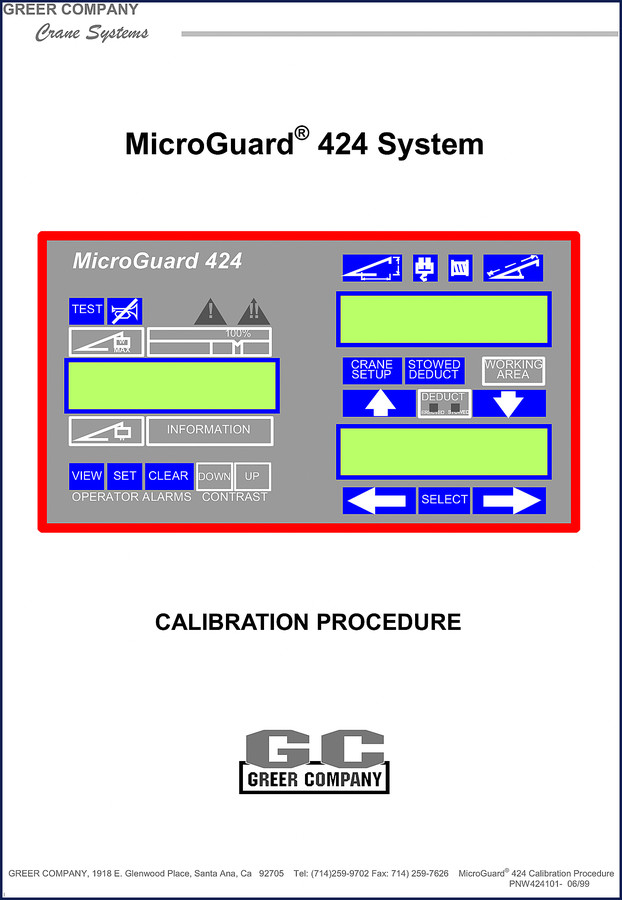
Why the OEM Calibration Procedure Matters for the MicroGuard 424
The table of contents in this manual runs from PRE-CALIBRATION REQUIREMENTS (page 5) all the way through COMMAND 05 SWING POTENTIOMETER. Greer wrote this for trained crane technicians. It assumes you know that the 424 system uses analog input numbers that have to be zeroed in sequence. If you skip the ACCESSING CALIBRATION ROUTINES section, you will spend an hour fighting the display contrast and the ARROW AND SELECT KEY ACTION. I have watched a junior tech try to swipe through menus like a phone. That will get you a locked-up control unit. The manual shows the exact FORMAT of the display and how to enter numbers – pages 8-10 cover that. You need that before you touch the CRANE SETUP MODE.
7 Systems Covered – From Zero to Span
This manual covers seven calibration command groups: COMMAND 00 RUN, COMMAND 01 PERSONALITY, COMMAND 02 TEST/FAULT, COMMAND 03 ZERO, COMMAND 04 SPAN, and COMMAND 05 SWING POTENTIOMETER. The PERSONALITY section (page 12) is where most people burn hours. It includes SUB-COMMAND 01/2 INITIALIZE and SUB-COMMAND 0 SAVE. If you do not save the personality data in the right order, the system will revert to default and your crane will be stuck in stowed mode. Page 14 walks you through the SYSTEM SELF-TEST and the FAULT CODES list (pages 15-16). When the display throws a code, you need to know whether it is a pressure transducer fault or a sensor range error. That list is not in any aftermarket cheat sheet. Greer MicroGuard 424 Calibration Procedure Programs M414371A goes alongside this manual if you need the software reference.
Audience Fit – Who Actually Needs This Manual?
If you are a crane service technician, a fleet maintenance lead, or a shop owner who has a 424 system on a boom truck, you need this. Home garage guys working on a residential lift will not touch a MicroGuard 424 – that is a load management system for a telescoping crane. But if you have a crane with a raw weight capacity and a boom angle sensor that drifts, this manual is the difference between a zero-pressure transducer that reads correctly and a $4,000 sensor replacement. The ZERO–PRESSURE TRANSDUCERS procedure on page 16 and 17 is specific to TX.0 and TX.1. Page 18 covers ZERO–BOOM EXTENSION SENSOR NO.2. Page 19 covers ZERO–BOOM ANGLE SENSOR NO.3. If you have a boom that does not extend properly, you need the SPAN–BOOM ANGLE SENSOR NO.3 procedure on page 20 and the SPAN–BOOM EXTENSION SENSOR NO.2 on page 21. Greer MG500 RCI 510 434 MG586 2002 Training Manual covers later models, but for the 424, this 1999 print is the only factory source.
Source Validity – Why the Factory Print Over Aftermarket
I have seen third-party manuals that claim to cover the MicroGuard 424 but skip the SWING POTENTIOMETER calibration (pages 22-23). Greer specifically says on page 2 of this manual that it is designed to assist the fully trained and experienced crane technician. The warning on page 2 states: “At no time may this System be used as a substitute for the usual safety practices and precautions.” Aftermarket reprints ignore those warnings. They also leave out the exact key sequences for COMMAND 02 TEST/FAULT. If you try to calibrate the boom angle sensor without the proper SPAN routine, you will be chasing a ghost. Greer BB-508 BB-509 2000 Installation Manual – Factory Spec shows a different system but the same philosophy: use factory documentation or lose the warranty. This manual is a scan of the original Greer document, PNW424101-06/99. 50 pages, no reprint errors, no blank spots.
Does This Manual Cover the Complete System?
Yes, it covers the calibration side completely. But note: this is a Diagnostics Manual, not a full service or parts manual. It includes every calibration routine from entering the crane setup mode (page 10) through the personality save sub-command (page 13). It does not include mechanical overhaul procedures. If you need to rebuild the hydraulic cylinder, that is a different document. What it does give you is the exact step-by-step sequence to calibrate the display unit, the sensors, and the swing potentiometer. The OPERATING THE DISPLAY UNIT DURING CALIBRATION ROUTINES section (page 6) is critical for anyone who has not worked with Greer’s four-button interface. The ARROW AND SELECT KEY ACTION on page 7 shows you how to navigate without accidentally resetting the personality data.
FAQ
- Can I use this manual for a MicroGuard 424 system installed on any crane brand?
- Yes, as long as the crane has the MicroGuard 424 load moment indicator. The calibration procedures are specific to the display and sensor inputs, not the crane chassis. Page 10 covers inputting the configuration specifications of the crane – that is where you match the sensor IDs to the actual boom length and angle.
- Does it contain wiring diagrams?
- No. This manual focuses on calibration routines and fault codes. Wiring diagrams are in the installation manual for the specific crane model. Check the Greer installation documents for the physical wiring.
Look, I do not write these product pages for a living. I write work orders. But when a manual like this lands on the bench, it saves me a phone call to Greer and keeps the crane out of the service bay. If you have a MicroGuard 424 on the floor, get the factory print. Access the Factory Manual from AutoRepairManuals and put it on your tablet before you touch the display contrast knob.
Additional information
| Brand | Greer |
|---|---|
| Language | English |
4 reviews for Greer MicroGuard 424 1999 Diagnostics Manual – Factory Calibration Data
Only logged in customers who have purchased this product may leave a review.
You may also like…
-
Sale!

Greer MG500, RCI 510, MicroGuard 434, RCI 434, MG586 2002 Training Manual
Original price was: $48.00.$40.00Current price is: $40.00. -
Sale!
Greer RCI-510/400 2002 Troubleshooting Manual – OEM Diagnostics
Original price was: $39.90.$30.00Current price is: $30.00. -
Sale!

Greer 404 Troubleshooting Manual – OEM Fault Diagnostics for MicroGuard 404
Original price was: $54.80.$40.00Current price is: $40.00. -
Sale!

Greer RCI-510 2002 Troubleshooting Manual – OEM Rated Capacity Limiter Diagnostics
Original price was: $43.80.$30.00Current price is: $30.00.
Related products
-
Sale!

1989 Service Manual – International 1000-4000, 7000, 8000 Instruments
Original price was: $58.80.$40.00Current price is: $40.00. -
Sale!
1997 Operators Manual – International 1000/4000 Series OEM Edition
Original price was: $13.49.$9.99Current price is: $9.99. -
Sale!
1994 Troubleshooting Manual – International 1000-4000 FBC
Original price was: $60.00.$50.00Current price is: $50.00. -
Sale!

Acura NSX 1991 Service Manual – 1420 Pages OEM
Original price was: $102.05.$65.00Current price is: $65.00.
William H. –
This is just what I needed. The PDF is high resolution. Contains clear wiring diagrams for Greer. Great value for money.
workshop_guy –
This is just what I required. Instant access after checkout. It guided me to repair my Greer MicroGuard engine. Saved my weekend project! Thank you.
James L. –
I am so happy with this manual. The document quality is excellent. Every spec sheet is provided for Greer MicroGuard. Great value for money.
Richard G. –
I am so happy with this purchase. Immediate link after checkout. Contains precise bolt torque specs for Greer. I will definitely buy again.