
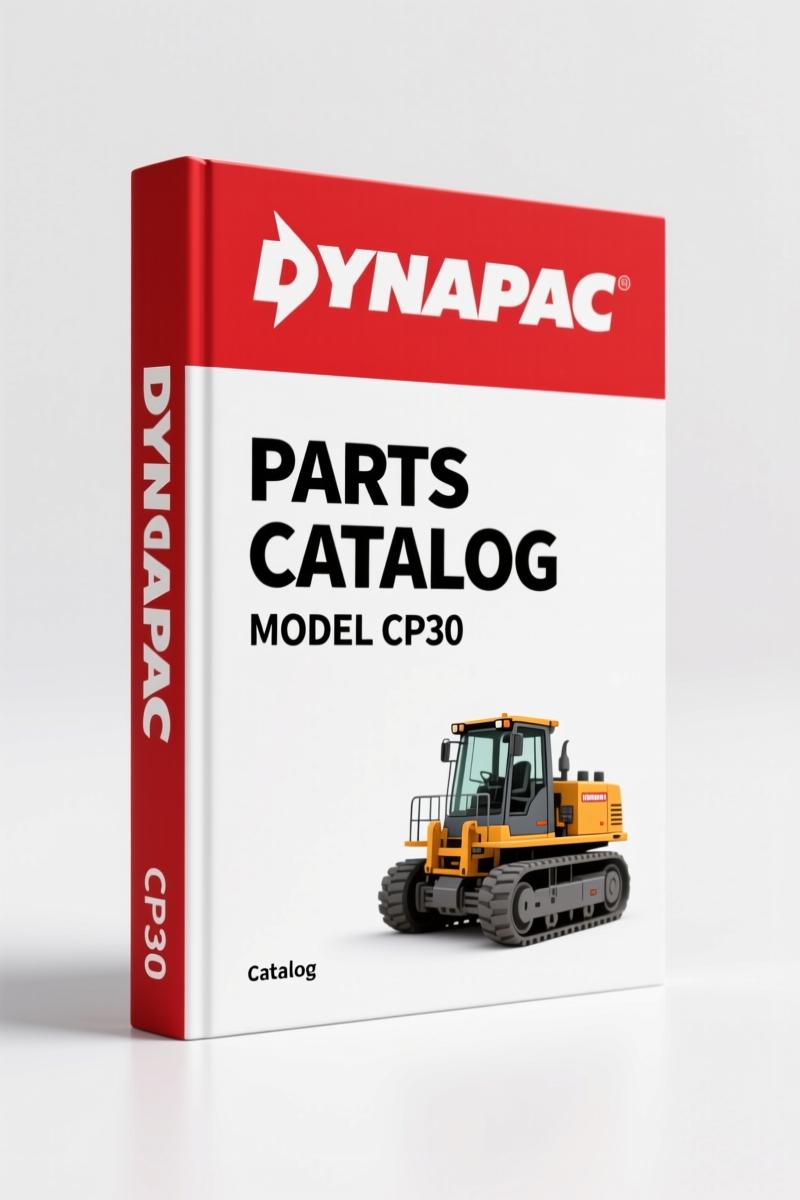
Dynapac CP30 Parts Catalog – 344 Pages of OEM Part Numbers for Roller
Original price was: $30.25.$25.00Current price is: $25.00.
344-page OEM parts catalog for Dynapac CP30 pneumatic roller: exploded views, part numbers, multi-language. Order genuine parts without guesswork.
Description
Dynapac CP30 Parts Catalog – Factory OEM 344-Page Parts Manual
If you are ordering parts for a Dynapac CP30 pneumatic roller without a factory parts catalog, get ready to waste time and money. I have seen guys order the wrong brake assembly three times because they used a third-party parts list. This 344-page OEM Dynapac CP30 Parts Catalog from Dynapac fixes that. It gives you the exploded views and part numbers straight from the factory, not some aftermarket reprint that guesses at dimensions. You need the correct part number, description, and machine serial number to get the right component. Page 1 makes that clear: “WHEN REQUESTING SPARE PARTS IT IS ESSENTIAL TO ADVISE, DESCRIPTION AND PART NUMBER, REQUESTED QUANTITY, MODEL AND SERIAL NUMBER OF THE MACHINE.” That is not a suggestion.
Parts Identification: What the 344 Pages Cover
Every section of the roller is broken down into component groups. You get exploded diagrams showing each bolt, bushing, seal, and hydraulic fitting. The part number appears next to each item. No flipping between pages to decode a reference number. Need a new wheel motor seal? Find the assembly group, locate the seal on the diagram, grab the part number. Done. The catalog covers engine, transmission, hydraulic system, steering, brakes, electrical, frame, and drum components. It is organized by system, so you can find what you need without scanning a generic index.
Why OEM Part Numbers Matter
Aftermarket parts catalogs often list generic or superseded numbers without cross-reference notes. That leads to ordering a part that almost fits – and “almost” does not put a roller back in service. OEM part numbers from this DYNAPAC CP30 Parts Catalog are exactly what Dynapac stamped on the original components. When you call the dealer with an OEM number, they can check stock immediately. No back-and-forth about dimensions or revisions. You get the part that matches your machine’s build spec.
Serial Number Requirement: Page 5
Page 5 of this parts catalog tells you exactly which machines it covers: CP30 from serial number 701B000-. If your roller falls outside that range, you need a different parts list. The manual also reminds you in bold on the request page: supply the serial number every time. I have watched technicians skip this step and end up with a steering cylinder that had different port thread sizes. Do not be that guy. Write the serial number on the order form before you pick up the phone. The OEM catalog will not work if you ignore serialization.
How to Use This Parts Catalog on the Job
Keep a printed copy or the PDF open on a tablet in the shop. When you disassemble a component, mark the parts you need on the exploded view. That way you order everything at once instead of making three trips to the dealer. The catalog does not include step-by-step removal procedures – that is what a service manual is for. But it does show you the exact arrangement of shims, seals, and o-rings. For example, the brake caliper group shows the piston seal orientation. That alone saves you from reassembly mistakes. Pair it with the Dynapac CP30 Parts Catalog – Factory OEM Parts Manual 344 Pages to cross-reference torque values later, but get the parts identification right first.
Ordering Parts: The Right Way
Grab the catalog. Locate the assembly group – say, the hydraulic pump. Find the pump part number and note the serial number of your pump (if different from machine serial). Look at the parts list: it gives you a quantity column, so you know how many o-rings you need. Write down every item, even the cotter pins. Then call your Dynapac PL2000LS Parts Catalog (258 Pages) – OEM Factory Spec supplier if you have more than one machine; ordering consolidated saves shipping costs. For the CP30, stick to this catalog. If you need background on how these machines fit into the Automotive Industry Overview, that is separate reading. But for parts, this catalog is your only source of truth.
344 Pages of Factory Specs – No Aftermarket Guesswork
The Dynapac CP30 Parts Catalog is an original factory document. The official Dynapac publication number is SB1034-1, dated 91/SET. It is printed in four languages: English, Portuguese, French, and Spanish. That tells you Dynapac intended this catalog for global service operations, not a quick hobbyist PDF. The 344 pages are laid out with the same density as any OEM parts book – part number, description, quantity, illustration reference. No fluff, no marketing copy. Just the data you need to order right the first time.
FAQ
- What is the difference between a parts catalog and a service manual?
- A parts catalog shows exploded views and part numbers. It does not contain torque specs or repair procedures. A service manual tells you how to take it apart and put it back together. You need both for a complete job.
- Is this manual available in other languages?
- Yes. The PDF includes English, Portuguese, French, and Spanish text side by side on each page. Page 1 has the parts request notice in all four languages.
- Does this manual include torque specs?
- No. This is a parts catalog, not a service manual. For torque values, refer to the Dynapac CP30 service manual. The parts catalog only provides identification and ordering information.
- How do I ensure I get the correct parts for my CP30?
- First, check the serial number on page 5 – the catalog is valid only for CP30 from serial 701B000-. When you order any part, provide the part number from the catalog, the description, the quantity, and your machine’s model and serial number. Dynapac explicitly requires this on page 1. If you skip that step, expect delays or wrong shipments. Also, verify the illustration group matches your machine’s configuration – some hydraulic systems have multiple variants.
Stop wasting time with wrong parts. Get the real data. Access the Factory Manual now and keep your CP30 running.
Additional information
| Brand | Dynapac |
|---|---|
| Language | English |
3 reviews for Dynapac CP30 Parts Catalog – 344 Pages of OEM Part Numbers for Roller
Only logged in customers who have purchased this product may leave a review.
You may also like…
-
Sale!
Dynapac CC 41 Parts Catalog – 242 Pages OEM Exploded Views
Original price was: $80.60.$65.00Current price is: $65.00. -
Sale!
Dynapac CA 25, CA 25D, CA 25PD, CA 25R Parts Catalog – OEM Spare Parts (322 Pages)
Original price was: $83.85.$65.00Current price is: $65.00. -
Sale!
Dynapac CA250 CA280 CA300 CA260 Workshop Manual – 42 Pages
Original price was: $88.40.$65.00Current price is: $65.00. -
Sale!
Dynapac CA-15A 1987 Parts Catalog – OEM Exploded Views
Original price was: $89.70.$65.00Current price is: $65.00.
Related products
-
Sale!

Service Manual – International HS 2.8L Engine – 130 Pages of Factory Specs
Original price was: $56.40.$40.00Current price is: $40.00. -
Sale!

1993 Operators Manual – International Bus 1000-3000 OEM Specs
Original price was: $12.30.$7.99Current price is: $7.99. -
Sale!
1992 Electrical Schematic – International 1000/3000/4000/2554 OEM Wiring Diagrams (132 Pages)
Original price was: $26.40.$20.00Current price is: $20.00. -
Sale!

2004 Acura TSX Wiring Diagram – 73-Page Factory Electrical Schematics
Original price was: $15.88.$9.99Current price is: $9.99.
Robert M. –
Excellent workshop guide. Quick access after checkout. A must-have for any Dynapac CP30 owner doing repairs. Worth every penny.
diy_master –
Excellent quality! The scan is high-quality and easy to navigate. It helped me to fix my Dynapac CP30 engine. I will definitely buy again.
Richard G. –
Perfect OEM spec sheet. The file looks clean. A must-have for any Dynapac CP30 owner doing maintenance. Saves me hundreds of money.