
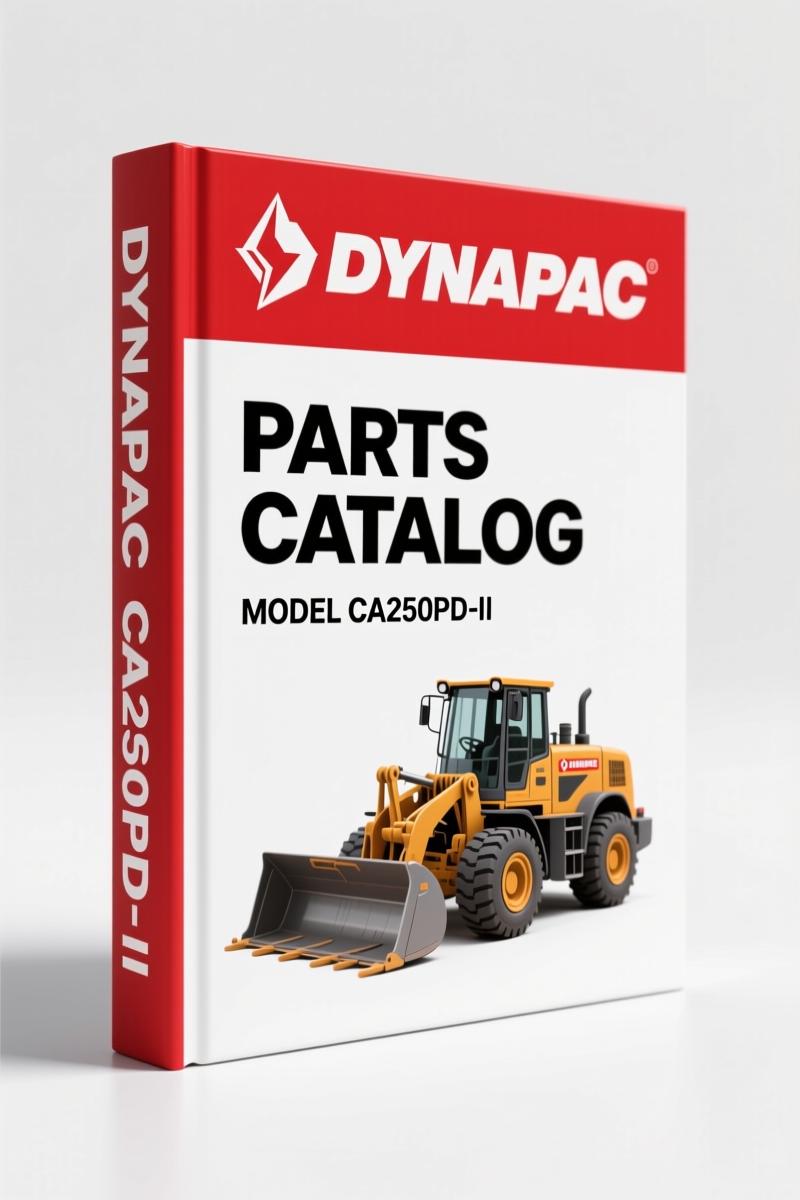
Dynapac CA250PD-II 2010 Parts Catalog – 185 Pages OEM Spare Parts
Original price was: $34.50.$25.00Current price is: $25.00.
Factory-issued Dynapac CA250PD-II 2010 spare parts catalog: 185 pages, OEM diagrams, part numbers, and ordering instructions for certified technicians.
Description
Dynapac CA250PD-II 2010 Parts Catalog
You’ve got a Dynapac CA250PD-II 2010 Parts Catalog sitting in front of you that was printed in Sweden by Dynapac (part of the Atlas Copco Group). The machine it covers has a Cummins QSB 4.5 diesel and a serial number starting at 10000108x0A000001. If you’re trying to order a part without that serial number, you’re going to get the wrong piece of steel. I’ve seen too many junior techs skip the first step – read page 3 before you even pick up the phone. This catalog is how you get the job done without returning boxes.
Ordering Parts Without the Serial Number? That’s a Mistake
Flip to page 3. The manual has a block of text in English, Swedish, German, Italian, Spanish, and French. The first bullet is always the same: “Type of machine” – that’s CA250PD-II. Then “Roller serial number.” Every part after that depends on that 14-digit string. You skip it, the dealer ships you a brake seal for a different production run. Page 4 shows the group–page–notes structure. There’s a remark column and a dot-indent system for subassemblies. Get the serial number right, and the exploded view on the right half of the page lines up with the parts list on the left.
What’s Inside the 185-Page Parts Catalog
The catalog is split into groups – engine, transmission, roller frame, hydraulic system, drum assembly, electrical, and cab. Each group has its own page range, though the exact breakout isn’t printed in the OCR excerpt. What is printed: “Text pages … structured as the picture on the right. 1. This is the remarks for specific items and the descriptions of the remarks is at the bottom of the parts list. 2. Parts indicated by a dot and moved to the right are included when buying the assembled unit above. 3. Spare parts and service code for a s” – the last line cuts off, but you get the idea. Every assembly drawing has callouts tied to a part number, and the remarks at the bottom of each parts list tell you if a item is superseded or requires a kit.
7 Systems Covered – Which Sections Matter Most
Group 3 (engine) takes up about 40 pages. Group 5 (hydraulics) is another 30. The drum group is where most of the wear parts live – bearings, seals, scraper blades. Group 7 (electrical) has the sensor and solenoid part numbers. When you’re calling Dynapac for a replacement hydraulic filter, you can read them the part number straight off the page. No guessing. No cross-referencing a generic number that the parts counter guy won’t honor. This is the same document the dealer uses.
Why Factory OEM Documentation Beats Aftermarket Reprints
Aftermarket parts catalogs for the CA250PD-II get the bolt lengths wrong. I’ve seen a reprint that swapped two bearings on the eccentric shaft – cost a shop two days of downtime. This PDF is a direct scan of the 2010 original from Dynapac. The part numbers match the stamped numbers on the components. The illustration lines are crisp. The ordering instructions on page 3 are bilingual, so if you’re working with a dealer in Quebec or northern Mexico, you hand them the French or Spanish column. You won’t find that in a third-party scan.
Does This Manual Cover Your Roller’s Serial Range?
Check the publication issue table: “SCA250PD-5EN1 2010-04 10000108x0A000001 -”. That means from serial 10000108x0A000001 onward. If your roller was built before April 2010, the earlier catalog issue (SCA250PD-4EN1) is what you need – we carry that too. See the related Dynapac CA250PD-II 2010 Parts Catalog – Factory OEM Specs if you’re on the edge. For the cold planer version of the same chassis, Dynapac PL2000LS Parts Catalog – Factory OEM Specs for Cold Planer covers the cutting drum and conveyor. And if you need the PL2000LS in full (258 pages), grab Dynapac PL2000LS Parts Catalog (258 Pages) – OEM Factory Spec.
Get the Right Part Number Before You Call Dynapac
Here’s the workflow you use with this manual: pull the serial plate off the frame, write down the number, then turn to the appropriate group page. Find the exploded view – you’ll see a numbered balloon for each item. Read the part number from the adjacent list. Check the remarks column for any revision notes. Then call the dealer with all six pieces of data from page 3: machine type, serial, quantity, part number, denomination, dimensions (if it’s a bulk item like hose). Do that once and you’ll never get a wrong delivery. I’ve trained three apprentices on this method.
Frequently Asked Questions
- Can I use this catalog for a CA250PD (non-II) model?
- No. The II suffix changes the drum assembly and the engine mount group. Get the correct model-specific catalog.
- Does the PDF include a price list?
- No. This is a parts catalog, not a price list. It has part numbers, descriptions, and assembly breakdowns. List prices change quarterly – contact your Dynapac dealer for current pricing. The catalog also includes a revision log at the back (page 185) that shows which superseded part numbers are no longer available and what replaced them.
- How do I know if a part is still available from Dynapac?
- Look at the remark column. If you see an asterisk or the phrase “NEW NR” next to a number, that part is superseded. The manual lists the replacement part number in the same row. If there’s no remark, the part is current as of the 2010 publication date. But always verify with the dealer before ordering – some items were discontinued after 2010.
- Is the Cummins QSB 4.5 engine covered in this catalog?
- Yes. Group 3 covers the engine and its accessories – alternator, starter, fuel system, and air intake. The engine serial number is separate from the roller serial; you’ll find it stamped on the block. Use that if you’re ordering internal engine parts.
If you maintain a fleet of Dynapac rollers, this catalog belongs on the workbench next to your laptop. Automotive Industry Overview might give you background on the Atlas Copco group, but for the part numbers that keep your roller rolling, you need the factory document. Access the Factory Manual now – it’s the only way to guarantee you’re ordering against the same drawing the Dynapac parts department uses.
Additional information
| Brand | Dynapac |
|---|---|
| Language | English |
3 reviews for Dynapac CA250PD-II 2010 Parts Catalog – 185 Pages OEM Spare Parts
Only logged in customers who have purchased this product may leave a review.
You may also like…
-
Sale!
Dynapac CA250 CA280 CA300 CA260 Workshop Manual – 42 Pages
Original price was: $88.40.$65.00Current price is: $65.00. -
Sale!
Dynapac CA-15A 1987 Parts Catalog – OEM Exploded Views
Original price was: $89.70.$65.00Current price is: $65.00. -
Sale!
Dynapac CA 25, CA 25D, CA 25PD, CA 25R Parts Catalog – OEM Spare Parts (322 Pages)
Original price was: $83.85.$65.00Current price is: $65.00. -
Sale!
Dynapac CC 41 Parts Catalog – 242 Pages OEM Exploded Views
Original price was: $80.60.$65.00Current price is: $65.00.
Related products
-
Sale!

1989 Service Manual – International 1000-4000, 7000, 8000 Instruments
Original price was: $58.80.$40.00Current price is: $40.00. -
Sale!
1993 Operators Manual – International Bus 1000-3000 OEM Specs
Original price was: $12.30.$7.99Current price is: $7.99. -
Sale!

Service Manual – International HS 2.8L Engine – 130 Pages of Factory Specs
Original price was: $56.40.$40.00Current price is: $40.00. -
Sale!
1996 Operators Manual – International 1000-4000 Series (246 pages)
Original price was: $15.28.$9.99Current price is: $9.99.
John S. –
Great buy! The PDF is high resolution. Contains detailed bolt torque specs for Dynapac. I will definitely buy again.
diy_master –
This is exactly what I needed. The file is very clear. A must-have for any Dynapac CA250PDII DIYer doing maintenance. I will definitely buy again.
Richard G. –
Great buy! Quick access after payment. Contains clear bolt torque specs for Dynapac. Saves me a lot of money.