
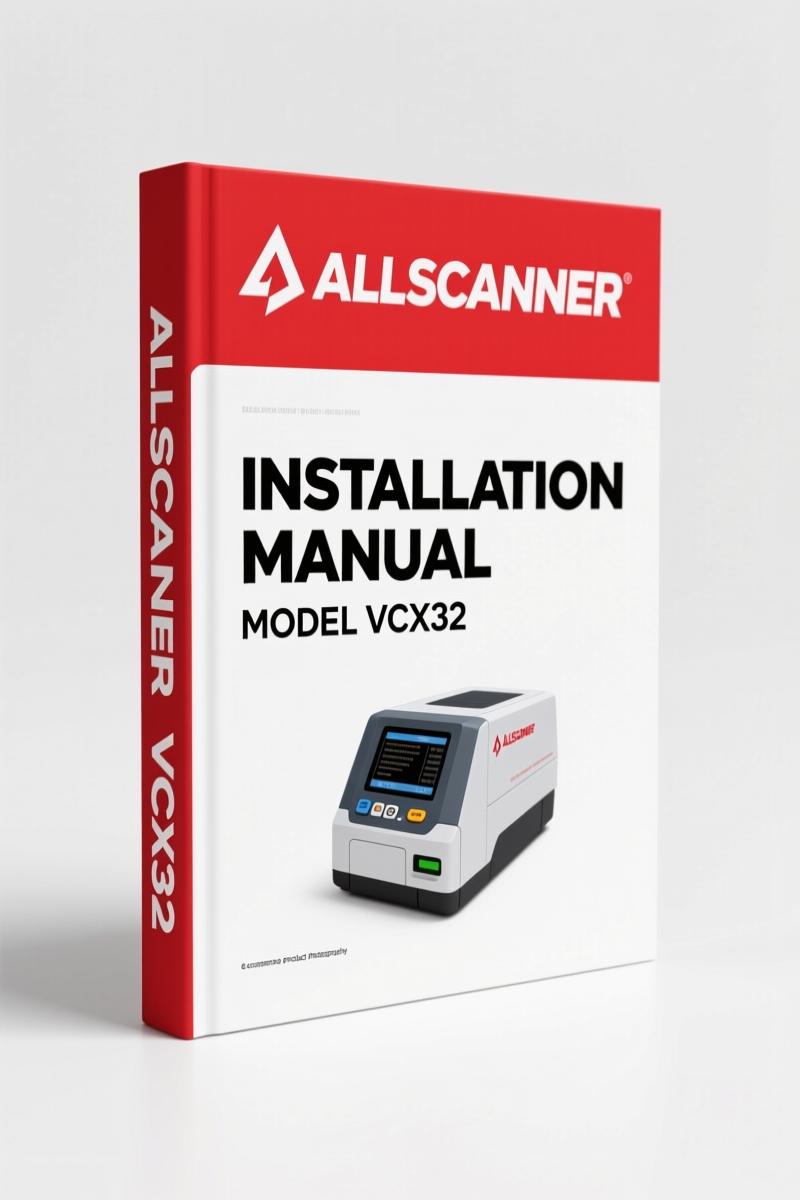
Allscanner VCX32 Installation Manual – OEM Software Setup Guide
Original price was: $28.60.$20.00Current price is: $20.00.
57-page OEM installation manual for Allscanner VCX32. Covers TIS TechStream, HONDA HDS, VOLVO VIDA, and VCX32 OEMSetup setup.
Description
Allscanner VCX32 Installation Manual
You bought a VCX32 interface and now you’re staring at a CD-ROM with no clue how to get it talking to your car’s computer. I’ve seen it happen – plugs the thing in before the software is loaded and wonders why the ECU won’t respond. That’s a fast way to smoke a module. The Allscanner VCX32 Installation Manual is the factory walkthrough for setting up the diagnostic software on your laptop so the hardware actually works. No guesswork, no half-baked YouTube tutorials.
TIS TechStream Installation – Step Sequence Matters
Chapter two of this 57-page manual lays out the TIS Techstream installation. You get the exact file name – TIS_Techstream_Setup_V4.21.002.exe – and the order to click. The manual tells you to run the installer as Administrator before you connect the VCX32. I’ve seen techs skip that and get driver conflicts that take an hour to clear. The manual also covers the HONDA HDS installation path separately, because Honda’s software wants its own directory structure.
VOLVO VIDA Setup – What the Manual Forces You to Do
VOLVO VIDA installation is a headache if you don’t know the database prereqs. This manual lists the required components – SQL Server, .NET Framework versions – and gives you the exact sequence. It also shows you how to set the VCX32 OEMSetup environment. That piece is often missing from online guides. You get the registry entries and port settings so the dongle communicates without a fight.
VCX32 OEMSetup Installation – The Part That Saves Your Saturday
Section four, VCX32 OEMSetup Installation, walks you through loading the firmware onto the interface itself. If you skip this, the VCX32 will power on but never connect to the car. The manual includes a verification step: after installation, you open the OEMSetup tool and confirm the firmware version matches the software release. Page numbers aren’t listed in the PDF bookmarks, but the procedure takes about 12 steps. Do them in order, and you’ll be diagnosing in 20 minutes.
Start Vehicle Diagnose – What to Expect After Setup
Once the software is installed, the manual shows you how to initiate a diagnosis. It covers the VCX32 connection check, driver verification, and the “Start Vehicle Diagnose” button in each software package. The manual doesn’t assume you know how to navigate TIS or HDS. It points you to the exact menu trees. There’s a troubleshooting table at the end that lists common error codes and what they mean. One example: if the VCX32 shows a red LED, check the USB driver version. That’s in the table.
Audience Fit – This Manual Is for Anyone Who Hates Wasting Time
If you’re a DIY mechanic who’s comfortable installing software but not willing to risk bricking a $200 interface, this is the guide. If you’re a home garage enthusiast trying to diagnose a Toyota or Honda, you need the TIS Techstream installation steps. The manual assumes you have a Windows laptop and a basic understanding of running executables. It doesn’t assume you know how to configure virtual COM ports – it tells you. Safety warnings are sprinkled in: never plug the VCX32 into a running vehicle during installation, and always disable antivirus during the firmware update.
Source Validity – Why You Want OEM Documentation
This is the original Allscanner installation guide, not an aftermarket rewrite. Aftermarket guides often skip the VOLVO VIDA database setup or give wrong file names. This one comes from the manufacturer and matches the files on the OEM CD. You’re getting the same 57 pages that ship with the VCX32 kit. For context, the automotive industry Automotive Industry Overview relies on factory documentation to avoid comebacks. The same principle applies here.
FAQ – Two Common Questions
- Does the Allscanner VCX32 Installation Manual cover Windows 10?
- Yes. The manual includes steps for Windows 7, 8, and 10. It also notes compatibility with 32-bit and 64-bit systems.
- What if my installation fails after following the steps?
- The manual has a troubleshooting section that lists the most common failure points: missing Visual C++ redistributables, antivirus blocking the driver installer, and incorrect COM port mapping. It tells you to check Device Manager for the VCX32 under Ports and to verify the virtual COM port number matches the software configuration. If the HDS installation fails, the manual instructs you to delete the registry keys from the previous failed attempt before retrying. I’ve used those steps twice on customer laptops – they work. If you still cannot get it running, you may need to update the VCX32 firmware using the OEMSetup tool, which is also covered in section four.
If you own a VCX32 and want to use it for Toyota TIS, Honda HDS, or Volvo VIDA diagnostics, pick up this manual. Access the Factory Manual from the product page and keep a copy on your shop laptop. You’ll thank yourself the next time a 2010 Camry rolls in with a check engine light.
Related Manuals
- Drogobych Crane КТА-16, КТА-25, КТА-28 2004 Installation Manual”>Drogobych Crane КТА-16, КТА-25, КТА-28 2004 Installation Manual
- Hyundai Seasall D170 & D150 Installation Manual”>Hyundai Seasall D170 & D150 Installation Manual
- Hella LEDay Flex Installation Manual – 48 Pages of Factory Specs”>Hella LEDay Flex Installation Manual – 48 Pages of Factory Specs
Additional information
| Brand | Allscanner |
|---|---|
| Language | English |
2 reviews for Allscanner VCX32 Installation Manual – OEM Software Setup Guide
Only logged in customers who have purchased this product may leave a review.
You may also like…
-
Sale!

Acura NSX 1991 Service Manual – 1420 Pages OEM
Original price was: $102.05.$65.00Current price is: $65.00. -
Sale!

2004 Acura TSX Wiring Diagram – 73-Page Factory Electrical Schematics
Original price was: $15.88.$9.99Current price is: $9.99. -
Sale!

CDS 705C, 706C, 708C 1981 Parts Catalog – OEM Forklift Specs
Original price was: $61.60.$40.00Current price is: $40.00. -
Sale!

Acura Integra 1998 Service Manual – 1891 Pages Factory OEM Documentation
Original price was: $31.75.$25.00Current price is: $25.00.
Related products
-
Sale!

1992 Electrical Schematic – International 1000/3000/4000/2554 OEM Wiring Diagrams (132 Pages)
Original price was: $26.40.$20.00Current price is: $20.00. -
Sale!
1993 Electrical Schematic – International 1000/3000/4000 Bus Chassis OEM Wiring Diagrams
Original price was: $29.26.$22.00Current price is: $22.00. -
Sale!
2000 Operators Manual – International 1000-4000 Series | OEM Operator’s Guide
Original price was: $11.43.$7.99Current price is: $7.99. -
Sale!

2011 Parts Catalog – International Truck OE Parts Documentation (1786 Pages)
Original price was: $34.50.$25.00Current price is: $25.00.
David K. –
Great buy! Instant access after checkout. Contains detailed bolt torque specs for Allscanner. Great value for money.
Michael T. –
Excellent quality! The text is searchable and easy to navigate. Every spec sheet is provided for Allscanner VCX32. Great value for money.