
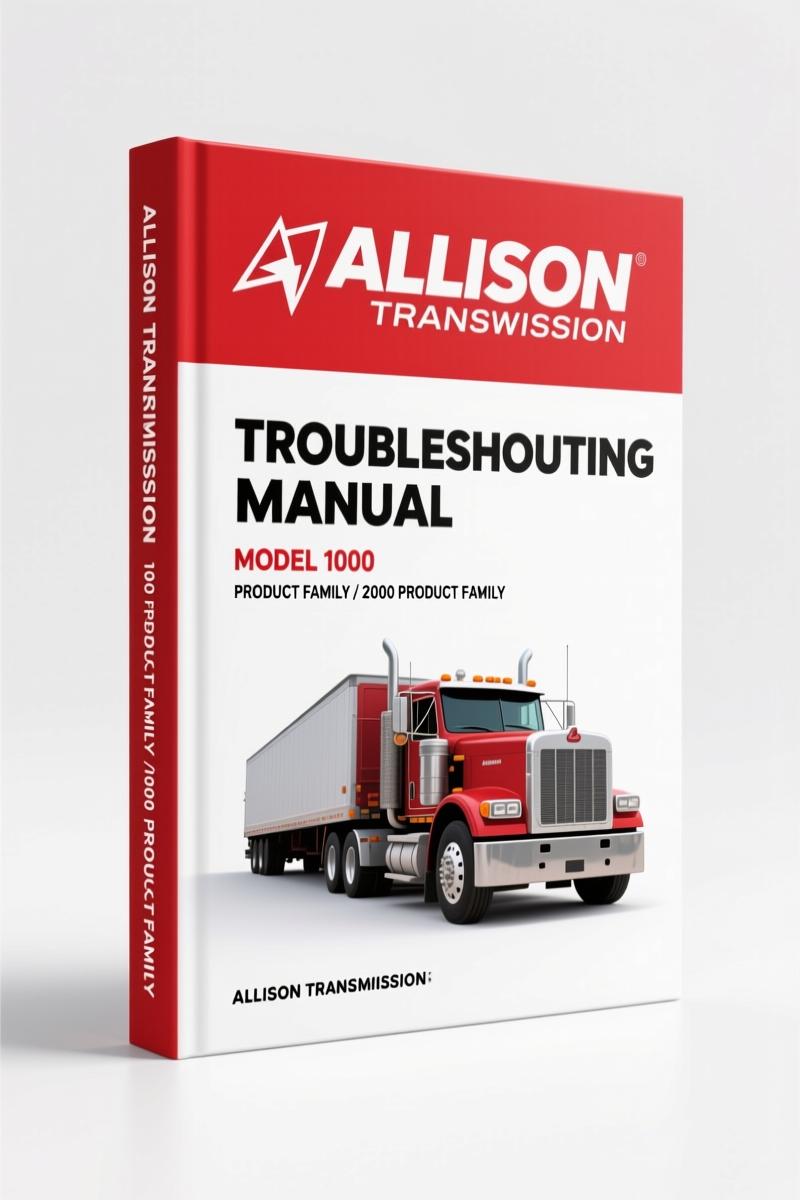
Allison Transmission 1000 & 2000 Product Family 2006 Troubleshooting Manual – Tech Specs
Original price was: $66.00.$50.00Current price is: $50.00.
607-page OEM troubleshooting manual covering DTCs, wire checks, and TCM diagnostics for Allison 1000 & 2000 product families (2006).
Description
Allison Transmission 1000 Product Family, 2000 Product Family 2006 Troubleshooting Manual
You have a transmission acting up—limp mode, no shift, a Check Trans light that won’t go away. You pull up a generic forum post that says “check the wiring” but doesn’t tell you which pin to probe or what resistance you should see at 68°F. That’s exactly why the Allison Transmission 1000 Product Family, 2000 Product Family 2006 Troubleshooting Manual exists. 607 pages of factory data, not aftermarket speculation. I’ve been turning wrenches for 28 years, and I’ve seen too many electrical gremlins caused by wiring repairs done without the right diagrams. This manual gives you the actual Allison DOC™ procedures, the wire check steps from Section 4, and the DTC tables from Section 5. It’s what you need to make a diagnosis you can trust.
SECTION 1—GENERAL DESCRIPTION: What the Electronic Control System Includes
Skip the guesswork about which component does what. Section 1 breaks down the Transmission Control Module (TCM), shift selector with internal mode sensor, throttle position sensor, speed sensors, control valve assembly, and both external and internal wiring harnesses. Each component has a factory figure—Figure 1–2 shows the electronic control components layout, Figure 1–7 shows speed sensor connector orientation. You get the exact pin assignments and connector types for GM and non-GM applications. That’s not something you find in a Haynes manual or a PDF scraped from a forum. If you need to trace a circuit, this section tells you what you’re looking at.
Using the DTC Reference Tables (Section 5)
Diagnostic trouble codes are useless without the context Allison built into Table 5–3. You get the DTC list and description index, plus reference tables for gear ratio, main pressure schedule, IMS status, solenoid and clutch apply, pressure switch status, calculated solenoid resistance vs. temperature, speed sensor vs. temperature, TFT sensor resistance vs. temperature, and TPS travel vs. volts. That’s ten factory-calibrated tables. The manual also includes individual DTC procedures for codes like P0218 (transmission fluid over temperature), P0562 (system voltage low), P0606 (TCM internal performance), P0614 (torque control data mismatch), and more. Each one gives you the circuit description, conditions for setting the code, and the step-by-step diagnostic flow. This is the same information Allison’s own techs use.
Wire Check Procedures: Why Factory Spec Matters
Section 4 covers checking opens, shorts between wires, and shorts-to-ground on both external and internal harnesses. The manual includes Figure 4–1 and 4–2, which show exactly how to set up your multimeter at the transmission connector. Many aftermarket manuals skip the internal harness because it’s inside the pan—Allison doesn’t. You get the procedure for the 24-way and 20-way connector (GM applications). If you’ve ever chased a P0702 or P0658 and found a rubbed wire inside the pan, you know how critical this section is. The manual also references the J 39700 breakout box and J 47275 TCM breakout harness adapter—tools you may not have, but the diagrams show you how to work around them by backprobing at the correct pins.
Allison DOC™ For PC–Service Tool: The Right Way to Interface
This troubleshooting manual doesn’t assume you have the factory scan tool, but it shows you how to use it if you do. Section 2 defines the Allison DOC™ for PC–Service Tool inhibits and range inhibit responses. Section 3 shows proper DOC connections (Figure 3–1), TCM/load box setup (Figure 3–2), and TCM/vehicle harness setup (Figure 3–3). The manual even covers resetting TCM parameters to support an engine update (Section 3–7) and resetting TCM SEM autoselect (Section 3–8). Without the manual, you might try to clear a code and lose the learned adapts—this tells you exactly when and how to reset. Pair this manual with a related product like Allison 1000 & 2000 Product Family 2007 Service Manual for the mechanical side of things, or the Allison Transmission WTEC II TS2470EN Troubleshooting if you’re working on older hydraulic-electronic units.
Source Validity: OEM Only
This is the actual Allison Transmission TS3977EN manual, printed January 2006, copyrighted by General Motors Corporation. It covers the 1000 and 2000 Product Families with 4th generation controls. The manual explicitly states that service information letters (SILs) are published for updates and that additional copies may be purchased from authorized outlets. No third-party reprint, no scanned and OCR’d mess. The wiring diagrams and connector views are from Allison’s engineering files, not traced by a graphics intern. If you’ve ever tried to use a wire color code from a Chilton manual and found it didn’t match the harness, you understand why OEM documents save hours of rework. For earlier controls, check the Allison 3000/4000 Series 4th Gen Troubleshooting Manual or the Manual Transmission history on Wikipedia for background on how transmissions evolved.
Who Should Buy This Manual
Home garage enthusiasts rebuilding a school bus or a medium-duty truck with an Allison 1000 or 2000 series. Independent shops that see box trucks, RVs, and emergency vehicles. Fleet technicians who need to diagnose intermittent codes without tying up the bay for a week. This manual assumes you know how to use a multimeter and a scan tool—it doesn’t teach basic electricity. But it does give you the factory diagnostic trees, the resistance vs. temperature charts, and the wire check sequences that let you confirm a repair in one shot. Beginners should have a basic Manual Transmission understanding before diving into electronic controls, but the layout in Section 3—“Basic Knowledge Required”—guides you.
FAQ
- What year is this troubleshooting manual for?
- 2006, covering Allison 4th generation controls.
- How do I read and clear diagnostic trouble codes using this manual?
- Section 5–3 covers DTC reading and clearing using the Allison DOC™ for PC–Service Tool. The manual provides the exact procedure, including how to access failure records (Section 5–2) and the conditions for clearing. Do not use a generic scan tool to clear codes—the manual warns that some DTCs (like P0614 torque control data mismatch) may require TCM reprogramming after clearing. Follow the step-by-step in Section 5–4, which includes breakout box connections and the J 47276 “T” breakout and reflashing harness. The DTC tables (Table 5–3 through 5–12) also list which codes are stored vs. active, so you can decide whether to clear and road test or dig deeper into a hard fault.
Access the Factory Manual—don’t waste another afternoon chasing a phantom electrical fault with aftermarket wiring diagrams that don’t match your harness. The Allison Transmission 1000 Product Family, 2000 Product Family 2006 Troubleshooting Manual puts the factory diagnostic process in your hands, and that’s what separates a fix that lasts from a patch that fails in a month.
Additional information
| Brand | Allison Transmission |
|---|---|
| Language | English |
3 reviews for Allison Transmission 1000 & 2000 Product Family 2006 Troubleshooting Manual – Tech Specs
Only logged in customers who have purchased this product may leave a review.
You may also like…
-
Sale!
Allison Transmission 3000-4500 2005 Troubleshooting Manual – 736 Pages
Original price was: $65.50.$50.00Current price is: $50.00. -
Sale!
Allison Transmission 3000-3700 & B 300 2005 Troubleshooting Manual
Original price was: $79.50.$50.00Current price is: $50.00. -
Sale!
Allison Transmission HD 4060 1999 Service Manual – 158-Page Official Document
Original price was: $85.15.$65.00Current price is: $65.00. -
Sale!
Allison Transmission 5000-9000 Series 2005 Troubleshooting Manual
Original price was: $88.20.$60.00Current price is: $60.00.
Related products
-
Sale!

1991 Operators Manual – International Truck OEM Specs (108 Pages)
Original price was: $13.63.$10.99Current price is: $10.99. -
Sale!

2011 Parts Catalog – International 7400 SFA 6X6 – 1886 Pages of OEM Part Numbers
Original price was: $32.00.$25.00Current price is: $25.00. -
Sale!

1992 Electrical Schematic – OEM Wiring Diagrams for International 1000-3800
Original price was: $24.48.$18.00Current price is: $18.00. -
Sale!

Acura Integra 1998 Service Manual – 1891 Pages Factory OEM Documentation
Original price was: $31.75.$25.00Current price is: $25.00.
Thomas B. –
Great buy! It is easily zoomable on my phone without blur. It assisted me to troubleshoot my Allison Transmission Transmission electrical system. Saves me a lot of time.
James L. –
I am so happy with this manual. It is very easy to read on my tablet without losing quality. It guided me to rebuild my Allison Transmission Transmission engine. Saved my weekend project! Thanks.
workshop_guy –
This is exactly what I was looking for. The PDF looks clean. A must-have for any Allison Transmission Transmission owner doing maintenance. Great value for money.