
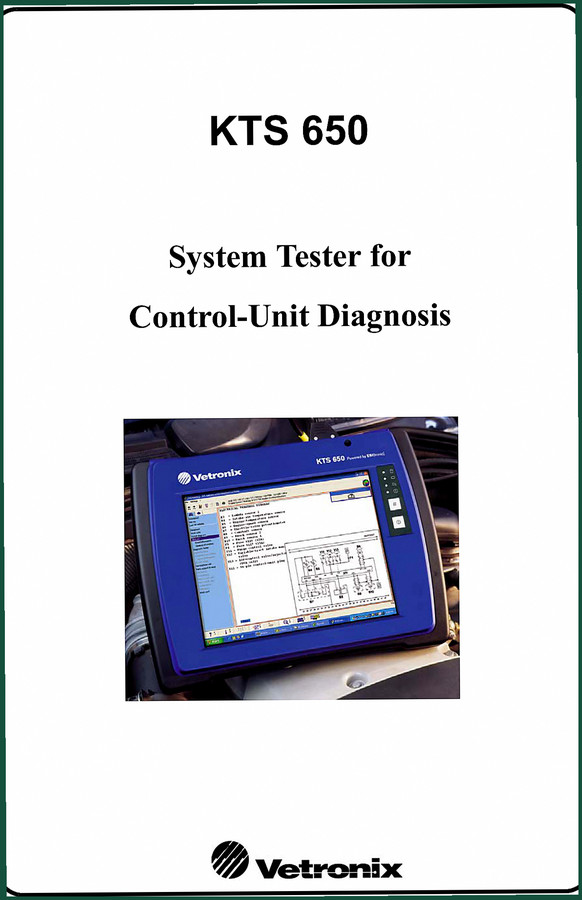
Vetronix KTS 650 2004 Diagnostics Manual – OEM Factory Specs
Original price was: $28.82.$22.00Current price is: $22.00.
OEM diagnostics manual for the Vetronix KTS 650 system tester. 40 pages covering safety, operation, and vehicle connection protocols. Published 2004.
Description
Vetronix KTS 650 2004 Diagnostics Manual – OEM Factory Specs
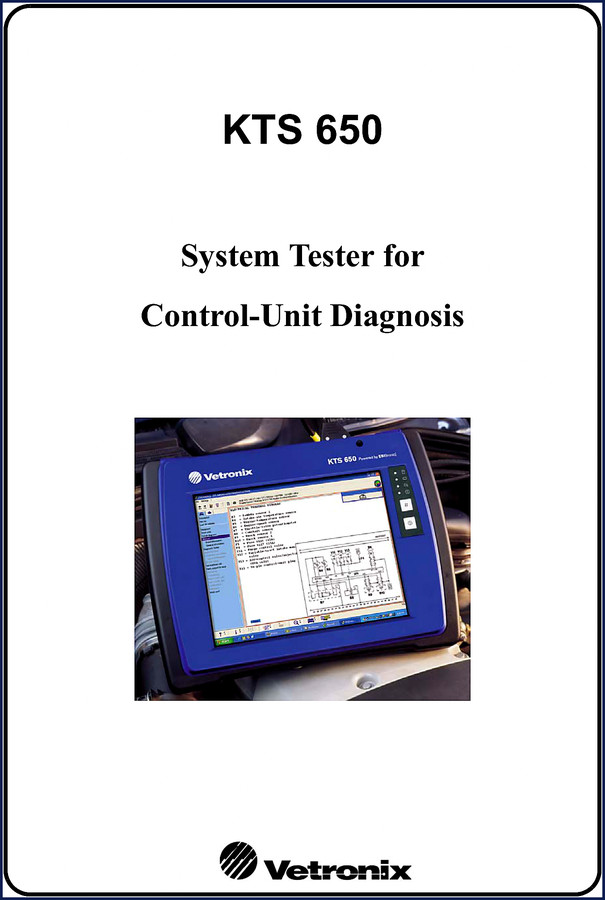
I’ve seen more than a few techs wreck a good diagnostic session because they didn’t read the manual. You hook up a KTS 650, you expect it to talk to the ECU. Then the display flickers, the battery dies halfway through a flash, and you’re blaming the tool. Nine times out of ten, it’s the operator skipping steps. That’s why I keep a copy of the Vetronix KTS 650 2004 Diagnostics Manual on the bench. This isn’t some aftermarket rewrite — it’s the original Bosch publication, 40 pages, printed in 2004. Let me walk you through what matters.
Safety Instructions: Why the First Pages Are Critical
The manual starts with nine pages of safety instructions. That’s not fluff. Danger of injury, crushing, asphyxiation, burning, fire, explosion, high voltages, implosion, acid burning — every one of those headings is backed by specific precautions. Page 1 lists the crunch hazards from moving vehicle parts. If you’re working on a hybrid system, you need to know where the tester’s connectors are rated. Aftermarket documentation skips this.
Factory original.
Does This Manual Cover the Measuring Module?
Chapter 8 is dedicated to the Measuring Module. That covers the multimeter and oscilloscope functions built into the KTS 650. The manual explains how to use the touchscreen, the stylus, and the virtual keyboard for measurements. It also tells you what to do when the mouse pointer drifts — that’s a common complaint. You’ll find the solution in the ‘What To Do If’ section (Chapter 11).
KTS 650 Setup: Battery Charging and System Installation
Putting the unit into operation is where most guys screw up. Chapter 6 covers it in order: before switching on for the first time, battery charging, installing the operating system. The KTS 650 runs on Windows, and there are specific notes about the Control Panel settings — don’t change the display resolution unless you want a blank screen. The automatic switch-off settings are on page 20. And if you’re planning to run it off the vehicle battery, Chapter 9 covers the special considerations for multimeter, oscilloscope, and control-unit diagnosis. That’s the difference between a reliable reading and a fried ECU.
Troubleshooting: What To Do If the Unit Won’t Start
Had a tech call me last week because his KTS 650 wouldn’t power up. Display stayed dark. First thing I asked: did you check the battery charge? He hadn’t. Chapter 11, ‘What To Do If,’ spells it out. If the unit cannot be switched on and the display stays dark or flickers, you check the battery first, then the power supply, then the connections. It also covers unresponsive keys, malfunctions in the info bar, mouse pointer misalignment after touchscreen use, and stylus/touchscreen failure. Each scenario includes the probable cause and the corrective action. Without that, you’re sending the unit to Bosch and waiting a week. The manual gives you the sequence for recalibrating and when to replace the battery. That chapter alone saves you from chasing ghosts.
1 Source of Truth: OEM Bosch Documentation
I’ve said it a hundred times: aftermarket manuals are a gamble. The KTS 650 diagnostics manual is a direct Bosch publication, printed in 2004 by Robert Bosch GmbH in the USA. Manual P/N 08002754 tells you it’s factory. No third-party reprint. The copyright statement confirms it. If you want to understand how the ESI[tronic] software integrates with the hardware, the ESI[tronic KTS Software Installation Guide] is a natural companion. For broader coverage across GM, Ford, and DaimlerChrysler vehicles from 2006, check the Vetronix GM Ford DaimlerChrysler 2006 Diagnostics Manual. And if you’re working with older OBD II systems, the Vetronix 3100 2005 User Manual – Mastertech Global OBD II 81 Pages covers the Mastertech platform. But the KTS 650 manual is the one you need for this specific tester’s quirks – battery operation limits, DVD/CD drive handling, printer setup for control-unit diagnosis prints (Chapter 10 talks about changing the default printer).
The Automotive Industry Overview provides context on diagnostic standards. For more on how the KTS 650 interfaces with vehicle ECUs, see the On-board Diagnostics (OBD) article.
Frequently Asked Questions
- Is this manual for the KTS 650 only, or does it cover other Vetronix models?
- Only the KTS 650. It does not cover the 3100 or other testers.
- What does the troubleshooting section cover?
- Chapter 11, titled ‘What To Do If,’ lists six specific scenarios: unit won’t switch on, display dark or flickers, keys unresponsive, malfunctions in the info bar, mouse pointer misalignment after touchscreen use, and stylus/touchscreen failure. Each scenario includes the probable cause and the corrective action. For example, if the mouse pointer drifts, the manual tells you to recalibrate the touchscreen through the Windows Control Panel. Without that, you might send the unit in for repair unnecessarily. The section also guides you on battery checks and power supply diagnostics.
If you want to stop guessing and start diagnosing with the same print I use, go ahead and click the button to Access the Factory Manual. It’s the only version I trust on a job.
Additional information
| Brand | Vetronix |
|---|---|
| Language | English |
4 reviews for Vetronix KTS 650 2004 Diagnostics Manual – OEM Factory Specs
Only logged in customers who have purchased this product may leave a review.
You may also like…
-
Sale!

Vetronix TECH 1, TECH 1A, Mastertech 2004 Technical Manual – 64 Pages of OEM Diagnostic Procedures
Original price was: $30.25.$25.00Current price is: $25.00. -
Sale!
Vetronix TECH 1, TECH 1A, Mastertech 2002 Technical Manual – 322 Pages of OEM Diagnostic Data
Original price was: $40.00.$25.00Current price is: $25.00. -
Sale!
Vetronix MTS 6100 Technical Manual – Official OEM 16-Page Document
Original price was: $38.70.$30.00Current price is: $30.00. -
Sale!
![Vetronix KTS 550 KTS 650 2005 Installation Manual – ESI[tronic] Setup](https://azepc.com/wp-content/uploads/anhbia/wiring-diagram-vetronix-kts-550-949d.jpg)
Vetronix KTS 550 KTS 650 2005 Installation Manual – ESI[tronic] Setup
Original price was: $27.60.$23.00Current price is: $23.00.
Related products
-
Sale!

Technical Manual – International DT 530 & HT 530 (118 Pages)
Original price was: $37.00.$25.00Current price is: $25.00. -
Sale!

2005 Parts Catalog – International NGD 3.0 L Engine (77 pages)
Original price was: $44.70.$30.00Current price is: $30.00. -
Sale!

2012 Service Manual – Body Builder Electrical Systems 480 Pages
Original price was: $48.28.$34.00Current price is: $34.00. -
Sale!

Acura NSX 1991 Service Manual – 1420 Pages OEM
Original price was: $102.05.$65.00Current price is: $65.00.
workshop_guy –
This is just what I needed. The PDF is very clear. It helped me to troubleshoot my Vetronix KTS engine. Saved my weekend project! Thanks.
John S. –
This is exactly what I required. The pages are clean and well indexed. It assisted me to troubleshoot my Vetronix KTS transmission. Great value for money.
gearhead88 –
I am very pleased with this manual. Instant access after payment. Every spec sheet is provided for Vetronix KTS. Saved my weekend project! Thank you.
James L. –
Perfect factory service manual. Immediate link after checkout. Every torque spec is provided for Vetronix KTS. I will definitely buy again.