
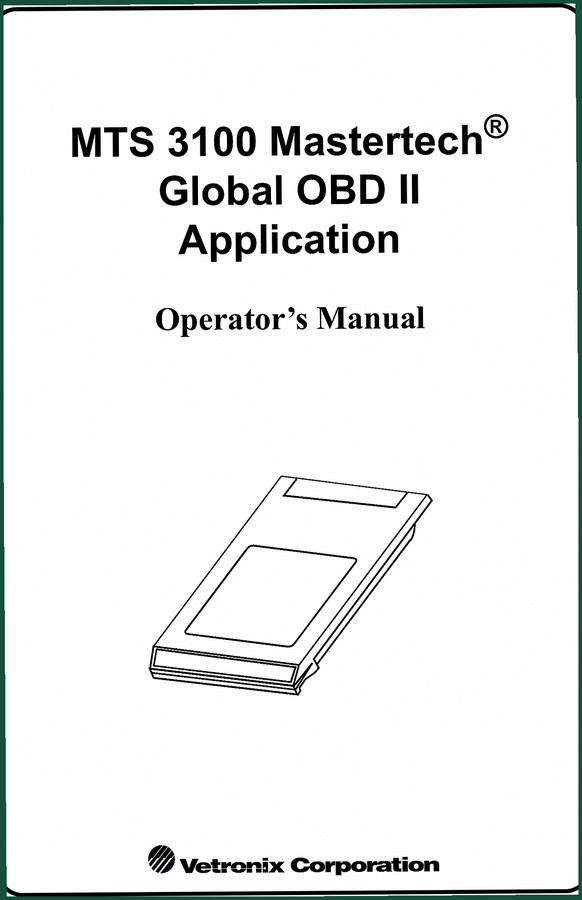
Vetronix 3100 2005 User Manual – OBD II Specifications
Original price was: $9.75.$7.99Current price is: $7.99.
Factory OBD II user manual for Vetronix 3100 scan tool. 81 pages covering DTCs, freeze data, I/M readiness, and system tests.
Description

Vetronix 3100 2005 User Manual – Factory OBD II Documentation You Can Trust
I’ve run a six-bay shop in San Antonio for twenty-eight years. Over that time I’ve watched techs blow hours chasing ghosts because they didn’t have the right scan tool documentation. This is the Vetronix 3100 2005 User Manual – the OEM booklet that shipped with the MTS 3100 Mastertech Global OBD II application. Eighty-one pages, factory-printed in 2005, not some aftermarket rehash. If you own this tester and want to pull DTCs, run a snapshot replay, or trigger an EVAP leak test without guessing, you need this PDF on your bench.
Does This Manual Cover The Full OBD II Suite?
It covers exactly what the MTS 3100 can do with Global OBD II. The table of contents lists everything from OBD II Implementation and Global Functions to F1: Data List, F2: Diagnostic Trouble Codes, F3: Snapshot, F4: OBD Controls, F5: System Tests, F6: OBD Evaluations, and F8: Information (VIN, Calibration ID, In-Use Tracking). Every function that appears on the tester’s menu is explained stepwise – no filler, no “refer to your dealer” garbage. Page 1 labels the application as MTS 3100 Mastertech Global OBD II, so you know it’s the real deal. Page 3 covers the license agreement; skip that if you want, but the meat starts right after.
7 Key Functions Under The OBD II Functions Menu
The manual breaks down the OBD II Functions Menu into seven major groups: Data List, DTCs, Snapshot, OBD Controls, System Tests, OBD Evaluations, and Information. Each section includes the exact key sequence (F1 through F9) and what each sub-menu does. For example, under Snapshot you get trigger types, trigger point setup, snapshot data capture, and snapshot replay – all documented with the specific parameters the Vetronix 3100 expects. No assumptions, no “should work” statements.
Understand The Snapshot Replay Feature Before Using It
Snapshot replay is one of the most misused functions on any scan tool. People capture data, then can’t figure out how to step through it. The manual dedicates several paragraphs to saving a snapshot, replaying it, and understanding the trigger point. It even covers “Additional Snapshot Information” – stuff like memory limits and how to interpret the captured frames. If you’ve ever had a customer come back because your snapshot didn’t catch the intermittent misfire, you’ll appreciate the factory procedure.
F2: Diagnostic Trouble Codes – Factory Procedure
Reading DTCs sounds simple, but the Vetronix 3100 gives you READ DTCs, FREEZE DATA, PENDING DTCs, and CLEAR INFORMATION. The manual explains when to use each one and what the freeze-frame data actually means. It also covers how the tester displays multiple ECUs – important for modern vehicles with separate engine, transmission, and emissions control modules. The OBD II Oxygen Sensor Location Information in Appendix B is a bonus; it saves you crawling under the car to find which sensor is Bank 1 Sensor 2.
Appendix C: Troubleshooting Communication Errors
Nothing kills a diag session faster than a “NO PARAMETERS TO DISPLAY” message or a loss of communication. Appendix C has a dedicated flowchart for communication errors: unable to establish communications, loss of communication, parameter update rate slow, and the OBD II Interface Self-Test. This section alone can save you an hour of swapping cables or blaming the vehicle. The manual tells you how to run the self-test and interpret the results – straight from Vetronix.
Who Needs This Manual?
DIYers who bought a used MTS 3100 without the original paperwork. Shop owners who want a single source of truth for their techs. Beginners who need to learn OBD II without YouTube jargon. This manual assumes you have the hardware (the Mastertech tester and the Global OBD II cartridge) but it walks you through setup, printing, and every function. The glossary in Appendix D defines terms like “OBD II Communication Protocols” and “I/M Readiness” in plain English – perfect for someone who is still learning the difference between a DTC and a freeze frame.
Source Validity – Why OEM Beats Aftermarket
I will not trust a third-party scan tool manual. They leave out steps, paraphrase torque specs, and often copy old data. This is a factory Vetronix document, copyright 2005, part number 08002895. You get the exact same content that Vetronix shipped with the tester. No hand-drawn wiring diagrams, no “typical values” – it’s all verified by the manufacturer. If you are using the MTS 3100 for professional diag, you cannot afford to guess.
- Is this the official factory manual?
- Yes. It is the OEM document from Vetronix, not a third-party copy or a reprint. The PDF contains the original license agreement and the full 81 pages.
- What diagnostic functions are covered?
- The manual covers all OBD II functions from the MTS 3100: Data List with parameter selection (including multiple ECUs and display formats), DTC reading (current, pending, freeze frame), snapshot capture and replay, EVAP leak test activation, oxygen sensor monitoring test results, other system test results, I/M readiness and test prep, VIN/calibration ID retrieval, and in-use tracking. It also includes troubleshooting for communication errors, an OBD II interface self-test, and a glossary of OBD II terms. The 81 pages provide enough detail to operate the tester without any outside references.
Don’t waste your time with aftermarket knockoffs. Get the original Vetronix documentation that belongs on your workbench. Access the Factory Manual and start diagnosing the right way.
Additional information
| Brand | Vetronix |
|---|---|
| Language | English |
4 reviews for Vetronix 3100 2005 User Manual – OBD II Specifications
Only logged in customers who have purchased this product may leave a review.
You may also like…
-
Sale!
![Vetronix KTS 550 KTS 650 2005 Installation Manual – ESI[tronic] Setup](https://azepc.com/wp-content/uploads/anhbia/wiring-diagram-vetronix-kts-550-949d.jpg)
Vetronix KTS 550 KTS 650 2005 Installation Manual – ESI[tronic] Setup
Original price was: $27.60.$23.00Current price is: $23.00. -
Sale!
Vetronix TECH 1, TECH 1A, Mastertech 2002 Technical Manual – 322 Pages of OEM Diagnostic Data
Original price was: $40.00.$25.00Current price is: $25.00. -
Sale!
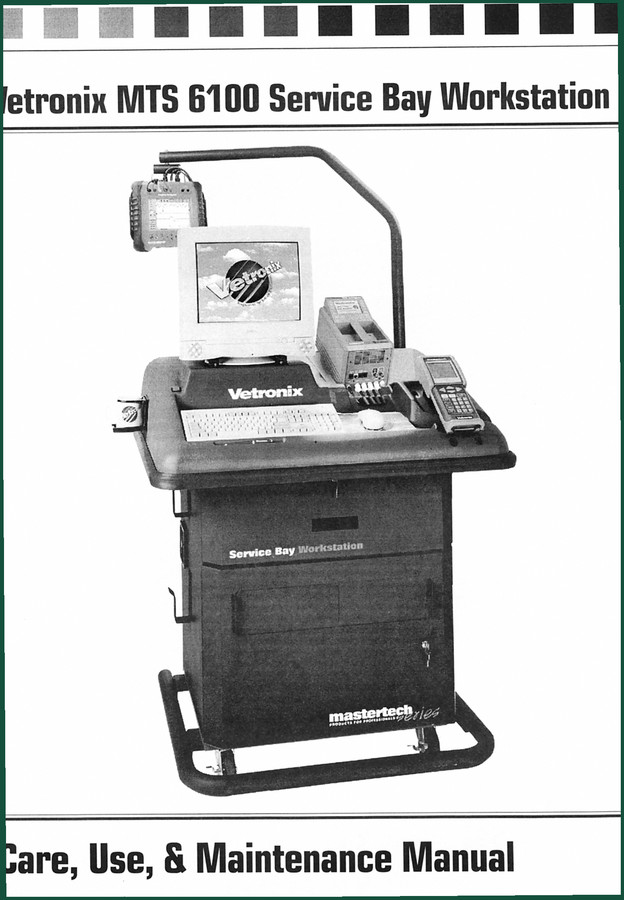
Vetronix MTS 6100 Technical Manual – Official OEM 16-Page Document
Original price was: $38.70.$30.00Current price is: $30.00. -
Sale!
Vetronix TECH 1, TECH 1A, Mastertech 2004 Technical Manual – 64 Pages of OEM Diagnostic Procedures
Original price was: $30.25.$25.00Current price is: $25.00.
Related products
-
Sale!

Technical Manual – International DT 530 & HT 530 (118 Pages)
Original price was: $37.00.$25.00Current price is: $25.00. -
Sale!

2011 Parts Catalog – International Truck OE Parts Documentation (1786 Pages)
Original price was: $34.50.$25.00Current price is: $25.00. -
Sale!

1989 Service Manual – International 2000-8000 Electrical Systems
Original price was: $72.00.$50.00Current price is: $50.00. -
Sale!

2012 Service Manual – Body Builder Electrical Systems 480 Pages
Original price was: $48.28.$34.00Current price is: $34.00.
workshop_guy –
Five stars! The text is searchable and well indexed. Contains precise bolt torque specs for Vetronix. Saves me a lot of time.
Richard G. –
Great OEM spec sheet. The text is searchable and easy to navigate. Contains precise wiring diagrams for Vetronix. Worth every penny.
Robert M. –
Excellent quality! The PDF looks clean. It guided me to troubleshoot my Vetronix 3100 transmission. Saves me so much money.
John S. –
I am so happy with this manual. Instant access after payment. A must-have for any Vetronix 3100 mechanic doing maintenance. Saves me so much dollars.