
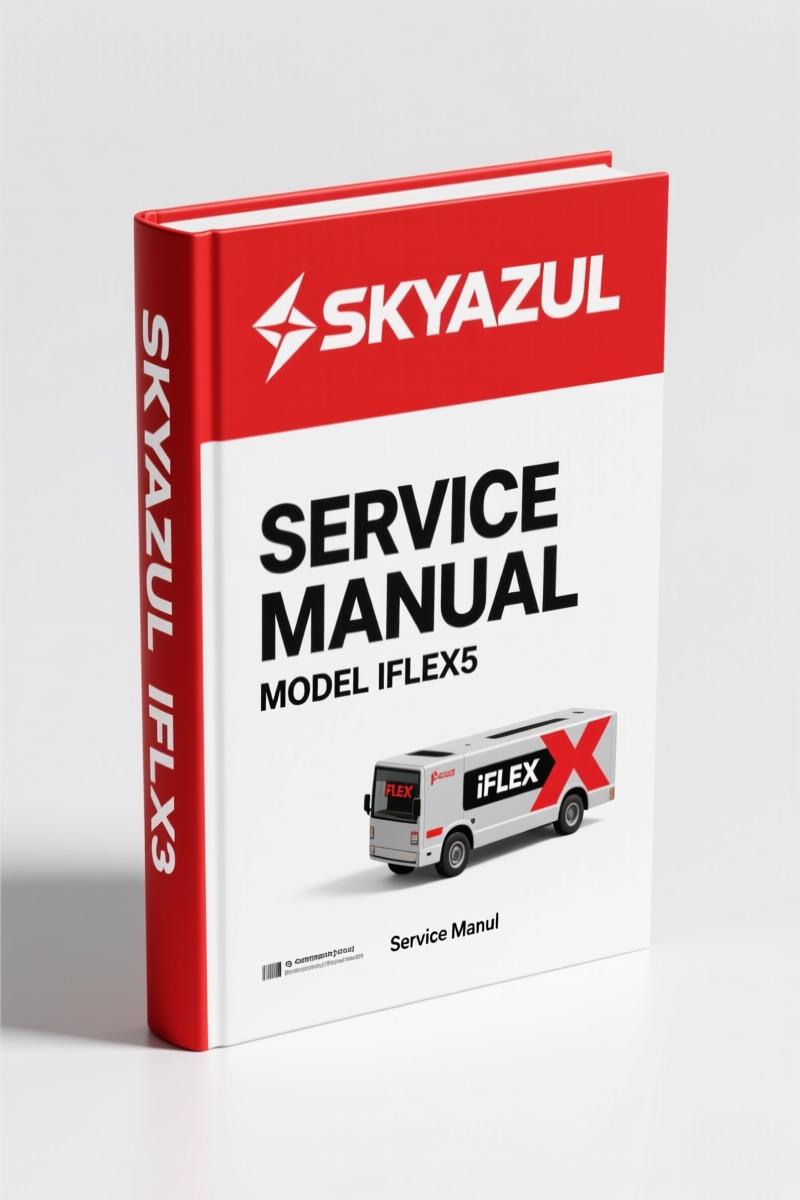
Skyazul iFLEX5 Service Manual – Factory Diagnostics Guide
Original price was: $32.50.$25.00Current price is: $25.00.
Factory diagnostic manual for Skyazul iFLEX5 – 83 pages of OEM flowcharts and CAN bus troubleshooting.
Description
Skyazul iFLEX5 Service Manual – OEM Diagnostics You Can Trust
You’re staring at a crane’s console that shows a boom angle three degrees off what you measured with an inclinometer. The load chart won’t match, and the operator is asking if the LMI is safe to use. If you don’t have the OEM diagnostics, you’re guessing. That’s why the Skyazul iFLEX5 Service Manual belongs on your bench. It’s 83 pages of factory procedures that take you from error code to repair without the BS. I’ve seen shops burn an afternoon on a CAN bus fault that this manual would have cleared in 20 minutes. Waste of billable hours.
What’s in the Skyazul iFLEX5 Service Manual
The manual splits into four functional blocks: system description, error diagnosis, sensor troubleshooting, and communication bus repair. The table of contents starts with General Information and Warnings on page 1 – read those warnings. They cover safety stuff like secondary braking system verification and load cell calibration locks. Then Section 3 gives you the system function, including a CAN bus overview that explains how the iFLEX5 talks to the display and sensors. If you don’t understand CAN bus, the manual doesn’t skip that – it explains it.
Section 4: “What’s Wrong?” – Real Diagnostics, Not Guessing
This section is the reason you buy this manual. Ten sub-sections starting with “I Have an Error Code Indicated on the Console” through “I Have Noticed Water in Some Part of the System.” Each one gives you a direct path to the fault. Mismatched boom angle? Section 4.2 tells you to check sensor calibration and wiring before you condemn the sensor. Blank console? Section 4.6 walks you through power supply and ground checks. No flowchart thrown together by some technical writer – these were written by Skyazul engineers who built the system. For example, Section 4.7 “I Have an A2B Problem” gives you the anti-two-block circuit test sequence. That’s the kind of detail that keeps a crane from picking up a load with the block jammed.
Angle, Length, Pressure Sensing – OEM Flow Charts
Sections 5, 6, 7, 8, and 9 cover each sensing subsystem with a dedicated flow chart. Angle Sensing starts on page 5 with a flow chart on page 6 that lists each possible failure node. Pressure Sensing (Section 7) includes the load cell signal validation procedure that most aftermarket manuals omit. Load Sensing (Section 9) details how the iFLEX5 calculates displayed load from pressure and geometry – if that’s wrong, you’re overriding the overload protection. These aren’t generic “check voltage” steps; they’re OEM pass-fail criteria with specific voltage ranges and CAN message IDs. A standard multi-meter can handle most checks, but you’ll also need a CAN bus adapter for some steps – the manual tells you exactly when.
CAN Bus Troubleshooting – Not Optional
Section 12 covers CAN-bus communication. It lists the message IDs for boom angle, length, pressure, and slew – every node that talks on the bus. If you have intermittent console display or phantom error codes, you need this chapter. It gives you the bus termination resistance check (60 ohms between CAN-H and CAN-L) and the pinout for the main harness connector. Without this, you’re replacing modules that aren’t broken. I’ve seen a shop replace two displays and a load cell before someone thought to check the termination resistor. That’s a $3,000 mistake. This manual kills that kind of waste.
Why This Manual Over Aftermarket Copies
Aftermarket manuals for LMI systems are dangerous. They reprint outdated specs, miss safety interlock details, and often omit the “ESX Control Override” procedure that appears in the iFLEX5 system. The OEM manual from Skyazul is the only source that covers the exact firmware version for this iFLEX5. You get the correct calibration sequence for the angle sensor (Section 5) and the load cell nulling procedure (Section 7). The manual also includes the proprietary Skyazul connector pin diagrams that third-party manuals butcher. I’ve seen a rewrite manual tell a tech to jumper pins that would short the power supply. That’s how you fry a $2,000 controller.
3 Reasons to Choose the Factory Manual
- OEM torque specs – The iFLEX5 uses specific mounting bolt torques for the sensor brackets. The manual lists them in the General Information section. Wrong torque leads to sensor drift.
- Diagnostic flow charts – Every sensor section has a yes/no flowchart that eliminates guesswork. No decision tree that sends you down a dead end.
- CAN bus schema – Section 12 gives you the full CAN node list. Without it, you can’t isolate a bus-off node.
Frequently Asked Questions
- Does this manual cover the full iFLEX5 system?
- Yes – all sensors, console, CAN bus, and A2B circuit. 83 pages cover every subsystem.
- I have an error code on the console – where do I start?
- Turn to Section 4, page 4. Subsection 4.1 walks you through retrieving the specific fault code from the console memory. Then cross-reference it with the flow charts in Sections 5-9. For example, error code 42 maps to “Length Sensor Analog Out of Range” – Section 6.1 shows you the voltage check points at the sensor connector, the calibration pot test, and the CAN message verification. If the voltage is within 0.5–4.5 VDC but the CAN message is missing, you move to Section 12 to check bus continuity. That three-step sequence saves you from replacing a good sensor. The manual keeps you from chasing ghosts.
- Can I use this manual for a different Skyazul model?
- No. The iFLEX5 manual is specific to that system. Skyazul makes other models with different CAN IDs and calibration procedures. Buy the matching manual for your system.
- Is the manual in English?
- Yes – original Skyazul English, no translation.
You’ve got a crane that needs correct LMI data. The operator trusts that display. The liability is on you. This manual gives you the factory path to a verified repair. Pages 5 through 14 alone cover six sensor types with full isolation steps. The 83-page Skyazul iFLEX5 Service Manual is the only document that matches the machine’s actual firmware. Access the Factory Manual now – don’t let an aftermarket copy cost you a write-up.
Related Manuals
- White Outdoor LT-5 – 700 Series Rider Service Manual”>White Outdoor LT-5 – 700 Series Rider Service Manual
- Maruti MB308 Service Manual Procedures and Repair – Section: Section 8A Wiring D”>Maruti MB308 Service Manual Procedures and Repair
- HUSKIE Hydraulic Hammers Service Manual”>HUSKIE Hydraulic Hammers Service Manual
External references: Manual Transmission”>Manual Transmission – Manual Transmission”>Manual Transmission
Additional information
| Brand | Skyazul |
|---|---|
| Language | English |
2 reviews for Skyazul iFLEX5 Service Manual – Factory Diagnostics Guide
Only logged in customers who have purchased this product may leave a review.
You may also like…
-
Sale!

Acura NSX 1991 Service Manual – 1420 Pages OEM
Original price was: $102.05.$65.00Current price is: $65.00. -
Sale!

2004 Acura TSX Wiring Diagram – 73-Page Factory Electrical Schematics
Original price was: $15.88.$9.99Current price is: $9.99. -
Sale!

CDS 705C, 706C, 708C 1981 Parts Catalog – OEM Forklift Specs
Original price was: $61.60.$40.00Current price is: $40.00. -
Sale!

Acura Integra 1998 Service Manual – 1891 Pages Factory OEM Documentation
Original price was: $31.75.$25.00Current price is: $25.00.
Related products
-
Sale!

2006 Service Manual – International DT 466E, 530E Diesel Engine
Original price was: $67.50.$50.00Current price is: $50.00. -
Sale!

2012 Service Manual – Body Builder Electrical Systems 480 Pages
Original price was: $48.28.$34.00Current price is: $34.00. -
Sale!

1994 Troubleshooting Manual – International 1000-4000 FBC
Original price was: $60.00.$50.00Current price is: $50.00. -
Sale!
1992 Electrical Schematic – International 1000/3000/4000/2554 OEM Wiring Diagrams (132 Pages)
Original price was: $26.40.$20.00Current price is: $20.00.
pro_mechanic –
Perfect workshop guide. The scan is high-quality and well indexed. Every wiring layout is provided for Skyazul iFLEX5. Saved my repair job! Thanks.
Richard G. –
Superb resource! The pages are clean and easy to navigate. It helped me to rebuild my Skyazul iFLEX5 engine. Saved my weekend project! Thank you.