
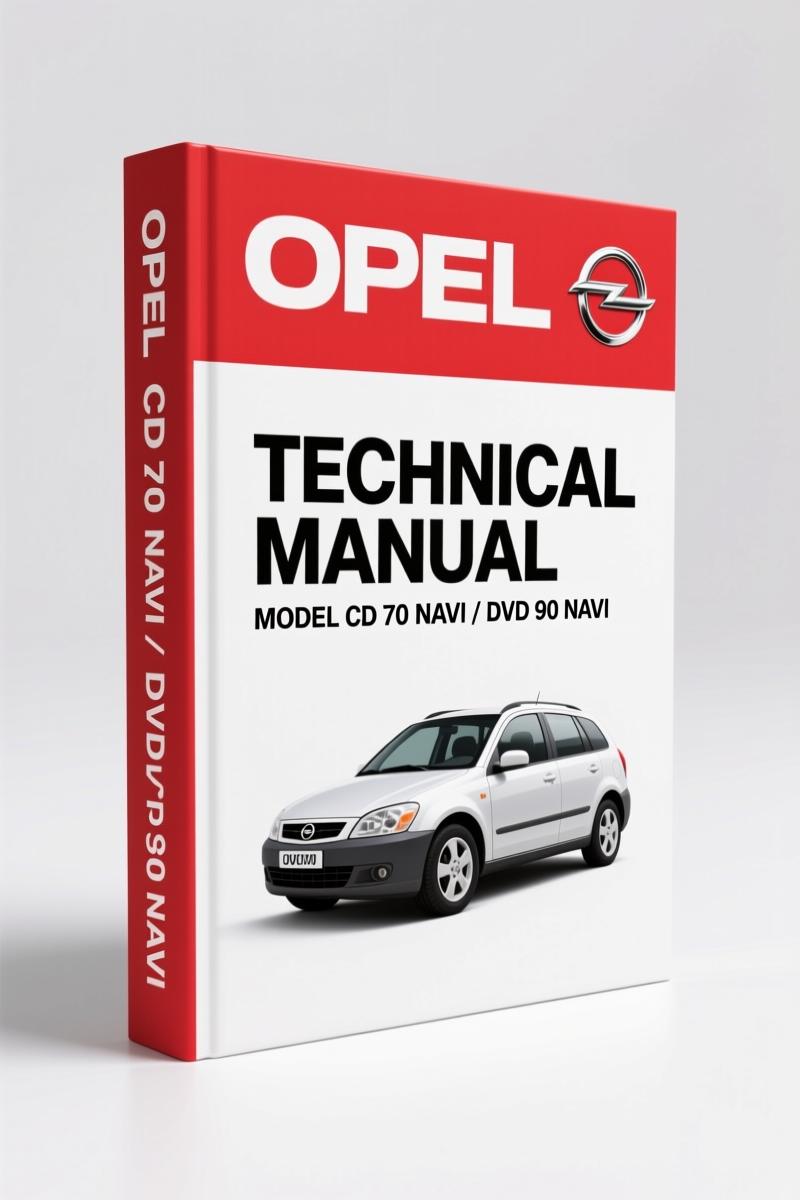
Opel CD 70 NAVI, DVD 90 NAVI Technical Manual – Factory Diagnostics
Original price was: $20.55.$15.00Current price is: $15.00.
Factory technical manual for Opel CD 70 NAVI and DVD 90 NAVI. 83 pages covering diagnostics, navigation, audio, and troubleshooting.
Description
Opel CD 70 NAVI, DVD 90 NAVI Technical Manual
If you’ve ever pulled a used Opel into the shop and the customer says the navigation screen is blank or the radio won’t tune, you know the frustration. Aftermarket guides give you vague directions. You need the factory documentation. That’s why the Opel CD 70 NAVI, DVD 90 NAVI Technical Manual exists. 83 pages of OEM-level control system breakdown. No guesswork allowed.
Steering Wheel Controls (Volanul 1 and 2)
Page 4 of this manual lays out two different steering wheel control layouts. Volanul 1 and Volanul 2. If you’re swapping a unit or diagnosing a non-responsive button, you need to know which version your car has. The manual shows the exact button mapping and wiring context. This is not something you’ll find in a generic aftermarket PDF. Factory documentation nails it.
Troubleshooting: The Chapter That Saves Billable Hours
Chapter 11, Remedierea defecþiunilor, starts on page 70. It walks you through common failures like no GPS signal, audio cutting out, or the system freezing. Each step is a diagnostic tree. The manual tells you what to check first, what voltages to expect, and when to replace the unit. This is the kind of structured troubleshooting that keeps a job from turning into a parts cannon. For a DIY mechanic, it means you don’t have to guess which fuse or wire is bad. You follow the factory logic.
Does This Manual Cover the Audio System?
Yes. The Radio section begins on page 20, CD/MP3 player on page 29, sound adjustment on page 33, and auxiliary input on page 34. If you’re installing an aftermarket amp or trying to integrate a Bluetooth adapter, you need the factory pinout and menu structure. The manual shows the exact button sequences to access hidden settings. No vague descriptions. It’s all there.
Navigation and Info Menu: How to Use the System
The Navigaþie chapter (page 35) covers route entry, map display, and destination memory. The Meniul Info (page 59) gives you the vehicle data display, trip computer functions, and system status. If a customer complains that the navigation won’t accept a destination, this chapter tells you if the GPS antenna is faulty or if the software needs a reset. It’s a direct factory procedure.
83 Pages of Factory Specs
This manual is 83 pages total. It includes general information (page 6), quick overview (page 8), usage instructions (page 11), and settings (page 64). There’s a glossary on page 76 and an alphabetical index on page 78. The displayed menus section on page 81 shows every screen you’ll see. For a professional, this is the reference you keep on the bench. For a home garage enthusiast, it’s the difference between a successful install and a ripped-out dashboard.
Factory Documentation vs Aftermarket Reprints
I’ve seen enough aftermarket manuals that copy the table of contents and then fill the pages with generic diagrams. This one is an original OEM print. The file name itself says it: Opel_CD_70_NAVI-DVD_90_NAVI_Technical_Manual_en-42113014626.pdf. The torque specs? Not in this manual because it’s a control guide, not an engine manual. But the wiring information, button mapping, and diagnostic flow are 100% factory. You won’t find a reprint that matches the page structure.
- Is this manual for the CD 70 NAVI or DVD 90 NAVI?
- Both models are covered.
- What troubleshooting steps are included?
- The troubleshooting chapter (page 70) covers a dozen common issues. For example, if the radio memory is lost, the manual tells you to check the constant power wire at pin 7 of the main connector. If the navigation disc won’t load, it lists the eject sequence and the lens cleaning procedure. Each fault has a numbered diagnostic path. This is not a generic list of symptoms; it’s the exact procedure the dealer used. You also get the error code table and reset instructions. That alone can save you an hour of probing wires with a multimeter.
If you’re tired of chasing aftermarket diagrams that don’t match the pins on the back of the unit, access the factory manual. It’s the only way to get the correct button layout, menu structure, and diagnostic flow. Access the Factory Manual now.
Additional information
| Brand | Opel |
|---|---|
| Language | English |
3 reviews for Opel CD 70 NAVI, DVD 90 NAVI Technical Manual – Factory Diagnostics
Only logged in customers who have purchased this product may leave a review.
You may also like…
-
Sale!
Opel Astra, Astra Caravan Repair Manual – 326 Pages of Factory-Spec Procedures
Original price was: $36.50.$25.00Current price is: $25.00. -
Sale!
Opel Astra 2012 Technical Manual – Antenna & EEPROM Diagnostics
Original price was: $30.38.$22.50Current price is: $22.50. -
Sale!
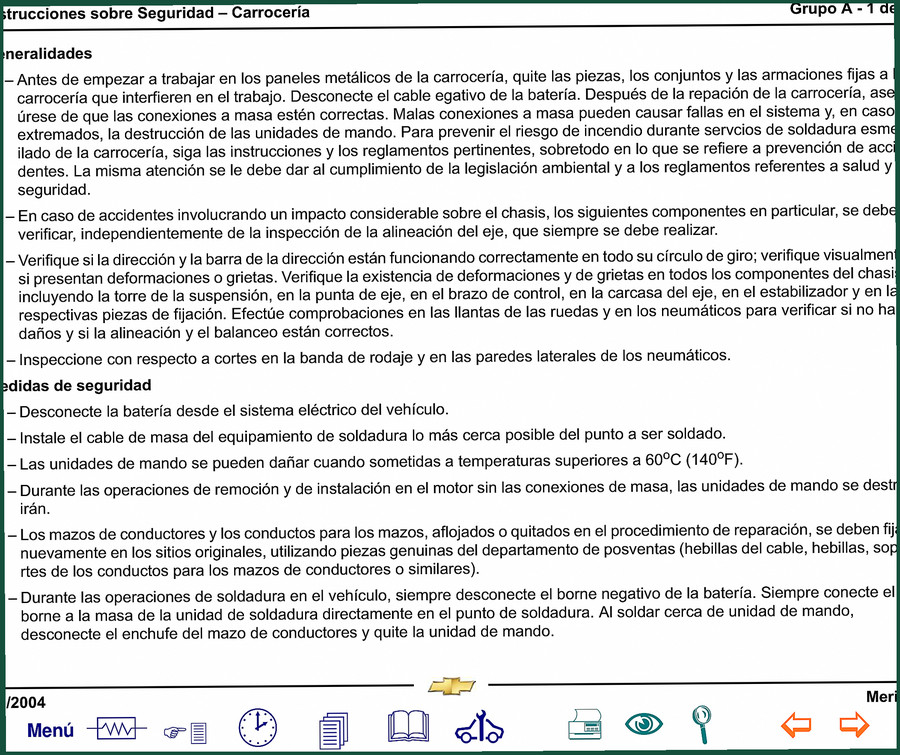
Opel Meriva 2004 Service Manual – 4372 Pages of Factory Specifications
Original price was: $46.20.$30.00Current price is: $30.00. -
Sale!
Opel Corsa, Meriva 2003 Service Manual – DENSO HP3 Common Rail
Original price was: $34.73.$23.00Current price is: $23.00.
Related products
-
Sale!

1992 Electrical Schematic – OEM Wiring Diagrams for International 1000-3800
Original price was: $24.48.$18.00Current price is: $18.00. -
Sale!
1992 Electrical Schematic – International 1000/3000/4000/2554 OEM Wiring Diagrams (132 Pages)
Original price was: $26.40.$20.00Current price is: $20.00. -
Sale!
1991 Electrical Schematic – 112-Page OEM Wiring Diagram for International 1000-3000 Series
Original price was: $22.75.$17.50Current price is: $17.50. -
Sale!

2006 Service Manual – International DT 466E, 530E Diesel Engine
Original price was: $67.50.$50.00Current price is: $50.00.
James L. –
Great OEM spec sheet. The scan is high-quality and well indexed. Every spec sheet is provided for Opel CD. Saved my weekend project! Thanks.
Michael T. –
Great OEM spec sheet. It is very easy to read on my phone without blur. A must-have for any Opel CD owner doing maintenance. Saves me a lot of dollars.
gearhead88 –
I am very pleased with this purchase. The PDF looks clean. It assisted me to rebuild my Opel CD transmission. Saves me hundreds of time.