
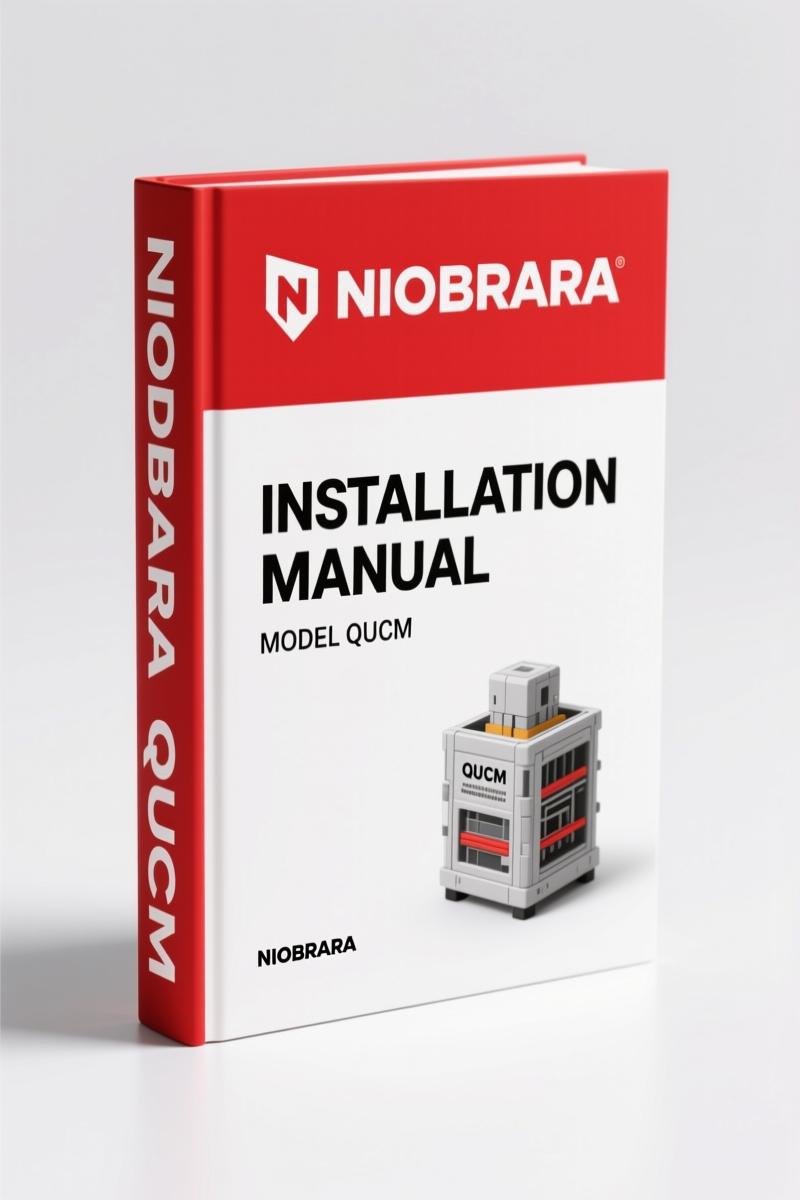
Niobrara QUCM, CCM 2005 Installation Manual – Factory Specs
Original price was: $27.80.$20.00Current price is: $20.00.
Official 2005 Niobrara manual for QUCM-CCM interface installation and programming. 30 pages of device registers, FIDs, and serial config.
Description
Niobrara QUCM, CCM 2005 Installation Manual
You’ve got a Caterpillar CCM sitting on the bench and a POWERLOGIC system that needs to talk to it. Aftermarket PDFs from some forum won’t cut it. I’ve seen guys wire Port 2 to Port 1 because a knockoff manual had the pinout reversed. That’s a melted serial port and a wasted afternoon. This Niobrara QUCM, CCM 2005 Installation Manual is the real deal – factory-issued by Niobrara Research & Development, 30 pages, dated 15 December 2005. It’s the same document their engineers used when they wrote the application firmware. If you’re integrating a QUCM-S with a CCM, this is the only set of instructions you should trust.
The manual starts where it matters: the introduction on page 5 lays out exactly what the QUCM application does for interfacing CATERPILLAR CCM devices to a POWERLOGIC network. No fluff. Then it dives into the installation chapter. You’ll find module installation, software installation, and – critically – the serial connections between the QUCM-S and the CCM. Port 1 to CCM, Port 2 to the PC. If you’ve ever guessed at a null-modem cable, you know why that’s worth the price of admission alone.
Niobrara QUCM, CCM 2005 Installation Manual: What the Table of Contents Tells You
Page 7 covers module and software installation. That’s where you physically mount the QUCM and load the application firmware. The section on serial connections (page 7) describes Port 1 to CCM and Port 2 to the personal computer with enough detail to pick the right cable and baud rate. After that, page 9 walks through loading the applications into the QUCM. Don’t skip the device register lists – they’re the reason you bought this manual in the first place. The EMCP II Device Register List (page 11) and the 3500B Engine Device Register List (page 16) give you every data point address you need to map engine parameters into your SCADA or PLC. No guessing which register holds oil pressure. It’s in the book.
Module Installation and Serial Connections (Page 7)
You’ll need a screwdriver, a null-modem cable, and the Niobrara software loaded on a PC. The manual tells you which serial port on the QUCM-S connects to the CCM (Port 1) and which connects to the computer (Port 2). Wiring polarity matters. One wrong wire and the CCM won’t acknowledge the handshake. The manual shows the pin assignments. I’ve seen technicians skip this page and spend an hour debugging. Follow the diagram.
3500B Engine Device Register List (Page 16)
This is what separates OEM documentation from aftermarket copies. Page 16 lists every register for the 3500B engine family – engine speed, oil pressure, coolant temperature, fuel rate, diagnostic codes. The addresses are given in the format the QUCM expects. If you’re building a custom HMI screen or sending data to a PLC, you copy these numbers straight into your configuration. No need to reverse-engineer anything. The manual even gives you the data types and scaling factors. For example, engine speed register 30001 returns a 16-bit integer in RPM. That level of detail does not exist in third-party reskins.
Fault Identifiers (FID): Factory Diagnostic Codes
On page 20, the manual lists Fault Identifiers (FID) for the Caterpillar engine control modules. When a CCM throws an FID code, you look it up here. The manual includes the description and the likely cause. This saves you from chasing ghosts. I’ve used this section to track down a bad coolant temp sensor on a genset – the FID pointed me to the sensor circuit before I even pulled a meter out.
Web Server Configuration: Main Page to Save Settings
Chapter 3 (page 23) covers the embedded web server inside the QUCM. You can pull up the Main Page to see device status, the Actual Data Page to view live engine parameters, and the Configure QUCM section to add devices (page 27), set serial port parameters (page 28), and save settings to FLASH (page 29). If you’ve ever fought a web interface with no documentation, you’ll appreciate that each field is explained. The Statistics Page (page 29) shows communication error counts – handy for diagnosing intermittent dropouts.
One thing that sticks out: this manual is written for the technician who has already read the CCM and POWERLOGIC documentation. It assumes you know how to wire a serial connection and use a web browser. But it does not assume you’ve memorized the register map. That’s where it earns its keep.
If you work with older Caterpillar generator sets or industrial engines that use the EMCP II or 3500B engine control, this manual is a must. It’s also useful if you’re integrating a QUCM into a Square D POWERLOGIC system. The Niobrara brand is known for these gateway products, and their own documentation is the only source that matches the hardware.
For related equipment, check the Niobrara EX35 2007 Technical Manual – Brake System Factory Specs, the Drogobych Crane КТА-16, КТА-25, КТА-28 2004 Installation Manual, and the Hyundai Seasall D170 & D150 Installation Manual. If you’re working on a vehicle with a Manual Transmission, the serial communication principles here still apply to engine-to-PLC links. Even if you’re not dealing with a Manual Transmission, the engine data registers and FID tables are useful for any Caterpillar-powered plant.
FAQ
- Does this manual cover the QUCM-S model?
- Yes.
- What Caterpillar engine models are included in the device register lists?
- The manual lists registers for EMCP II and 3500B engines. The 3500B Engine Device Register List on page 16 includes specific parameters like oil pressure, coolant temp, and engine speed. That data is critical for mapping the CCM output to your POWERLOGIC system. Without those addresses, you’re guessing at register numbers and waste hours on trial and error. The manual gives you the exact addresses, data types, and scaling factors – it’s the difference between a working installation and a call to tech support.
- Can I use this manual to configure the web server?
- Yes. Chapter 3 covers the web server from page 23, including Main Page, Actual Data Page, Configure QUCM, and Statistics Page.
- Is this a PDF or physical copy?
- The file is a PDF format.
Access the Factory Manual. You’ll get the exact same PDF that Niobrara shipped on CD in 2005. No reprint, no third-party rehash – just the original OEM installation guide for the QUCM/CCM. That’s what keeps your serial connections straight and your engine data flowing.
Additional information
| Brand | Niobrara |
|---|---|
| Language | English |
4 reviews for Niobrara QUCM, CCM 2005 Installation Manual – Factory Specs
Only logged in customers who have purchased this product may leave a review.
You may also like…
-
Sale!

Acura Integra 1998 Service Manual – 1891 Pages Factory OEM Documentation
Original price was: $31.75.$25.00Current price is: $25.00. -
Sale!
Niobrara EX35 2007 Technical Manual – Brake System Factory Specs
Original price was: $30.60.$22.50Current price is: $22.50. -
Sale!

CDS 705C, 706C, 708C 1981 Parts Catalog – OEM Forklift Specs
Original price was: $61.60.$40.00Current price is: $40.00. -
Sale!

Acura NSX 1991 Service Manual – 1420 Pages OEM
Original price was: $102.05.$65.00Current price is: $65.00.
Related products
-
Sale!

1993 Electrical Schematic – International 1000/3000/4000 Bus Chassis OEM Wiring Diagrams
Original price was: $29.26.$22.00Current price is: $22.00. -
Sale!

1991 Operators Manual – International Truck OEM Specs (108 Pages)
Original price was: $13.63.$10.99Current price is: $10.99. -
Sale!

2004 Acura TSX Wiring Diagram – 73-Page Factory Electrical Schematics
Original price was: $15.88.$9.99Current price is: $9.99. -
Sale!

2006 Service Manual – International DT 466E, 530E Diesel Engine
Original price was: $67.50.$50.00Current price is: $50.00.
Thomas B. –
I am so happy with this transaction. Immediate link after checkout process. It helped me to fix my Niobrara QUCM, electrical system. Saved my weekend project! Thank you.
gearhead88 –
I am extremely satisfied with this transaction. It is easily zoomable on my laptop without losing quality. It helped me to rebuild my Niobrara QUCM, transmission. Great value for money.
William H. –
I am very pleased with this purchase. It is very easy to read on my phone without losing quality. It helped me to rebuild my Niobrara QUCM, transmission. Saved my weekend project! Thank you.
workshop_guy –
Great workshop guide. The document is very clear. It guided me to troubleshoot my Niobrara QUCM, transmission. I will recommend this shop to others.