
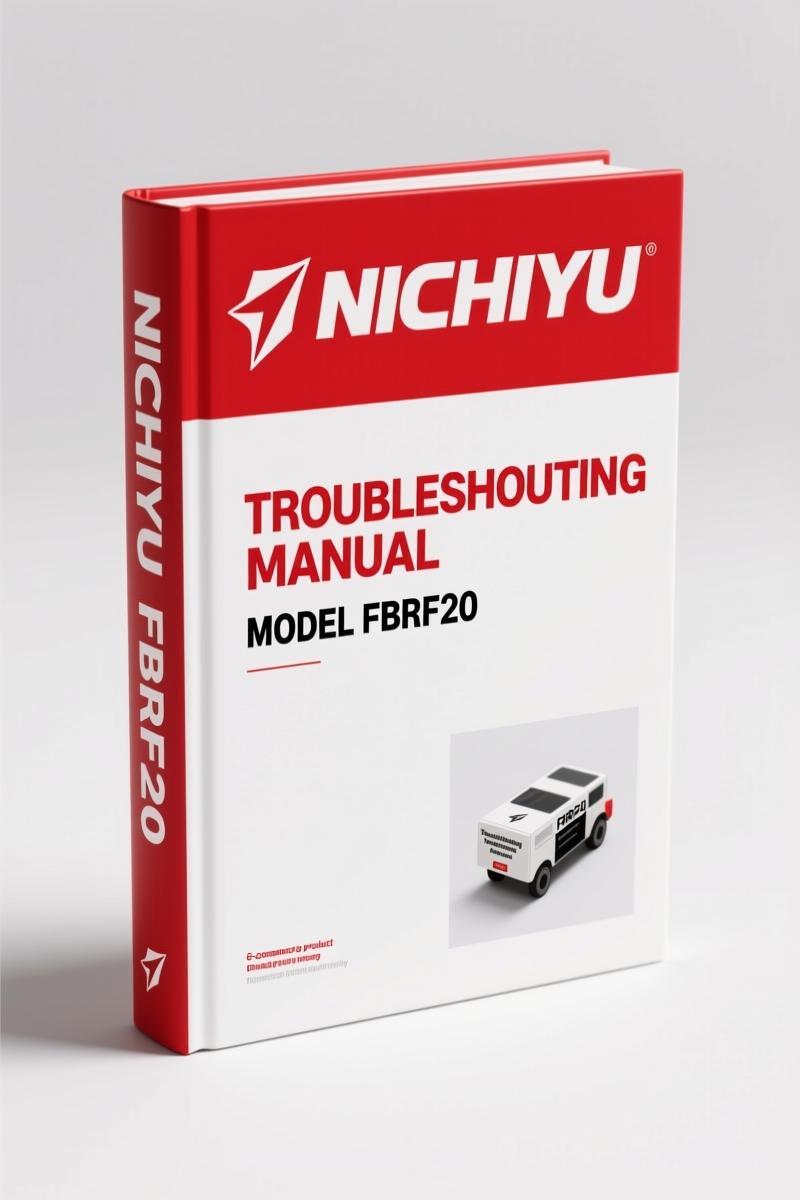
Nichiyu FBRF14, FBRF16, FBRF20 Troubleshooting Manual – OEM Diagnostic Data
Original price was: $61.20.$40.00Current price is: $40.00.
OEM troubleshooting manual for Nichiyu FBRF14/16/20 forklifts. 57 pages covering A-SICOS adjustments, diagnostics, and error codes. Factory-certified.
Description
Nichiyu FBRF14, FBRF16, FBRF20 Troubleshooting Manual – 57 Pages of Factory Diagnostic Procedures
Had a FBRF20 come in last week with a dead MPU board and no display. Without the factory Nichiyu FBRF14, FBRF16, FBRF20 Troubleshooting Manual you’d be swapping parts blind. This 57-page document is the only thing that tells you exactly which pin to back-probe and what voltage you should see. I’ve been wrenching on forklifts since before most techs were born, and I will not touch an A-SICOS system without this book. If you’ve ever spent two hours chasing a fault that turned out to be a loose connector because some third-party PDF had the wrong pinout, you know exactly what I’m saying.
This isn’t a reprint or a scan of a scan. It’s the original factory file from Nichiyu, covering the FBRF14, FBRF16, and FBRF20 (60 Series) with the A-SICOS advanced controller. Every section—from LCD monitor initial setting to self-diagnosis history—was written by engineers who designed the truck. Aftermarket manuals skip the details that cost you billable hours. Here you get the full 57 pages of step-by-step adjustment instructions, current limitation procedures, and error message translations.
A-SICOS Adjustment: Speed, Power, and Acceleration Settings
Chapter 2 is the one you will wear out first. Pages 4 through 18 cover the A-SICOS controller adjustments: speed setting mode, power setting mode, acceleration feeling mode, and option settings. The manual tells you exactly which mode select switch positions correspond to each parameter. Need to dial in the starting current? Page 12 gives the zero adjustment procedure for the installed current detector. There’s even a subsection for regenerative braking force (option) and hydraulic current limitation. No guessing—turn the page, set the value, move on.
Self Diagnosis History and I/O Check
Section 3 starts on page 21 with the self-diagnosis history memory. The system logs faults and you can pull them up to see intermittent failures that won’t trigger a code while you’re testing. Then the I/O check on page 27 lets you verify every input and output signal from the MPU board. If the truck won’t move but the dash lights up, you run the I/O check before you pull the motor. Saves you from replacing a perfectly good controller because you misread a ground signal.
Practical Troubleshooting: Finding the Root Cause
Chapter 4 (page 31) is where the manual earns its keep. It starts with “Before starting”—a checklist of things like battery voltage, fuse condition, and switch positions that every junior tech skips. Then the attention notes (page 33) warn you about specific high-voltage capacitors on the A-SICOS that can kill you if you probe the wrong terminal. The fault analysis tree (page 34) walks you through symptoms like “motor runs but no lift” and gives you the most likely failure points ranked by probability. No guesswork, no chasing ghosts.
The error messages are listed in multiple languages on page 35 and beyond. If you get a display showing Japanese or German text, the manual decodes it. That alone is worth the price when the customer is standing over your shoulder.
LCD Monitor and MPU Board: What Changed in the 60 Series
Section 1 explains the hardware differences between previous models and the FBRF14/16/20. The LCD monitor is not just a visual change—it communicates with the MPU board through a different protocol. The manual shows you the connector layout (page 0) and initial setting steps like hour meter working (page 2). Do not assume the old FBR-75 settings carry over; they don’t.
Why OEM Troubleshooting Manuals Beat Aftermarket Scans
I can spot an aftermarket copy from fifty feet. Blurry diagrams, missing pages, and torque values that don’t match any real fastener. This Nichiyu OEM manual is clean, complete, and published by the manufacturer. If you need a related model, check the Nichiyu FBT13, FBT15, FBT18, FBT10 Troubleshooting Manual or the Nichiyu FB10-FB30 Troubleshooting Manual – 127 Pages Factory OEM. There’s also a Nichiyu FBR-75 2008 Troubleshooting Manual – 213 Pages if you work on older units.
For general forklift theory, a Manual Transmission in a forklift works differently than a car’s, but the diagnostic principles overlap. If you’re new to electric forklifts, read up on Manual Transmission clutch engagement logic—it helps you understand the plugging brake adjustment on page 15.
Who This Manual Fits
If you own or service an FBRF14, FBRF16, or FBRF20, this manual is your shop’s safety net. DIY mechanics who like to tinker: do not open the A-SICOS controller box without reading the warnings on page 31. Professional techs will appreciate the I/O check procedure—it cuts diagnosis time from two hours to twenty minutes. Workshop owners: keep a copy on the tablet in each bay so your guys stop calling you with questions that are answered on page 27.
Specifications
- 57 pages of factory OEM content
- Models: FBRF14, FBRF16, FBRF20
- System: A-SICOS advanced controller
- Includes: component layout, A-SICOS adjustment, self-diagnosis, I/O check, practical trouble shooting, error messages
- Format: digital access PDF
- Does this manual cover the full service repair or just troubleshooting?
- It is a dedicated troubleshooting manual. You get the diagnostic procedures, A-SICOS adjustment steps, self-diagnosis history, and I/O check. For overhaul specs like rebuild tolerances, you need the separate service manual.
- Can I use this on the FBRF10 or FBRF25?
- The manual is written for FBRF14/16/20 only. The A-SICOS controller settings differ on other load capacities. Using the wrong current limitation values can damage the motor or controller.
- What kind of tools do I need to follow the adjustments?
- You’ll need a digital multimeter, a breakout harness for the MPU board (pinout is in the manual), and possibly a laptop with a serial adapter for some parameter changes—the manual specifies the connections.
- How do I access the self-diagnosis history?
- With the key switch in the on position, press and hold the mode select switch for three seconds until the LCD shows “DIAG.” Then follow the menu on page 21 to scroll through stored faults. The manual gives the exact procedure.
This is the only factory source for the A-SICOS system on these trucks. Every torque spec, every pin voltage, every fault code is verified by Nichiyu. Stop guessing and start fixing. Access the Factory Manual now and keep it on your workbench.
Additional information
| Brand | Nichiyu |
|---|---|
| Language | English |
4 reviews for Nichiyu FBRF14, FBRF16, FBRF20 Troubleshooting Manual – OEM Diagnostic Data
Only logged in customers who have purchased this product may leave a review.
You may also like…
-
Sale!
Nichiyu FBT13P, FBT15P, FBT18P, FBT20PN Service Manual – 154 Pages of Factory Specs
Original price was: $52.00.$40.00Current price is: $40.00. -
Sale!
Nichiyu FBR-75 2008 Troubleshooting Manual – OEM Diagnostic Data
Original price was: $58.05.$45.00Current price is: $45.00. -
Sale!
Nichiyu FBT13P, FBT15P, FBT18P, FBT20PN Troubleshooting Manual – 105 Pages of Factory Diagnostic Data
Original price was: $54.45.$45.00Current price is: $45.00. -
Sale!
Nichiyu FB10P, FB30P Workshop Manual | 97 Pages OEM
Original price was: $67.50.$45.00Current price is: $45.00.
Related products
-
Sale!

Baoli CPDS15 CPDS18 Operators Manual – OEM Forklift Specs
Original price was: $15.58.$9.99Current price is: $9.99. -
Sale!

Taylor T-180S, T-360L, TH-300L, TH-350L, TB-180S Service Manual – 298 Pages OEM
Original price was: $38.70.$30.00Current price is: $30.00. -
Sale!

Baoli 1-1.8T 2018 Service Manual – 94 Pages OEM Forklift Specs
Original price was: $28.40.$20.00Current price is: $20.00. -
Sale!

Baoli CPCD 40, CPCD 45, CPCD 50L Service Manual – 105 Pages
Original price was: $42.00.$30.00Current price is: $30.00.
David K. –
Perfect OEM spec sheet. The pages are clean and easy to navigate. A must-have for any Nichiyu FBRF14, owner doing maintenance. I will recommend this shop to others.
Michael T. –
Great buy! It is very easy to read on my iPad without losing quality. It helped me to rebuild my Nichiyu FBRF14, engine. Saves me so much dollars.
workshop_guy –
This is exactly what I required. It is very easy to read on my laptop without blur. It helped me to fix my Nichiyu FBRF14, transmission. Saves me hundreds of dollars.
pro_mechanic –
I am extremely satisfied with this manual. The document looks clean. Contains detailed schematics for Nichiyu. Saves me so much dollars.