
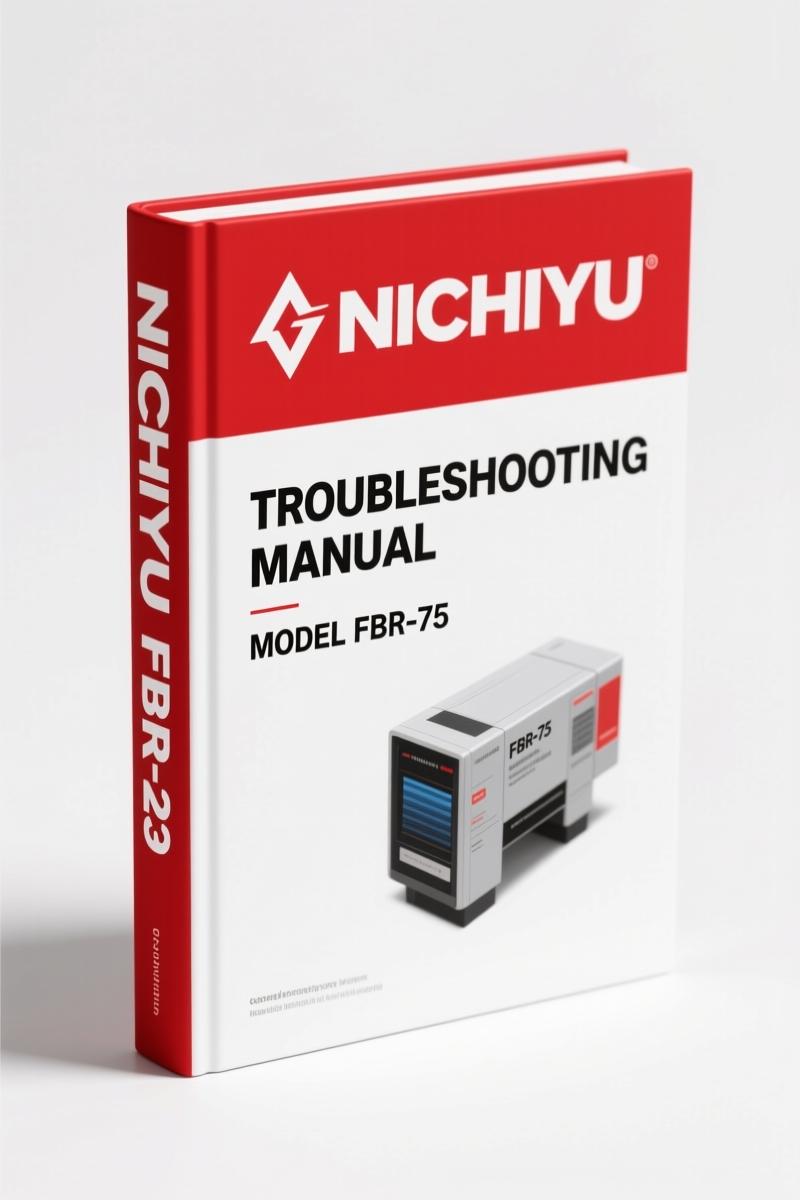
Nichiyu FBR-75 2008 Troubleshooting Manual – OEM Diagnostic Data
Original price was: $58.05.$45.00Current price is: $45.00.
OEM troubleshooting manual for Nichiyu FBR-75 (2008). Covers SICOS-AC adjustment, error history, wiring diagrams. 213 pages.
Description
Nichiyu FBR-75 2008 Troubleshooting Manual – Factory OEM
I’ve been wrenching on lift trucks since before some of you were born. If you’re chasing an intermittent fault on a Nichiyu FBR-75 2008 Troubleshooting Manual is the only thing that will save your Saturday. I’ve seen techs waste half a shift guessing their way through CAN-BUS codes because they didn’t have the factory trees. This document is 213 pages of what Nichiyu wanted you to know—not what some third-party reprint house thinks you need.
The intro alone—page 1—spells out the safety basics: don’t go near this truck without understanding the control system transition (IGBT, FET, CAN-BUS). The manual assumes you’ve got a proper shop and the right tools. No shortcuts.
What’s New in the FBR-75: IGBT, FET, and CAN-BUS Control
Section 1-1 and 1-2 walk through the shift from IGBT to FET to CAN-BUS control. That matters because the explanation of monitor display, MPU board settings, and even the adjustment standards list on page 30 changes depending on which controller you have. The manual gives a clear serial-number breakpoint table so you don’t apply the wrong procedure. If you’ve got a FBR 9-13-75 with serial 121AD5343 and up, you’re on CAN-BUS. Different diagnostics. Different wiring. The manual tells you exactly where to look.
36 Adjustment Procedures in the SICOS-AC Section
Section 2-3 lists 36 check and adjustment steps, from chassis insulation check (page 34) to built-in charger working check (page 73). Each one has a required tool list baked into the procedure. For example, the accelerator potentiometer adjustment on page 67 needs a digital multimeter and a specific voltage reading at full pedal. No “eyeball it.” No “that looks close.” The manual gives you the spec, the connector pin, the wiggle test. That’s how you fix it right the first shutdown.
Read the Error History Memory Properly
Section 3-2 covers error history memory 1 and 2. Error history memory 1 (page 86) stores the last 10 faults; memory 2 stores the last 50. You have to know how to clear it without losing the record you need (section 3-2-3, page 90). The I/O check mode (section 3-3) gives you real-time port status to verify sensor inputs before you start throwing parts at it. I’ve used that feature to find a bad steering angle potentiometer in under five minutes.
For a general refresh on manual transmission principles, see Manual Transmission.
OEM vs Aftermarket: Why This Manual Wins
I’ve seen aftermarket manuals that copy the table of contents but leave out the safety warnings or swap the connector pin numbers to fit a generic layout. That gets people hurt. This Nichiyu FBR-75 2008 Troubleshooting Manual is a direct factory scan, no reprint, no third-party text. The wiring layout section (starting page 113) shows every connector—part numbers, wire colors, crimp tool specs (Housing terminals, page 190). You can’t get that from a PDF that’s been photocopied three times.
Another reference: Manual Transmission for general background, but for this forklift? Stick to the OEM data.
Wiring Layout and Connector Pin Arrangement
Section 4 (pages 113–189) gives you the main controller layout and wiring diagrams. Section 5-1 (pages 190–213) breaks down MPU board connectors, pin arrangement, terminal installation, and extraction using the correct crimp tools (by manufacturer A—tool numbers provided). If you ever need to repin a connector on a FBR-75, you need this section. Period.
Other Nichiyu manuals you might need:
- Nichiyu FBT13, FBT15, FBT18, FBT10 Troubleshooting Manual
- Nichiyu FB10-FB30 Troubleshooting Manual – 127 Pages Factory OEM
- Nichiyu FBC20P FBC25P FBC30P Troubleshooting Manual
If you’re working on any of those models, get the matching manual. Mixing procedures between series will cost you a controller board.
Audience: Who Should Use This 213-Page Manual?
This is for the shop tech or advanced DIYer who owns the diagnostic tools and knows how to read a schematic. The manual doesn’t hold your hand through basic electricity—it assumes you can use a multimeter and a breakout box. Beginners should pair this with a qualified instructor, as stated on page 2. Safety is not optional.
- Does this manual cover the CAN-BUS system?
- Yes. Sections 1-1 and 2-2 detail CAN-BUS control, including the EPS controller (EPS/DSP board) settings on page 28.
- How do I clear the error history memory?
- The procedure is on page 90 (section 3-2-3). You enter the monitor display’s error history mode, select memory initialization, and confirm. The manual warns that this erases all stored faults, so record them first. If you skip that step and lose the data, you’ll be chasing a ghost later. I’ve seen it happen.
This manual belongs on your bench, not in a drawer. Access the Factory Manual now and keep it where you can flip to the right page when the truck goes down.
Additional information
| Brand | Nichiyu |
|---|---|
| Language | English |
4 reviews for Nichiyu FBR-75 2008 Troubleshooting Manual – OEM Diagnostic Data
Only logged in customers who have purchased this product may leave a review.
You may also like…
-
Sale!
Nichiyu FB10P, FB30P Workshop Manual | 97 Pages OEM
Original price was: $67.50.$45.00Current price is: $45.00. -
Sale!
Nichiyu FB10P-FB20P Troubleshooting Manual – OEM SICOS-AC Diagnostic Data
Original price was: $48.00.$40.00Current price is: $40.00. -
Sale!
Nichiyu FBT13P, FBT15P, FBT18P, FBT20PN Troubleshooting Manual – 105 Pages of Factory Diagnostic Data
Original price was: $54.45.$45.00Current price is: $45.00. -
Sale!
Nichiyu FBT13P, FBT15P, FBT18P, FBT20PN Service Manual – 154 Pages of Factory Specs
Original price was: $52.00.$40.00Current price is: $40.00.
Related products
-
Sale!

Baoli CPDS15 CPDS18 Operators Manual – OEM Forklift Specs
Original price was: $15.58.$9.99Current price is: $9.99. -
Sale!
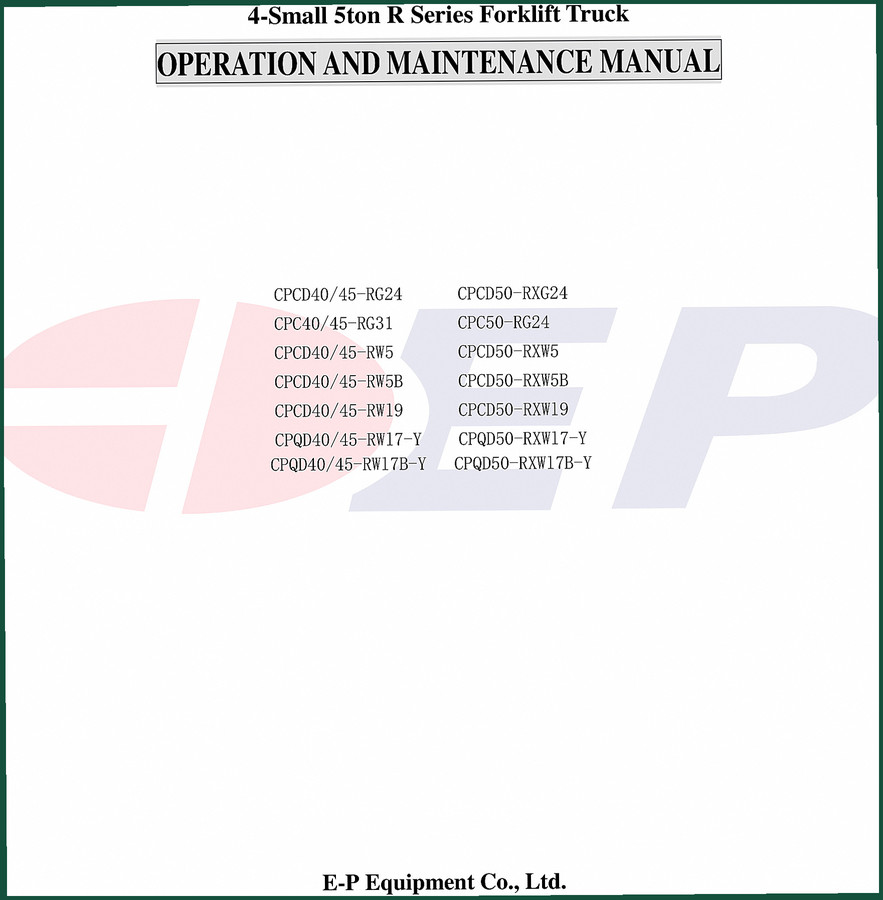
E-P Equipment CPCD40-RG24, CPCD45-RG24 2006 Operators Manual – OEM Specs
Original price was: $12.10.$10.00Current price is: $10.00. -
Sale!
KION Baoli CPCD20F-CPQYD20F Service Manual – 102 Pages OEM
Original price was: $39.75.$25.00Current price is: $25.00. -
Sale!

CDS 705D, 706D, 708D, 766 1983 Parts Catalog – OEM Forklift Specs
Original price was: $43.75.$35.00Current price is: $35.00.
gearhead88 –
I am very pleased with this purchase. The text is searchable and well indexed. Every wiring layout is provided for Nichiyu FBR75. I will recommend this shop to others.
John S. –
I am very pleased with this manual. Immediate link after payment. A must-have for any Nichiyu FBR75 mechanic doing repairs. Worth every penny.
workshop_guy –
This is exactly what I was looking for. The document is high resolution. Contains clear wiring diagrams for Nichiyu. Saves me hundreds of dollars.
Charles W. –
This is just what I required. Immediate link after checkout. It helped me to rebuild my Nichiyu FBR75 engine. Great value for money.