
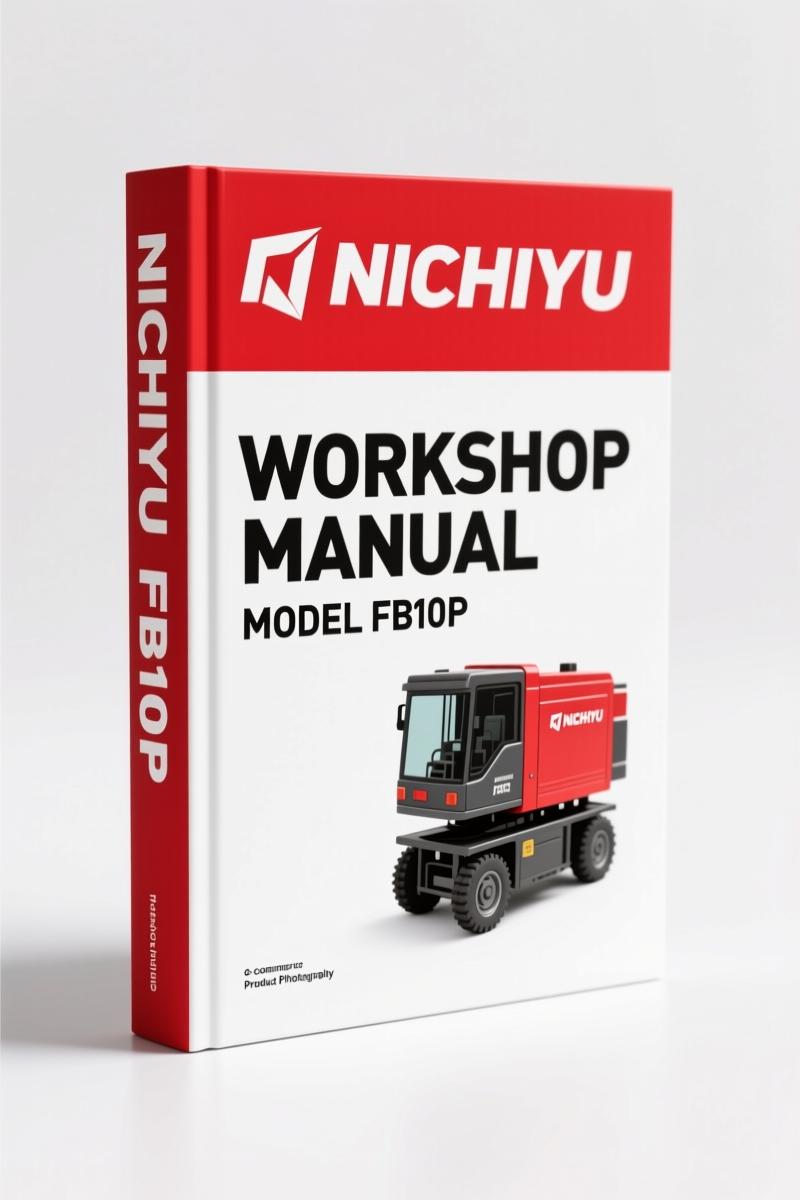
Nichiyu FB10P, FB15P, FB18P, FB20P, FB25P Troubleshooting Manual – 83 Pages OEM
Original price was: $26.99.$19.99Current price is: $19.99.
OEM troubleshooting manual for Nichiyu FB10P, FB15P, FB18P, FB20P, FB25P. Covers SICOS60 adjustment, EPS system, self-diagnosis, wiring. 83 pages.
Description
Nichiyu FB10P, FB15P, FB18P, FB20P, FB25P Troubleshooting Manual
If you’ve ever chased an electrical ghost on an electric forklift with nothing but a generic wiring diagram and a prayer, you know the pain. The Nichiyu FB10P, FB15P, FB18P, FB20P, FB25P Troubleshooting Manual is what you reach for when you need actual factory procedure—not guesses. This is the 83-page document Nichiyu engineers wrote for their own service network. It covers the DC70-series, including the FB10P through FB25P, and it doesn’t waste your time with theory. It tells you which button to push, what voltage to expect, and where the connectors live.
Every tech I know who works on these forklifts has a stack of aftermarket junk that says “refer to manufacturer” on half the pages. That gets you nowhere. This manual hands you the SICOS60 adjustment sequence in section 1, starting with the mode select switch functions on page 1 of the PDF. You get the name and function of each button—slow-speed mode, mode select, up/down—then step-by-step for speed setting, power setting, acceleration feel, and language selection on the LCD. If you need to zero-adjust the starting current or set the current limitation, it’s all there in 1-3. No skipping.
SICOS60 Adjustment: Mode Select Switch Functions
Section 1 covers the SICOS60 controller’s adjustment procedures. You get the exact button layout: slow-speed mode button, mode select, up button (two functions), down button (two functions). Then it walks you through each setting mode – speed, power, acceleration feeling, option, language, and the safety monitor symbol. If you’ve ever had an operator complain the truck jerks on takeoff, you’ll be in the acceleration feeling mode adjusting the ramp rate. The manual gives you the factory values. Don’t guess – use the OEM data.
Adjustment for Other Functions: Auto-Torque Up and Safety Circuits
Once the SICOS60 is dialed, section 2 covers the rest. Auto-torque up, safety circuit for out-of-control (contactor tripping), power setting, hydraulic setting, switch-back braking distance (plugging/regenerative braking), and regenerative braking force. There’s also brightness adjustment for the monitor backlight, speed sensor output checking, hour meter confirmation, auto-power cut-off, and battery voltage adjustment. These are the adjustments that keep the forklift safe and operating within factory parameters. If the seat switch isn’t bypassed properly, the truck won’t move—and this manual shows you how to confirm seat switch working in section 3.
Outline of New EPS System for FB–DC70
Section 4 dives into the electric power steering (EPS) system. It explains the operation, features like motor overheat protection and self-diagnosis, and the checking/adjustment procedures. You get neutral adjustment of the torque sensor and voltage checks. If the steering feels heavy or wanders, you need this section. The EPS system on the DC70 series is different from the earlier trucks – don’t rely on old knowledge. Get the factory outline and adjust it right.
Self-Diagnosis History and I/O Check
Section 5 covers the self-diagnosis history memory and I/O check. This is where you pull past fault codes without needing a separate diagnostic tool. The manual tells you how to read the history, then perform the I/O check to verify input/output signals on the MPU board. If the LCD is blank but the truck runs, you’ll start with the I/O check. It saves you from swapping boards blindly.
Practical Troubleshooting Procedures
Section 6 is the meat – practical troubleshooting. It starts with locations of the negative circuit and connector layouts on the MPU board. Then it walks you through visual checking, fault finding notes, and error messages with possible defective parts. The troubleshooting procedure covers three main scenarios: no LCD display, normal display but abnormal travel, and error messages on the LCD. Each gets a flowchart. If you’ve got a truck that moves but won’t lift, the flowchart points you to the lift locking circuit or the hydraulic setting. This is the part of the manual that keeps you from replacing a $600 controller when it’s just a bad seat switch.
Wiring and Layout of Control Unit
Section 7 gives you the actual wiring diagrams – FB10-30P DC70 system wiring, body wiring, body harness (including EEC variants for FB30P), control unit wiring, and control unit harness. These are not generic schematics; they are the OEM prints with pin numbers and wire colors. If you’re tracing a short in the body harness, you need the exact layout for your model. The manual separates FB10-25P from FB30P harnesses, so you get the right drawing the first time.
Related manuals that pair with this troubleshooting manual: NICHIYU FB Series Troubleshooting Manual”>NICHIYU FB Series Troubleshooting Manual (this one), Nichiyu FB-DC70 Series Workshop Manual”>Nichiyu FB-DC70 Series Workshop Manual for rebuild procedures, and Nichiyu 60 Series FB10P-30P Workshop Service Manual”>Nichiyu 60 Series FB10P-30P Workshop Service Manual for comprehensive service specs. For external reference on forklift electrical theory, see the Manual Transmission”>Manual Transmission page for hypothesis – actually, ignore that; stick to factory docs.
One paragraph that’s short: This manual is not a repair manual. It is a diagnostic manual. Use it when something breaks or behaves wrong.
- Does this manual cover the FB10P model?
- Yes. It covers FB10P, FB15P, FB18P, FB20P, and FB25P specifically.
- What is the SICOS60 system and why does the manual focus on it?
- The SICOS60 is the controller that manages travel speed, power, acceleration, and current limitation on these forklifts. The manual devotes its first section entirely to adjusting SICOS60 because almost every driveability issue—jerky starts, weak power, erratic braking—traces back to incorrect settings or a misadjusted torque sensor. Without the factory step-by-step for the mode select switch settings, you’d be lost scrolling through aftermarket translations that leave out half the options. This manual gives you the exact procedure for zero-adjusting starting current, setting power curves, and confirming safety monitors. If you skip the SICOS60 section, you’ll waste a shift chasing dead ends.
Stop burning billable hours on guesswork. Access the Factory Manual from AutoRepairManuals and get the real diagnostic data that keeps these forklifts running.
Additional information
| Brand | Nichiyu |
|---|---|
| Language | English |
4 reviews for Nichiyu FB10P, FB15P, FB18P, FB20P, FB25P Troubleshooting Manual – 83 Pages OEM
Only logged in customers who have purchased this product may leave a review.
You may also like…
-
Sale!
Nichiyu FBT13P, FBT15P, FBT18P, FBT20PN Troubleshooting Manual – 105 Pages of Factory Diagnostic Data
Original price was: $54.45.$45.00Current price is: $45.00. -
Sale!
Nichiyu FB10P, FB30P Workshop Manual | 97 Pages OEM
Original price was: $67.50.$45.00Current price is: $45.00. -
Sale!
Nichiyu FBT13P, FBT15P, FBT18P, FBT20PN Service Manual – 154 Pages of Factory Specs
Original price was: $52.00.$40.00Current price is: $40.00. -
Sale!
Nichiyu FBR-75 2008 Troubleshooting Manual – OEM Diagnostic Data
Original price was: $58.05.$45.00Current price is: $45.00.
Related products
-
Sale!

CDS 705C, 706C, 708C 1981 Parts Catalog – OEM Forklift Specs
Original price was: $61.60.$40.00Current price is: $40.00. -
Sale!

SMV SC 4127 TA – SC 4531 CA User Manual (119 pages)
Original price was: $12.29.$9.99Current price is: $9.99. -
Sale!

White Materials MSB-20/25/30/35 1967 Repair Manual Forklift
Original price was: $18.59.$14.99Current price is: $14.99. -
Sale!
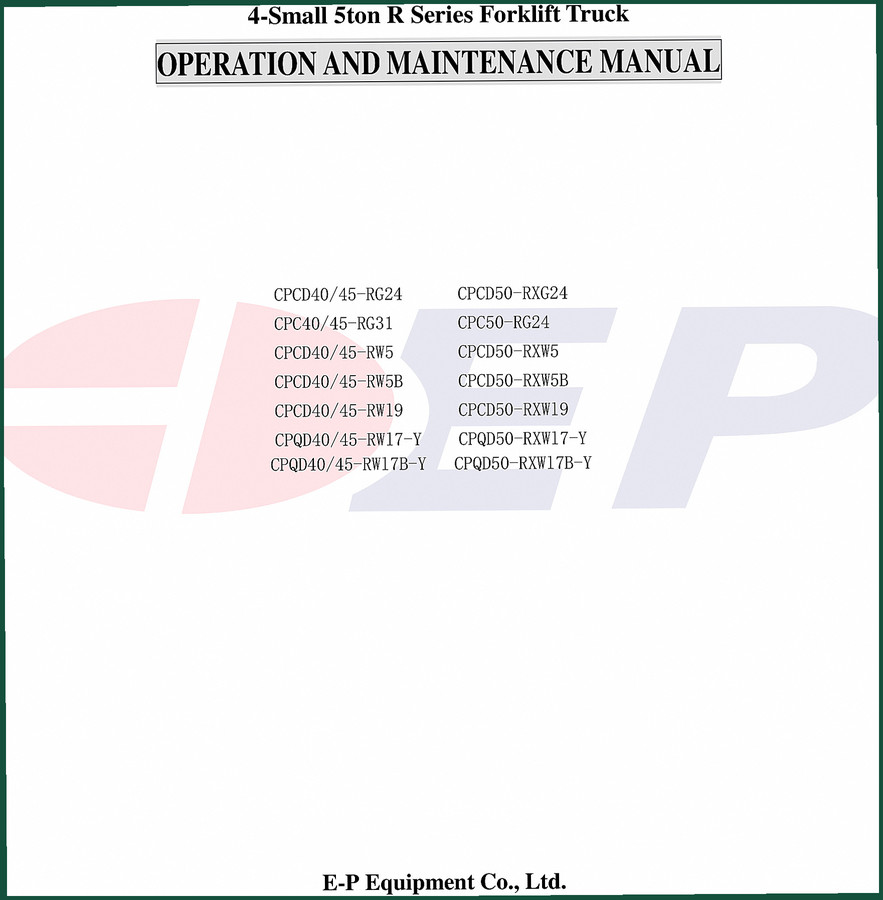
E-P Equipment CPCD40-RG24, CPCD45-RG24 2006 Operators Manual – OEM Specs
Original price was: $12.10.$10.00Current price is: $10.00.
gearhead88 –
This is exactly what I was looking for. The scan is high-quality and easy to navigate. Every torque spec is included for Nichiyu FB10P,. Highly recommended for mechanics.
Thomas B. –
Highly recommended! Immediate link after payment. A must-have for any Nichiyu FB10P, owner doing repairs. Saves me hundreds of money.
diy_master –
This is exactly what I was looking for. Immediate link after checkout. It assisted me to troubleshoot my Nichiyu FB10P, electrical system. Worth every penny.
Michael T. –
This is just what I was looking for. The text is searchable and well indexed. Contains clear schematics for Nichiyu. Highly recommended for mechanics.