
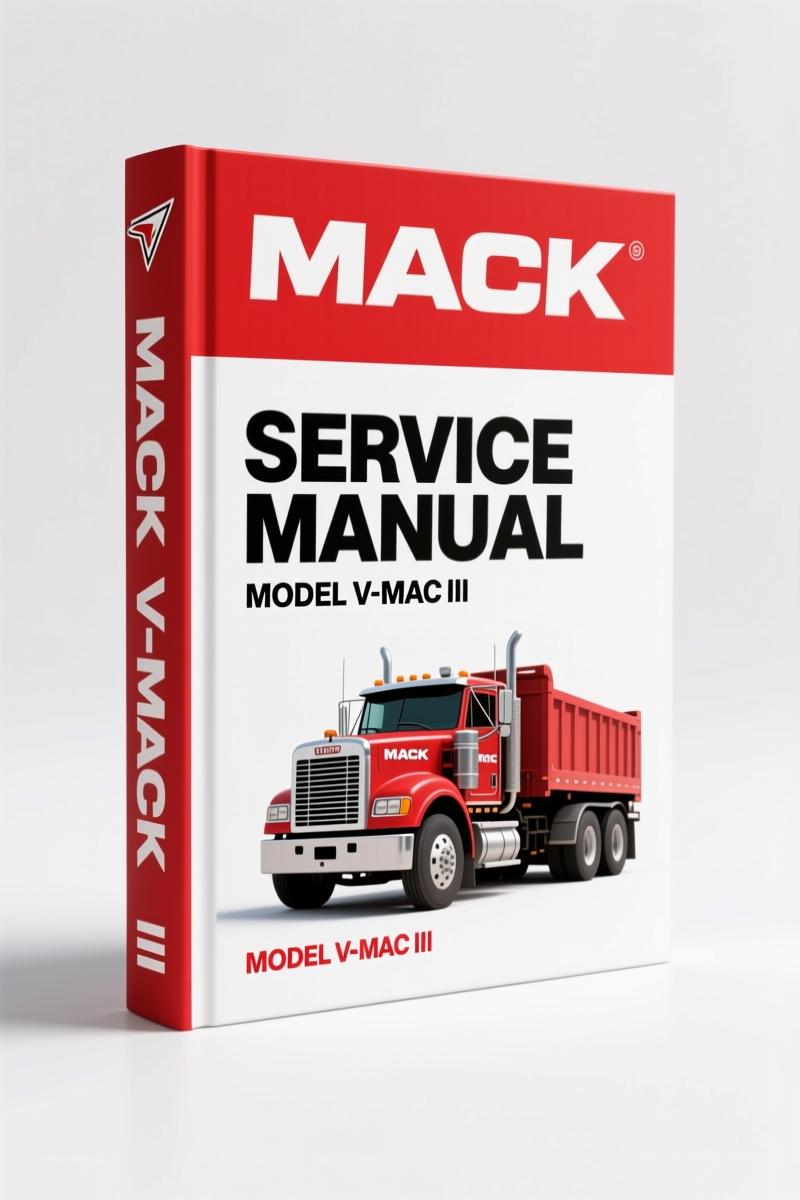
Mack V-MAC III 2008 Service Manual – OEM Factory Diagnostics
Original price was: $47.74.$31.00Current price is: $31.00.
OEM Mack V-MAC III 2008 Service Manual: 758 pages of factory diagnostics, fault codes, and system overview. Order now.
Description
Mack V-MAC III 2008 Service Manual – OEM Factory Diagnostics
Right off the bat, I’ll tell you: if you’re working on a Mack V-MAC III 2008 Service Manual truck and you don’t have the factory book, you’re guessing. Guessing costs hours and sometimes a tow. I’ve been turning wrenches since before most of you were born, and I’ve seen more aftermarket manuals that skip critical steps than I’ve seen broken leaf springs. This 758-page document from Mack Trucks, Inc. is the real deal. It’s the same book the dealer techs use, and it’s dated October 2008 (revised, supersedes July 2006). That matters because the air system, emissions controls, and V-MAC III logic changed between those dates. You need the latest revision.
Let’s talk about what’s inside. The table of contents starts with safety information – advisory labels, tool usage, Clean Air Act compliance. Then it jumps into Description and Operation starting on page 5. That’s where you get the V-MAC III system overview, sensors on page 8, cab and dashboard switches on page 12, and major functions on page 18. If you’re chasing a no-start or a limp-home code, that’s where you start. The manual walks you through each sensor, what it does, what voltage it should see, and where the connector is. I’ve used aftermarket books that say “refer to vehicle wiring diagram” – that’s not a guide. This manual gives you the pinout and the expected values.
V-MAC III System Overview: Sensors and Switches
Page 8 maps out every sensor on the engine and chassis. Engine oil pressure, barometric pressure, charge air temperature, coolant level – all with their own section. The cab and dashboard switches section (page 12) shows you the switch logic, which input goes to which ECM pin. If you’ve ever had a cruise control failure that ended up being a bad brake switch, you’ll appreciate the detail. The manual doesn’t assume you know which wire is which. It tells you.
One thing that separates this from a third-party reprint: the wiring diagrams are legible. They’re not scanned at 72 DPI and blurred. You can actually read the connector numbers and gauge sizes. That matters when you’re trying to figure out if a 16-gauge wire is supposed to handle the injector return or a ground.
Troubleshooting with Diagnostic Fault Codes
The troubleshooting section starts on page 21. System diagnostics on page 22 covers diagnostic tools (which scan tools work, which don’t), electrical terms, procedures, and – this is the gold – reading diagnostic fault codes starting on page 28. The manual gives you the blink code sequences. For example, Blink Code 1-1 for Engine Oil Pressure (EOP) sensor on ASET IEGR engine starts on page 46. That’s not just a chart – it’s a step-by-step. “Check for 5V reference at pin 2. If voltage is below 4.8V, test continuity between ECM and sensor.” You don’t need to guess. You follow the logic.
There are also SAE message descriptions on page 39. If you’re getting a J1939 code that doesn’t match your generic scan tool, this manual decodes it. I’ve seen guys spend half a day chasing a “fuel delivery fault” that was actually a sensor ground offset. The manual would have saved them that time.
Why Does This Manual Outperform Aftermarket Copies?
Aftermarket manuals often combine multiple years into one book, then tell you to “refer to the applicable section.” That’s a trap. The 2008 V-MAC III system is different from the 2007 version – the ECM part number changed, the injector harness routing changed, the diesel particulate filter regeneration strategy changed. This factory manual is specific to the 2008 model year. It’s printed by Mack Trucks, Inc., with the copyright and revision date. You can’t get that from a third-party reprint. I’ve used aftermarket manuals that had the wrong torque spec for the cylinder head bolts – that’s a blown gasket waiting to happen. Don’t risk it.
If you need related manuals for other Mack engines, check out Mack MP8 2009 Service Manual – OEM Factory Diesel Engine Repair and Mack MP8 2009 Service Manual – Factory OEM Diesel Engine Guide. Also, the Mack MP7 2009 Service Manual – OEM Factory PDF is useful for the MP7 platform. For general transmission information, see Manual Transmission and Manual Transmission on Wikipedia.
Safety Information and Tool Requirements
Page 2 of the manual covers advisory labels and service procedures. It tells you what personal protective equipment is required, how to lift the cab safely, and how to disconnect batteries to avoid ECM damage. The tool usage section on page 3 lists the specific tools – puller sets, injector removal tools, seal installation tools. If you’re a home garage guy, you need to know what you’re getting into before you tear into the V-MAC III wiring. This manual tells you. It’s not a “you can do it with basic tools” fantasy. It’s honest: you need a breakout box, a multimeter, and a scan tool that supports Mack’s proprietary protocol.
2008 Mack V-MAC III Service Manual: What’s Inside the 758 Pages
This is a 758-page document. It’s not a condensed quick reference. It’s the full service manual. The table of contents alone is several pages. It covers every blink code from 1-1 to whatever the last one is. It includes the Clean Air Act compliance information, so you know what you can and cannot modify. It has the Description and Operation section that explains how the V-MAC III system interacts with the engine, transmission, and aftertreatment. If you’re working on a Mack that has a check engine light, this manual will cut your diagnostic time in half.
Get the Right Torque Specs and Fluid Capacities
Torque specs are scattered throughout the manual, but they’re easy to find. The spec for the injection pump drive gear? The cylinder head? The turbocharger oil feed line? They’re all there. I’ve seen guys use a generic torque chart and snap a bolt. The factory manual gives you the exact value for the specific fastener. Fluid capacities for the engine oil, coolant, and hydraulic system are also listed. You don’t guess – you fill to the exact specification.
- What diagnostic tools are required to work with the V-MAC III system?
- A compatible scan tool (like Mack’s own diagnostic software) and a digital multimeter. The manual lists specific models on page 22.
- How do I read the blink codes from the V-MAC III ECM?
- The manual explains the procedure starting on page 28. You need to locate the diagnostic connector, jumper certain pins, and count the flashes. Each blink code is two digits – first digit flashes, pause, second digit flashes. For example, Blink Code 1-1 means one flash, pause, one flash. The manual then directs you to the specific page for that code. For the EOP sensor on the ASET IEGR engine, that’s page 46. The procedure includes checking the voltage at the sensor, testing the harness for shorts, and verifying the ECM output. If you follow it exactly, you’ll isolate the fault in less than 30 minutes. I’ve seen it work.
Don’t waste time with aftermarket copies that blur the wiring diagrams. Access the Factory Manual from AutoRepairManuals. It’s the original OEM PDF, searchable, printable, and dated 2008. You’ll have the same information a Mack dealer tech would. That’s the difference between a repair that lasts and one that comes back on a hook.
Additional information
| Brand | Mack |
|---|---|
| Language | English |
2 reviews for Mack V-MAC III 2008 Service Manual – OEM Factory Diagnostics
Only logged in customers who have purchased this product may leave a review.
You may also like…
-
Sale!
Mack ASET AI, ASET AMI 2006 Service Manual – OEM EGR Diesel Specs
Original price was: $64.35.$45.00Current price is: $45.00. -
Sale!
Mack E9 1993 Service Manual – OEM Factory Engine Overhaul
Original price was: $57.60.$45.00Current price is: $45.00. -
Sale!
Mack T313, T318 2008 Service Manual – Factory Transmission Procedures
Original price was: $67.50.$45.00Current price is: $45.00. -
Sale!
Mack GU, CHU, CXU, TD 2010 Troubleshooting Manual – OEM Wiring & Diagnostics
Original price was: $70.65.$45.00Current price is: $45.00.
Related products
-
Sale!

Acura NSX 1991 Service Manual – 1420 Pages OEM
Original price was: $102.05.$65.00Current price is: $65.00. -
Sale!

1992 Electrical Schematic – International 1000/3000/4000/2554 OEM Wiring Diagrams (132 Pages)
Original price was: $26.40.$20.00Current price is: $20.00. -
Sale!

Technical Manual – International DT 530 & HT 530 (118 Pages)
Original price was: $37.00.$25.00Current price is: $25.00. -
Sale!

Service Manual – International HS 2.8L Engine – 130 Pages of Factory Specs
Original price was: $56.40.$40.00Current price is: $40.00.
Michael T. –
Great workshop guide. Quick access after payment. Every wiring layout is provided for Mack VMAC. I will definitely buy again.
workshop_guy –
I am very pleased with this manual. It is very easy to read on my iPad without blur. Contains clear wiring diagrams for Mack. Saved my repair job! Thank you.