
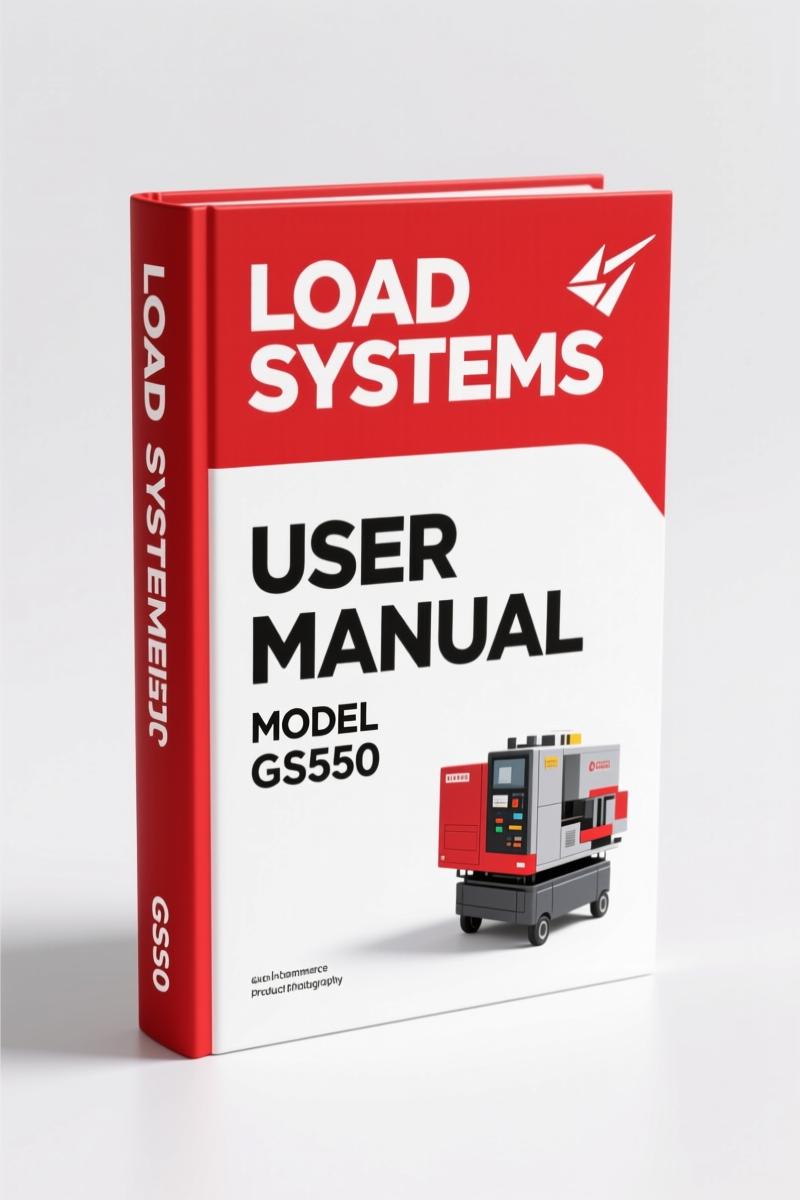
Load Systems GS550 2004 User Manual – OEM Specifications for Crane Load Indicator
Original price was: $11.75.$7.99Current price is: $7.99.
Official Load Systems GS550 2004 User Manual – 89 pages covering display operation, menu system, diagnostics, and preventive maintenance.
Description
Load Systems GS550 2004 User Manual – OEM Factory Specs for Crane Load Indicators
If you’re working with a crane load indicator and you don’t have the factory manual on the bench, you’re guessing with equipment that can kill. I’ve seen aftermarket manuals that skip the menu numbers, ignore the password lockout procedure, and show generic wiring. That’s not how you keep a boom from folding. The Load Systems GS550 2004 User Manual is the real deal – 89 pages, direct from Load Systems International, printed in 2004. It tells you exactly how the GS550 display works, what each sensor status light means, and how to run the system diagnostic without tripping a lockout.
Display GS550 and Menu Navigation
Page 7 of this manual starts with the GS550 display layout – liquid crystal display, infrared port, keypad. It’s not a guess. You get the exact menu numbers (page 12) and menu navigation flow. If you have ever locked yourself out of a load indicator because you didn’t know the password protection procedure, you’ll appreciate the steps on page 13. The manual walks you through the menu layout, so you can program rated capacity indicators without scrolling blind. That’s the difference between a safe lift and a snapped cable.
What Does the System Diagnostic Cover?
Page 17 kicks off the system diagnostic section. It breaks into three sub-diagnostics: System Sensors Diagnostic, Radio Network Diagnostic, and Lockout Diagnostic. If a sensor is reading flaky, you run the sensor diagnostic first. The manual tells you what the sensor status lights should indicate – not a third-party rewrite. I’ve seen techs replace a perfectly good boom angle sensor because they didn’t have the factory diagnostic flow. That’s wasted money and downtime. Use the manual, verify the sensor before you swap parts.
Password Protection and Menu Layout
Menu numbers are indexed on page 12. Each menu has a code. The password protection on page 13 keeps unauthorized operators from changing critical settings like rated capacity limits or crane rigging parameters. If you skip the password procedure, you could accidentally override a safety limit. The manual shows the exact menu layout – which buttons map to which functions. It’s laid out so you can train a new operator in one session instead of three.
7 Sections in This 89-Page Manual
The TOC shows: Introduction (5 pages), Operation (7), Display GS550 (8–10), Menu System (11–13), Parts of Line (14–15), Display Settings (16–17), System Diagnostic (17–19). That’s seven core sections. Each one builds on the last. You don’t jump to diagnostics without understanding the chart wizard on page 15. Rated capacity indicators are explained on page 14 with real numbers – 10,000 lb, 15,000 lb, radius in feet. All imperial units, no metric conversion needed for North American jobs.
Load Systems GS550 2004 User Manual: Why OEM Documentation Matters
Aftermarket manuals often pull schematics from unknown sources. This manual has the original document part number GM550, Revision B. It covers version compatibility (page 5) so you know if your GS550 firmware matches the manual. If you are working on a fleet, you need that compatibility check. I keep a copy next to every load system I service. For the TCC-450 crane controllers, you want the Load Systems GS550 TCC-450 Operators Manual – OEM Factory Specs and the Load Systems TCC-450 Installation Manual – OEM Factory Specs. For excavator work, grab the Hitachi ZAXIS225US-3 2007 Operators Manual | OEM Factory Specs.
External resources like Manual Transmission aren’t related to crane load systems, but the same principle applies – use OEM manuals, not translations. If you need a reference for general manual transmission work, check Manual Transmission articles on Wikipedia.
Frequently Asked Questions
- Does this manual cover the Chart Wizard?
- Yes – page 15.
- How do I reset the password if I forgot it?
- The password protection section on page 13 gives the default password and the procedure to reset it through the menu numbers. You need to enter menu 7 (system setup), then navigate to password settings. The manual lists the exact key sequence. If you have an older firmware version, check the version compatibility on page 5 first. If the manual doesn’t list your specific firmware, contact Load Systems with your unit serial number.
- Is this manual only for the GS550, or does it cover other Load Systems models?
- This manual is for the GS550 only. For the TCC-450, use the operators manual linked above.
- What if I need a paper copy instead of PDF?
- The PDF you access from AutoRepairManuals is a full-resolution scan of the original 89-page printed manual. You can print it or keep it on a tablet.
If you work on crane load indicators, you need factory data – torque specs for mounting bolts, sensor calibration values, lockout thresholds. This 2004 GS550 User Manual has them. Access the Factory Manual from AutoRepairManuals and put it on your workbench. It’s the difference between a planned lift and a job-site failure.
Additional information
| Brand | Load Systems |
|---|---|
| Language | English |
3 reviews for Load Systems GS550 2004 User Manual – OEM Specifications for Crane Load Indicator
Only logged in customers who have purchased this product may leave a review.
You may also like…
-
Sale!

CDS 705C, 706C, 708C 1981 Parts Catalog – OEM Forklift Specs
Original price was: $61.60.$40.00Current price is: $40.00. -
Sale!

Acura NSX 1991 Service Manual – 1420 Pages OEM
Original price was: $102.05.$65.00Current price is: $65.00. -
Sale!
Load Systems TCC-450 Installation Manual – 16 Pages
Original price was: $41.40.$30.00Current price is: $30.00. -
Sale!
Load Systems GS550, TCC-450 Operators Manual – 29 Pages
Original price was: $15.39.$10.99Current price is: $10.99.
Related products
-
Sale!

1994 Troubleshooting Manual – International 1000-4000 FBC
Original price was: $60.00.$50.00Current price is: $50.00. -
Sale!

1991 Operators Manual – International Truck OEM Specs (108 Pages)
Original price was: $13.63.$10.99Current price is: $10.99. -
Sale!

Acura Integra 1998 Service Manual – 1891 Pages Factory OEM Documentation
Original price was: $31.75.$25.00Current price is: $25.00. -
Sale!

2012 Service Manual – Body Builder Electrical Systems 480 Pages
Original price was: $48.28.$34.00Current price is: $34.00.
Thomas B. –
This is just what I needed. The file is very clear. A must-have for any Load Systems Systems mechanic doing maintenance. Worth every penny.
Robert M. –
Great workshop guide. The scan is high-quality and easy to navigate. Contains clear schematics for Load Systems. Saves me a lot of money.
diy_master –
Perfect factory service manual. The PDF is high resolution. Contains detailed schematics for Load Systems. I will definitely buy again.