
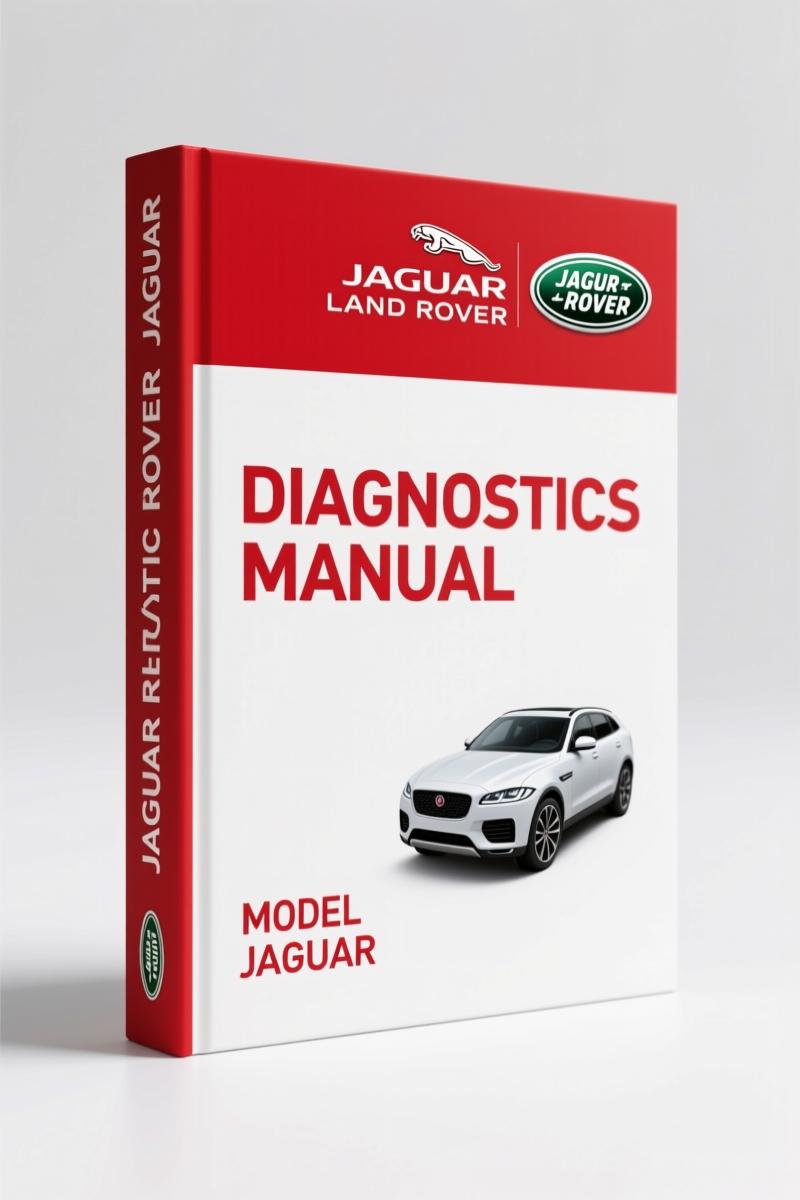
Jaguar Land Rover 2018 Diagnostics Manual – 55-Page OEM Document
Original price was: $23.97.$17.00Current price is: $17.00.
OEM 2018 Jaguar Land Rover Diagnostics Manual – 55 pages of SDD software setup, VDF delivery, and SPA files for JLR dealership tooling.
Description
I’ve seen too many diag setups go sideways because someone grabbed a third-party PDF off the wrong server. This Jaguar Land Rover Jaguar, Land Rover 2018 Diagnostics Manual is straight from the manufacturer – 55 pages of exactly what you need to get SDD running on your Panasonic unit, access the right VDF files, and avoid the firewall/update conflicts that eat billable hours. Page 2 spells out every software file you’ll need, including the Panasonic Configuration Script (v17) that locks down Windows Automatic Updates and sets Internet Explorer levels. If you’re chasing a no-comm issue on a 2018 Range Rover or Jaguar F-Pace, start here.
SDD Software Installation Files
Page 2 lists three installation paths: the Full SDD Software Installation file (SDD 153.00_FULL.exe) for a fresh machine, the Update installation file for stepping up from a previous version, and the T4 Installation Software for Land Rover models from 1995 to 2006. The manual also calls out that VDF and SPA files are now auto-requested – you don’t manually access them unless you’re running older equipment. That alone saves you from wasting time on outdated delivery methods.
What Vehicle Data Files (VDF) Cover?
If you’ve ever had a Land Rover throw a communication error mid-diagnostic, you already know the VDF is your lifeline. Page 2 explains that Jaguar Land Rover changed delivery so VDF files are automatically requested as needed – no manual hunt through the Diagnostic Delivery Server. Still, the manual shows you where to find them if your machine isn’t set for auto-access. On-board Diagnostics (OBD) standards rely on correct VDF loading; miss this step and you’ll waste a shift.
Single Point Authoring (SPA): What the Manual Covers
SPA files handle the authoring data for diagnostic routines. On page 3, the manual states these are also auto-requested now. But if your SDD machine is offline or using a proxy, you need to know the fallback procedure. This section details the server URL (http://diagnosticdelivery.jlrext.com/idscentral/) and the fact that SPA files don’t require manual intervention. Worth reading even if you think your setup is fine – one misconfigured firewall and you’re stuck.
Language Options: 12 Languages Supported
Page 1 shows a dropdown with 12 languages – English, Portuguese (Brazilian and European), Chinese, Dutch, French, German, Italian, Japanese, Korean, Russian, Spanish. That means you can give techs or customers instructions in their native language. The manual itself is multi-lingual from the front. Automotive Industry Overview shows global dealerships need this. If you’re running a shop that works on JLR imports, having the language selector right in the manual cuts down on translation errors.
Configuring the Panasonic Unit
The Panasonic Configuration Script is the most overlooked step. Page 2 lists JLR PanasonicScript-Setup v17.zip – this sets firewall rules, antivirus exclusions, desktop image, Internet Explorer security level, and disables Windows Automatic Updates. Skip this and SDD will either refuse to launch or corrupt your diagnostic session. The manual’s instruction is clear: run this script before installing any SDD software. No shortcuts.
Know your software versions. Page 2 lists SDD 153.00, RDS 7.00, and T4. If your machine is older than 2018, the Update installation file is your path. The manual also warns that text highlighted in red indicates version numbers. I’ve seen techs grab the wrong .exe because they didn’t read that red annotation. Don’t be that person.
Related Manuals
- Jaguar Land Rover Adaptive Fuel Trim Display Tutorial
- Jaguar Land Rover Integrated Diagnostic System (IDS) Training
- MaxiTPMS TS601 TPMS Diagnostics Manual Table of Contents
- Does this manual include repair procedures or torque specs?
- No. This is strictly a diagnostics software manual covering SDD installation, VDF, SPA, and language options.
- What software versions are listed in the manual?
- Page 2 lists SDD 153.00_FULL.exe, RDS 7.00 & T4, and the Panasonic Configuration Script v17. The manual also references Update installation files for upgrading from previous SDD versions.
- Can I use this for older Land Rover models from the 1990s?
- Yes, partly. The manual includes T4 Installation Software for Land Rover models 1995-2006, but the primary focus is SDD for 2006+ vehicles. For older models, you’ll also need the T4-specific files that are mentioned on page 2 but not fully detailed. This manual gives you the server URL and the T4 software access link, so you can get the rest from the manufacturer’s portal.
- How do I access the SDD software if my machine is offline?
- The manual provides the URL http://diagnosticdelivery.jlrext.com/idscentral/. If you’re offline, you’ll need to access the Full SDD installation file on another machine and transfer it via USB. The manual does not cover offline transfer steps, but the file names and version numbers are all there.
This is the OEM document that Jaguar Land Rover dealers use. If you’re maintaining or repairing modern Jaguar and Land Rover vehicles, you need the exact software setup steps, VDF/SPA handling, and language support. Access the Factory Manual and get your SDD installation right the first time.
Additional information
| Brand | Jaguar Land Rover |
|---|---|
| Language | English |
3 reviews for Jaguar Land Rover 2018 Diagnostics Manual – 55-Page OEM Document
Only logged in customers who have purchased this product may leave a review.
You may also like…
-
Sale!

Acura NSX 1991 Service Manual – 1420 Pages OEM
Original price was: $102.05.$65.00Current price is: $65.00. -
Sale!
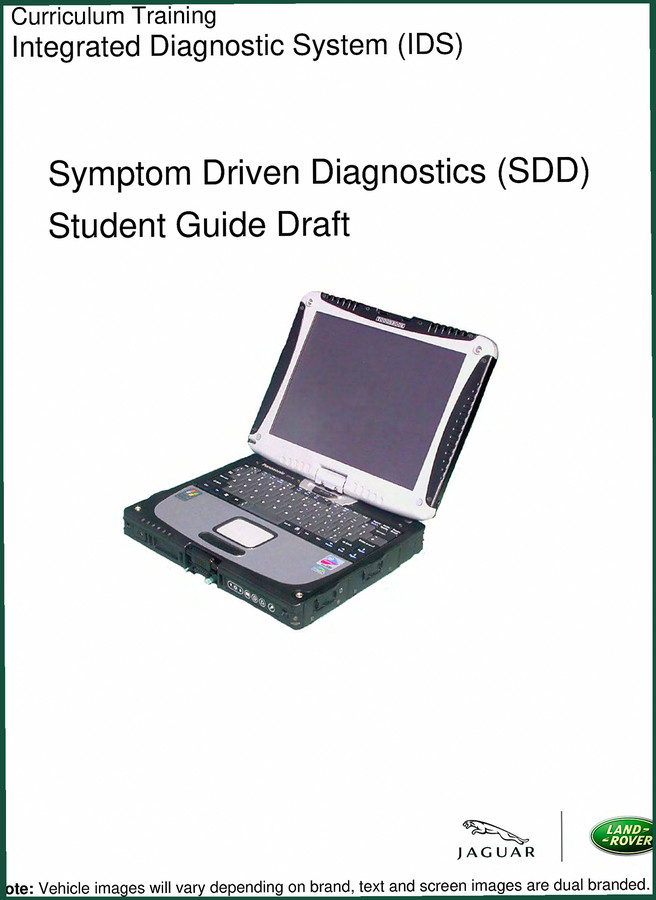
Jaguar Land Rover Land Rover 2009 Training Manual – OEM SDD Guide
Original price was: $44.70.$30.00Current price is: $30.00. -
Sale!

CDS 705C, 706C, 708C 1981 Parts Catalog – OEM Forklift Specs
Original price was: $61.60.$40.00Current price is: $40.00. -
Sale!
Jaguar Land Rover Training Manual – Adaptive Fuel Trim Display Diagnostics
Original price was: $40.20.$30.00Current price is: $30.00.
Related products
-
Sale!

2012 Service Manual – Body Builder Electrical Systems 480 Pages
Original price was: $48.28.$34.00Current price is: $34.00. -
Sale!

1991 Operators Manual – International Truck OEM Specs (108 Pages)
Original price was: $13.63.$10.99Current price is: $10.99. -
Sale!

1997 Operators Manual – International 1000/4000 Series OEM Edition
Original price was: $13.49.$9.99Current price is: $9.99. -
Sale!
1995 Operators Manual – International 1000-4000 Series | OEM Documentation
Original price was: $12.49.$9.99Current price is: $9.99.
Michael T. –
Perfect workshop guide. The text is searchable and well indexed. A must-have for any Jaguar Land Rover Land owner doing maintenance. Highly recommended for mechanics.
James L. –
Outstanding! The document looks clean. A must-have for any Jaguar Land Rover Land mechanic doing maintenance. I will definitely buy again.
Richard G. –
This is just what I was looking for. It is very easy to read on my laptop without losing quality. It helped me to rebuild my Jaguar Land Rover Land transmission. Saved my repair job! Thanks.