
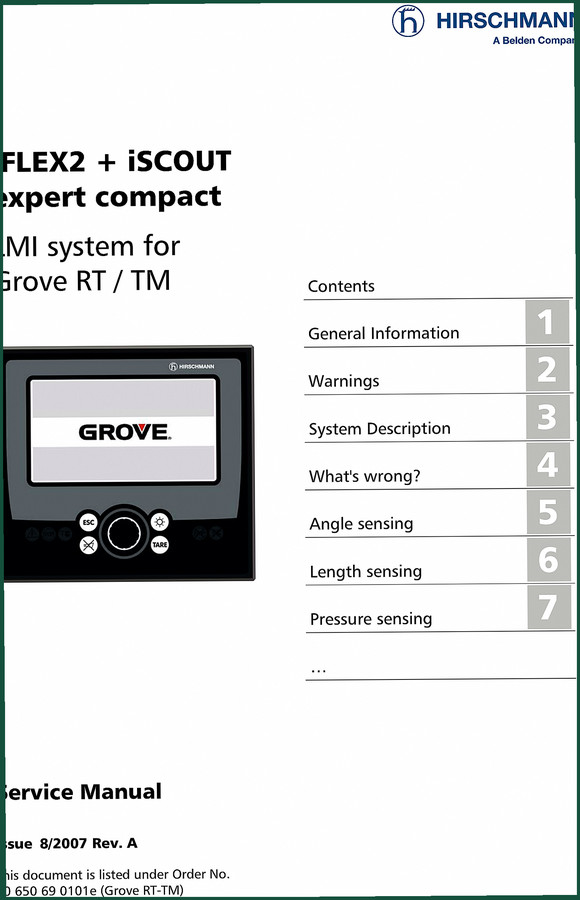
Hirschmann iFLEX2, iSCOUT 2007 Service Manual – Grove Crane LMI
Original price was: $40.50.$30.00Current price is: $30.00.
Official 2007 Hirschmann iFLEX2 iSCOUT Service Manual – 61 pages of diagnostic flow charts, wiring diagrams, and sensor calibration for Grove RT/TM cranes.
Description
Hirschmann iFLEX2, iSCOUT 2007 Service Manual
If you’ve got a Grove RT or TM crane with a Hirschmann iFLEX2, iSCOUT 2007 Service Manual system acting up, you’re past the point of guessing. I’ve seen techs replace sensors because they didn’t have the right calibration procedure, then come back to me with a $400 paperweight. This manual is the factory document – 61 pages, Hirschmann Automation and Control GmbH, issue 8/2007 Rev. A. It’s what I pull when a customer swears the angle display is off but the sensor checks out. Without this, you’re flying blind on a load moment indicator. And that gets people killed.
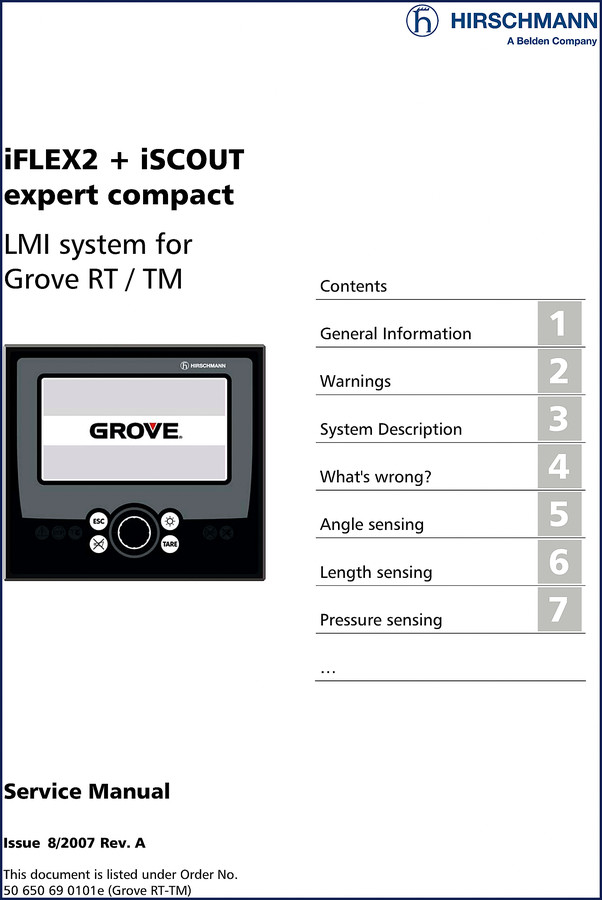
What’s Wrong? — Diagnostic Flow Charts for 10 Common Issues
Chapter 4 is titled “What’s Wrong?” and it’s exactly what you need. Ten sub-sections starting from “I have an error code indicated on the console” through “I have noticed water in some part of the system.” Each one points you to a flow chart in the sensing chapters. No fluff text, no generic troubleshooting – just decision trees that walk you through a sensor mismatch or a blank console. If the displayed length doesn’t match, section 4.3 sends you to Length Sensing (chapter 6) with a flow chart. I’ve used this on a TM500E-2 that kept shutting down under load. Turned out to be a pressure transducer drift, not a blown central unit. Saved me four hours of pulling harnesses.
Does This Manual Cover the CAN Bus System?
Yes, and it explains it better than most field service bulletins. Chapter 3 gives a description of the CAN bus system – section 3.2 specifically. Then chapter 12 dives into CAN-Bus communication with error codes E61 through E65. Each code has its own flow chart. E64? You get a full decision tree on page 12 (the manual’s pagination, not the PDF page). I’ve seen a tech replace an entire central unit because he didn’t know E61 was a cable reel wiring issue. That’s a $2,000 mistake you won’t make with this manual in hand. The block diagram and electrical system diagrams in chapter 14 show the whole CAN bus layout – standard system, central unit details, sensor wiring, console wiring, and crane-specific interfaces for RT530-2, RT540E, RT600E, RT700E, RT875E, and TM500E-2. All OEM Hirschmann prints, not some redrawn mess.
7 Sensing Systems Covered
Angle, length, pressure, slewing, load – plus A2B and CAN-bus. Each has its own chapter with a dedicated error flow chart. For example, angle sensing: chapter 5 with flowchart 5.1. Pressure sensing: chapter 7, flowchart 7.1. Load sensing: chapter 9, flowchart 9.1. If you’re working on a crane with the iFLEX2 + iSCOUT expert compact, these are the building blocks. The manual also includes a full sensor calibration section (chapter 15), including zero-setting pressure inputs, zero-setting slewing inputs, length sensor calibration with cable reel replacement procedure, and angle sensor calibration. No assumptions, no “refer to dealer” – it’s all there in black and white.
Get the Right Wiring Diagrams for Your Crane Model
Chapter 14 is pure gold. Besides the block diagram and electrical system overview, you get specific crane interface wiring diagrams. Crane Interface RT530-2 / RT540E on page 4, RT600E / RT700E / RT875E on another page, TM500E-2 on yet another. Plus cable reel wiring for two different part numbers: LG152/0056 and LWG520/0002. There’s even a luffer extension wiring diagram. I’ve seen third-party manuals that cram all cranes into one generic schematic where pins shift. That leads to shorts. This manual gives you the exact diagram for your chassis. No guesswork. Use the main central unit connector pinout to verify continuity without pulling your hair out.
Source Authenticity: OEM Hirschmann Factory Print
This is not a scanned copy of a photocopy that someone cleaned up in Photoshop. It’s the original factory service manual from Hirschmann Automation and Control GmbH, a Belden company, dated 2007 Rev. A. Order number 50 650 69 0101e (Grove RT-TM). The document includes revision history (chapter 18). Aftermarket manuals love to drop the moisture ingress section (chapter 17, troubleshooting moisture with water ingress and condensation). Hirschmann kept it. Water in the system? Chapter 4.10 sends you to specific checks. If you’ve ever had a console go blank after a rainstorm, you’ll appreciate that section. I trust OEM documentation because the torque specs, wire colors, and calibration constants come from the engineers who built the system, not a copy shop.
FAQ
- Does this manual include calibration steps for the iSCOUT console?
- Yes. Chapter 15 covers activating the service screen, zero-setting pressure and slewing inputs, length sensor calibration, cable reel replacement, and angle sensor calibration.
- What is the difference between the iFLEX2 and iSCOUT systems in this manual?
- The iFLEX2 is the central unit and load moment indicator processor. The iSCOUT expert compact is the console display and operator interface. This manual covers both together as an integrated LMI system for Grove RT/TM cranes. It includes wiring diagrams for the central unit (details A and B), console wiring, and the specific crane interface harnesses. If you need to diagnose a blank console, the manual starts at chapter 10 “No Console Display” and works through power, CAN bus, and central unit checks. The two units communicate via the CAN bus described in chapter 12. If you only have one component, you still need the other’s specs to test voltage and signal paths.
Look, I’ve been turning wrenches since before CAN bus existed. I don’t recommend manuals that make you fill in the blanks. This Hirschmann iFLEX2, iSCOUT 2007 Service Manual fills every blank. If you’re serious about keeping your Grove RT or TM safe and operational, Access the Factory Manual from AutoRepairManuals. Keep it in your service truck or on your tablet. You’ll use it every time a code pops up or a load display goes wonky. Don’t trust your LMI to guesswork.
Related Manuals
- Hirschmann iFLEX2 + iSCOUT Service Manual
- Hirschmann PAT DS 350GM Service Manual for Grove Cranes
- HIRSCHMANN DS 350 GW 2005 Service Manual
External references: Manual Transmission – not directly related but good background on mechanical torque specs. Manual Transmission – same reference for context on gear-driven systems.
Additional information
| Brand | Hirschmann |
|---|---|
| Language | English |
3 reviews for Hirschmann iFLEX2, iSCOUT 2007 Service Manual – Grove Crane LMI
Only logged in customers who have purchased this product may leave a review.
You may also like…
-
Sale!
Hirschmann DS 350 GW, DS350G 2005 Service Manual – OEM LMI Specs
Original price was: $64.35.$45.00Current price is: $45.00. -
Sale!
Hirschmann DS 160 2006 Service Manual – OEM LMI Diagnostics
Original price was: $68.85.$45.00Current price is: $45.00. -
Sale!
Hirschmann Mentor 2011 Service Manual – Factory Calibration & Diagnostics for LMI Systems
Original price was: $63.45.$45.00Current price is: $45.00. -
Sale!
Hirschmann PAT DS 350, IFLEX5 2008 Operators Manual – OEM Specs
Original price was: $69.75.$45.00Current price is: $45.00.
Related products
-
Sale!

1996 Operators Manual – International 1000-4000 Series (246 pages)
Original price was: $15.28.$9.99Current price is: $9.99. -
Sale!

Acura NSX 1991 Service Manual – 1420 Pages OEM
Original price was: $102.05.$65.00Current price is: $65.00. -
Sale!

1991 Operators Manual – International Truck OEM Specs (108 Pages)
Original price was: $13.63.$10.99Current price is: $10.99. -
Sale!
International 1000-3000 Series Operators Manual – 132 Pages of OEM Specs
Original price was: $14.40.$10.99Current price is: $10.99.
Richard G. –
Outstanding! Immediate link after payment. Every wiring layout is provided for Hirschmann iFLEX2,. Saved my repair job! Thank you.
Charles W. –
This is exactly what I needed. The file is very clear. Contains clear schematics for Hirschmann. Saved my weekend project! Thanks.
David K. –
This is exactly what I needed. The pages are clean and well indexed. A must-have for any Hirschmann iFLEX2, mechanic doing maintenance. I will recommend this shop to others.