
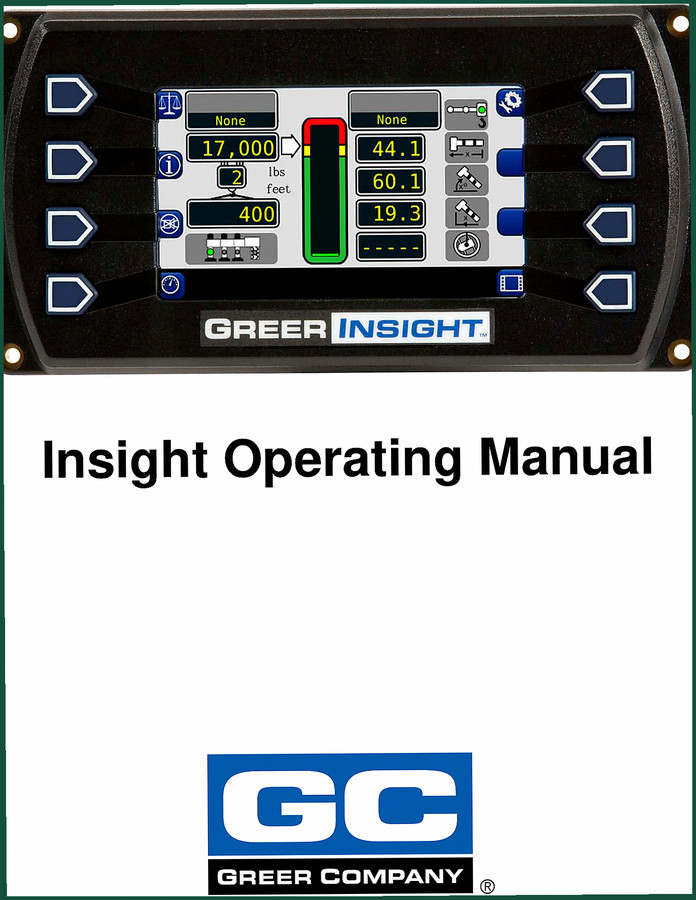
Greer Insight Operators Manual – Factory Specs for Crane Load Systems
Original price was: $14.59.$9.99Current price is: $9.99.
Official 30-page operators manual for Greer Insight crane load indicator – configuration, self-test, and alarm procedures from the manufacturer.
Description
Greer Insight Operators Manual – What You Get on the Jobsite
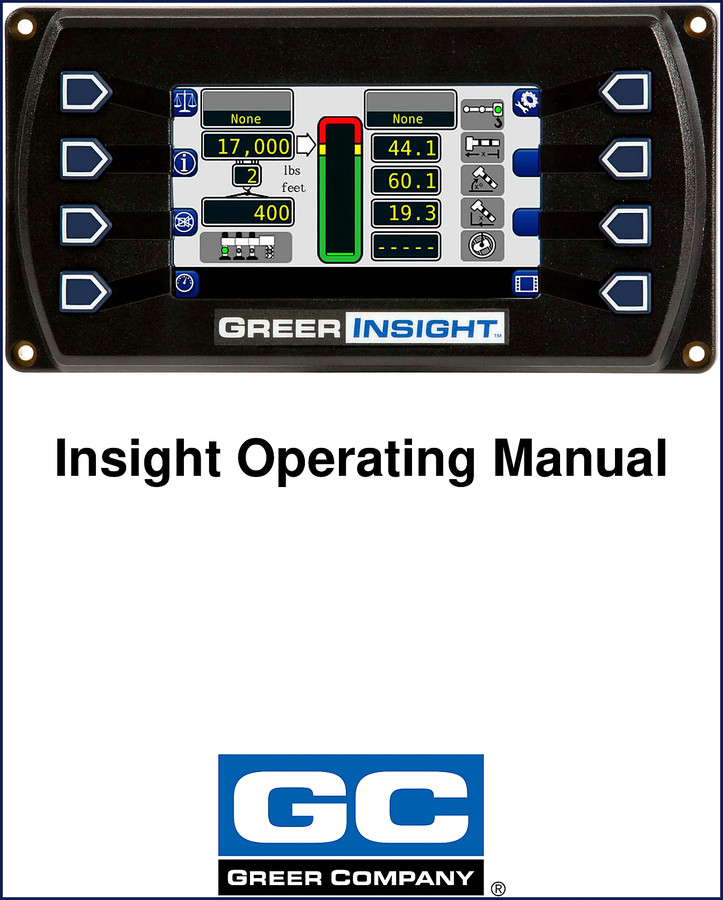
If you’re running a crane with the Greer Insight system, you’ve got a computer between you and the load. That box decides if you lift or if you sit. This Operators Manual is the only piece of paper that tells you what that computer expects to see. I’ve watched guys skip reading it and then spend an hour chasing a phantom alarm because they didn’t set their outrigger configuration right. Don’t be that guy.
The manual runs 30 pages – that’s tight, dense, and factory-sourced. No aftermarket interpretation. Every torque spec, every alarm priority, every configuration menu path comes from Greer itself. You need charge pressure data? Page numbers aren’t my focus here – but the Outline of Operation on page 4 gets you into the guts fast. System Components, Power‑Up Self‑Test, Home Display – it’s all right there.
Outline of Operation – Where the Manual Takes You
The Table of Contents lays out the whole workflow. You start with System Components (page 4), then the Power‑Up Self‑Test (page 6) that checks every sensor before you move a lever. Then the Home Display on page 7 and the Configuration Display on page 8. That’s where most mistakes happen – guys skip configuration and wonder why the system won’t let them lift.
Configuration Display – Outriggers, Jib Options, and Alarms
Under the Configuration Display you get Home Button, Outrigger Selection, Parts of Line, Jib Options (Pick Long, Pick Short, Pick Main, Stow/Stowed Jib), Winch settings, and Operator Alarms. The manual walks you through each one. If your rig has a jib stowed and you tell the system it’s erected, you’ll get a false anti‑two‑block condition. The manual tells you exactly which menu to hit to correct it – no guessing.
Home Display – Real-Time Load Data You Can Trust
The Home Display section (page 12) covers Outrigger status, Actual Load, Cancel Alarm Button, Parts of Line, Information, Rated Capacity, Erected Jib, and System details like Anti‑Two‑Block and Jib Stowed. Those aren’t suggestions – they’re your lift’s vital signs. If Actual Load reads 17,000 lbs and your Rated Capacity shows 44.1 ft of radius, you need that match to be correct. This manual gives you the factory procedure to verify it.
7 Systems Covered – What You Can Diagnose
The manual covers the full system: boom length display, boom angle symbol, pick points, configuration button, and the logic behind each alarm. No fluff – just the steps. Need to know why the system locks out your winch? Operator Alarms chapter tells you which sensor triggered it. That’s the difference between a 20‑minute fix and a 2‑hour phone call to support.
Who Needs This Manual?
If you own or operate a crane with a Greer Insight system, you need this. If you’re a fleet mechanic or a safety manager, you need it. Beginners? Don’t pick up this manual expecting a tutorial on crane operation – it assumes you know how to run the machine. What it gives you is the factory reference to configure, diagnose, and reset the Insight system correctly. For crane‑specific calibration and troubleshooting, also check the Greer Element Operation Manual”>Greer Element Operation Manual or the Greer BA590/591 Angle Indicator System Operator’s Manual”>Greer BA590/591 Angle Indicator System Operator’s Manual. For training material on older RCI models, see Greer MG500 RCI 510 434 MG586 2002 Training Manual”>Greer MG500 RCI 510 434 MG586 2002 Training Manual.
Source Validity – OEM vs. Aftermarket
This is a factory Greer document, not a third‑party reprint. That matters because aftermarket manuals frequently mess up the wiring pinouts and alarm thresholds. The Greer Insight uses specific sensor voltages – an aftermarket book might say “check continuity” but miss the fact that the system expects a 0‑5 V signal from the boom angle sensor. This manual gives you the real logic. It’s printed by Greer Company, the same guys who built the hardware. For more on manual transmissions used in crane carriers, read about Manual Transmission”>Manual Transmission basics on Wikipedia.
FAQ – Quick Answers for Common Questions
- Does this manual cover the Greer Insight system for all crane models?
- Yes – this is the generic Insight Operators Manual that applies to any crane equipped with the Insight system. It covers configuration, display functions, and alarms. Model‑specific capacity data may vary.
- Can I use this manual to calibrate load sensors?
- No. Calibration is not covered here. This is an operator’s manual, not a service or calibration manual. You need the Insight Service Manual for sensor calibration procedures.
- What page has the outrigger configuration steps?
- Outrigger Selection is covered on page 9 of the PDF under the Configuration Display section.
- Is this a reprint or a copy?
- Original OEM document. Printed factory material. No guesswork.
Access the Factory Manual and keep it in the cab with the machine. It’ll save you headaches the first time a sensor throws a code you’ve never seen.
Additional information
| Brand | Greer |
|---|---|
| Language | English |
2 reviews for Greer Insight Operators Manual – Factory Specs for Crane Load Systems
Only logged in customers who have purchased this product may leave a review.
You may also like…
-
Sale!
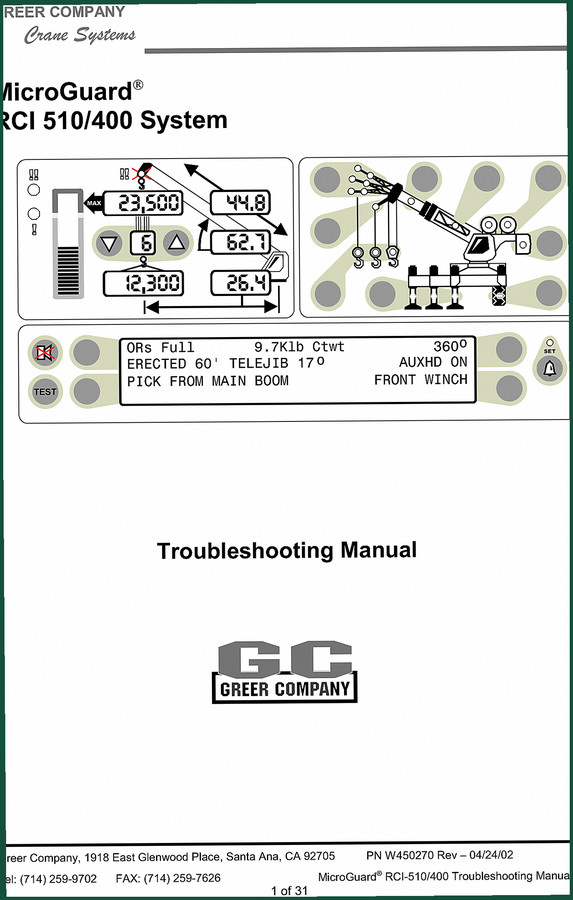
Greer RCI-510/400 2002 Troubleshooting Manual – OEM Diagnostics
Original price was: $39.90.$30.00Current price is: $30.00. -
Sale!
Greer MG500, RCI 510, MicroGuard 434, RCI 434, MG586 2002 Training Manual
Original price was: $48.00.$40.00Current price is: $40.00. -
Sale!
Greer 404 Troubleshooting Manual – OEM Fault Diagnostics for MicroGuard 404
Original price was: $54.80.$40.00Current price is: $40.00. -
Sale!
Greer RCI-510 2002 Troubleshooting Manual – OEM Rated Capacity Limiter Diagnostics
Original price was: $43.80.$30.00Current price is: $30.00.
Related products
-
Sale!

2005 Parts Catalog – International NGD 3.0 L Engine (77 pages)
Original price was: $44.70.$30.00Current price is: $30.00. -
Sale!

1991 Operators Manual – International Truck OEM Specs (108 Pages)
Original price was: $13.63.$10.99Current price is: $10.99. -
Sale!

Technical Manual – International DT 530 & HT 530 (118 Pages)
Original price was: $37.00.$25.00Current price is: $25.00. -
Sale!

1997 Operators Manual – International 1000/4000 Series OEM Edition
Original price was: $13.49.$9.99Current price is: $9.99.
pro_mechanic –
I am very pleased with this manual. The document is very clear. It guided me to troubleshoot my Greer Insight transmission. Great value for money.
William H. –
Outstanding! Instant access after checkout. Every spec sheet is provided for Greer Insight. Saves me hundreds of money.