
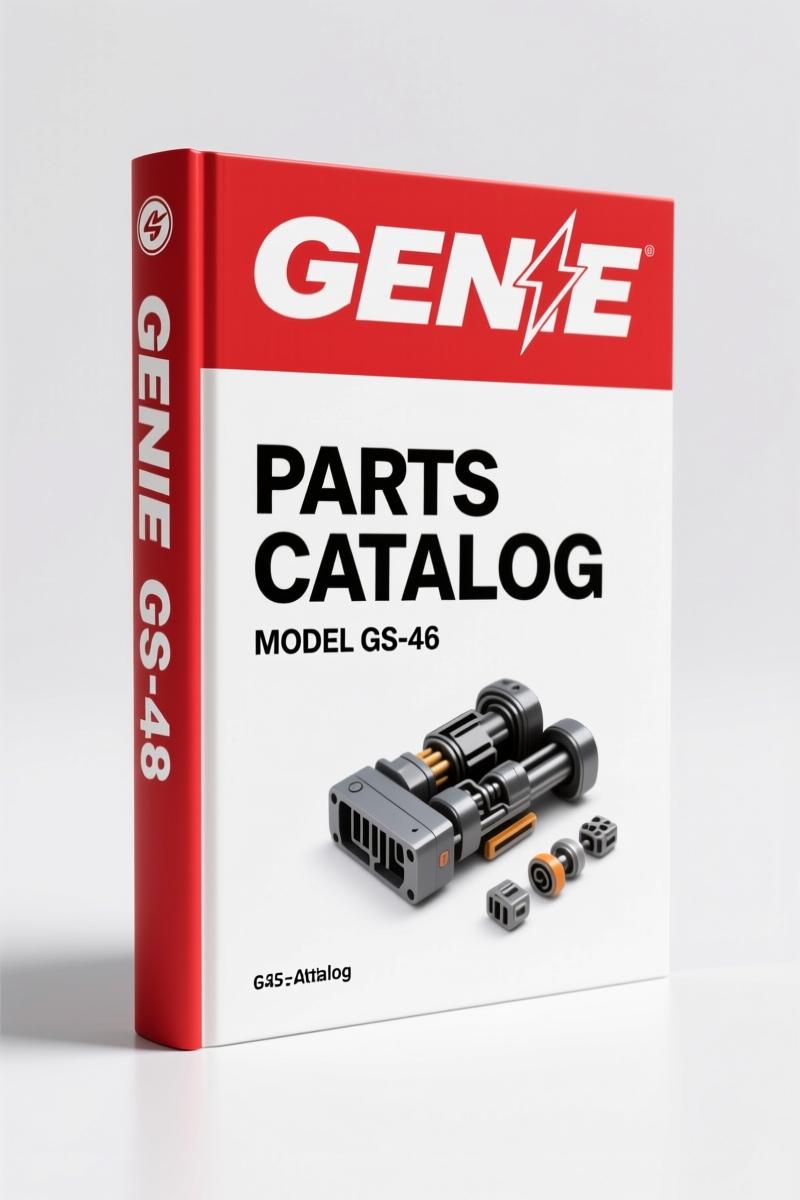
Genie GS-30, GS-32, GS-46 2012 Parts Catalog – OEM Parts Manual
Original price was: $34.75.$25.00Current price is: $25.00.
Genie GS-30, GS-32, GS-46 2012 Parts Catalog: 240 pages of OEM part numbers, exploded diagrams, and decal schematics for precise maintenance.
Description
Genie GS-30, GS-32, GS-46 2012 Parts Catalog
If you have ever ordered a decal kit based on a fuzzy photo and ended up with a placard that reads “Maximum Load” in the wrong font, you know exactly why this Genie GS-30, GS-32, GS-46 2012 Parts Catalog belongs on your bench. I have been turning wrenches on aerial lifts since before most of these machines were built, and I can tell you that guessing parts costs time and money. This manual is the factory original – not a photocopy, not a third-party compilation. 240 pages, spiral bound in PDF form, from Genie itself.
The first thing you will notice is that Genie gives you the serial number breakouts right up front. Page 2 lists exact ranges: GS-30 from GS3005A-76000 to GS3011A-109999, GS-32 from GS3005B-76000 through GS3009B-98941 and then a second range starting GS3008C-101, and GS-46 covering three separate serial number groups. You need to find your machine’s serial number before you open the catalog. Page 3 shows you how to read that serial number – model year, facility code, sequence number. Miss that step and you might order parts for a different build revision.
Decal Identification: Why This Section Matters
The original file name includes “Section_Decals_with_Words” because the decal pages are the heart of this catalog. Every safety label, every control placard, every warning decal is drawn with its part number and placement. I have seen shops order a “decal kit” and then spend an hour figuring out which sticker goes on the chassis rail versus the platform gate. This manual ends that. Each figure number links to an illustration showing exactly where the decal sits on the machine. The table of contents has live links – click the figure number, and you jump straight to the exploded view. That is not something you get from a scanned aftermarket copy.
Serial Number Ranges: Matching Your Machine
Genie built these scissor lifts over multiple years and multiple revisions. The 2012 catalog covers production up to that point, but it is specific to the serial number ranges listed on page 2. If your GS-46 has a serial number starting with GS4605C, you are outside this manual’s scope – you need the later revision. This is why buying a generic “2012 Parts Manual” from a random site is a gamble. Factory manuals track these breakouts exactly. The PDF bookmark structure mirrors the TOC, so you can navigate by model and figure without scrolling through 240 pages.
3 Common Mistakes When Ordering Parts
First, ignoring the serial number split. I have watched a tech order a lift cylinder for a GS-32 based on the model name alone, only to find the port fittings changed after serial number GS3008C. This catalog lists every part with its applicable serial range. Second, assuming decals are universal. A “Danger” decal on a GS-30 from 2005 is not the same part number as on a 2011 GS-46 – the adhesive backing changed. Third, using a parts manual from a different model year. The 2012 edition includes updated decal graphics and new part numbers that earlier manuals do not show. Do not mix revisions.
For a broader view of the construction equipment manual collection, check the Genie GS-30 GS-32 GS-46 2012 Parts Catalog page itself – that is the product you are looking at. If you also work on the smaller scissor lifts, the Genie GS-1530 GS-1532 GS-1930 GS-2032 2014 Operators Manual – Factory OEM covers operator procedures for those platforms. And for boom lift jobs, the Genie S-60, S-65 2012 Parts Catalog – Factory OEM Manual gives you the same factory-level detail for the S-series.
What About Aftermarket Copies?
I do not use them. Aftermarket parts catalogs often reprint the figures but omit the revision notes and the serial number tables. They might crop a decal illustration and lose the part number callout. Worse, they sometimes mix figures from different manual revisions. If you are working on a rental fleet that has machines across multiple serial breaks, one wrong part number can put a lift down for a week waiting on a replacement. Genie updates these manuals regularly – the copyright page says “Third Edition, Sixth Printing” for a reason. Stick with the OEM document. The Automotive Industry Overview might give you background on manufacturing standards, but for Genie parts you need Genie data.
Exploded Views and Part Number Callouts
Each figure in this manual shows an exploded assembly with callout numbers that tie to a parts list. For example, the platform control box has a figure showing every toggle switch, pot, and connector with its Genie part number. You do not have to cross-reference a separate diagram – the callout number on the illustration matches the line item in the table directly below. The manual covers GS-30, GS-32, and GS-46 in separate sections. If you are rebuilding a lift cylinder, you will find the seal kit part number in the hydraulic figure for your specific model and serial range.
- Does this catalog include replacement decals for all three models?
- Yes. The decal section covers GS-30, GS-32, and GS-46 with separate figures for each model. Every decal is shown with its placement and part number.
- How do I know which revision my machine is?
- Check the serial number on the chassis tag. Compare it to the ranges on page 2 of this manual. If your number falls outside those ranges, you need a later revision catalog.
- Can I use this manual to order parts for a GS-46 with a serial number starting after GS4611A-109999?
- No. The catalog explicitly stops at GS4611A-109999 for the A-series. Later machines require the updated parts manual. Using this one will give you incorrect part numbers for those revisions.
- Are the figures in this manual the same quality as the printed version?
- The PDF scans are taken directly from the Genie print master. Each figure is legible at 100% zoom. The TOC contains clickable links to jump to any figure instantly – something a printed manual cannot do. As long as you have a tablet or laptop on the bench, you can zoom into decal callouts without losing resolution.
You have the serial number, you know the model, and you need the right part. Access the Factory Manual and put the guesswork where it belongs – in the past.
Related Manuals:
Additional information
| Brand | Genie |
|---|---|
| Language | English |
4 reviews for Genie GS-30, GS-32, GS-46 2012 Parts Catalog – OEM Parts Manual
Only logged in customers who have purchased this product may leave a review.
You may also like…
-
Sale!
Genie Z-34/22 2011 Service Manual – OEM Repair Specs
Original price was: $70.50.$50.00Current price is: $50.00. -
Sale!
Genie GTH-3007, AGRI-730, GTH-2506, AGRI-625 2008 Service Manual
Original price was: $92.40.$60.00Current price is: $60.00. -
Sale!
Genie V-2470, V-2470RT Service Manual – OEM Specs & Torque Data
Original price was: $68.40.$45.00Current price is: $45.00. -
Sale!
Genie GTH-6025 2008 Service Manual – Factory OEM Repair Specs
Original price was: $90.35.$65.00Current price is: $65.00.
Related products
-
Sale!

1992 Electrical Schematic – International 1000/3000/4000/2554 OEM Wiring Diagrams (132 Pages)
Original price was: $26.40.$20.00Current price is: $20.00. -
Sale!
1996 Operators Manual – International 1000-4000 Series (246 pages)
Original price was: $15.28.$9.99Current price is: $9.99. -
Sale!
1989 Service Manual – International 1000-4000, 7000, 8000 Instruments
Original price was: $58.80.$40.00Current price is: $40.00. -
Sale!
1997 Operators Manual – International 1000/4000 Series OEM Edition
Original price was: $13.49.$9.99Current price is: $9.99.
John S. –
Perfect workshop guide. It is very easy to read on my laptop without losing quality. Every torque spec is included for Genie GS30,. I will recommend this shop to others.
Richard G. –
I am very pleased with this purchase. Immediate link after checkout process. Every wiring layout is provided for Genie GS30,. Saved my repair job! Thanks.
Thomas B. –
This is just what I required. It is easily zoomable on my phone without blur. Contains detailed schematics for Genie. Great value for money.
Michael T. –
I am very pleased with this purchase. The scan is high-quality and well indexed. It guided me to repair my Genie GS30, transmission. Saves me a lot of money.