
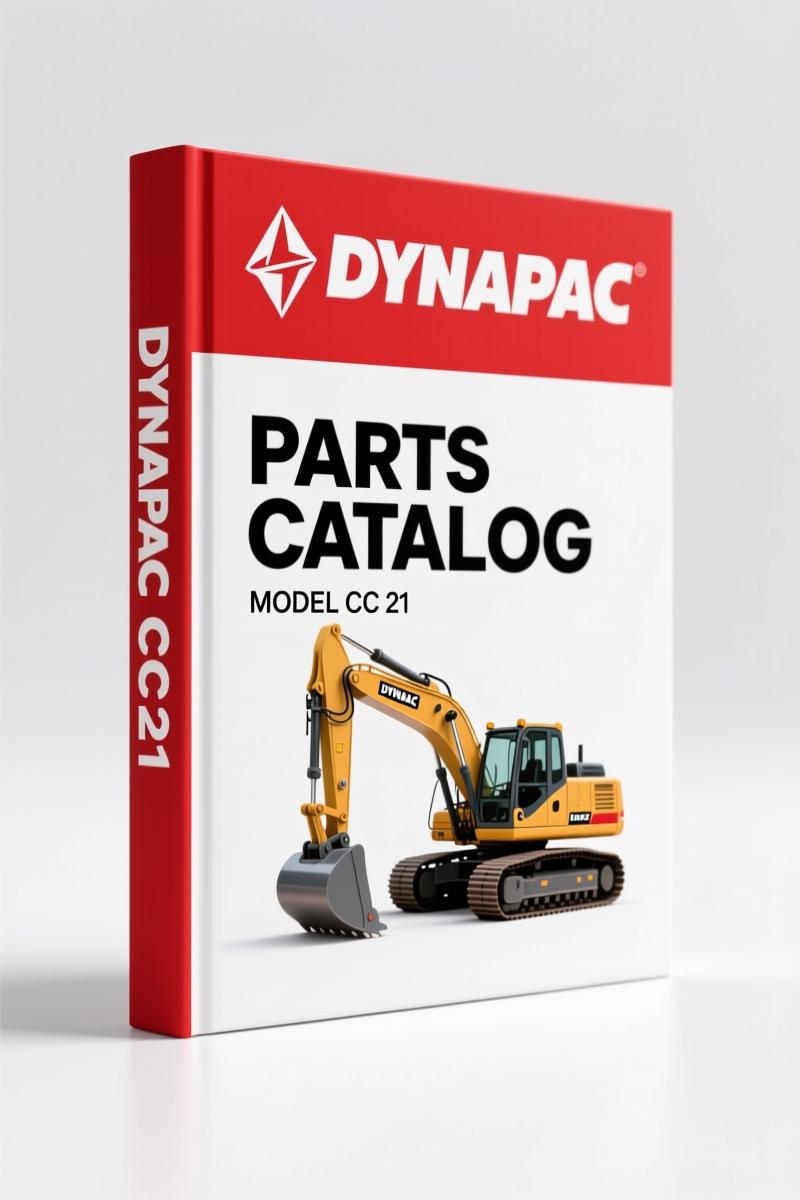
Dynapac CC 21 Parts Catalog – 240 Pages of OEM Spare Parts Data
Original price was: $36.90.$30.00Current price is: $30.00.
Factory Dynapac CC 21 Parts Catalog: 240 pages, exploded views, part numbers, group system. For mechanics and fleet managers.
Description
Dynapac CC 21 Parts Catalog
You pull a machine down and find a worn bearing. You need the exact part number, not a guess. Aftermarket catalogs will lead you wrong half the time. This Dynapac CC 21 Parts Catalog is the factory document – 240 pages of exploded views, group indexes, and part numbers that match what came on the machine. I spent twenty-eight years wrenching in a six-bay shop. When you order by the wrong number, you lose a day and the customer is angry. That doesn’t happen with this.
The catalog uses a group system common to all Dynapac spare parts catalogs. You open to the list of contents, find your assembly group, then turn to the section. Each section has one picture (exploded view or location drawing) and a facing table. The reference numbers on the picture match the numbers in the table. You read the part number, the quantity, the series, and the description. Two languages – English and German – are printed side by side. If you see “cpl” after a description, that means the item is a complete assembly, and the parts inside it are listed right below with an indentation. Order the assembly and you get everything in that sublist.
I want to stress one thing: this is not a reprint from a third-party. It is a direct scan of the original Dynapac publication. The cover reads “DYNAPAC CC 21” and “SPARE PARTS CATALOGUE”. The file name is DYNAPAC_CC_21_Parts_Catalog_en-de-fr-26114014008.pdf. You get the same document a dealer parts counter would use. There is no guesswork.
Group System: How to Navigate the 240 Pages
Every group starts with its own list of contents. For example, the engine group (Deutz diesel F4L 912) appears early. The table of contents at the front lists all groups with page numbers. You flip to the group page, and the first page of that group shows a thumbnail picture of the machine with callouts. Then each section – one page with the picture, one or more pages with the table. The group system is logical: engine, drive system, vibration section, frame, electrical, etc. You will need to understand the numbering – group number, page number, picture number. Page 2 of the catalog explains exactly how to read the layout. Read it once and you won’t struggle later.
Engine Sections: Deutz F4L 912 – Ref Numbers and Quantities
If you are rebuilding the engine, you need the correct piston ring set, gasket kit, or injector. The engine section breaks down the F4L 912 into every component. The table shows the reference number (links to the exploded view), quantity, part number, and description. The quantity column tells you how many of that part are used per machine – important when you order. For example, cylinder head bolts: the table lists the part number and quantity. You do not have to count threads or measure length. The factory number is printed. Use it.
Ordering Parts: Refer to Page 2 for Group and Page Structure
Page 2 of the catalog contains a full explanation of the group system, the picture numbering, and how to use the numerical register at the back. That register lists every part number in the catalog and tells you which group and page it appears on. If you have an old part number from a previous order, you can search the register to find its location in the exploded view. That register is gold. I have used similar registers to track out-of-production parts and find supersessions. Check the back of the catalog before you call the dealer.
Language Columns and “cpl” Designations
Each section table has two columns for description – one in English, one in German (sometimes French also appears). The descriptions are concise: “Piston ring set”, “Oil filter element”, “Seal kit cpl”. When you see “cpl” after a part description, that line refers to a complete assembly. Immediately below that line, indented with a character, are the individual components included in that assembly. If you order the assembly, you receive all those parts. But if you need only one small seal inside the assembly, you can order that seal separately – its part number is listed right there. This saves you from buying a $300 assembly when you need a $5 O-ring.
Why Factory Parts Catalogs Beat Aftermarket
Aftermarket part guides often combine multiple models into one book, or they omit updates. This catalog is model-specific: Dynapac CC 21. The group system is consistent across all Dynapac catalogs, so once you learn this one, the next Dynapac catalog you pick up works the same way. The exploded views are drawn to show every nut, bolt, washer, and seal. There are no generic illustrations. The part numbers are the actual numbers you order from Dynapac or its dealers. No cross-referencing. No interpretation. You match the number, you order, you get the right part. That is the only way to keep a machine down for less than a day.
If you are working on a CC 21, you should also look at related manuals: DYNAPAC CC 21 Parts Catalog, Dynapac CC 21 Vibratory Roller Spare Parts Catalogue, and Dynapac PL2000LS Parts Catalog (258 Pages) – OEM Factory Spec. For broader context on heavy equipment documentation standards, see Automotive Industry Overview and Automotive Industry Overview.
Frequently Asked Questions
- Does this catalog include torque specifications or repair instructions?
- No. This is a parts catalog – exploded views, part numbers, quantities. It does not contain service procedures or torque values. You need the Dynapac CC 21 Service Manual for that. But the parts catalog is essential for ordering the correct replacement parts before you start the repair.
- How do I find a part number if I only have the old part in my hand?
- Look up the part in the numerical register at the back of the catalog. Every part number in the book appears there with a reference to the group and page where it is shown. Alternatively, find the assembly group by machine area (engine, vibration, frame), then scan the exploded view until you see the shape that matches your old part. The reference number next to it links to the table with the part number.
You do not have time to chase wrong parts. Get the factory document. Access the factory manual now.
Additional information
| Brand | Dynapac |
|---|---|
| Language | English |
2 reviews for Dynapac CC 21 Parts Catalog – 240 Pages of OEM Spare Parts Data
Only logged in customers who have purchased this product may leave a review.
You may also like…
-
Sale!
Dynapac CC 41 Parts Catalog – 242 Pages OEM Exploded Views
Original price was: $80.60.$65.00Current price is: $65.00. -
Sale!
Dynapac CA-15A 1987 Parts Catalog – OEM Exploded Views
Original price was: $89.70.$65.00Current price is: $65.00. -
Sale!
Dynapac CA 25, CA 25D, CA 25PD, CA 25R Parts Catalog – OEM Spare Parts (322 Pages)
Original price was: $83.85.$65.00Current price is: $65.00. -
Sale!
Dynapac CA250 CA280 CA300 CA260 Workshop Manual – 42 Pages
Original price was: $88.40.$65.00Current price is: $65.00.
Related products
-
Sale!

Acura Integra 1998 Service Manual – 1891 Pages Factory OEM Documentation
Original price was: $31.75.$25.00Current price is: $25.00. -
Sale!

1992 Electrical Schematic – International 1000/3000/4000/2554 OEM Wiring Diagrams (132 Pages)
Original price was: $26.40.$20.00Current price is: $20.00. -
Sale!
1996 Operators Manual – International 1000-4000 Series (246 pages)
Original price was: $15.28.$9.99Current price is: $9.99. -
Sale!
1994 Troubleshooting Manual – International 1000-4000 FBC
Original price was: $60.00.$50.00Current price is: $50.00.
Michael T. –
Excellent factory service manual. The document quality is excellent. Every spec sheet is included for Dynapac CC. Saves me hundreds of dollars.
William H. –
Excellent quality! The pages are clean and easy to navigate. Every torque spec is included for Dynapac CC. Saves me so much dollars.