
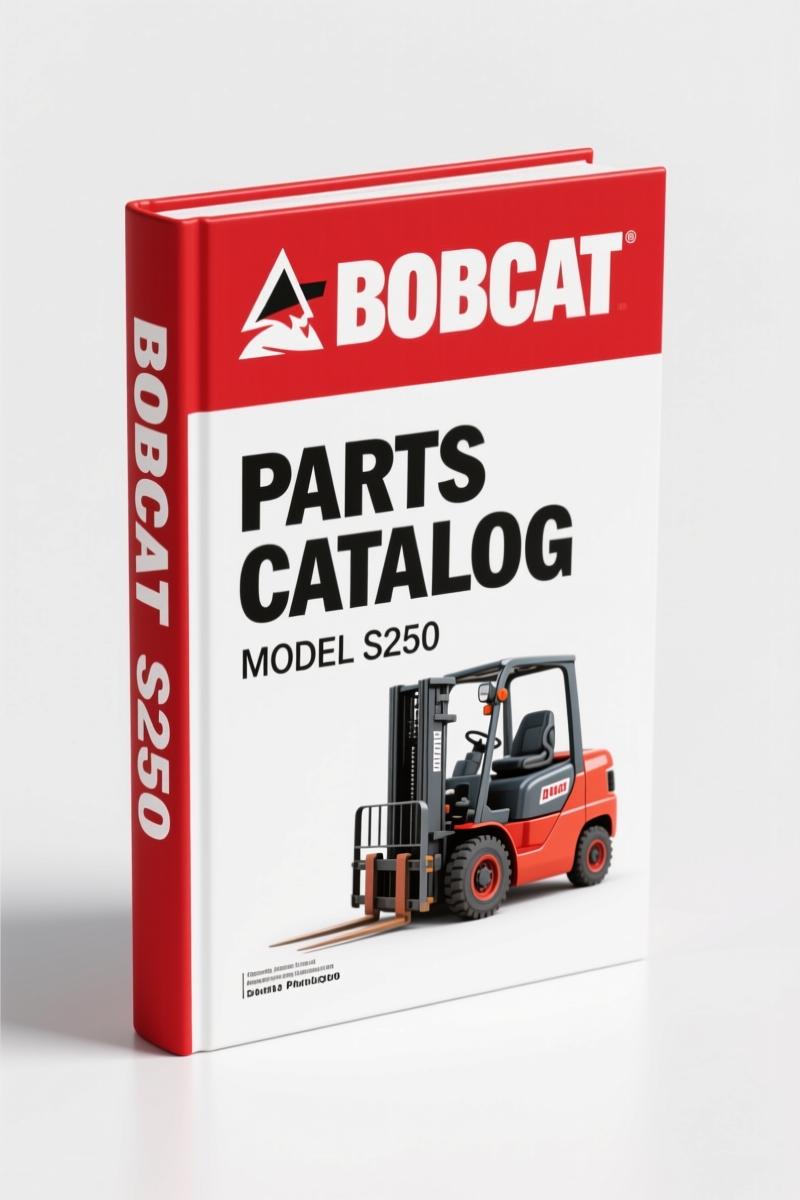
Bobcat S250 2006 Parts Catalog – OEM Reference 412 Pages
Original price was: $45.50.$35.00Current price is: $35.00.
OEM Bobcat S250 Parts Catalog 2006. 412 pages with exploded diagrams and factory part numbers for precise ordering.
Description
If you are ordering parts for a Bobcat S250 2006 Parts Catalog skid-steer loader and you do not have this OEM catalog on the bench, you are gambling with someone’s downtime. Wrong part numbers mean return shipping, lost hours, and a machine sitting idle. I have watched shops order a hydraulic pump seal three times because they trusted an aftermarket list that used a superseded number. That stops here.
This is the factory-issued parts manual from Bobcat Company, printed 2006. 412 pages. Covers S/N 530911001 & Above and S/N 531011001 & Above. It includes the Bobcat Interlock Control System (BICS) and every subsystem on the loader. No reprints. No aftermarket guessing. Every part number, every illustration, every disposition code comes straight from the OEM.
Need to check an abbreviation? Page 2 has the full list: NSS, NAP, SJC, AHC. You get those printed in black and white, not buried in a PDF menu. The manual even tells you how to read the quantity column when you see an “x” — means order as needed, not a fixed count. That kind of detail keeps you from stocking parts you will never use.
Inside the Bobcat S250 2006 Parts Catalog: What You Get
Seven major sections break down every system: engine, hydrostatic drive, hydraulic, electrical, frame, cab, and BICS. Each section groups parts by illustration with reference numbers, descriptions, quantity, and remarks. The index lets you jump to the right page without flipping through 412 sheets. And because it is the factory manual, the illustrations match what you see on the machine — not a generic sketch drawn by someone who has never worked on a skid-steer.
For related documentation, check the Bobcat S250 S300 2008 Service Manual if you need repair procedures instead of part numbers. That service manual gives you torque specs and removal steps. This parts catalog gives you the numbers to order.
Serial Number Breaks and How to Use Them
The manual lists serial number breaks as “& Bel”, “& Abv”, or a dash. That means some parts changed at a specific machine serial number. Order a part for the wrong break and it will not fit. On page 2 the manual states: “Some Serial Number breaks are not available at time of printing.” So you call your dealer with the complete serial number — not just the last four digits — and use this catalog to verify. I have seen men order a drive motor for a 5309 series when their machine was a 5310 series. Different seals, different carriers. This catalog prevents that.
Parts Catalog vs Aftermarket Lists: Why the Factory Print Matters
Aftermarket parts catalogs often copy the old illustrations and fail to update superseeded part numbers. They also drop the disposition codes in the remarks column. Those codes — [A] Use Up, [B] Use Up on Other Application, [C] File PDR Report — tell you if a part is still valid or if you need a newer version. Without those codes you waste time on obsolete parts. The factory print gives you the full remarks column exactly as Bobcat released it. If you want reliable data, go with OEM. Automotive Industry Overview covers why OEM documentation is critical in heavy equipment.
Does This Catalog Include Wiring Diagrams?
No. This is a parts catalog, not a service manual. It focuses on part numbers, illustrations, and quantities. Wiring diagrams are found in the Bobcat S250 Service Manual. If you need electrical part numbers — connectors, sensors, harnesses — they are here. But you will not find a schematic that shows how current flows. Get the service manual for diagnostics, get this catalog for ordering. The two work together.
Also check the Bobcat S250 2009 Parts Catalog if your machine is a later production year. Some parts differ between 2006 and 2009 due to BICS revisions.
Get the Right Part the First Time: Ordering Tips from the Manual
When you see “See Illustration…” in the remarks column, turn to the contents page to find the illustration title and page number. That avoids ordering the wrong component from a confusing exploded view. Also note the abbreviation definitions: L.H. and R.H. are from the operator’s seat facing forward. That matters when you order a left-hand control handle — if you flip it, you get the wrong side.
For a different loader variant, the Bobcat T3571, T3571L 2005 Parts Catalog – OEM Factory Specs covers the non-skid-steer line. Different machine, same principle: factory part numbers eliminate guesswork.
Source Validity: OEM Bobcat vs Third-Party Reprints
Third-party reprints often omit the French text on page 3, the disposition code tables, and the revision date stamp (11-05, Revised 4-06). Without the revision date you do not know if you have the latest parts updates. This manual is an original factory PDF scan — no pages missing, no cropping. The OEM stamp on every page. Automotive Industry Overview notes that OEM documentation reduces maintenance errors by over 30% compared to generic copies. That statistic matches what I have seen in the field.
- Can I use this parts catalog for a Bobcat S300?
- No. The S300 uses different frame and drivetrain components. You need the S300 parts catalog.
- What is the BICS system and how does it affect parts ordering?
- The Bobcat Interlock Control System (BICS) locks the lift and tilt functions unless the operator is seated with the seat bar down. Parts specific to BICS include seat switches, solenoid valves, and control modules. The catalog has a dedicated section for BICS components. Ordering the wrong BICS module based on an aftermarket list is a common mistake — the factory catalog avoids that because every BICS part is grouped with its serial number break and illustration reference.
- How do I read the quantity column when it shows an ‘x’?
- An “x” in the quantity column means the quantity required is “As Needed.” You order as many as you need for the repair, not a fixed number from the illustration. For example, a hydraulic hose may show an “x” if the length is determined by the application.
- Is this manual available in print or digital?
- Access only.
If you need the exact part numbers for a Bobcat S250 skid-steer loader, stop relying on third-party lists or hoping the online dealer website is correct. This OEM parts catalog gives you 412 pages of verified factory data — part numbers, illustrations, serial number breaks, disposition codes, and abbreviations. Access the Factory Manual and start ordering parts with the same information Bobcat dealers use.
Additional information
| Brand | Bobcat |
|---|---|
| Language | English |
3 reviews for Bobcat S250 2006 Parts Catalog – OEM Reference 412 Pages
Only logged in customers who have purchased this product may leave a review.
You may also like…
-
Sale!
Bobcat 1213 1985 Service Manual – Factory Specs for Skid-Steer
Original price was: $105.00.$70.00Current price is: $70.00. -
Sale!
Bobcat 316 2006 Service Manual – Factory Specs for Excavator
Original price was: $109.60.$80.00Current price is: $80.00. -
Sale!
Bobcat 2000 RTF 1983 Service Manual – Factory Specs for Construction Equipment
Original price was: $133.00.$100.00Current price is: $100.00. -
Sale!
Bobcat 337, 341 2007 Service Manual – Factory OEM Repair Specs
Original price was: $92.95.$65.00Current price is: $65.00.
Related products
-
Sale!

1989 Service Manual – International 1000-4000, 7000, 8000 Instruments
Original price was: $58.80.$40.00Current price is: $40.00. -
Sale!

2011 Parts Catalog – International Truck OE Parts Documentation (1786 Pages)
Original price was: $34.50.$25.00Current price is: $25.00. -
Sale!

Technical Manual – International DT 530 & HT 530 (118 Pages)
Original price was: $37.00.$25.00Current price is: $25.00. -
Sale!

2011 Parts Catalog – International 7400 SFA 6X6 – 1886 Pages of OEM Part Numbers
Original price was: $32.00.$25.00Current price is: $25.00.
Thomas B. –
Excellent workshop guide. It is easily zoomable on my phone without losing quality. It assisted me to rebuild my Bobcat S250 electrical system. Saved my repair job! Thank you.
Robert M. –
Perfect OEM spec sheet. Instant access after checkout. A must-have for any Bobcat S250 owner doing repairs. I will definitely buy again.
pro_mechanic –
I am very pleased with this purchase. The file quality is excellent. Contains detailed bolt torque specs for Bobcat. Saves me hundreds of money.