
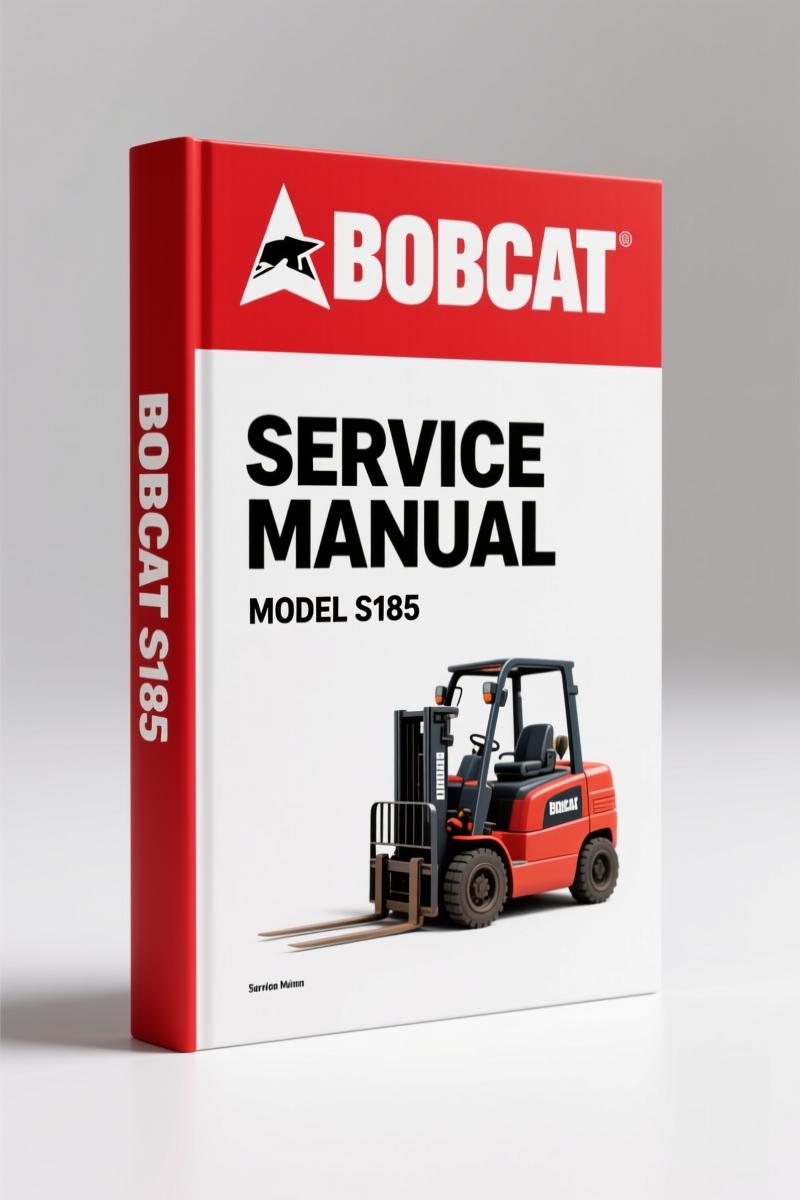
Bobcat S185 2008 Service Manual – 998 Pages Factory Specs
Original price was: $70.65.$45.00Current price is: $45.00.
Factory-certified 998-page service manual for Bobcat S185 (2008). Engine, hydraulic, electrical specs with torque tables and maintenance schedules.
Description
Bobcat S185 2008 Service Manual – Factory Specs for the S185 Skid-Steer
If you’ve ever torqued a main relief valve without the factory spec and watched it weep hydraulic fluid onto a customer’s driveway, you know the cost of guessing. The Bobcat S185 2008 Service Manual puts 998 pages of verified OEM data on your bench. No aftermarket redraws. No missing torque tables. This is the same binder that Bobcat dealers use – the one with the Bobcat Interlock Control System (BICS™) procedures and all the serial number ranges (S/N A3L911001 & Above, S/N A3LH11001 & Above). You want to service a two-speed loader’s case drain filters? It’s in there. You need the correct procedure for removing air from the fuel system after a filter change? Page numbers are clear. This manual is not a reprint of a reprint – it’s the original factory PDF, printed in U.S.A. in 2008.
Safety and Maintenance: Lifting and Blocking the Loader
The Safety and Maintenance section starts with the procedure for lifting and blocking the loader. If you think you can skip the approved lift arm support device when you’re under those lift arms, you haven’t seen what a failed cylinder does to a technician. The manual covers installing and removing the lift arm support device, raising and lowering the operator cab, and even the cab door sensor. For the remote start tool kit (MEL1563), there is a dedicated Remote Start Procedure. You follow it exactly or you risk a runaway during diagnostics. Every step is written for the guy who has a service cart full of tools and a deadline.
Hydraulic System: Cylinder Testing and Removal
The Hydraulic System section is dense. You get the hydraulic/hydrostatic schematics, a glossary of symbols, and troubleshooting guidance. The cylinder (lift) and cylinder (tilt) each get their own subsections: testing, removal and installation, parts identification, disassembly and assembly. The main relief valve description, testing, adjusting, removal and installation are all there. Need to check the port relief / anti-cavitation valve on the tilt base end? It’s listed. Aftermarket manuals lump all relief valves into one generic diagram. This one breaks it out by location. That’s the difference between a job that takes an hour and one that takes all afternoon because you pulled the wrong plug.
Engine Lubrication System – Oil and Filter Replacement
Engine oil viscosity varies by climate. The manual has an Engine Oil Chart and specifies the checking and adding procedure for the S185. It also covers removing and replacing oil and filter – but critically, it includes the step to stop, cool, and clean engine of flammable materials before checking fluids, as stated in the Maintenance Safety page. The fuel system section includes biodiesel blend fuel specs, fuel filter replacement, and removing air from the fuel system. If you’ve ever had a customer complain about hard starting after a fuel filter change, you know the bleed procedure is not optional. The manual gives you the exact sequence.
Fire Prevention: What the Manual Covers Beyond the Basics
Under Fire Prevention, the manual addresses not just fueling and starting, but also electrical, hydraulic system, welding and grinding, and spark arrestor exhaust system. The excerpt on the safety page says: “Have good ventilation when welding or grinding painted parts. Toxic dust and gas can be produced.” That level of detail is why you pay for OEM. They consider the risks that aftermarket writers miss. The manual also covers fire extinguishers and the spark arrestor muffler cleaning procedure. If you’re in a region requiring spark arrestors on construction equipment, you need this section.
Remote Start Tool Kit – MEL1563 Procedure
Two remote start tool kits are covered: MEL1563 and the newer 6689779. The manual lists the service tool harness control (MEL1565), service tool harness communicator (MEL1566), and the remote start procedure for each kit. You don’t guess which harness plugs into which port – the manual shows the routing. For technicians working on the engine or hydraulic system without running the loader with the cab down, this procedure is critical. The Bobcat Interlock Control System (BICS™) will lock you out if you try to bypass safety interlocks. The manual explains how to use the remote start tool to troubleshoot without triggering error codes.
What Makes This Manual Different from Aftermarket?
Aftermarket manuals often reprint the same generic wiring diagram across multiple models. This OEM manual is model-specific: S185, with serial number breaks. It contains the actual factory torque specifications for wheel nuts, hydraulic fittings, and engine bolts. It includes the Delivery Report and Loader Identification forms. The Electrical section (part of Fire Prevention) covers battery safety, and the 998-page volume has an Alphabetical Index so you can find “Final Drive Transmission (Chaincase)” or “Bob-Tach (Power) Inspection” without flipping through 50 pages. I’ve been burned by aftermarket manuals that list the wrong bolt size for the lift arm support device. That’s not a risk I take anymore. Bobcat S175 S185 Service Manual covers both models in the same platform, but the S185-specific data for two-speed loaders is only in this manual. If you also need the Bobcat S175 S185 2008 Service Manual, it’s a separate listing. For the S175 only, check Bobcat S175 2008 Service Manual – OEM Factory Repair Specs.
External references: The hydrostatic drive system in the S185 functions differently from a Manual Transmission, but the maintenance of the final drive transmission (chaincase) requires gear oil in imperial units. For general manual transmission theory, see Manual Transmission on Wikipedia. But for this loader, stick to the OEM data.
- Does this manual include the electrical wiring diagrams?
- Yes. The Electrical section under Fire Prevention covers battery safety, and the hydraulic/hydrostatic schematics include electrical symbols. However, the manual does not contain full chassis wiring diagrams – it focuses on the service and repair of major systems.
- Can I use this manual for an S185 with a different serial number range?
- Check your serial number. This manual covers S/N A3L911001 & Above and S/N A3LH11001 & Above. If your loader falls outside those, some procedures may differ. Bobcat updated the BICS system and remote start harnesses over the years. Always verify the serial number.
You have 998 pages of factory data sitting on our server. The torque specs for the wheel nuts? They’re in the Tire Maintenance section. The hydraulic charge filter replacement interval? Service Schedule chart. Every time you open a PDF instead of an aftermarket scan, you save yourself the headache of stripped threads and comeback repairs. Stop losing billable hours to bad data. Access the Factory Manual.
Additional information
| Brand | Bobcat |
|---|---|
| Language | English |
4 reviews for Bobcat S185 2008 Service Manual – 998 Pages Factory Specs
Only logged in customers who have purchased this product may leave a review.
You may also like…
-
Sale!
Bobcat 1213 1985 Service Manual – Factory Specs for Skid-Steer
Original price was: $105.00.$70.00Current price is: $70.00. -
Sale!
Bobcat 316 2006 Service Manual – Factory Specs for Excavator
Original price was: $109.60.$80.00Current price is: $80.00. -
Sale!
Bobcat 337, 341 2007 Service Manual – Factory OEM Repair Specs
Original price was: $92.95.$65.00Current price is: $65.00. -
Sale!
Bobcat 2000 RTF 1983 Service Manual – Factory Specs for Construction Equipment
Original price was: $133.00.$100.00Current price is: $100.00.
Related products
-
Sale!

2011 Parts Catalog – International Truck OE Parts Documentation (1786 Pages)
Original price was: $34.50.$25.00Current price is: $25.00. -
Sale!

1993 Operators Manual – International Bus 1000-3000 OEM Specs
Original price was: $12.30.$7.99Current price is: $7.99. -
Sale!

2005 Parts Catalog – International NGD 3.0 L Engine (77 pages)
Original price was: $44.70.$30.00Current price is: $30.00. -
Sale!
1996 Operators Manual – International 1000-4000 Series (246 pages)
Original price was: $15.28.$9.99Current price is: $9.99.
Charles W. –
I am so happy with this transaction. The text is searchable and well indexed. It helped me to repair my Bobcat S185 transmission. I will recommend this shop to others.
Thomas B. –
Outstanding! It is very easy to read on my tablet without losing quality. Contains clear wiring diagrams for Bobcat. Saves me a lot of time.
pro_mechanic –
Perfect factory service manual. The pages are clean and easy to navigate. A must-have for any Bobcat S185 DIYer doing maintenance. Saves me so much money.
William H. –
Great workshop guide. The scan is high-quality and easy to navigate. Contains detailed bolt torque specs for Bobcat. Highly recommended for mechanics.