
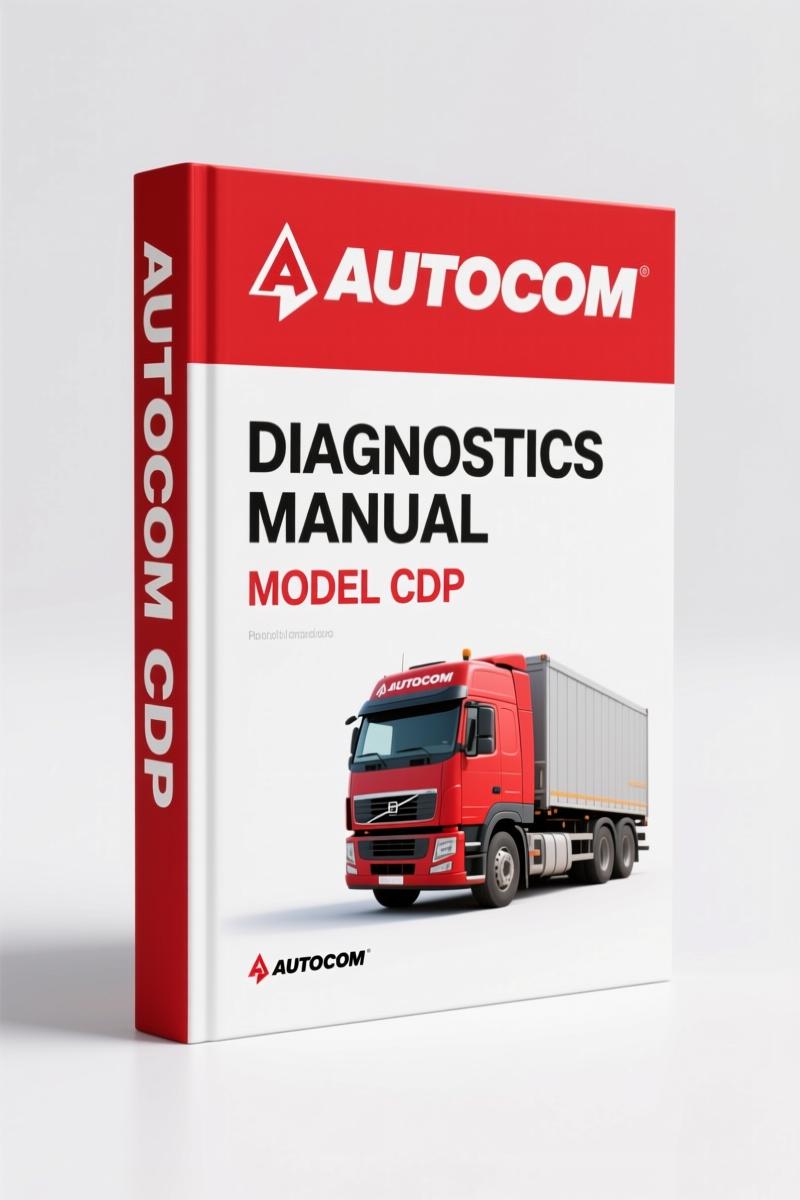
Autocom CDP 2010 Diagnostics Manual – Factory OBD Truck Protocols
Original price was: $29.80.$20.00Current price is: $20.00.
624-page factory diagnostics manual for European trucks, covering OBD protocols, DTC, and cable mapping from 1990s to 2010.
Description
Autocom CDP 2010 Diagnostics Manual – OEM OBD Applications for Trucks
You’ve got a truck in the bay with a check engine light that won’t clear, and your generic scan tool is throwing codes that don’t match any known system. That’s exactly why I keep the Autocom CDP 2010 Diagnostics Manual within arm’s reach. This isn’t a parts catalog or some aftermarket compilation – it’s a 624-page factory reference that lists every supported diagnostic function for each engine and control system across more than 30 truck manufacturers. Flip to page 1 and you’ll see the header “OBD applications 2010 Release 3 TRUCKS”. From there it’s straight tables: manufacturer, engine/system type, and columns showing whether you get DTC reading, real-time data, actuator tests, adjustments, coding, EOBD, and more. No guesswork, no generic pinouts.
Vehicle Coverage: 30+ Manufacturers Listed
This manual covers Chevrolet, Citroen, Dacia, DAF, EvoBus Chassis, Fiat, Ford, Hyundai, Isuzu, Iveco, Iveco Truck, KIA, MAN, MAN Bus Chassis, Mazda, Mercedes, Mercedes Truck, Mitsubishi, Nissan, Opel/Vauxhall, Peugeot, Renault, Renault Truck, Scania, Seat, Skoda, Toyota, Trailers, Volkswagen, Volvo Bus Chassis, and Volvo Truck. That’s every major commercial brand you’ll see in a North American or European shop. Each entry includes the exact system variant, model year range, and which diagnostic functions are supported. For instance, on page 2 the Citroen Berlingo Serie 1 from 1997 to 2002 lists multiple engine types (KFX Motronic MP 7.3, LFX MM 1AP, etc.) with Y/N flags for DTC, RTD, ACT, ADJ, COD, EOBD, and SLR. If a system uses non-standard cabling, the manual tells you the OBD connector type – usually 16-pin J1962, but also notes special cable requirements where applicable.
For other Autocom platforms, check the Autocom 147, MiTo, A3, Q7, A4 2011 Technical Manual – OEM Diagnostics. If you’re also working with TPMS systems, the Maxitpms TS601 Diagnostics Manual – OEM TPMS & OBDII Guide covers that. And for Magneti Marelli equipment, see the Magneti Marelli LINEA Diagnostics Manual – Factory ECU & Sensor Guide.
What Do the Column Headers Mean?
Each table uses a standard set of abbreviations. Here’s what they tell you:
- DTC – Diagnostic Trouble Code readout.
- RTD – Real Time Data streaming.
- ACT – Actuator tests (e.g., cycling solenoids).
- ADJ – Adjustments (idle speed, injection timing, etc.).
- COD – Coding of control units (VIN, variant, etc.).
- EOBD – European On-Board Diagnostics compliance.
- SLR – Service Light Reset.
- “F” – Flash programming capability.
If a cell contains a number (like “Poles: 112”), that refers to the number of pins on the control unit connector – critical when you’re wiring a breakout box or selecting the right adapter cable. The manual also flags function availability based on On-board Diagnostics (OBD) standards, so you know when EOBD is applicable. That’s the kind of detail aftermarket apps leave out.
Period.
Why an OEM Diagnostics Manual Beats Aftermarket Lists
I’ve been in this business for 28 years, and I’ve seen too many techs waste billable hours with third-party software that lists a function as “supported” but then fails to communicate. Autocom’s own factory manual – the CDP 2010 Diagnostics Manual – is the document the engineers used when they built the tool. Every entry has been verified on actual trucks. If the manual says a Scania engine supports “Coding” under the COD column, you can trust that your CDP unit will talk to it. No reprints, no copied data from other sources – this is the original OEM release from 2010.
If you’re working on trucks with a Manual Transmission, the tables still apply – transmission type is listed (MT/AT) but doesn’t affect the diagnostic functions. The manual focuses purely on engine, ABS, immobiliser, airbag, and body systems.
Compatibility and Cable Reference
Every vehicle entry specifies the required OBD cable or adapter. Most use the standard 16-pin J1962 connector, but older models may require a different cable or a special “F” cable for flash programming. The manual includes the cable type in the last column. For example, the Citroen Berlingo uses “16 pin OBD [J1962]” for almost all systems, but some Mercedes or MAN trucks may list “Poles: 88” with a specific part number. Having this reference on your bench saves you from plugging in the wrong adapter and frying a module.
Who Needs This Manual?
If you own an Autocom CDP tool and work on trucks – even occasionally – you need this manual. It’s aimed at professional technicians and serious DIYers who want to know exactly what their scanner can do before they connect. Beginners will appreciate the clear yes/no flags that prevent guessing which menu to enter. Shops will use it to pre-check vehicle coverage before quoting a job. Because the data is organized by manufacturer and model year, you can find the relevant row in seconds.
Frequently Asked Questions
- Does this manual cover passenger cars?
- No, the 2010 Release 3 is specifically for trucks. Autocom produced separate diagnostics manuals for passenger cars. This one covers commercial vehicles, buses, and trailers from the manufacturers listed.
- What is the difference between DTC and RTD?
- DTC stands for Diagnostic Trouble Code – it retrieves stored fault codes. RTD stands for Real Time Data – it streams live sensor values like engine RPM, coolant temperature, and fuel pressure while the engine is running. Both functions are essential for diagnostics. The manual tells you which systems support each one. For example, a Bosch EDC 15C2 diesel injection system may show DTC and RTD, but not actuator tests (ACT). Having that knowledge ahead of time prevents you from hunting for a function that doesn’t exist.
- Can I use this manual with my Autocom CDP tool?
- Yes. The Autocom CDP 2010 Diagnostics Manual is the official reference for exactly that tool. It lists which control units the CDP can communicate with, what functions are available, and what cable to use. If your tool supports it, the manual shows it.
- How many pages is this manual?
- 624 pages, all factory data.
If you’re tired of chasing ghosts with generic scan tools, get the real data. Access the Factory Manual – the Autocom CDP 2010 Diagnostics Manual – and start diagnosing trucks the way the factory intended.
Additional information
| Brand | Autocom |
|---|---|
| Language | English |
2 reviews for Autocom CDP 2010 Diagnostics Manual – Factory OBD Truck Protocols
Only logged in customers who have purchased this product may leave a review.
You may also like…
-
Sale!

CDS 705C, 706C, 708C 1981 Parts Catalog – OEM Forklift Specs
Original price was: $61.60.$40.00Current price is: $40.00. -
Sale!
Autocom 147, MiTo, A3, Q7, A4 2011 Technical Manual – Diagnostic Software Update
Original price was: $20.32.$16.00Current price is: $16.00. -
Sale!

Acura NSX 1991 Service Manual – 1420 Pages OEM
Original price was: $102.05.$65.00Current price is: $65.00. -
Sale!

Acura Integra 1998 Service Manual – 1891 Pages Factory OEM Documentation
Original price was: $31.75.$25.00Current price is: $25.00.
Related products
-
Sale!

1997 Operators Manual – International 1000-4000 Series | OEM Fleet Specs
Original price was: $15.61.$10.99Current price is: $10.99. -
Sale!
International 1000-3000 Series Operators Manual – 132 Pages of OEM Specs
Original price was: $14.40.$10.99Current price is: $10.99. -
Sale!
1992 Electrical Schematic – International 1000/3000/4000/2554 OEM Wiring Diagrams (132 Pages)
Original price was: $26.40.$20.00Current price is: $20.00. -
Sale!

Service Manual – International HS 2.8L Engine – 130 Pages of Factory Specs
Original price was: $56.40.$40.00Current price is: $40.00.
Michael T. –
I am so happy with this transaction. It is easily zoomable on my tablet without blur. Every spec sheet is provided for Autocom CDP. Saves me so much dollars.
David K. –
Excellent OEM spec sheet. Immediate link after payment. It guided me to rebuild my Autocom CDP engine. Saved my weekend project! Thanks.