
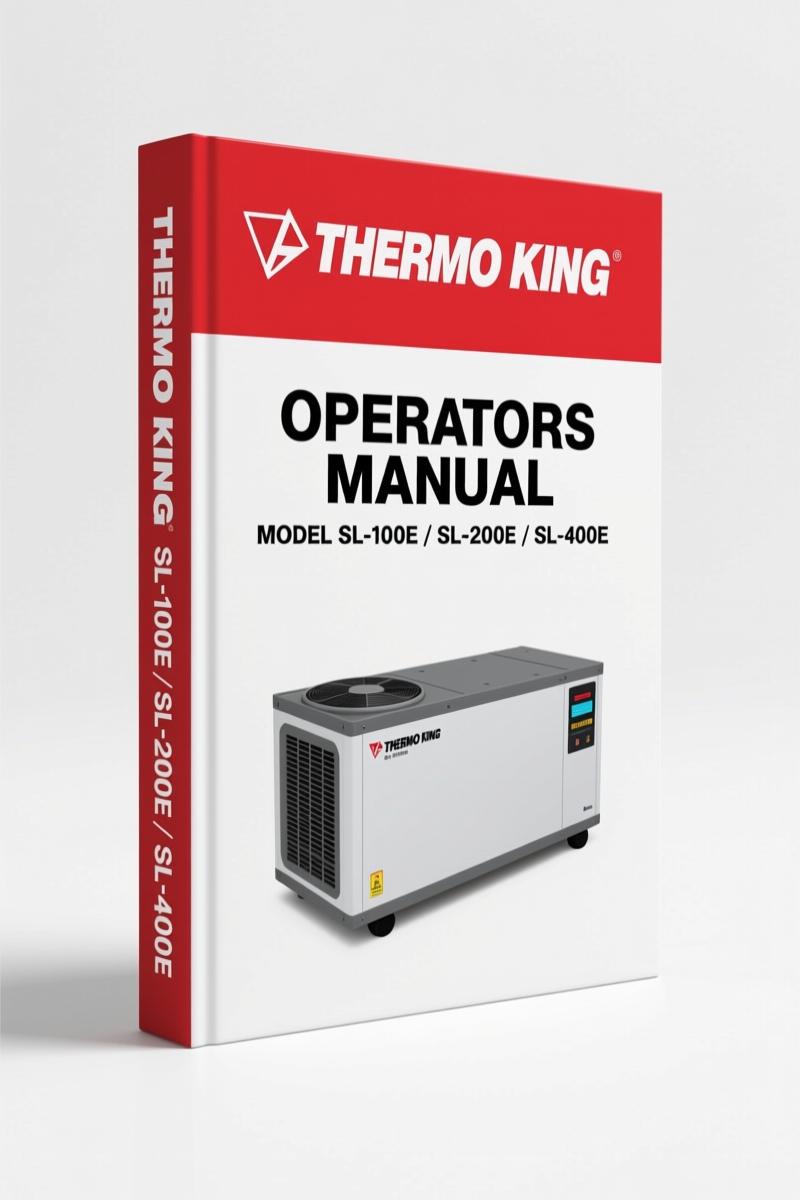
Thermo King SL-100e, SL-200e, SL-400e, SPECTRUM SL 2006 Manual
Original price was: $24.80.$20.00Current price is: $20.00.
40-page OEM Operators Manual for Thermo King SL-100e, SL-200e, SL-400e, SPECTRUM SL (2006). Factory safety and operation procedures.
Description
Thermo King SL-100e, SL-200e, SL-400e, SPECTRUM SL 2006 Operators Manual
If you’re working on a reefer unit and you don’t have the factory documentation, you’re asking for trouble. Either you’ll freeze something you shouldn’t, or you’ll miss a safety step that lands you in the ER. This 40-page operators manual from Thermo King covers the Thermo King SL-100e, SL-200e, SL-400e, SPECTRUM SL units built in 2006. It’s not a service manual – it’s the manual that tells you how to operate the controls, understand the alarms, and handle refrigerant safely. That last part is where most aftermarket knockoffs fail. They skip the handling procedures for refrigerant and refrigerant oil. This manual doesn’t.
Page 9 covers refrigerant safety – eye, skin, inhalation – and the same for refrigerant oil. I’ve seen too many guys skip those steps and end up with burns or worse. The manual also walks you through recovery procedures and the five Safety Precautions that every operator needs to memorize before touching the system.
Safety Precautions: Refrigerant and Electrical Hazards
Refrigerant burns are no joke. This manual dedicates sections to first aid for refrigerant and oil exposure – eye, skin, inhalation, and ingestion. It also lists five specific safety measures: always wear safety glasses near the cooling system, never run the unit with the compressor discharge valve closed, keep hands and loose clothing away from fans and belts, be extremely careful when drilling into the unit, and have a certified tech handle evaporator or condenser coil work. There’s also a warning about electrical shock on the electric standby function. That’s straight from the factory, not some generic boilerplate.
Cycle-Sentry and Automatic Start/Stop Features
The Cycle-Sentry system automatically starts and stops the engine to maintain setpoint temperature without wasting fuel. The manual explains both Cycle-Sentry operation and the electric standby function. If you’ve ever had a unit run continuously when it shouldn’t, or fail to restart after a stop, you know how critical it is to understand the logic. The manual gives you the factory sequence – no guesswork.
One paragraph here that runs long: The controllers used on these models – mP-IV, mP-VI, TG-VI, and SR-2 – have different interfaces, but the core operating principles are covered in this manual. The SR-2 controller on the SL-400e has its own dedicated section with start/stop buttons for Cycle-Sentry. If you’re running an SPECTRUM SL with the SR-2, the same section applies. The manual doesn’t leave you wondering which button does what – it labels each control key and its function, including the alarm, alarm clear, timer, oil pressure, amps, water temperature, TK Logo, and the selector key. That last key cycles through defrost, Cycle-Sentry setpoint, discharge air temperature, and return air differential. Knowing how to navigate these menus keeps you from chasing ghost alarms that aren’t actually faults.
Controller Types: mP-IV, mP-VI, TG-VI, and SR-2
Not all controllers are created equal. This manual breaks down each controller family that fits the SL and SPECTRUM models. The Thermoguard µP-IV controller gets the most detail – its display, touch-sensitive keys, symbols, and standard display mode. The manual tells you what each symbol means: cooling, heating, defrost, high speed, return air, discharge air, Cycle-Sentry, alarm, modulation, within range, electric standby, and setpoint. It even shows the default setpoint range (-20 to 80°F) and explains how the controller can be programmed to show tenths of a degree. I like that they don’t assume you already know which display shows return air versus discharge air – it’s spelled out.
What Do All Those Display Symbols Mean?
New operators often get lost staring at the LCD. This manual solves that. The upper display shows temperatures – identified by one or two temperature symbols – and the lower display normally shows the setpoint. Symbols like the snowflake for cooling, the flame for heating, and the defrost symbol are all explained. There’s also a caution triangle for alarms. If you see an alarm code, the manual tells you how to use the alarm key and the alarm clear key. Don’t assume it’s a hardware failure – sometimes it’s just a sensor reading outside the programmed window.
OEM Factory Documentation vs Aftermarket
This is an original Thermo King Operators Manual – not a reprint, not a scan from a third-party, not a generic guide. The 40 pages come directly from the factory in 2006. Aftermarket versions regularly leave out the specific safety precautions, the controller interface details, and the refrigerant handling procedures. I’ve seen aftermarket manuals that claim to cover these models but skip the mP-VI controller entirely. Stick with the OEM source if you want the procedures that Thermo King test engineers wrote and approved. For related factory documentation, check the Thermo King SL-100e, SL-200e, SL-400e, SPECTRUM SL 2013 Service Manual if you need repair procedures, or the Thermo King SPECTRUM DE 30 SR-2 2007 Operators Manual – OEM Specs for a different model variant. There’s also the Thermo King T-1080S SPECTRUM 2013 Operators Manual | OEM for another unit in the family.
- Is this manual the same as a service manual?
- No. This is an operators manual – it covers safe operation, controller functions, display symbols, and basic maintenance. It does not include engine rebuild specs, compressor overhaul steps, or wiring diagrams. Those are in the service manual.
- Does it cover the SL-400e with the SR-2 controller?
- Yes. There is a dedicated section titled “SL-400e med SR-2 controller” that addresses the specific start/stop buttons and warnings for that configuration.
- What format is the manual in?
- It is a digital PDF. No physical copy. The file is the original factory print – not a retyped version.
- Can I use this manual to diagnose a controller fault?
- To an extent. It explains alarm codes and how to clear them, and what each display symbol means. But for detailed diagnostics – sensor values, harness checks, or controller programming parameters – you need the service manual. If you’re chasing a specific fault code, check the alarm display first, then refer to the service manual for the repair procedure. The operators manual is your first step, but it’s not the last.
One final thing: if you’re working on the truck’s other systems, remember that this manual covers only the reefer unit. The Anti-lock Braking System (ABS) and Manual Transmission are separate subjects – grab the appropriate factory doc for those. This Thermo King manual is for the box, not the cab. That said, for operating the SL-100e, SL-200e, SL-400e, or SPECTRUM SL units, this is the exact reference you need. Don’t rig a unit without reading the safety section first. Access the Factory Manual.
Additional information
| Brand | Thermo King |
|---|---|
| Language | English |
2 reviews for Thermo King SL-100e, SL-200e, SL-400e, SPECTRUM SL 2006 Manual
Only logged in customers who have purchased this product may leave a review.
You may also like…
-
Sale!
Thermo King SB-210 SB-310 2004 Service Manual – OEM Factory Data
Original price was: $45,760.00.$32,000.00Current price is: $32,000.00. -
Sale!
Thermo King SL-100e, SL-200e, SL-400e, SPECTRUM SL, SL-100 2013 Service Manual – 332 Pages
Original price was: $45.30.$30.00Current price is: $30.00. -
Sale!

Thermo King V-500, ES-500 2005 Installation Manual – OEM Factory Data
Original price was: $55.60.$40.00Current price is: $40.00. -
Sale!
Thermo King SB-III 30, SB-III 50 2004 Service Manual – OEM Factory Specs
Original price was: $58.95.$45.00Current price is: $45.00.
Related products
-
Sale!

Technical Manual – International DT 530 & HT 530 (118 Pages)
Original price was: $37.00.$25.00Current price is: $25.00. -
Sale!

1991 Operators Manual – International Truck OEM Specs (108 Pages)
Original price was: $13.63.$10.99Current price is: $10.99. -
Sale!

2012 Service Manual – Body Builder Electrical Systems 480 Pages
Original price was: $48.28.$34.00Current price is: $34.00. -
Sale!

1993 Operators Manual – International Bus 1000-3000 OEM Specs
Original price was: $12.30.$7.99Current price is: $7.99.
David K. –
Excellent workshop guide. The PDF is high resolution. It guided me to fix my Thermo King King transmission. Great value for money.
pro_mechanic –
Great factory service manual. Instant access after checkout. A must-have for any Thermo King King mechanic doing maintenance. Worth every penny.