
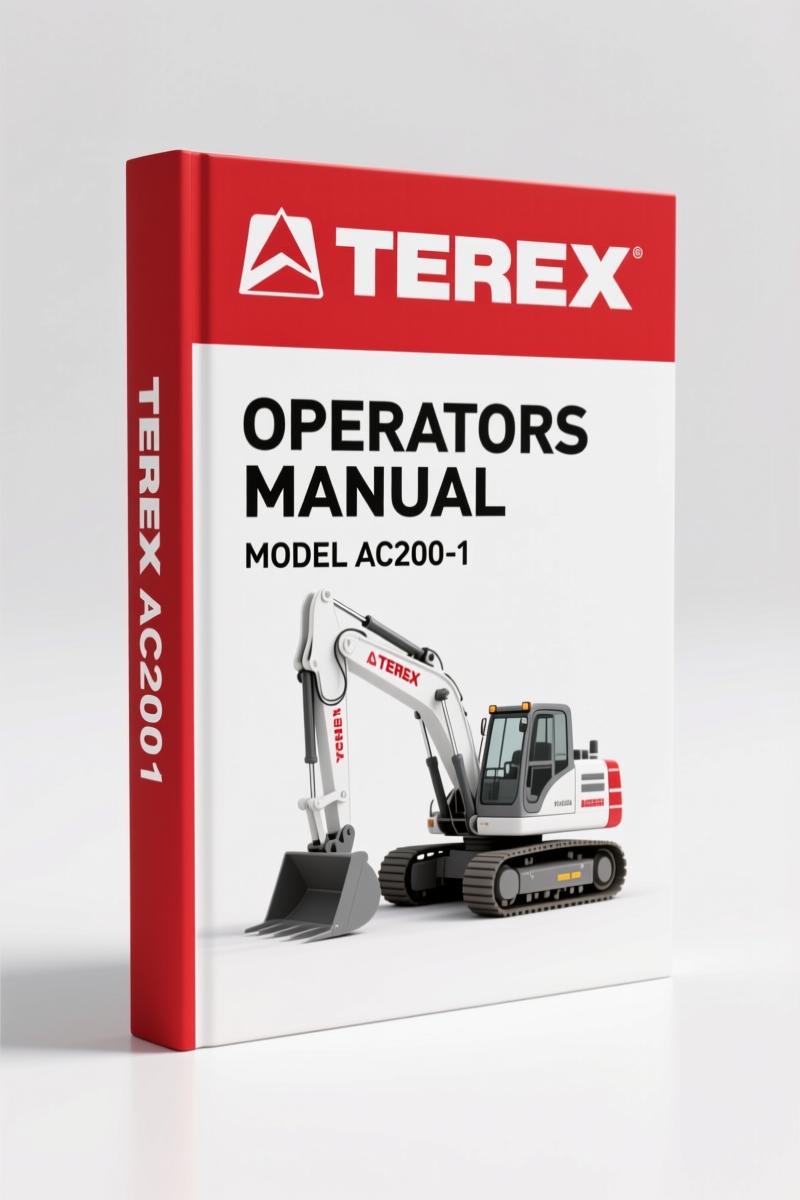
Terex AC200-1 Training Manual – Factory Crane Control Documentation
Original price was: $77.50.$50.00Current price is: $50.00.
OEM 34-page training manual for Terex AC200-1: IC-1 control system, load limit function, and operating range procedures.
Description
Terex AC200-1 Training Manual – OEM Factory Specs for Crane Operators
If you’re running a crane shop or working a lift with the Terex AC200-1, you don’t guess on load limits or override safety systems without knowing what the factory says. I’ve seen mechanics bypass the load limit device because they thought they could “feel” the load. That’s a lawsuit waiting to happen, or worse. This Training Manual is 34 pages of what Terex actually wants you to know about the IC-1 control system, symbols, screens, and the load limit device. It’s not a third-party rewrite. It’s the original OEM training material, straight from the factory. Skip this and you’re flying blind.
IC-1 Crane Control: The Brains Behind the Boom
The IC-1 (Intelligent Control System) is not just a display. It combines the overload cut-off device, telescoping info system, and displays for support pressure, tilt, crane configuration, and lifting capacities. Page 3 of the manual lays out that this system is an operating aid, not a substitute for operator judgment. If you’re training new guys or refreshing your own knowledge, you need to understand each symbol and screen. The manual walks through the general control functions starting on page 3, then dives into the load limit device on page 4. That’s the section that’ll save your lift.
Load Limit Device: When the System Shuts You Down
Page 4 explains the function of the load limit device (LLD). When the permissible load moment is exceeded, both raising the load and increasing the working radius are disabled. A continuous tone sounds, the stop symbol appears, and the bar display turns red. The manual states clearly: lifting a load after shutdown is not permitted. Only movements that decrease the load moment are allowed. The bold warning on page 4 reads: “It is absolutely forbidden to override the load limit device to overload the crane above its load bearing capacity!” I’ve seen techs ignore that because they’re in a hurry. Don’t be that guy.
The manual also covers bridging the load limit and limit switches on page 32. That’s emergency-only territory. Under no circumstances should you use the override as a standard operating tool. The factory engineers designed these limits based on actual crane capability. Respect them.
Control and Display Elements – Page 8 Breakdown
Starting on page 8, the manual details every control and display element on the IC-1 panel. You get the function of each button, each screen indicator, and the warning icons. If you’ve ever had a trainee ask “What does this flashing yellow triangle mean?”, you hand them this manual. It’s all there. The manual also includes programming the pilot control sensor on page 22. That’s a step many skip, and then wonder why the crane doesn’t respond consistently. Follow the factory procedure.
Operating Range Limits and Data Logger
Pages 25 and 29 cover operating range limits and the optional data logger. The range limits tell you exactly where the boom can and cannot go based on configuration. The data logger section (optional equipment) shows how to retrieve and interpret logged data. If you’re diagnosing an intermittent overload alarm, that data is gold. The manual explains how to access it without guessing.
Bridging Load Limit Switches: Don’t Touch Until You Read This
Page 32 covers the bridging procedure for the load limit and limit switches. The warning is repeated: this is for emergency situations only. I’ve seen shops that treat bridging like a regular bypass trick. That’s a violation of OEM safety protocol. The manual explicitly states that the crane operator still carries ultimate responsibility for safe operation. You want that in writing when a supervisor asks why you overrode the system. This section gives you the exact steps and the factory’s reasoning.
Audience Fit: Who Needs This Manual
If you’re a crane operator, shop foreman, or a mechanic who works on Terex AC200-1 crawler cranes, you need this training manual. It’s also essential for safety officers who want to understand the IC-1 system before training new operators. For DIY crane owners (yes, they exist), this manual saves you from calling a dealer for every error code. You’ll learn to interpret the bar display colors, the acoustic warnings, and the LLD messages without guesswork.
Source Validity: OEM vs Aftermarket – No Contest
This is a factory Terex training manual. That means the load limits, torque specs (where applicable), and control logic are exactly what the engineers wrote. Aftermarket manuals often copy the diagrams but skip the safety warnings or simplify the override procedures. I’ve seen aftermarket books that tell you to “bridge the LLD switch to continue lifting” without the emergency-only qualifier. That’s dangerous. This manual carries the full weight of Terex’s liability language and their actual training program. You get the same material Terex uses in their global crane training courses. No reprints, no third-party edits.
7 Systems Covered in This 34-Page Training Manual
- IC-1 control general – page 3
- Load limit device (LLD) function and warnings – page 4
- Control and display elements – page 8
- Programming pilot control sensor – page 22
- Operating range limits – page 25
- Data Logger (optional) – page 29
- Bridging load limit and limit switches – page 32
Each section includes the exact symbols and procedures you’d see on the IC-1 screen. No fluff. No generic advice. Just OEM data.
FAQ – Common Questions About the Terex AC200-1 Training Manual
- Does this manual cover the full AC200-1 crane or just the IC-1 system?
- This manual focuses specifically on the IC-1 control system, symbols, screens, load limit device, and related safety functions. It doesn’t cover engine, hydraulics, or chassis maintenance. For those, you’d want the service repair manual. But for understanding the crane’s operation and safety interlocks, this is the document.
- Can I use this manual to train a new operator?
- Absolutely. This is the same material Terex uses in their global crane training. Combine it with hands-on practice, and your operator will know exactly what each IC-1 symbol means and how to respond to LLD warnings.
- Is the bridging procedure detailed enough to follow?
- Yes. Page 32 gives the steps for bridging load limit and limit switches. But it also includes the legal and safety warnings that are critical. Do not attempt bridging without reading the entire section.
- Does the manual include torque values for crane assembly?
- No. This is a training/operation manual, not a service manual. Torque specs for bolts and structural components are in the separate Terex AC200-1 service manual. This one focuses on control system operation and safety.
Look, I’ve been wrenching for 28 years. The difference between a shop that uses OEM documentation and one that doesn’t shows up in the accident report. This Terex AC200-1 Training Manual is the real deal – factory spec, 34 pages, no aftermarket reinterpretation. If you work on these cranes, get the manual before you touch the controls. Access the Factory Manual now and keep it in the cab or on your bench.
Related Manuals
- Terex AC200-1 Crane Head Roller Operation Manual
- Terex AC200-1 Main Boom Dismantling & Assembly Training
- Terex AC200-1 Operation: Telescoping Training Manual
For a deeper understanding of crane drivetrain fundamentals, see Manual Transmission and Manual Transmission operation basics.
Additional information
| Brand | Terex |
|---|---|
| Language | English |
2 reviews for Terex AC200-1 Training Manual – Factory Crane Control Documentation
Only logged in customers who have purchased this product may leave a review.
You may also like…
-
Sale!
Terex PT-70 2010 Parts Catalog – 34 Pages OEM Part Numbers
Original price was: $30,480.00.$24,000.00Current price is: $24,000.00. -
Sale!
Terex AC200-1 Training Manual – Boom Dismantling & Assembly OEM Procedures
Original price was: $93.75.$75.00Current price is: $75.00. -
Sale!
Terex AC200-1 Training Manual – Brake System Factory Specs
Original price was: $91.50.$75.00Current price is: $75.00. -
Sale!

Terex TA40 G7 2006 Parts Catalog – OEM Parts Documentation
Original price was: $32,400.00.$24,000.00Current price is: $24,000.00.
Related products
-
Sale!

1992 Electrical Schematic – International 1000/3000/4000/2554 OEM Wiring Diagrams (132 Pages)
Original price was: $26.40.$20.00Current price is: $20.00. -
Sale!
1992 Electrical Schematic – OEM Wiring Diagrams for International 1000-3800
Original price was: $24.48.$18.00Current price is: $18.00. -
Sale!
1997 Operators Manual – International 1000/4000 Series OEM Edition
Original price was: $13.49.$9.99Current price is: $9.99. -
Sale!

2005 Parts Catalog – International NGD 3.0 L Engine (77 pages)
Original price was: $44.70.$30.00Current price is: $30.00.
David K. –
I am very pleased with this transaction. Quick access after checkout. Every spec sheet is included for Terex AC2001. I will recommend this shop to others.
workshop_guy –
I am very pleased with this purchase. The text is searchable and well indexed. It assisted me to troubleshoot my Terex AC2001 electrical system. I will definitely buy again.