
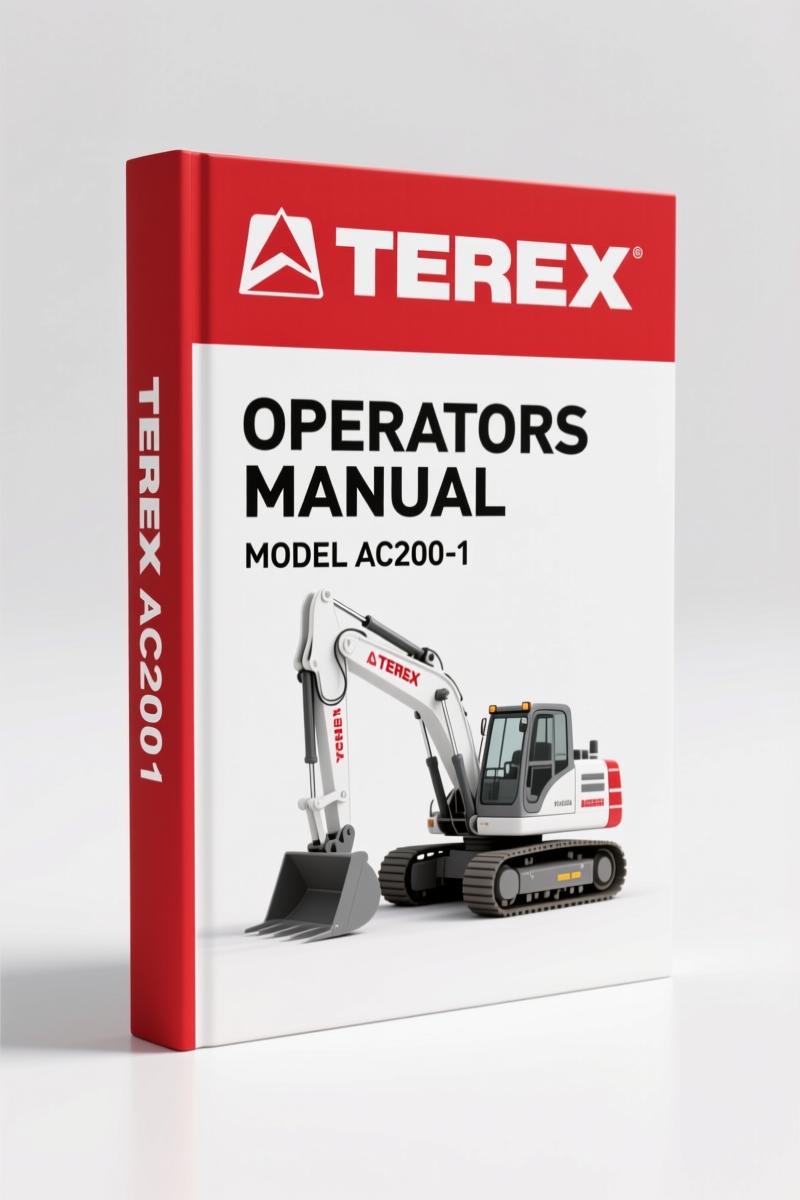
Terex AC200-1 Operators Manual – OEM Operation Procedures 18 Pages
Original price was: $20.52.$12.99Current price is: $12.99.
OEM 18-page operators manual for Terex AC200-1 crane. Factory hoist procedures, safety systems, and climate-specific fluid data.
Description
Terex AC200-1 Operators Manual – The Only Document You Need for Hoist 1
When you’re on a job site with a Terex AC200-1 and the hoist isn’t responding the way you expect, guessing the controls costs time and risks dropping a load. I’ve seen guys skip the pilot control mode check and end up with a swung load they didn’t plan for. This 18-page Operators Manual is what the factory puts in the cab – not a reprint, not a summary. It’s the exact document that covers raising and lowering the load, camera surveillance, and all six pilot control assignments. Get the specs from page 3 before you touch the levers. If you’ve ever had to swap between slewing, luffing, and tele functions without a reference, you know why the OEM layout matters. Aftermarket docs change the order – this one doesn’t.
Hoist 1 Operation: What This 18-Page Operators Manual Covers
Page 2 lists the two content blocks: “Raising and lowering the load” and “Camera surveillance of the Hoist.” That’s it for the big categories, but the detail on page 3 is where the real work happens. Six pilot control modes are defined – each one re-assigns which joystick controls slewing (SLH), telescoping (SLV), luffing (SRH), or hoist 1 (SRV). You need to know which mode your crane is set to before you start. Page 3 also shows the dead man’s switch buttons (36/32) and the hoist rotation indicator. The manual does not assume you remember this from last week – it forces you to confirm the assignment.
Raising and Lowering the Load – The Correct Procedure
Page 3 gives the sequence for raising the load in high range. High-speed mode is limited to 30% of the load capacity. That’s a hard limit, not a suggestion. If you run the hoist at high speed with a heavy load, the LLD (Load Limiting Device) will shut you down at 100% capacity. The manual also explains that the lower limit switch stops the “lower load” movement when the hook block trips it. Raising is still possible. This is critical when you’re working near the ground and can’t see the block. Camera surveillance is covered on page 5 (the TOC shows it after page 2, but the manual is short – 18 pages total). The factory cameras integrate with the display so you can watch the hook without craning your neck.
Understanding the Six Pilot Control Modes
Mode 1 through Mode 6 are all listed on page 3. In Mode 2, for example, SLV becomes hoist 2 (H2) while SRV remains hoist 1 (H1). Mode 3 swaps SRH to hoist 2. The control lever assignments use S for the left lever (24) and R for the right lever (16). Horizontal (H) and Vertical (V) axes determine the movement. If you’ve ever assigned a lever to the wrong function, you know the crane responds immediately – and sometimes dangerously. The manual warns: “To prevent the unintended activation of crane movements, both control levers are fitted with an additional button (dead man’s switch).” That button must be pressed for any movement. It’s not optional.
Safety Systems: Dead Man’s Switch and Limit Switches
Page 4 spells out the automatic shut-down conditions for hoist 1. “The movement ‘raise load’ is automatically shut down when LLD has shut down – lifting capacity of 100% is reached – or the hook block has tripped the hoist limit switch.” The same page covers the lower limit switch that stops lowering. The manual also describes the hoist rotation indicator (25/15) – a mechanical vibration you feel when the hoist rotates. That tactile feedback is your backup if the camera feed glitches. High-speed mode is restricted further: “High speed may not be used for one rope crane operation with main boom extension.” If you’re running a single fall, you stay in low range. Period.
Is This Manual for You? Audience Fit and Real-World Use
If you operate a Terex AC200-1 on a construction site or rental yard, this manual belongs in the cab. It’s also for the lead mechanic who trains operators. I’ve had junior guys try to run the hoist without reading the mode assignment – they end up slewing when they wanted to lift. The manual is only 18 pages, so there’s no excuse not to read it through once. Home garage guys probably don’t own a 200-ton crane, but if you’re restoring one or maintaining a fleet, this is the reference for hoist operation. Pair it with the Terex AC200-1 Crane Head Roller Operation Manual for the full picture of the boom head. The Terex AC200-1 Main Boom Dismantling & Assembly Training and Terex AC200-1 Operation: Telescoping Training Manual are also in the same factory set.
Source Authenticity: OEM vs Aftermarket Documentation
I’ve seen aftermarket manuals that combine multiple model years into one PDF, then call it “universal.” They skip the dead man’s switch details or reword the limit switch logic until it’s wrong. This Operators Manual is the original Terex document – scan of the print, unedited, full page layouts. The PDF includes the Terex Global Crane Training header on every page. If you’ve ever had a warranty claim denied because you used a non-factory procedure, you understand why OEM documentation matters. This manual is the same one that came with the crane from the factory. It’s not a copy-paste job. For basics on powertrain components that feed the pump, check Manual Transmission principles. For gear reduction in the hoist system, see Manual Transmission for ratio fundamentals.
- Does this manual cover the engine or drivetrain?
- No. This is an operators manual for the hoist only. It covers raising/lowering, camera surveillance, pilot modes, and safety systems. For engine and transmission, you need the service manual.
- Can I use this manual for the Terex AC100?
- No. The AC200-1 has different pilot control assignments and hoist speeds. Using this manual on an AC100 will give you wrong mode selections and could cause a load swing.
- How many pages is the PDF, and is it searchable?
- 18 pages. The PDF is a clean scan with selectable text, so you can search for terms like “dead man’s switch” or “hoist 1.” Page 3 and page 4 are the most referenced in the field.
- What happens if I ignore the high-speed 30% load limit?
- You risk tripping the load limiting device (LLD). The manual states that raising the load is automatically shut down when capacity reaches 100%. If you’re near a load and the LLD cuts out, the load can drop or swing unpredictably. The high-speed mode is also prohibited for single-rope operation with the main boom extension – ignoring that can overstress the rope system. In short, you’re betting the load and the rigging against a factory spec that’s been tested. I’ve seen cranes tipped because an operator ignored a limit switch. Don’t be that guy.
Stop guessing with aftermarket knockoffs. Access the Factory Manual from AutoRepairManuals and keep the original spec in your cab. It’s 18 pages, it’s the real Terex document, and it’ll save you from a bad lift.
Additional information
| Brand | Terex |
|---|---|
| Language | English |
4 reviews for Terex AC200-1 Operators Manual – OEM Operation Procedures 18 Pages
Only logged in customers who have purchased this product may leave a review.
You may also like…
-
Sale!
Terex AC200-1 Training Manual – Boom Dismantling & Assembly OEM Procedures
Original price was: $93.75.$75.00Current price is: $75.00. -
Sale!
Terex AC200-1 Training Manual – Brake System Factory Specs
Original price was: $91.50.$75.00Current price is: $75.00. -
Sale!
Terex TA40 G7 2006 Parts Catalog – OEM Parts Documentation
Original price was: $32,400.00.$24,000.00Current price is: $24,000.00. -
Sale!
Terex PT-70 2010 Parts Catalog – 34 Pages OEM Part Numbers
Original price was: $30,480.00.$24,000.00Current price is: $24,000.00.
Related products
-
Sale!

1992 Electrical Schematic – International 1000/3000/4000/2554 OEM Wiring Diagrams (132 Pages)
Original price was: $26.40.$20.00Current price is: $20.00. -
Sale!
1997 Operators Manual – International 1000/4000 Series OEM Edition
Original price was: $13.49.$9.99Current price is: $9.99. -
Sale!
1989 Service Manual – International 1000-4000, 7000, 8000 Instruments
Original price was: $58.80.$40.00Current price is: $40.00. -
Sale!
International 1000-3000 Series Operators Manual – 132 Pages of OEM Specs
Original price was: $14.40.$10.99Current price is: $10.99.
Charles W. –
This is exactly what I needed. Immediate link after checkout. A must-have for any Terex AC2001 mechanic doing repairs. Highly recommended for mechanics.
Thomas B. –
This is just what I was looking for. The file looks clean. A must-have for any Terex AC2001 DIYer doing repairs. Worth every penny.
Michael T. –
Excellent quality! The file is high resolution. Every wiring layout is provided for Terex AC2001. I will definitely buy again.
John S. –
Outstanding! It is very easy to read on my laptop without losing quality. Every torque spec is provided for Terex AC2001. Saves me a lot of dollars.