
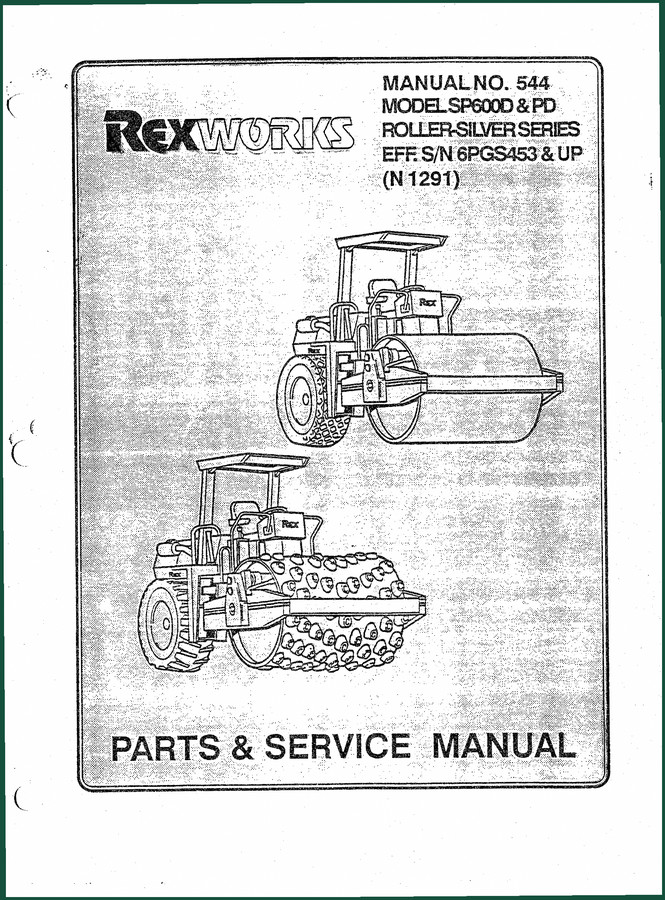
Rexworks SP600D, SP600PD Parts Catalog – OEM Exploded Diagrams & Part Numbers
Original price was: $40.50.$27.00Current price is: $27.00.
132-page OEM parts catalog for Rexworks SP600D and SP600PD vibratory rollers. Exploded views, part numbers, and lubrication chart for service technicians.
Description
Rexworks SP600D, SP600PD Parts Catalog – Factory OEM Diagrams & Specs
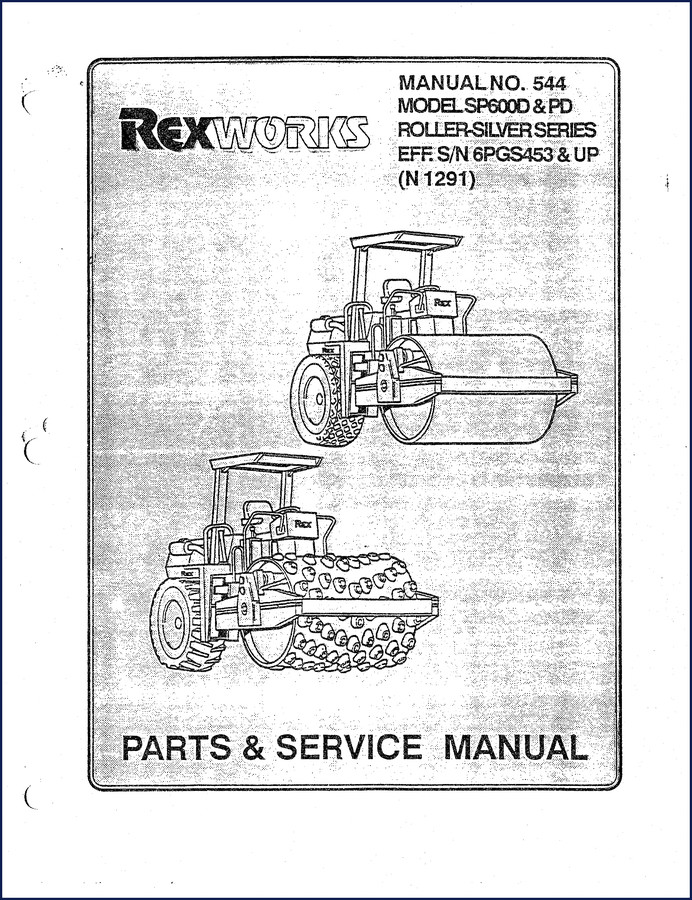
I’ve been turning wrenches for 28 years, and the fastest way to burn a weekend is ordering the wrong part for a Rexworks SP600D, SP600PD Parts Catalog. That drum assembly on page 30 costs enough; one misidentified seal and you’re waiting another week. This is the factory manual – not some aftermarket copy that redrew the hydraulic lines with a crayon. Rexworks printed this for dealers and shops that don’t have time to guess. If you need the exact bearing for the vibratory drum on an SP600PD, the breakdown on page 34 tells you the part number, the quantity, and how it stacks. No fluff. No “maybe.”
132 Pages of OEM Part Breakdowns
Every page in this 132-page Parts Catalog is a direct scan of the factory binder. You get the original decal layouts – instruction plates, location diagrams for both SP600D and SP600PD starting on page 12. The lubrication and maintenance chart on page 18 is critical if you’re doing a pre-purchase inspection or restoring a Silver Series roller. Miss one grease point because your aftermarket manual used a generic drawing and you’ll be replacing pneumatic isolators unnecessarily. This manual calls out every zerk and interval in imperial units, which matters because Rexworks designed these rollers for North American shops.
Hydraulics Section: Pump, Motor, and Cylinder Callouts
Turn to page 70 for pump and motor mounting. You’ll see the exact bolt pattern and the proper orientation of the vibratory pump (page 78) and vibratory motor (page 80). The steering system section starting on page 82 includes the power steering pump, steering unit, and cylinder mounting – all with Rexworks part numbers, not cross-references from another brand. If you’re swapping a traction motor on a SP600PD, the callout on page 100 shows the manifold block and mounting hardware. That saves you from pulling a motor that’s pinned by a bracket you didn’t know existed. For the ground drive system, page 90 breaks down the hydrostatic transmission, axle, and drum brake mounting. You’ll see the hydraulic disc brake assembly on page 94 and the brake valve on page 98. Every port, every O-ring, every hose routing is factory correct.
Why a Factory Parts Catalog Beats Aftermarket Copies
Aftermarket manuals love to “simplify” drawings by omitting hardware callouts. That’s fine until you need the grade 8 bolt for the articulating joint assembly (page 46). This catalog gives you the Rexworks OEM part number, so you call the dealer and get the exact fastener. No running to a hardware store hoping a 5/8″ bolt will work. The design change disclaimer and warranty disclaimer on the first pages remind you that Rexworks made updates; this manual covers serial numbers 6PGS453 and up. If you have a machine below that range, you need the older catalog – but at least you know where to look. The wiring diagram on page 118 is a full schematic, not a cartoon. You can trace the battery circuit to the back-up alarm assembly on page 56 without guessing which wire color faded three decades ago.
Don’t Skip the Decal and Lube Chart on Page 18
I’ve seen guys who think decals are cosmetic. The location of instruction and name decals for SP600D (page 14) and SP600PD (page 16) include safety signal words and operating warnings. If you remove a decal during a repaint and don’t replace it with the correct factory decal, you’re opening yourself to liability. The lubrication and maintenance chart on page 18 isn’t a suggestion – it’s the schedule that keeps the drum drive gear case (page 40) and pneumatic vibration isolators (page 43) alive. Use the wrong grease on the isolators and they turn into hockey pucks. The manual shows the correct grease type and interval in operating hours.
Is This Manual for the SP600D or SP600PD?
Both. The catalog has model-specific sections clearly marked. Roll frame, vibratory drum assembly, leveling blade option – all split into SP600D-only and SP600PD-only pages. The SP600PD gets the leveling blade cylinder breakdown on page 28 and the leveling blade option starting page 22. The SP600D has its own vibratory drum assembly on page 30, while the SP600PD version is on page 34. The “Vib Meter Pick-Up Assembly” on page 44 is for SP-600D only. If you’re working on a machine with the optional ROPS assembly, page 124 covers that. The manual doesn’t skip any variant – it tells you exactly which parts apply to which serial prefix.
Electrical Wiring Diagram and Battery Section
Page 118 gives you the full wiring diagram. It’s not colorized, but it’s legible and shows connector pins, fuse ratings, and ground points. The battery section on page 122 lists the correct group size and terminal orientation. If you’ve got an electrical gremlin on a SP600PD, start at the back-up alarm relay on page 58, then trace back to the center console assembly (page 50) through the side console controls (page 54). This catalog won’t teach you how to test circuits – that’s what the service manual is for – but it will give you the part numbers for the switches, wiring harness, and battery cables so you can order the right piece the first time.
- Q: Does this manual include torque specs for the vibratory drum assembly?
- No. This is a parts catalog, not a service manual. It provides part numbers and exploded views. For torque values you need the Rexworks SP600D service manual.
- Q: Can I use this manual to order parts for both the SP600D and SP600PD?
- Yes. The catalog has separate sections for each model. Look for the “(SP600D ONLY)” and “(SP600PD ONLY)” labels. The leveling blade option on page 22, for example, is for SP-600PD only. Drum assembly pages are split accordingly. Pay attention to your machine’s serial number – this catalog covers serial 6PGS453 and up. If you have an older machine, you’ll need a different manual. The manual also includes the Reworks Standard Warranty and Delivery and Acceptance Report, so you know exactly what came with the roller from the factory. For a complete rebuild, pair this parts catalog with the service manual – see related manuals below for the REXWORKS SP-600D Parts & Service Manual.
If you’re tired of chasing parts with aftermarket drawings that make a vibratory roller look like a toy, grab this factory manual. Access the Factory Manual and put the correct part numbers on your bench before you pull one bolt. For other Rexworks models, check the Rexworks SP-848B Parts Catalog – 182-Page OEM Manual or the REXWORKS SP400 Parts & Service Manual (R 382). And if you’re new to heavy equipment repair, the Automotive Industry Overview over on Wikipedia can give you context on how these shops operate, but this manual is the one that’ll keep your roller running.
Additional information
| Brand | Rexworks |
|---|---|
| Language | English |
2 reviews for Rexworks SP600D, SP600PD Parts Catalog – OEM Exploded Diagrams & Part Numbers
Only logged in customers who have purchased this product may leave a review.
You may also like…
-
Sale!
Rexworks 5 to 8 Ton, 7 to 10 Ton 1973 Parts Catalog – OEM Exploded Views
Original price was: $124.00.$100.00Current price is: $100.00. -
Sale!
Rexworks R 870 Service Manual – Factory Specs for Vibratory Roller
Original price was: $44.40.$30.00Current price is: $30.00. -
Sale!
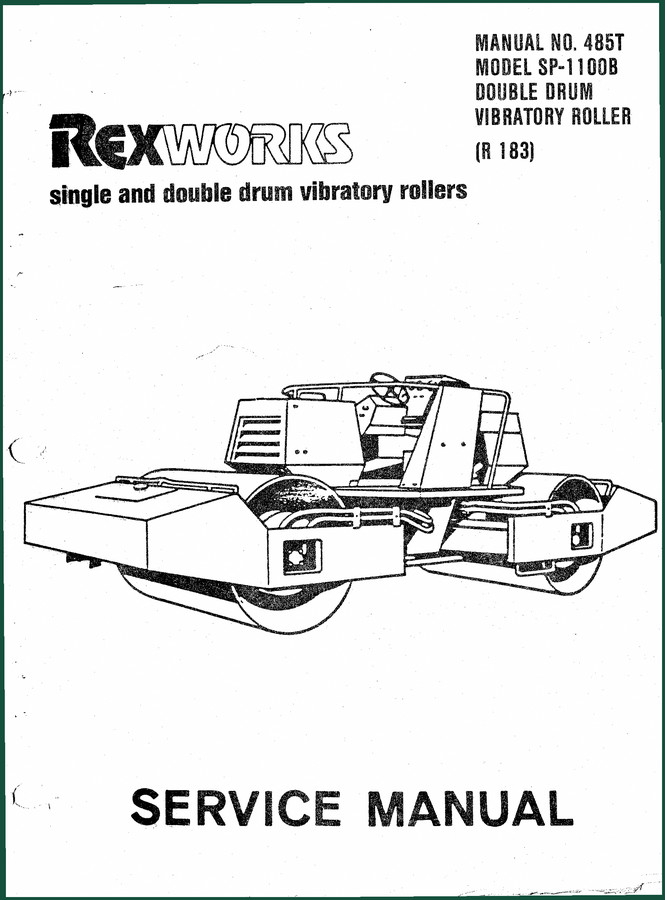
Rexworks SP-1100B Service Manual – Factory Specs for Dual Vibratory Roller
Original price was: $44.10.$30.00Current price is: $30.00. -
Sale!
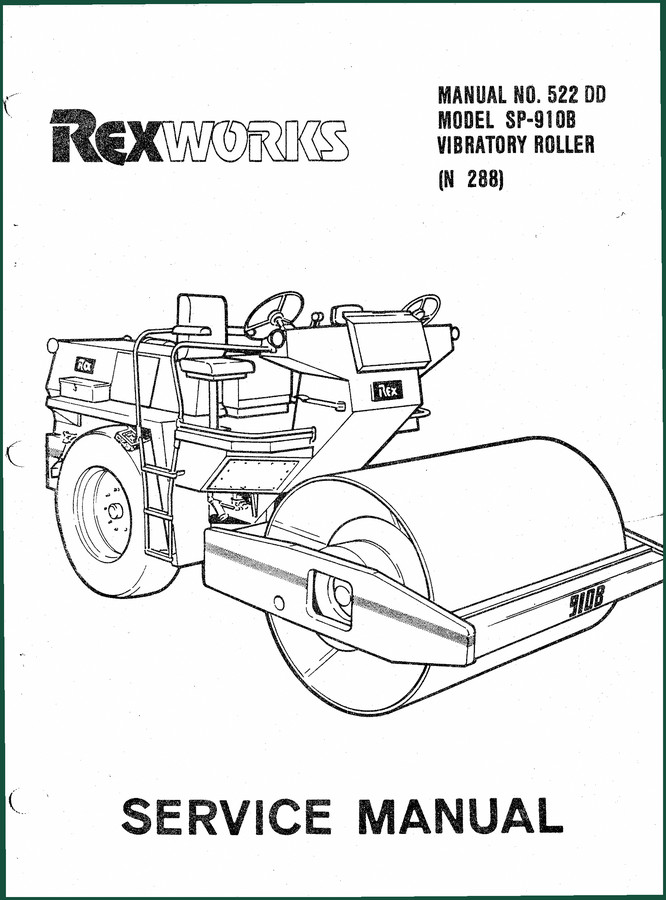
Rexworks SP-910B Service Manual – Factory-Certified Specifications
Original price was: $54.38.$37.50Current price is: $37.50.
Related products
-
Sale!

1995 Operators Manual – International 1000-4000 Series | OEM Documentation
Original price was: $12.49.$9.99Current price is: $9.99. -
Sale!
1996 Operators Manual – International 1000-4000 Series (246 pages)
Original price was: $15.28.$9.99Current price is: $9.99. -
Sale!

Service Manual – International HS 2.8L Engine – 130 Pages of Factory Specs
Original price was: $56.40.$40.00Current price is: $40.00. -
Sale!
1992 Electrical Schematic – International 1000/3000/4000/2554 OEM Wiring Diagrams (132 Pages)
Original price was: $26.40.$20.00Current price is: $20.00.
diy_master –
This is exactly what I was looking for. The document quality is excellent. It helped me to repair my Rexworks SP600D, electrical system. Great value for money.
Charles W. –
I am so happy with this purchase. The PDF looks clean. Every spec sheet is provided for Rexworks SP600D,. Saves me so much dollars.