
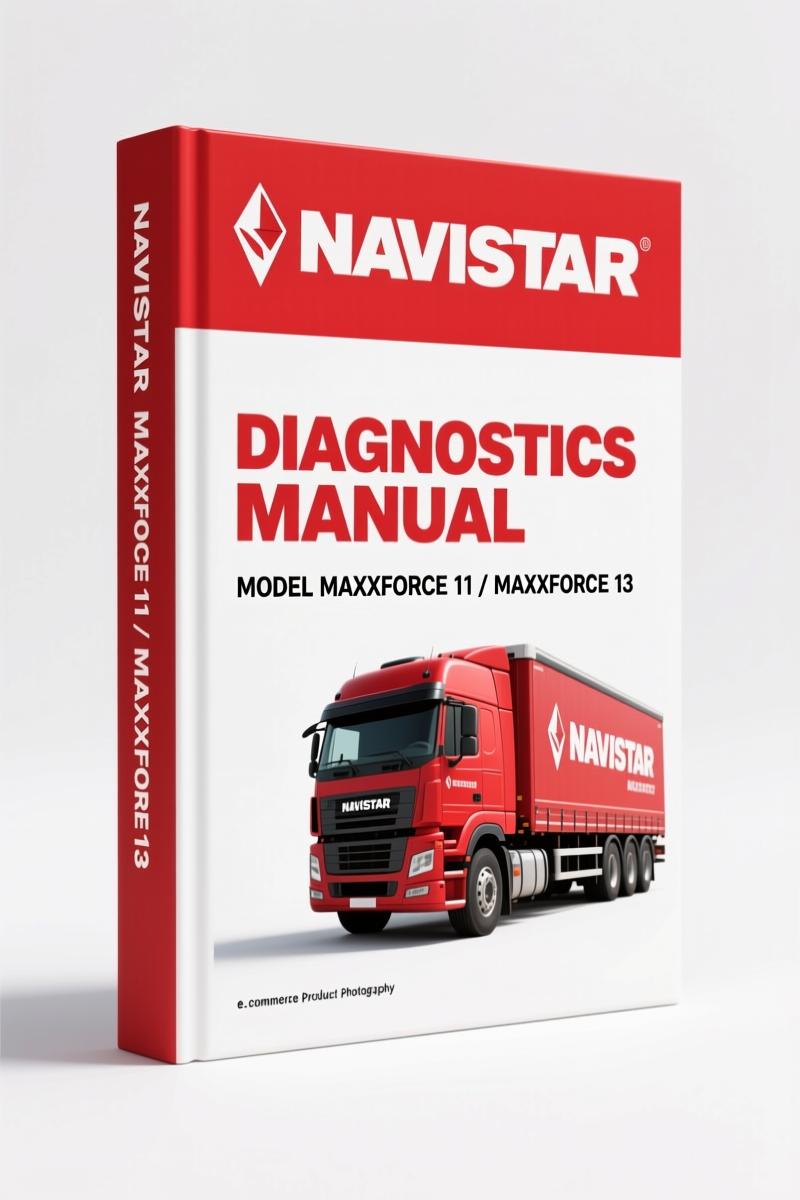
Navistar MaxxForce 11, MaxxForce 13 2013 Diagnostics Manual
Original price was: $75.50.$50.00Current price is: $50.00.
2013 Navistar MaxxForce 11 & 13 diagnostics manual: 687 pages covering HD-OBD, fuel systems, EGR, DPF, and electronic control diagnostics.
Description
Navistar MaxxForce 11, MaxxForce 13 2013 Diagnostics Manual
If you’ve ever chased a no-start on a MaxxForce 13 with nothing but a scan tool and a prayer, you already know why this manual exists. I’ve flattened knuckles pulling injectors on those engines when a fuel rail pressure reading didn’t match what the ECM thought—without factory diagnostic trees you’re just swapping parts. This 687-page OEM Navistar MaxxForce 11, MaxxForce 13 2013 Diagnostics Manual gives you the exact procedures Navistar wrote for their own techs. No aftermarket guesswork. No third-party shortcuts. Just the real specs.
Diagnostic Software Operation: What the Manual Covers
This manual dedicates a full section (starting around page 63) to diagnostic software operation. You get screen-by-screen navigation for Navistar’s service tool, including how to run actuator tests, read freeze-frame data, and force regeneration cycles. I’ve seen shop owners let a green tech loose on a DPF cleaning with the wrong tool commands—smoked a downstream injection unit. The manual’s steps for Aftertreatment Fuel Injector (AFI) tests would have caught that. It’s all there: how to command the Fuel Pressure Control Valve (FPCV), how to read High Pressure Boost Pressure (HPBP) sensor voltages, and what the ECM expects for fuel rail pressure at key-on.
Hard Start and No Start Diagnostics
Pages 109 through 143 cover hard start and no start diagnostics. That’s where most of your billable time lives on these engines. The manual splits it by symptoms—cranks but won’t fire, cranks slow, fires then dies. Each branch has a numbered test sequence. For example, if you’ve got low rail pressure, the manual tells you to check the Fuel Rail Pressure (FRP) sensor signal against commanded pressure, then isolate the low-pressure fuel system (chassis filter, LP pump, primer pump assembly) before you touch the high-pressure pump. That sequence saves you from pulling an HP pump that was fine. It’s also got the OEM spec for fuel pressure at the chassis mounted filter/water separator—something aftermarket manuals often skip.
7 Systems Covered in 687 Pages
The TOC lists these major sections: Engine Systems, Engine and Vehicle Features, Diagnostic Software Operation, Engine Symptoms Diagnostics, Hard Start/No Start, Performance Diagnostics, Electronic Control Systems Diagnostics. That last one—Electronic Control Systems Diagnostics—runs from page 183 to 611. Over 400 pages just on sensor circuits, actuator control, and wiring diagrams. I’ve had to replace a Coolant Control Valve (CCV) because a technician bypassed the diagnostic tree and bench-tested the valve wrong; the manual’s “actuator control” section shows you the voltage and duty cycle the ECM expects at each CCV position.
Why Factory HD-OBD Compliance Matters?
This manual was printed for 2013 HD-OBD (Heavy Duty On-Board Diagnostics). That’s a different world from light-duty OBD-II. The monitor enable criteria, the drive cycles, the aftertreatment response conditions—all Navistar-specific. If you’re working on a MaxxForce engine with a check engine light, the manual tells you which Diagnostic Trouble Codes are monitored and what thresholds trigger them. I’ve seen aftermarket manuals call a P2459 (DPF regeneration frequency) a “generic code” with generic fix. This manual gives you the actual Navistar DPF conditions and responses—exactly when the AFT system calls for active regeneration and what sensors you check first. For that, On-board Diagnostics (OBD) standards are only half the story; the other half is this manual.
Get the Right Diagnostic Procedure
You want the performance diagnostics section (page 143). It covers low power, surging, black smoke, high fuel consumption. Each symptom has a checklist: check for boost leaks, EGR valve stuck open, Air Control Valve (ACV) stuck, turbocharger wastegate. The manual includes actual Navistar Engineering test specs for boost pressure at rated RPM. If you’re hunting a surge on a MaxxForce 11, you need the LPBP and HPBP sensor comparison procedure from page 73. I’ve used that exact page to diagnose a failed High Pressure Boost Temperature sensor that was bleeding into the ECM’s calculated air mass.
Fuel Management System: From Primer to Injector
The Fuel Management System chapter covers everything: low-pressure fuel system (chassis filter/water separator, Fuel Primer Pump Assembly, Low Pressure Fuel Pump, Fuel Filter Assembly) and high-pressure side (High Pressure Pump, FPCV, Fuel Rail, FRP Sensor, Rail Pressure Limiting Valve, Injectors). Page 73 in the symptom diagnostics ties it all together with a charge pressure test sequence. The manual gives you the OEM torque for high-pressure pump mounting bolts—something I’ve seen stripped when a tech used generic values from a website. For the complete service manual that includes overhaul specs, check out Navistar MaxxForce 11 & 13 Engine Service Manual 2013. If you’re working on an earlier 2011 model, Navistar MaxxForce 11 2011 Service Manual – Factory Specs is a better match. And if you need diagnostics for the whole medium-duty family, Navistar 3200-7300 2009 Diagnostics Manual covers those chassis.
FAQ
- Does this manual cover the MaxxForce 13 engine?
- Yes. The manual covers both MaxxForce 11 and MaxxForce 13 engines for 2013 model year HD-OBD. The same diagnostic trees apply across both displacements; component locations differ slightly, but the manual notes those differences in the “Engine Component Locations” section.
- Are wiring diagrams included?
- Yes, in the Electronic Control Systems Diagnostics section. Over 400 pages of circuit diagrams, pinouts, and signal values.
- Will this work for a 2010 MaxxForce 13 with EPA10?
- It applies to EPA10 and 2013 HD-OBD configurations. The manual was revised in September 2013 (Revision 5) and includes updates for both emissions levels.
- What about the manual transmission diagnostic info?
- This manual covers engine diagnostics only—transmission diagnostics are in separate vehicle manuals. For transmission removal or clutch linkage specs, see Manual Transmission factory documentation.
If you’re tired of guessing and want the actual factory diagnostic flowcharts, stop reading and Access the Factory Manual now. You’ll have 687 pages of Navistar-written procedures, torque specs, and wiring data ready to print or search on your tablet while you work.
Additional information
| Brand | Navistar |
|---|---|
| Language | English |
3 reviews for Navistar MaxxForce 11, MaxxForce 13 2013 Diagnostics Manual
Only logged in customers who have purchased this product may leave a review.
You may also like…
-
Sale!
Navistar MaxxForce 11, MaxxForce 13 2013 Service Manual – 543 Pages OEM Specs
Original price was: $86.40.$60.00Current price is: $60.00. -
Sale!
Navistar MaxxForce 7 2014 Service Manual – 499 Pages OEM Specs
Original price was: $66.50.$50.00Current price is: $50.00. -
Sale!
Navistar LoneStar, ProStar 2013 Service Manual – Factory Wiring & Diagnostics
Original price was: $51.80.$35.00Current price is: $35.00. -
Sale!
Navistar MaxxForce 11 2011 Service Manual – 490 Pages Factory Spec Data
Original price was: $47.12.$38.00Current price is: $38.00.
Related products
-
Sale!

2011 Parts Catalog – International Truck OE Parts Documentation (1786 Pages)
Original price was: $34.50.$25.00Current price is: $25.00. -
Sale!

1994 Troubleshooting Manual – International 1000-4000 FBC
Original price was: $60.00.$50.00Current price is: $50.00. -
Sale!
1989 Service Manual – International 1000-4000, 7000, 8000 Instruments
Original price was: $58.80.$40.00Current price is: $40.00. -
Sale!

1989 Service Manual – International 2000-8000 Electrical Systems
Original price was: $72.00.$50.00Current price is: $50.00.
James L. –
This is just what I required. The scan is high-quality and easy to navigate. Contains clear bolt torque specs for Navistar. Saves me a lot of dollars.
Richard G. –
Highly recommended! The PDF is very clear. A must-have for any Navistar MaxxForce mechanic doing repairs. Saved my weekend project! Thank you.
William H. –
This is just what I needed. Quick access after payment. Every spec sheet is provided for Navistar MaxxForce. I will definitely buy again.