
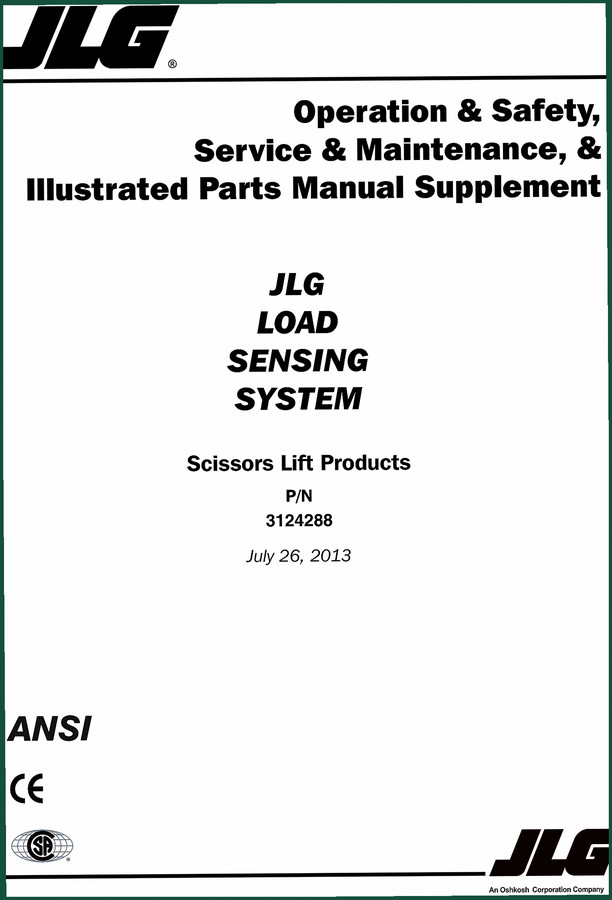
JLG RS10 2013 Service Manual – Factory Load Sensing System Diagnostics
Original price was: $17.99.$14.99Current price is: $14.99.
78-page OEM JLG RS10 service manual covering load sensing system calibration, analyzer operation, and fault code diagnostics for certified technicians.
Description
JLG RS10 2013 Service Manual: What You Actually Get
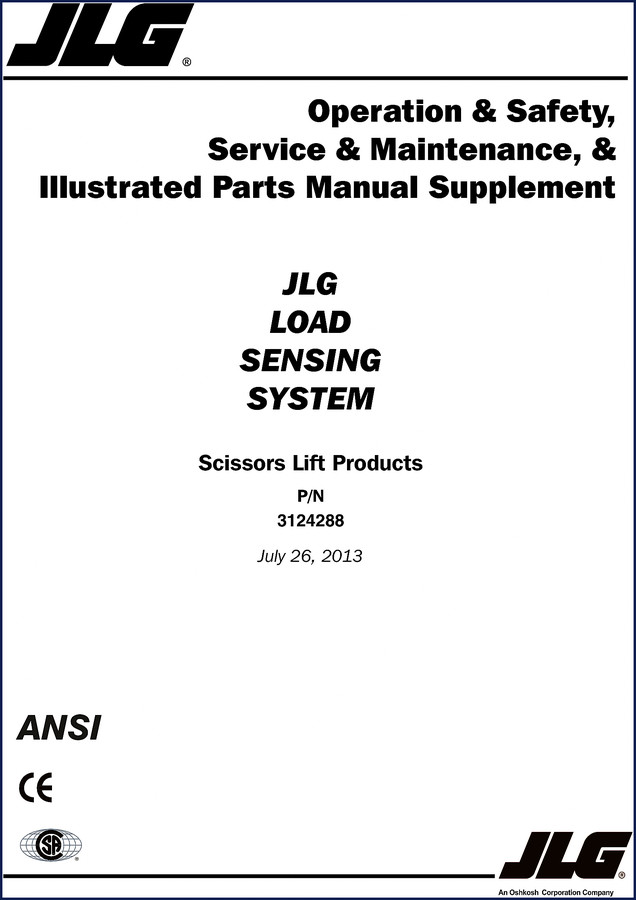
Guessing torque specs on a load sensing system gets people hurt. I’ve seen techs skip the calibration menu on the RS10 and end up with a platform that reads 500 pounds when it’s empty. That’s not a diagnostic error—that’s a liability. If you’re working on a JLG RS10 2013 Service Manual job, you need the factory sequence, not aftermarket summaries. This PDF gives you the exact menus, pin assignments, and calibration steps from the OEM. 78 pages, no condensed junk.
Section A starts with maintenance safety precautions that most shops ignore until something fails. Page A-1 tells you to block the scissors before going under—I’ve seen a machine drop because someone thought the safety prop was optional. The manual doesn’t mince words. Hydraulic system safety, battery disconnect rules, approved solvents—it’s all there because JLG wrote it for liability protection, not for marketing.
Analyzer operation takes up a third of the book. Section 1 walks you through the handheld analyzer access levels, parameter viewing, and adjustment. If you’ve ever been locked out of a menu because the access level was set to operator instead of service, you know the value of page explanation. Section 2 covers LE, MRT, and RTS models with the same analyzer—help menus, fault codes, diagnostic menus, personalities, machine setup, and calibration. Section 3 does the same for ES and RT. Section 4 is dedicated to the RS chassis including the load sensing system calibration that separates this supplement from a generic manual.
Analyzer Operation: Access Levels and Fault Codes
The handheld analyzer is your primary tool. Section 1.3 explains how to change the access level—something that’s often password-protected and hidden in submenus. Section 1.4 shows how to view and adjust parameters without jumping to conclusions. Fault codes in Section 2.2 and Section 3.2 are listed for each model variant. You don’t need to guess which code means a pressure transducer failure; it’s spelled out with the factory diagnostic path.
Personalities menus in Section 2.4 and Section 3.4 let you set machine-specific parameters. If you replace a controller without loading the correct personality, the machine won’t behave. The manual lists the personality files by model and serial number range.
Calibration Sequence for the Load Sensing System
Section 4.5 and 4.6 cover angle sensor calibration and load sensing system calibration for RS models. This is where most aftermarket docs screw up. The RS10 uses a pressure transducer and an angle sensor to determine platform load. Calibration requires a specific sequence: zero the angle sensor with the platform at full lower, then apply known weights. Section 4.6 gives the steps plus the limits (e.g., platform must be empty, system pressure below 50 psi). Ignore that and you’ll get false overload warnings.
Section 6 goes deeper into service for the RS: description, calibration procedures, testing and evaluation, LSS troubleshooting, and component removal/installation. The pressure transducer removal procedure on page 6-5 (I’m approximating—check your copy) includes torque specs for the mounting bolt. You won’t find that in a third-party reprint.
7 Systems Covered – Which Sections Apply to Your Machine
This manual is organized by model platform, so you don’t wade through irrelevant data. Section 2 applies to LE, MRT, and RTS machines. Section 3 applies to ES and RT machines. Section 4 applies to RS machines—which is the RS10 you’re likely working on. Section 5 covers general service for LE, MRT, RTS, ES, and RT. Section 6 is RS-specific service. Section 7 lists parts with illustrations. The bookmark tree mirrors the TOC exactly, so you can jump to “LSS Connector Pin Assignments” in Section 6.5 without scrolling.
Does This Manual Cover the Fuel System?
This is a service manual supplement for the load sensing system on scissors lifts. It does not cover engine repair, hydraulic pump overhaul, or structural welding. If you need those, get the base machine service manual for your model. For the RS10 load sensing electronics, brake and steering wiring, and analyzer diagnostics, this is the only official document. I’ve seen shops use a GRADALL manual for a JLG because they thought load sensing was all the same—that’ll cost you a controller.
OEM vs Aftermarket Documentation
The file I’m reviewing is an original factory PDF from JLG, copyright 2013, P/N 3124288. The pages are scanned from the printed supplement, including safety warnings that aftermarket editors strip out to save paper. Aftermarket manuals often combine multiple models into one file and miss the RS-specific calibration steps. This one keeps each model variant in its own section. The wiring diagrams in Section 6.5 show connector pin assignments with JLG part numbers—no generic color-code guessing.
If you’ve used a JLG GRADALL 544D-10 Service Manual before, you know JLG’s factory layout: bold warnings, numbered steps, required tool callouts. Same structure here. I also keep a JLG Service & Maintenance Manual 30e, 35e, 45e on the shelf for the larger boom lifts, and the JLG Service and Maintenance Manual 1532E-2658E for electric scissors. This RS10 supplement fills the gap for the load-sensing variants.
External references: if you’re unfamiliar with how a load sensing system interfaces with the transmission, read about Manual Transmission theory on Wikipedia. For the electronic control side, the same Manual Transmission page covers basic principles—though JLG’s implementation is proprietary.
- Can I use this manual on a JLG RS10 from a different year?
- This is written for the 2013 model year. Later revisions may have different analyzer software versions. Check the serial number range in the manual’s introduction.
- What tools do I need to perform the calibration?
- You need the handheld analyzer (JLG part number 100100XXX), a known test weight set (minimum 500 lbs), and a digital pressure gauge with a 3000 psi max. LSS calibration requires the platform to be empty and level.
- Does this manual include torque specs?
- Yes, for pressure transducer mounting bolts and angle sensor brackets. These are given in ft-lbs in the component removal/installation sections.
- How long does a full calibration take?
- Expect 90 minutes if you follow the procedure without interruption. Skipping steps to save time will result in a failed calibration check and you’ll repeat the whole thing.
If you’re tired of chasing phantom overload faults on your RS10 or just want to verify the calibration without calling a dealer, this is the document that keeps you out of the red. Access the Factory Manual and keep it on your shop tablet. 78 pages of OEM information that pays for itself the first time you avoid a misdiagnosis.
Additional information
| Brand | JLG |
|---|---|
| Language | English |
4 reviews for JLG RS10 2013 Service Manual – Factory Load Sensing System Diagnostics
Only logged in customers who have purchased this product may leave a review.
You may also like…
-
Sale!
JLG TOUCAN 1010 2006 Service Manual – Factory Tech Specs
Original price was: $55.80.$45.00Current price is: $45.00. -
Sale!
JLG 600A, 660AJ 2015 Service Manual – Factory Specs for Aerial Lifts
Original price was: $69.75.$45.00Current price is: $45.00. -
Sale!
JLG VM 3242E, VM 2642E 2007 Service Manual – Factory Specs
Original price was: $58.05.$45.00Current price is: $45.00. -
Sale!
JLG G5-18A 2505H Agrovector 25.5 2013 Service Manual
Original price was: $87.75.$65.00Current price is: $65.00.
Related products
-
Sale!

1992 Electrical Schematic – International 1000/3000/4000/2554 OEM Wiring Diagrams (132 Pages)
Original price was: $26.40.$20.00Current price is: $20.00. -
Sale!

1991 Operators Manual – International Truck OEM Specs (108 Pages)
Original price was: $13.63.$10.99Current price is: $10.99. -
Sale!
1991 Electrical Schematic – 112-Page OEM Wiring Diagram for International 1000-3000 Series
Original price was: $22.75.$17.50Current price is: $17.50. -
Sale!
1996 Operators Manual – International 1000-4000 Series (246 pages)
Original price was: $15.28.$9.99Current price is: $9.99.
Richard G. –
Great OEM spec sheet. It is very easy to read on my laptop without losing quality. A must-have for any JLG RS10 DIYer doing repairs. Saved my repair job! Thanks.
workshop_guy –
Great factory service manual. It is easily zoomable on my tablet without losing quality. A must-have for any JLG RS10 DIYer doing maintenance. Saves me so much time.
William H. –
Excellent quality! Quick access after payment. It helped me to troubleshoot my JLG RS10 engine. Saved my weekend project! Thank you.
Robert M. –
I am very pleased with this transaction. It is easily zoomable on my phone without blur. Every torque spec is provided for JLG RS10. Great value for money.