
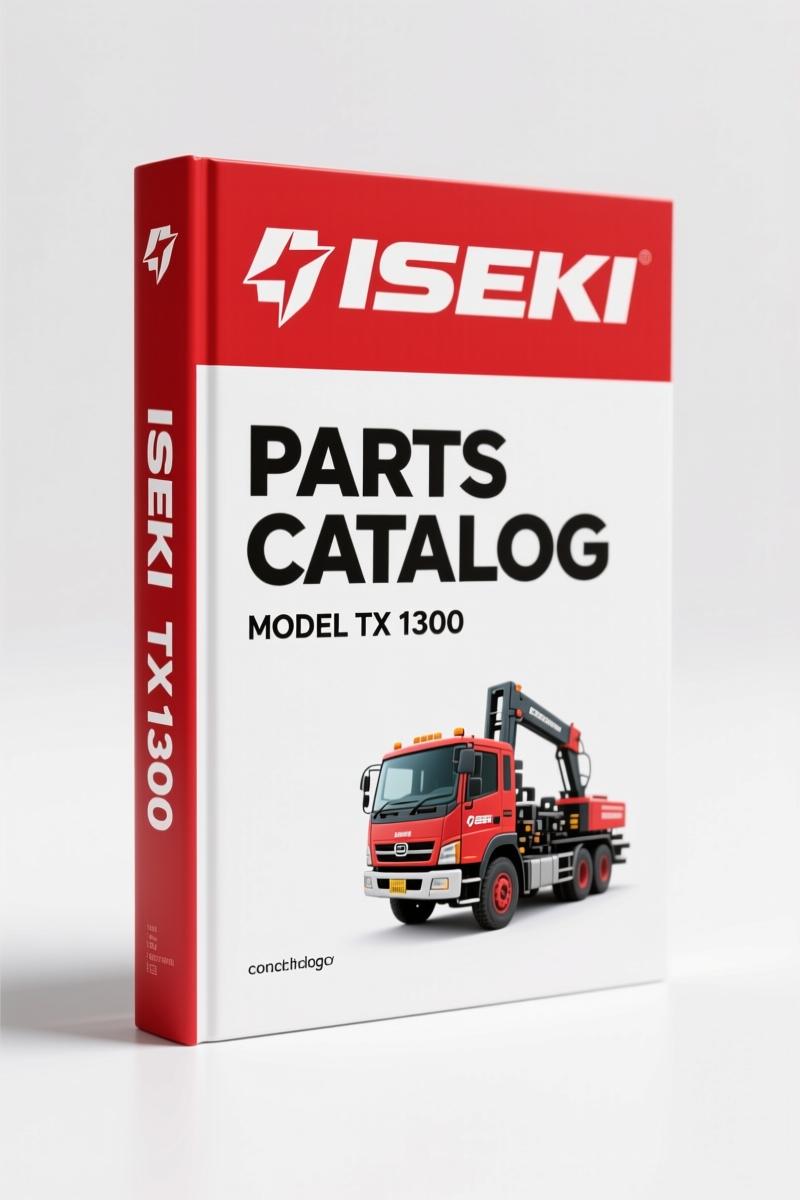
Iseki TX 1300, 1500 Parts Catalog – 214 Pages of OEM Diagrams
Original price was: $38.10.$30.00Current price is: $30.00.
214-page OEM parts catalog for Iseki TX 1300, 1500 tractors. Exploded-view diagrams, part numbers, and ordering instructions for engine, fuel, and more.
Description
Iseki TX 1300, 1500 Parts Catalog
If you’ve ever ordered a part for an Iseki TX 1300, 1500 Parts Catalog based on a third-party diagram and ended up with the wrong bearing, you know the cost. Aftermarket catalogs love to guess at part numbers and leave out the exploded view details that tell you exactly which washer goes where. This is the real deal: an original OEM Iseki Parts Catalog printed by Iseki Tokyo, Japan. It’s 214 pages of factory part numbers, not some scanned copy with pages missing.
Engine Overhaul Coverage – Cylinder Head to Crankshaft
You get every internal engine assembly. Fig.1 covers the Cylinder head with all its valves and springs – page 1. Fig.4 breaks down the piston assembly and Crankshaft on page 7, including bearing sizes and circlip specs. The Engine section alone spans 14 figures: cylinder head, crank case, timing system, oil pump, water pump, and more. Need to find a specific oil seal for the gear case? Fig.3 has it. No aftermarket diagram will match this level of detail.
Each illustration shows every part in its installed position. The parts list next to the drawing gives you a 12-digit code number that Iseki’s computer system uses. Write that code wrong, and you get the wrong part – the catalog warns you about that on page 3. I’ve seen guys order a “crankshaft” by description and get a camshaft instead. That doesn’t happen with this book.
Fuel System Diagrams – Two Injection Pump Variants
The Fuel system is covered in three separate figures. Fig.7 shows the KE 75-11GF type – two fuel supply setups for the TX 1300 and 1500. Fig.7A covers the KE 75-11GE type. If you’re working on a later model, you need that second diagram. Fig.8 dives into the fuel injection pump itself, Fig.9 into the nozzle and nozzle holder. I’ve rebuilt injection pumps using these drawings – the governor (Fig.10) is especially critical. One wrong washer and the engine surges.
Why You Need Factory Part Numbers for the TX 1300 and 1500
Every part in this catalog has a column listing the quantity needed for each variant: TX1300, TX1300F, TX1500, TX1500F. That’s 2WD versus 4WD. The parts are not always the same. For example, the front axle components differ. If you don’t have the model-specific breakdown, you’ll waste money on parts that don’t fit. The catalog also marks parts that are “made to order” with a special symbol and shows interchangeability between old and new types. You don’t guess – you read the remarks column.
Source Authenticity – Original OEM Print
This is an original factory document from Iseki Tokyo. Not a reprint, not a third-party compilation. The OCR excerpt shows the actual page layout: “FOR THE USE OF ISEKI EUROPE NEW / TX 1300 ISEKI / PARTS CATALOGUE / 2&4-wheel drive type.” The table of contents lists every engine figure with page numbers. When you need a part, you turn to the exact page. The PDF is a direct scan of the original printed manual – 214 pages, no missing pages, no blurred diagrams.
And if you’re working on other Iseki models, I’ve got recommendations. Check out the Iseki TS3110 Parts Catalog – Factory OEM Parts Breakdown for the TS series. The Iseki TXG23 TXG23FH TXG23TH TXG23E 2003 Parts Catalog covers that line, and there’s also a Iseki TXG23 Parts Catalog – Factory OEM Parts Breakdown. Different tractors, same factory precision.
How to Use the Catalog Correctly
Flip to the contents page (page 5). Find the system you need. For example, “Fig. 4 PISTON AND CRANKSHAFT 7”. Turn to page 7. Look at the drawing. Each part has a reference number (Ref. No). Then locate that number in the parts list. The 12-digit code is in column B. Write it down exactly, including leading zeros. Then order from your dealer with that code. That’s it. No interpreting, no cross-referencing. The catalog tells you the quantity per tractor in column D.
Abbreviations are explained on page 2. “OS” means oversize, “STD” standard, “RH” right hand, “LH” left hand. The orientation is facing the direction of travel. Get that wrong on a steering arm and you’ll order the wrong side.
Sources like the Automotive Industry Overview confirm that OEM documentation prevents misdiagnosis. The same principle applies to parts ordering. And the Automotive Industry Overview page on Wikipedia explains why factory specs are the gold standard. Don’t settle for less.
FAQ – Two Common Questions
- Does this catalog include torque specifications?
- No. This is a parts catalog, not a service manual. You need the separate factory service manual for torque values.
- How do I find the correct part number for my TX 1300?
- Use the exploded diagrams in each figure. For example, if you need a piston assembly, go to Fig.4 Piston and Crankshaft on page 7. Find the reference number in the illustration, then look up that number in the parts list. The catalog shows the part’s 12-digit code and quantity needed per tractor. Pay attention to the model column – TX1300, TX1300F, TX1500, TX1500F – because some parts differ between 2WD and 4WD. The abbreviations table on page 2 explains codes like ‘OS’ for oversize and ‘STD’ for standard. If the part has ‘V’ at the start of its code, it’s a commonly available market part, not a factory-only item. Double-check the remarks column for interchangeability notes (New vs Old).
Stop guessing and start ordering the right part. Access the factory manual now from AutoRepairManuals – get the original Part Catalog for your Iseki TX 1300 or 1500 and eliminate the returns.
Additional information
| Brand | Iseki |
|---|---|
| Language | English |
2 reviews for Iseki TX 1300, 1500 Parts Catalog – 214 Pages of OEM Diagrams
Only logged in customers who have purchased this product may leave a review.
You may also like…
-
Sale!
Iseki SF200, SF230 Service Manual – 154 Pages OEM Specs
Original price was: $59.60.$40.00Current price is: $40.00. -
Sale!
Iseki TK538H Parts Catalog – 260 Pages of OEM Parts Data
Original price was: $46.53.$33.00Current price is: $33.00. -
Sale!
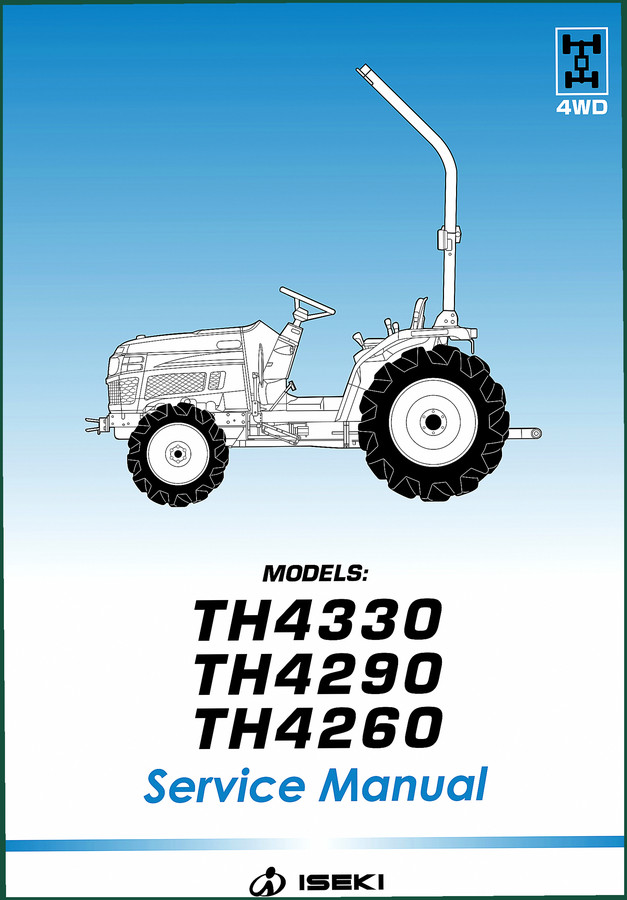
Iseki TH4260, TH4290, TH4330 Service Manual – 248 Pages OEM
Original price was: $45.38.$37.50Current price is: $37.50. -
Sale!
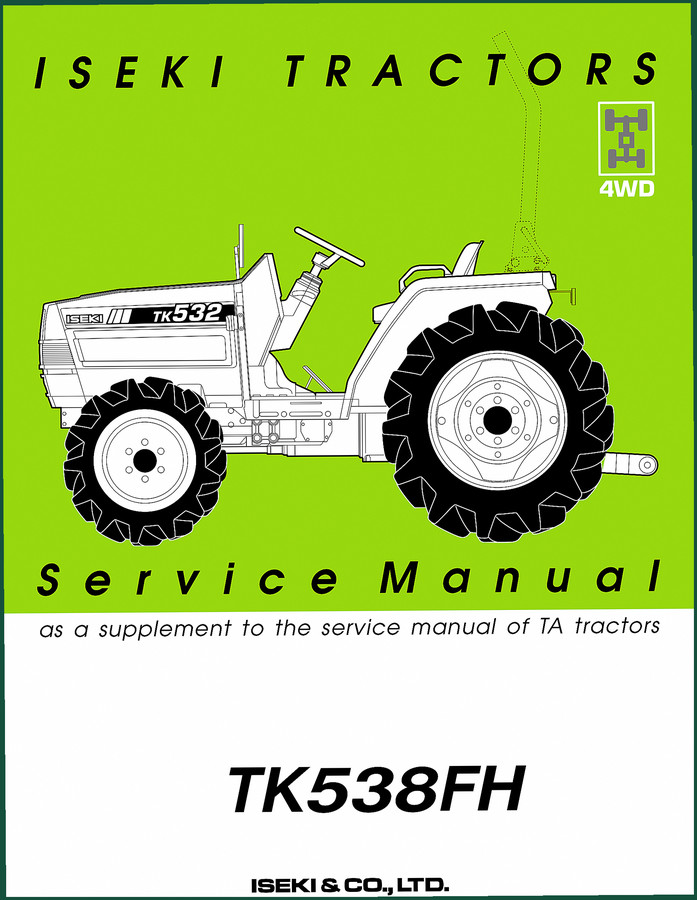
Iseki TK532, TK538FH Service Manual – 82 Pages OEM Factory Specs
Original price was: $50.54.$38.00Current price is: $38.00.
Related products
-
Sale!

Technical Manual – International DT 530 & HT 530 (118 Pages)
Original price was: $37.00.$25.00Current price is: $25.00. -
Sale!

1996 Operators Manual – International 1000-4000 Series (246 pages)
Original price was: $15.28.$9.99Current price is: $9.99. -
Sale!
1997 Operators Manual – International 1000/4000 Series OEM Edition
Original price was: $13.49.$9.99Current price is: $9.99. -
Sale!
1995 Operators Manual – International 1000-4000 Series | OEM Documentation
Original price was: $12.49.$9.99Current price is: $9.99.
workshop_guy –
I am very pleased with this manual. It is easily zoomable on my tablet without blur. It guided me to troubleshoot my Iseki TX electrical system. Worth every penny.
James L. –
Highly recommended! The file is very clear. A must-have for any Iseki TX DIYer doing repairs. Worth every penny.