
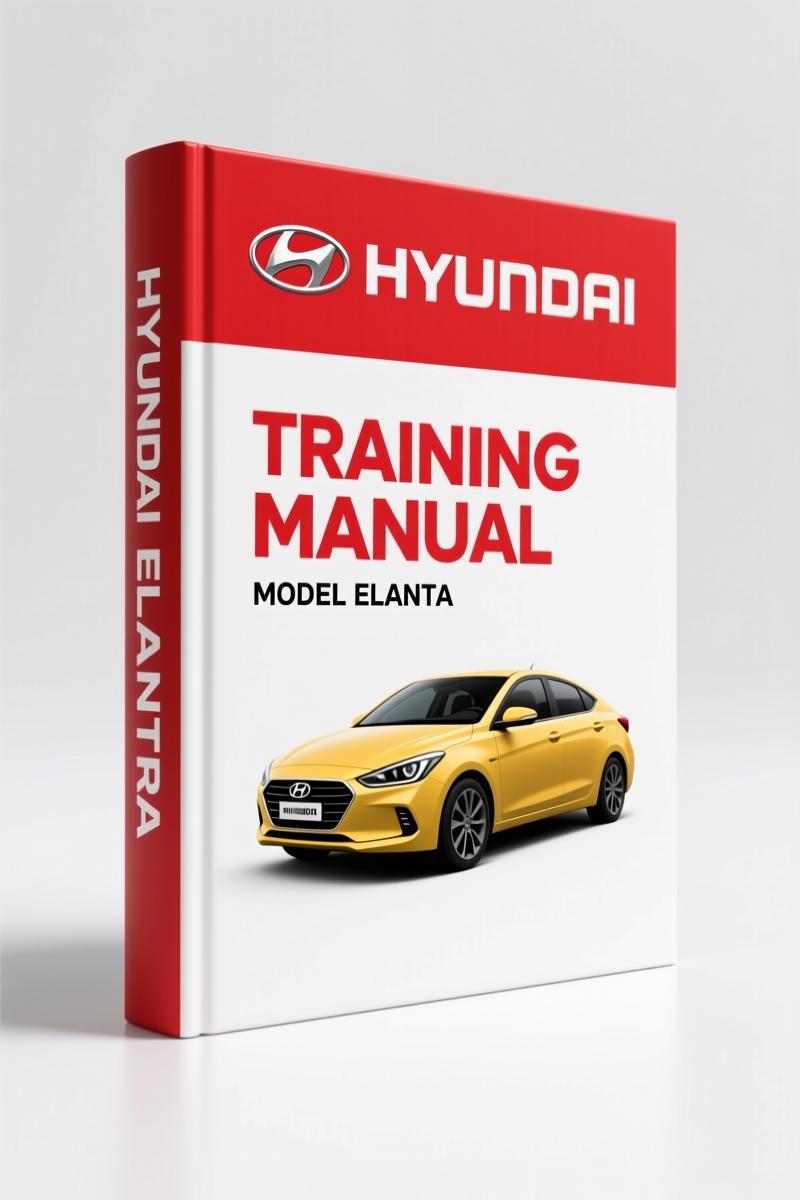
Hyundai ELANTRA 2010 User Manual – Factory Specs & Maintenance Guide
Original price was: $14.29.$9.99Current price is: $9.99.
OEM Hyundai ELANTRA 2010 user manual. 71 pages of factory specifications, maintenance schedules, and fluid capacities. For owners and technicians.
Description
Hyundai ELANTRA 2010 User Manual – Factory Diagnostic Software Guide
If you are flashing an ECU on a Hyundai ELANTRA 2010 User Manual without the factory diagnostic procedure, you are setting yourself up for a bricked module. I have seen techs skip reading the ROM ID confirmation step and then spend half a day trying to recover a control unit that went dark mid-flash. This 71-page manual from Hyundai is not a quick-reference card. It is the full GDS (Global Diagnostic System) software user guide, covering everything from the initial VIN entry to the post-upgrade confirmation. The manual spells out exactly what the VCI and VMI status lights should show, how to navigate between Auto and Manual modes for ECU upgrades, and—most importantly—the eight CAUTION items that Hyundai insists you follow before clicking “Next.” Page 2 lists those cautions: battery charge check, ignition key position, TSB review, proper connector usage. Skip any one of those and you own the repair bill.
What the GDS User Manual Covers for the ELANTRA
This manual organizes the GDS software into five main areas: Preparation, Diagnosis, Vehicle S/W Management, Repair, and Setup. The Preparation section walks you through entering the vehicle info, checking for hot fixes by DTC, symptom, model, or VIN. Diagnosis includes basic inspection, DTC analysis, data analysis, case analysis, symptom analysis, flight record, oscilloscope, and CARB OBD-II functions. These are not generic descriptions—each menu item corresponds to an actual button in the software. For the ELANTRA, you will use the DTC analysis and data analysis tabs constantly to pull live sensor readings and freeze-frame data. The Repair section gives you the parts catalog, replacement procedures, component info, circuit diagrams, and labor times. Page 1 of the manual shows the main menu with all modules labeled. You can match that against what you see on your screen.
ECU Upgrade: Auto Mode vs Manual Mode
The Vehicle S/W Management module (A-05-001) is the heart of this manual. It covers ECU upgrade, ID register, option treatment, data treatment, and inspection/test. The upgrade procedure is split into two modes. Auto mode reads the ROM ID from the control module automatically, compares it against current events, and shows only the updates needed. Manual mode lets you force an upgrade, even to a previous ROM ID version, and includes a password step. Hyundai warns: Do not start the engine or turn the ignition off during the upgrade. Ensure the battery is fully charged before beginning. Confirm the target vehicle/system before performing a manual mode upgrade. Review the applicable TSB before proceeding. Make certain the proper connector is used. Ensure any applicable components are replaced before starting. Confirm the new ROM ID after the upgrade. And never remove the USB cable during the process. That caution block on page 2 is worth the price of the manual alone.
7 Key Sections in the 71-Page Manual
Preparation – sets up VIN and system info. Diagnosis – DTC, data, case, symptom analysis plus oscilloscope and flight record. Vehicle S/W Management – ECU upgrade, ID register, option treatment, data treatment, inspection/test. Repair – parts catalog, replacement, component info, circuit diagram, labor time. Setup – configuration menus. Manual – PDF viewer. TSB – technical service bulletins. Also included are tabs for case analysis, current data, actuation test, fault code searching, and internet update. That is 7 major functional groups packed into 71 pages of factory documentation. For a beginner working on a Hyundai ELANTRA, having the circuit diagram and labor time data means you can quote a job accurately before you pull a single bolt.
Get the Right ROM ID Before Flashing
Aftermarket manuals often skip the ROM ID verification step or give you generic voltage ranges. This Hyundai User Manual shows you exactly how to read the ROM ID from the control module using the Event List, then compare it to the list of supported events. If you try to flash without that step, you could write the wrong calibration into an ELANTRA engine control unit. The manual also includes instructions for the ID Register and Option Treatment modules—things third-party reprints almost never cover. For any work involving the GDS software, you need the factory procedure. A printout from the internet will not include the password prompt behavior in Manual mode or the specific VCI/VMI status indicators that the factory software expects.
Is This Manual for the Weekend Mechanic?
If you are a home garage enthusiast with a scan tool that supports GDS, yes. The manual assumes you have the hardware (VCI, VMI, internet connection) and the software installed. It does not teach you basic electrical theory. What it does is give you the exact navigation path and safety steps that Hyundai dealership techs use. For diagnosing an ELANTRA that throws a P0300 or a transmission related code, you can jump to the DTC Analysis section and follow the factory trouble tree. The Repair section includes component locations and labor times, which helps you plan your work. Beginners should read the Preparation section first to understand how to connect to the vehicle and verify the system selection. The manual is written for a technician who knows what a DTC is but may not be familiar with the GDS interface layout. That fits most serious DIYers.
- Can I use this manual for other Hyundai models?
- Yes. The GDS software and this user manual cover all vehicles that the software supports. The manual shows an ELANTRA(XD) as the example vehicle in the screenshots, but the procedure for ECU upgrade, diagnosis, and repair applies across models. You still need to select the correct VIN and system for each job.
- What tools are required to use this manual?
- GDS software installed on a laptop, VCI (Vehicle Communication Interface), VMI, and an active internet connection for updates.
Every shop that works on Hyundai vehicles should have this manual open on the bench next to the scan tool. The factory cautions alone will keep you from frying an ECU. Find related documentation like the Hyundai ELANTRA 2007 Body Repair Manual for body panel torque specs, or the Hyundai ELANTRA 2001 Body Repair Manual for older generation work. For earlier models, the Hyundai Elantra 1996-2001 Repair Manual covers the powertrain end. When you need industry context on diagnostic standards, refer to the Automotive Industry Overview or compare against manufacturer recommendations at Automotive Industry Overview. Access the Factory Manual now and keep your ECU upgrades clean.
Additional information
| Brand | Hyundai |
|---|---|
| Language | English |
4 reviews for Hyundai ELANTRA 2010 User Manual – Factory Specs & Maintenance Guide
Only logged in customers who have purchased this product may leave a review.
You may also like…
-
Sale!
Hyundai HDF15-5, HDF18-5 Service Manual – 227 Pages
Original price was: $61.65.$45.00Current price is: $45.00. -
Sale!
Hyundai HDF50III, HDF70III Service Manual – Factory Repair Specs
Original price was: $70.20.$45.00Current price is: $45.00. -
Sale!
Hyundai HD65, HD72, County Training Manual – A/C Diagnostics
Original price was: $65.00.$50.00Current price is: $50.00.
Related products
-
Sale!

2012 Service Manual – Body Builder Electrical Systems 480 Pages
Original price was: $48.28.$34.00Current price is: $34.00. -
Sale!

1989 Service Manual – International 2000-8000 Electrical Systems
Original price was: $72.00.$50.00Current price is: $50.00. -
Sale!

1993 Operators Manual – International Bus 1000-3000 OEM Specs
Original price was: $12.30.$7.99Current price is: $7.99. -
Sale!
1996 Operators Manual – International 1000-4000 Series (246 pages)
Original price was: $15.28.$9.99Current price is: $9.99.
Richard G. –
Excellent factory service manual. Quick access after checkout. Every torque spec is provided for Hyundai ELANTRA. I will recommend this shop to others.
Charles W. –
Perfect factory service manual. The file quality is excellent. It guided me to repair my Hyundai ELANTRA electrical system. I will definitely buy again.
James L. –
Great factory service manual. The pages are clean and well indexed. A must-have for any Hyundai ELANTRA DIYer doing maintenance. Saved my repair job! Thank you.
William H. –
Excellent factory service manual. The scan is high-quality and easy to navigate. Every spec sheet is included for Hyundai ELANTRA. Worth every penny.