
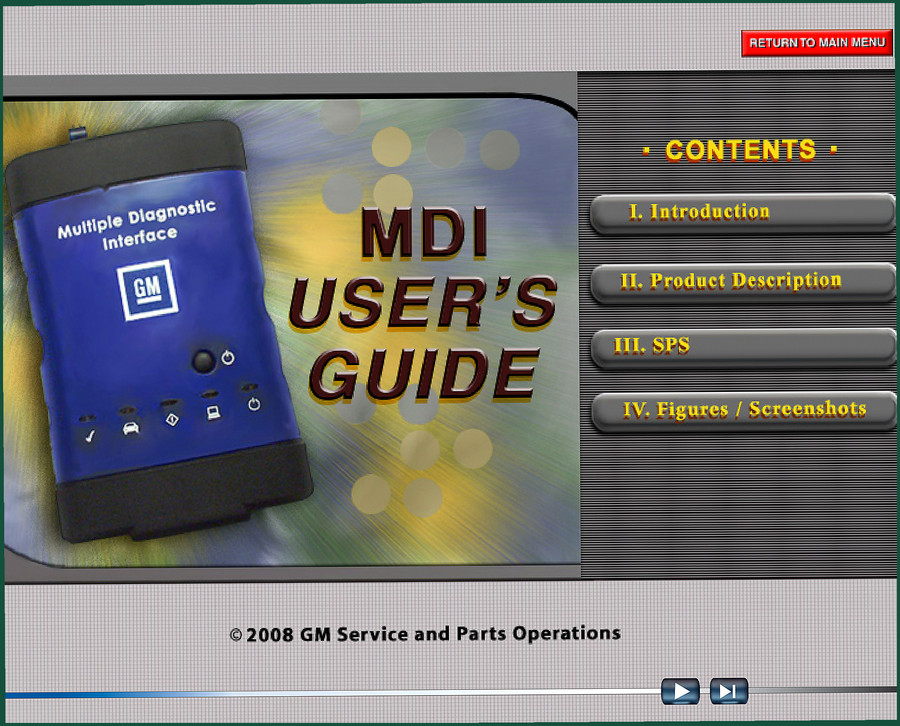
Gmdat MDI 2008 User Manual – Factory Diagnostic Interface Guide
Original price was: $12.69.$9.99Current price is: $9.99.
34-page factory Gmdat MDI user manual covering SPS operation, FCC/VDE compliance, tool overview, and navigation.
Description
Gmdat MDI 2008 User Manual – Factory Diagnostic Tool Guide
I’ve seen more than a few techs brick an ECM because they skipped reading the factory documentation. The Gmdat MDI 2008 User Manual is the official 34-page guide GM issued for the Multiple Diagnostic Interface. If you own an MDI, this is the document that tells you how to set it up, how to connect it to a vehicle, and how to run the Service Programming System without frying a module. It’s not a repair manual for your car – it’s the tool manual you need to avoid wasting a day on a failed flash.
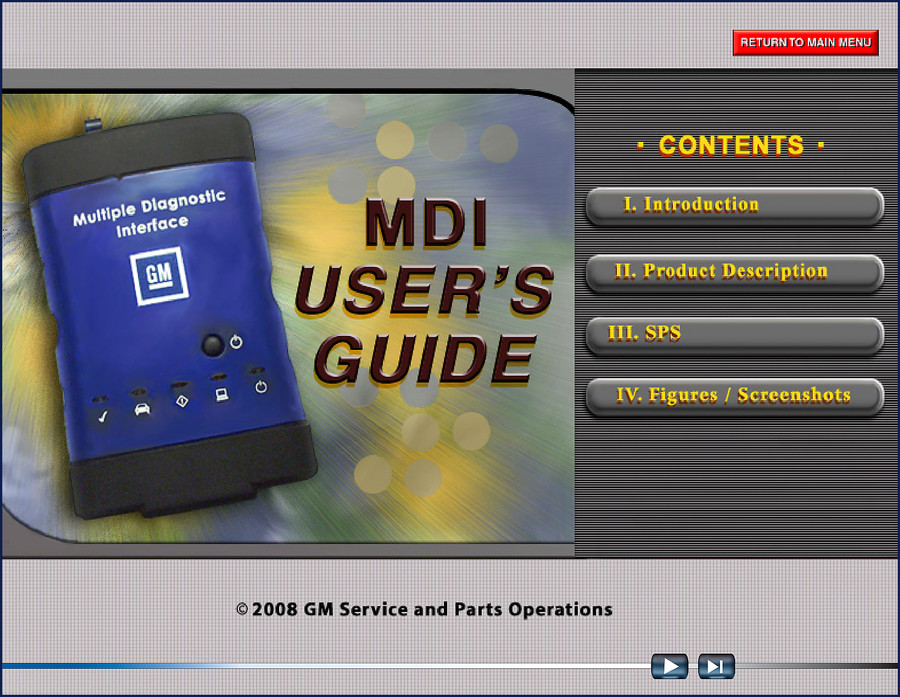
Gmdat MDI 2008 User Manual – 34 Pages of Factory Procedure
This PDF is a scan of the original GM Service and Parts Operations document from 2008. Section I covers the introduction and includes the FCC compliance statement – yes, you need to know that if you’re using the MDI in a residential area. Section II is the product description: what’s in the box, what the MDI does, and how to connect it. Section III is the heart of the manual – the Service Programming System (SPS) procedure. Section IV has the figures and screenshots so you can visually confirm you’re in the right menu. Every page is straight from GM, not some aftermarket re-interpretation.
Why Read the FCC Compliance Section?
Because if you cause radio interference while reprogramming a TCM, the FCC doesn’t care that you were in a hurry. Page 3 of this manual lays out the Class A device limits and what you’re required to do if interference occurs. Skimming that section is a mistake I’ve seen lead to fines. The same page also has the VDE certification for European use – not relevant for most of us in North America, but good to know if the tool crosses borders.
Product Description: The MDI Tool and Its Guide
The manual explains the MDI’s hardware: the diagnostic connector, the USB and Ethernet ports, the LEDs that tell you whether the tool is communicating. It lists the compatible host computer requirements and driver installation steps. This is the kind of information you need before you plug the MDI into your scan tool and wonder why it’s not recognized. A shop I worked at had a tech who spent two hours troubleshooting a connection issue that was solved by reading the three-page section on network setup. Don’t be that guy.
SPS – The Service Programming System Explained
Section III is titled “The Service Programming System (SPS)”. This is where you learn how to use the MDI to reprogram ECUs, TCUs, and other modules. The manual walks you through launching SPS on the host PC, selecting the correct calibration, and performing the flash. It doesn’t include the calibration files themselves – those come from GM’s TIS2Web – but it tells you exactly what the software expects the MDI to do during the process. If you ignore the sequence outlined here, you can interrupt a programming session, and trust me, recovering a partially-flashed module is a nightmare. I’ve done it; it’s not fun. The manual also notes that the MDI must be connected to a stable power source during programming. That single warning has saved more than one control module in my bay.
Check the Figures Before You Start
Section IV contains the figures and screenshots. If you’re reading the PDF on a tablet – which is how I use it – the hyperlinks in the text jump you directly to the corresponding figure. This is handy when the manual says “see Figure 3” and you don’t want to scroll through all 34 pages. The images show the MDI’s physical ports, the LED states during normal operation, and the SPS interface screens. Use them to confirm you’re looking at the right display before you click “Program”.
Audience Fit: DIYers and Shop Techs
If you’re a home garage enthusiast who bought a used MDI to reprogram your own GM truck, this manual is your owner’s guide. If you run a six-bay shop like mine, you need this PDF in your digital library so every tech can check the procedure before they hook up a new tool. The manual is short – 34 pages – but it’s dense with the kind of step-by-step instructions that prevent you from having to explain to a customer why their ECM needs replacing. For more GM-specific training material, check the related manuals below.
Related Manuals
- Gmdat Lumina Hummer Cadillac Saab 2008 Training Manual – OEM Specs
- LML LGH Duramax Engine Training Manual
- GM 4L80E Rebuild Procedures
For background on how diagnostic tools fit into the broader automotive industry, see Automotive Industry Overview. If you’re working on vehicles with manual transmissions, the Manual Transmission section covers the basics.
- Does this manual cover the MDI tool for all GM vehicles?
- Yes, the MDI is designed for GM vehicles from 2008 and earlier models.
- What pages contain the SPS procedure?
- The Service Programming System (SPS) is covered in Section III of the manual. Given the 34-page length, that section spans roughly pages 10-20, but exact page numbers vary by format. The manual explains how to connect the MDI to the vehicle, launch SPS on the host PC, and perform module programming. It doesn’t include every individual calibration file—those come from GM’s TIS2Web—but it walks you through the process step by step.
- Is this manual still relevant for modern GM vehicles?
- The MDI itself has been superseded by the MDI 2, but the core operation principles remain the same. The 2008 user manual is still a valid reference for using the original MDI tool.
- Why does the manual include FCC compliance info?
- That’s on page 3. It’s a legal requirement for selling the device in the US. Nothing for you to do unless you’re causing interference. The manual tells you what to do if you are.
You can Access the Factory Manual from AutoRepairManuals and have the PDF on your tablet while you work. Stop guessing – use the official GM documentation.
Additional information
| Brand | Gmdat |
|---|---|
| Language | English |
2 reviews for Gmdat MDI 2008 User Manual – Factory Diagnostic Interface Guide
Only logged in customers who have purchased this product may leave a review.
You may also like…
-
Sale!

Gmdat LGH, LML 2010 Training Manual – DEF & Duramax Diagnostics
Original price was: $56.62.$38.00Current price is: $38.00. -
Sale!
Gmdat 4.3 LITER V-6 2013 Service Manual – Factory Engine Overhaul Specs
Original price was: $55.48.$38.00Current price is: $38.00. -
Sale!

Gmdat Lumina, Hummer, Cadillac, Saab 2008 Training Manual – 63 Pages
Original price was: $49.78.$38.00Current price is: $38.00. -
Sale!
Gmdat 4.3L 2002 Service Manual – Factory Torque & Engine Data
Original price was: $39.30.$30.00Current price is: $30.00.
Related products
-
Sale!

2012 Service Manual – Body Builder Electrical Systems 480 Pages
Original price was: $48.28.$34.00Current price is: $34.00. -
Sale!

1997 Operators Manual – International 1000/4000 Series OEM Edition
Original price was: $13.49.$9.99Current price is: $9.99. -
Sale!
International 1000-3000 Series Operators Manual – 132 Pages of OEM Specs
Original price was: $14.40.$10.99Current price is: $10.99. -
Sale!

Service Manual – International HS 2.8L Engine – 130 Pages of Factory Specs
Original price was: $56.40.$40.00Current price is: $40.00.
Richard G. –
Great workshop guide. Immediate link after payment. It guided me to fix my Gmdat MDI engine. Saves me a lot of dollars.
pro_mechanic –
This is exactly what I was looking for. The text is searchable and well indexed. Every torque spec is included for Gmdat MDI. Worth every penny.