
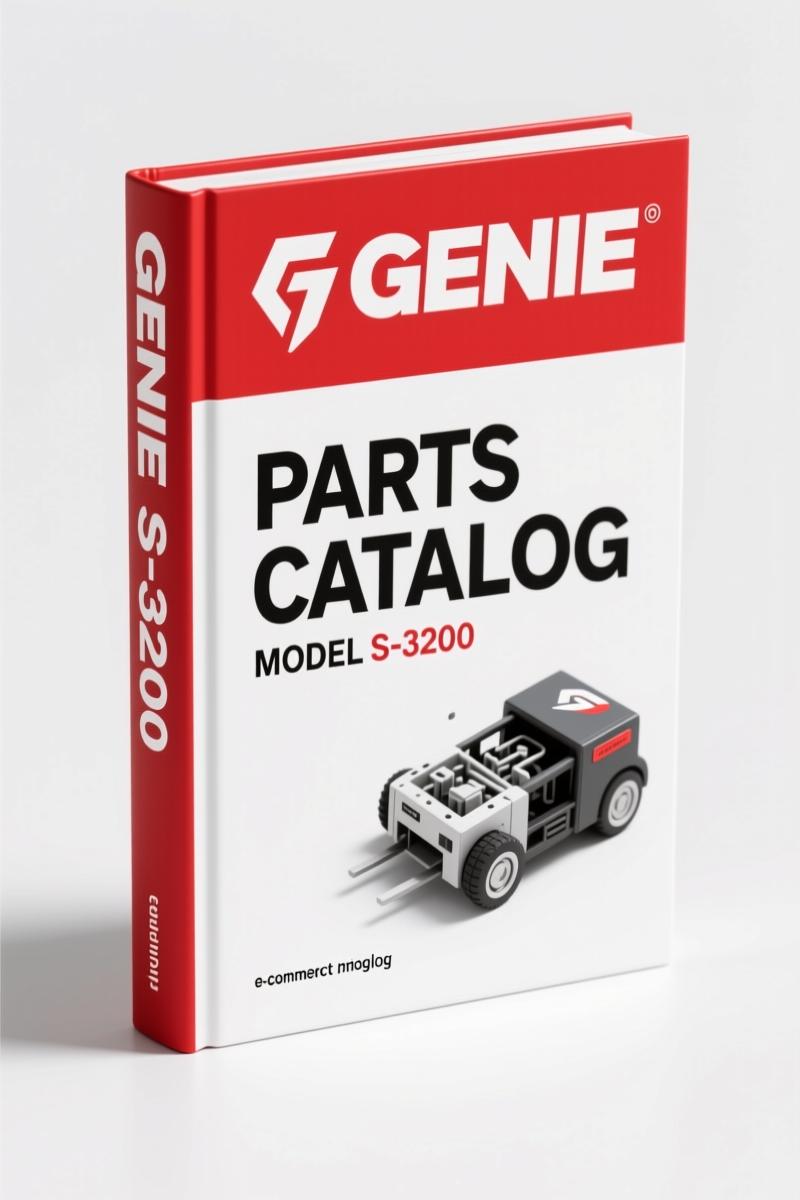
Genie S-3800, S-3200 2017 Parts Catalog – 154-Page OEM Parts Manual
Original price was: $34.50.$25.00Current price is: $25.00.
154-page OEM Genie S-3800, S-3200 Parts Catalog from 2017 with serial number lookup and factory diagrams for accurate part identification.
Description
Genie S-3800, S-3200 2017 Parts Catalog – Factory OEM Parts Breakdown
Ordering parts for a Genie S-3800 or S-3200 without the factory parts breakdown is a gamble I’ve seen lose guys a full shift. You pull an axle seal, match it to an aftermarket cross-reference, get the wrong bore diameter, and the machine sits another three days. This 154-page Genie S-3800, S-3200 2017 Parts Catalog stops that nonsense cold. Every exploded view, every stamped part number comes straight from Terex’s engineering files. If you’ve ever had to call a rental yard and read them a serial number while they guess which decal kit you need, you understand why this manual belongs on your bench.
I’ve torqued head bolts on enough booms to know that when a parts catalog says “226056 Rev A26 July 2017”, that date matters. Genie updates these figures regularly – the manual even tells you to access fresh sheets from their website for superseded parts. This is not a static PDF. It’s the current revision as of mid-2017, covering both models starting at serial number 101. For the full background on aerial lift manufacturing standards, take a look at the Automotive Industry Overview – same discipline applies to these machines.
What This Parts Catalog Actually Contains
Flip to page 3 and you get the serial number reading. That’s your key. Without matching the serial number stamped on the chassis to the correct figure group, you order parts for the wrong model year. The catalog then breaks down: Parts Stocking List (page 7), How to Order Parts (page 8), and a fax order form. Then the meat – exploded-view figures for every major assembly. Decals, chassis, axle, wheel. Every figure lists each individual piece with a Genie part number. For example, the S-3800 decals start at figure 101.1 on page 10; S-3200 decals at figure 102.1 on page 12. No guesswork, no aftermarket re-draws.
Decals and Chassis Components: More Than Just Pictures
The Decals section is not a generic “caution” sticker sheet. Each decal has its own part number – the capacity placard, the “crush hazard” warning, the serial label itself. If a decal fades after five Texas summers, you order the exact number. The Chassis Components section covers the Extendable Steer Axle in two views: page 14 (View 1) and page 16 (View 2). These show every bolt, bushing, sensor bracket, and hose clip. You need the steer axle kit for a unit that’s been curb-jumped? You’ve got the diagram. One caveat: this parts catalog does not include torque values or service procedures – it’s a parts identification document. For that, you want the separate service and repair manual. But for ordering, this is it.
Why OEM Parts Data Matters – Not Aftermarket Cross-References
I’ve seen aftermarket “equivalent” catalogs list a seal that’s 0.010” off on the ID. That leaks, then the wheel motor washes out. Genie’s own catalog – Part No. 226056, published July 2017 – is the only source that carries the factory revision history. The serial number breakdown on page 3 tells you exactly which revision of each sub-assembly your machine has. The How to Read Your Serial Number block gives model, model year, plant code, and sequence. S380011D-0101 means a 2011 model built in Redmond, WA. If you’re working on a fleet of S-3200 units from different years, each needs its own parts based on that stamping. The manual covers from SN 101 onward for both models.
Who Needs This Manual on Their Bench
If you maintain a rental fleet of Genie slab booms, you need this. If you’re a mobile service tech who carries a tablet and a socket set, you need this. If you’re a shop owner who has ever had a machine sit because the wrong axle wheel was ordered (see page 203.1 for axle wheel), this pays for itself in one correct order. The audience is anyone who touches an S-3800 or S-3200 and wants to keep downtime short. Rated work load is 750 lb / 340 kg, maximum platform height 126 ft – that’s a serious machine. A wrong part at that height is a liability. This manual reduces that risk to near zero.
Using the Manual: From Serial Number to Part Number
Start on page 3. Write down your machine’s serial number. Then go to the Electronic Version note in the table of contents – each page number is a live link to the corresponding figure. Click on 201.1 for the steer axle View 1. Find the part you need, cross-check the number, and call your distributor with the Genie part number from this catalog. That’s it. No cross-referencing, no “I think this is the one”. If your machine is older than the SN 101 start, you’ll need the Genie S-3800 S-3200 2012 Parts Catalog – Factory OEM Manual Genie S-3800 S-3200 2012 Parts Catalog – Factory OEM Manual for earlier serial number ranges. Also check the Genie S-60, S-65 2012 Parts Catalog – Factory OEM Manual Genie S-60, S-65 2012 Parts Catalog – Factory OEM Manual if you work on those models. For larger booms, see the Genie S-80, S-85 2012 Parts Catalog – OEM Factory Parts Manual Genie S-80, S-85 2012 Parts Catalog – OEM Factory Parts Manual. And for a broader view of how these machines fit into the equipment ecosystem, browse the Automotive Industry Overview.
Frequently Asked Questions
- Does this manual include torque specs?
- No. This is a parts catalog – it lists part numbers and exploded views. For torque values, you need the service manual.
- What serial numbers are covered?
- From SN 101 upward for both S-3800 and S-3200 models. Page 1 and page 3 confirm this.
- Can I use this to order parts for a 2010 model?
- Only if your serial number is above 101 and the machine was built after 2011. Check the serial number on the chassis label. If it starts with S380010A, you’re outside the range and need an earlier edition like the 2012 Parts Catalog.
- How do I tell if a part has been superseded since this manual was printed?
- The manual – revision A26, July 2017 – shows the part numbers current at that time. Genie updates figures frequently. The manual itself says to access new figures from www.genielift.com for the latest supersession data. Always verify with Genie’s online Parts Lookup System before ordering high-value components like motors or controllers.
Don’t spend another afternoon waiting for the wrong part. Get the factory document that keeps your S-3800 or S-3200 running. Access the Factory Manual now.
Additional information
| Brand | Genie |
|---|---|
| Language | English |
4 reviews for Genie S-3800, S-3200 2017 Parts Catalog – 154-Page OEM Parts Manual
Only logged in customers who have purchased this product may leave a review.
You may also like…
-
Sale!
Genie Z-34/22 2011 Service Manual – OEM Repair Specs
Original price was: $70.50.$50.00Current price is: $50.00. -
Sale!
Genie GTH-6025 2008 Service Manual – Factory OEM Repair Specs
Original price was: $90.35.$65.00Current price is: $65.00. -
Sale!
Genie V-2470, V-2470RT Service Manual – OEM Specs & Torque Data
Original price was: $68.40.$45.00Current price is: $45.00. -
Sale!
Genie GTH-3007, AGRI-730, GTH-2506, AGRI-625 2008 Service Manual
Original price was: $92.40.$60.00Current price is: $60.00.
Related products
-
Sale!

2005 Parts Catalog – International NGD 3.0 L Engine (77 pages)
Original price was: $44.70.$30.00Current price is: $30.00. -
Sale!

Service Manual – International HS 2.8L Engine – 130 Pages of Factory Specs
Original price was: $56.40.$40.00Current price is: $40.00. -
Sale!

2011 Parts Catalog – International 7400 SFA 6X6 – 1886 Pages of OEM Part Numbers
Original price was: $32.00.$25.00Current price is: $25.00. -
Sale!

Technical Manual – International 6.0L Power Stroke FICM Diagnostics
Original price was: $29.80.$20.00Current price is: $20.00.
David K. –
I am extremely satisfied with this manual. Instant access after payment. Every torque spec is included for Genie S3800,. I will recommend this shop to others.
pro_mechanic –
This is exactly what I needed. The document looks clean. A must-have for any Genie S3800, owner doing maintenance. Saved my weekend project! Thanks.
Robert M. –
I am so happy with this purchase. The text is searchable and well indexed. Every torque spec is provided for Genie S3800,. I will recommend this shop to others.
Charles W. –
Five stars! Instant access after checkout process. A must-have for any Genie S3800, owner doing repairs. Saves me a lot of money.