
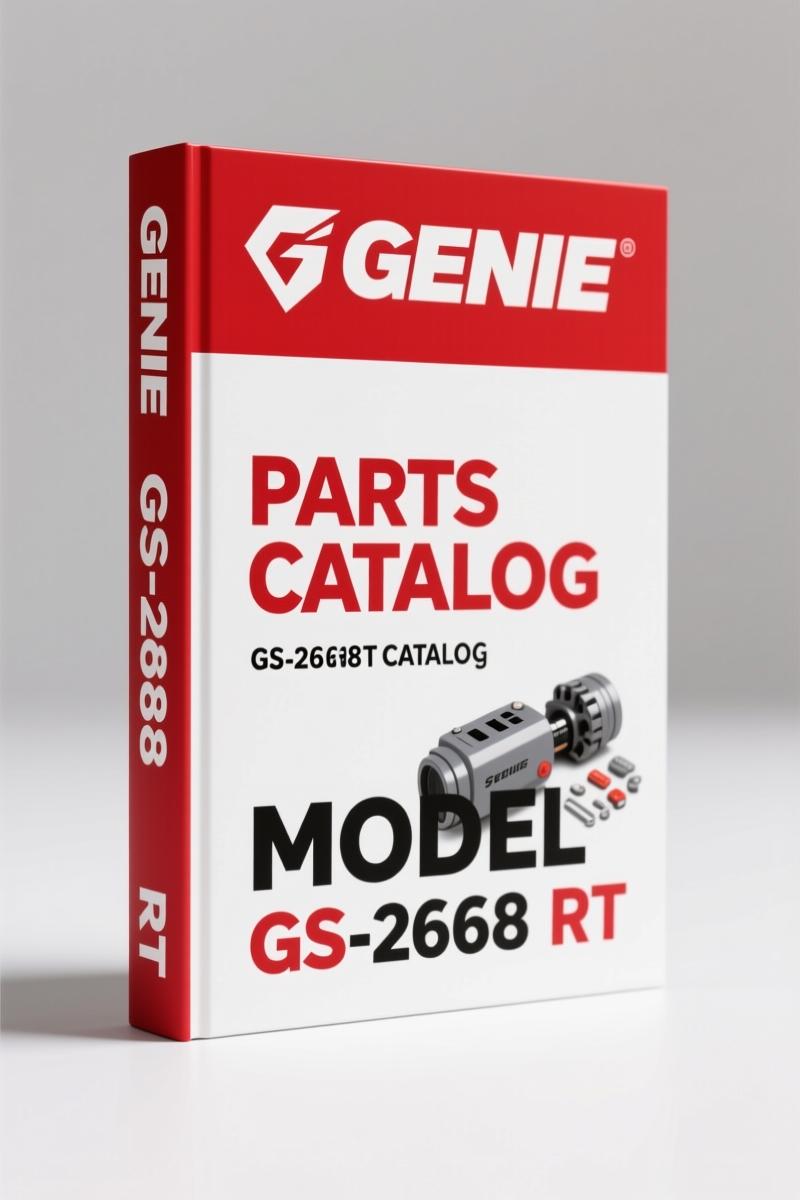
Genie GS-2668 RT, GS-3268 RT 2012 Parts Catalog – OEM Parts Manual
Original price was: $33.25.$25.00Current price is: $25.00.
Genie GS-2668 RT / GS-3268 RT 2012 Parts Catalog: 238 pages of OEM part numbers, exploded views, and serial-number-specific decal layouts.
Description
Genie GS-2668 RT, GS-3268 RT 2012 Parts Catalog
I’ve been turning wrenches for 28 years. If there’s one thing that burns my time more than a stripped bolt, it’s ordering the wrong part. You pull the old part, drive to the dealer, and it doesn’t match because someone used a superseded number from a third-party catalog. That’s why this Genie GS-2668 RT, GS-3268 RT 2012 Parts Catalog from AutoRepairManuals is what you need on the bench. It’s 238 pages of factory-printed part numbers, decal locations, and driveline breakdowns. No generic cross-references, no guesswork.
Serial Number Range and What It Means for You
This catalog covers GS-2668 RT and GS-3268 RT machines from serial number GS68-41200 onward. Page 3 shows how to read the serial number tag. If your machine is older than that, you need the earlier manual (part no. 52301). The serial number is stamped on the chassis, and the label sits under the cover. I’ve seen guys order a steer axle for a 2007 machine using this catalog and end up with a 2-inch mismatch because they ignored the serial break. Check your serial number before you start. This OEM catalog gives you the exact figures for your build date.
238 Pages of Factory Part Numbers
Seven major sections split across those 238 pages. The Parts Stocking List (page 7) tells you what common items to keep on hand. The How to Order Parts section (page 8) includes a fax order form. If you’re running a fleet, that saves phone calls. The decals section alone – three separate figures for decals with words – runs from page 10 through page 21. Decals get ripped off, faded, or painted over. This manual gives you the correct part numbers and placement diagrams. You can order the exact decal kit without measuring or guessing.
Decals Section: Don’t Skip It
Decals are safety-critical. Lift capacity, load limits, tilt warnings – they’re not stickers for decoration. Page 10 shows Decals with Words up to serial 42381; page 14 covers from 42382 to 44988; page 18 starts at serial 44989. If you slap a 500 lb capacity decal on a machine that’s rated for 500 lb but the wrong serial range, you’re creating a liability. The symbol decals start on page 22. Use the live TOC links in the PDF to jump directly to your serial range – saves scrolling through 20 pages of decals.
Steer Axle Linkage, Wheels, and Drive Motors
Page 26 is where the driveline actually lives. Steer axle linkage, wheels, drive motors – all exploded views with callouts. The non-steer axle and related components follow. If you’re replacing a wheel motor or a kingpin, you need the exact bolt grade and torque sequence. This catalog doesn’t give torque specs (that’s what the service manual is for), but it gives the correct part numbers for the hardware kits. I’ve had aftermarket catalogs list a different wheel motor for the GS-3268 RT than the GS-2668 RT, but they’re the same motor – this OEM catalog shows the correct interchange. No ambiguity.
How to Order Parts Correctly
Page 8 walks you through the ordering process: include the model, serial number, part number, description, and quantity. Print the fax order form from page 9. The PDF has clickable page numbers, so you can jump from the TOC to any figure instantly. That’s a time-saver when the customer is waiting. The electronic version also lets you access updated figures from the Genie website if a revision comes out. Genie updates these manuals frequently – the revision letter on the cover is Rev E18, April 2012. If you have a printed copy, check the Genie lift site for new figures.
Aftermarket catalogs often re-label parts or skip serial number splits. This is the factory-issued document from Genie Industries, part no. 84121. It’s the same one their own parts departments use. If you want to know how the Automotive Industry Overview standardizes parts documentation, this catalog is a prime example. OEM documentation cuts diagnostic and ordering time in half.
A few related manuals you might need: Genie GS-2668 RT GS-3268 RT 2012 Parts Catalog, Genie S-60, S-65 2012 Parts Catalog – Factory OEM Manual, and Genie S-80, S-85 2012 Parts Catalog – OEM Factory Parts Manual.
FAQ
- Does this manual cover the GS-3268 RT?
- Yes. The catalog covers both GS-2668 RT and GS-3268 RT models from serial number GS68-41200 onward.
- Can I use this catalog for a machine with serial number GS68-40000?
- No. That serial number falls below the cutoff of GS68-41200. You would need the earlier manual, part no. 52301, which covers machines up to serial GS68-41199. Ordering from this catalog for an older machine may result in incorrect parts, especially in the decals and driveline sections where Genie made design changes. Always confirm your serial number against the range printed on page 2 of this catalog before placing an order. If you’re unsure, cross-check the serial label location shown on page 3.
Don’t waste shop time fighting bad part numbers. Access the Factory Manual for the Genie GS-2668 RT and GS-3268 RT right now. 238 pages, OEM original, direct from AutoRepairManuals.
Additional information
| Brand | Genie |
|---|---|
| Language | English |
2 reviews for Genie GS-2668 RT, GS-3268 RT 2012 Parts Catalog – OEM Parts Manual
Only logged in customers who have purchased this product may leave a review.
You may also like…
-
Sale!
Genie GTH-3007, AGRI-730, GTH-2506, AGRI-625 2008 Service Manual
Original price was: $92.40.$60.00Current price is: $60.00. -
Sale!
Genie Z-34/22 2011 Service Manual – OEM Repair Specs
Original price was: $70.50.$50.00Current price is: $50.00. -
Sale!
Genie V-2470, V-2470RT Service Manual – OEM Specs & Torque Data
Original price was: $68.40.$45.00Current price is: $45.00. -
Sale!
Genie GTH-6025 2008 Service Manual – Factory OEM Repair Specs
Original price was: $90.35.$65.00Current price is: $65.00.
Related products
-
Sale!

Technical Manual – International DT 530 & HT 530 (118 Pages)
Original price was: $37.00.$25.00Current price is: $25.00. -
Sale!

Acura NSX 1991 Service Manual – 1420 Pages OEM
Original price was: $102.05.$65.00Current price is: $65.00. -
Sale!

1995 Operators Manual – International 1000-4000 Series | OEM Documentation
Original price was: $12.49.$9.99Current price is: $9.99. -
Sale!

2006 Service Manual – International DT 466E, 530E Diesel Engine
Original price was: $67.50.$50.00Current price is: $50.00.
pro_mechanic –
Perfect OEM spec sheet. The text is searchable and easy to navigate. It helped me to fix my Genie GS2668 electrical system. I will recommend this shop to others.
Richard G. –
Great buy! Quick access after checkout. A must-have for any Genie GS2668 mechanic doing repairs. Saves me hundreds of money.