
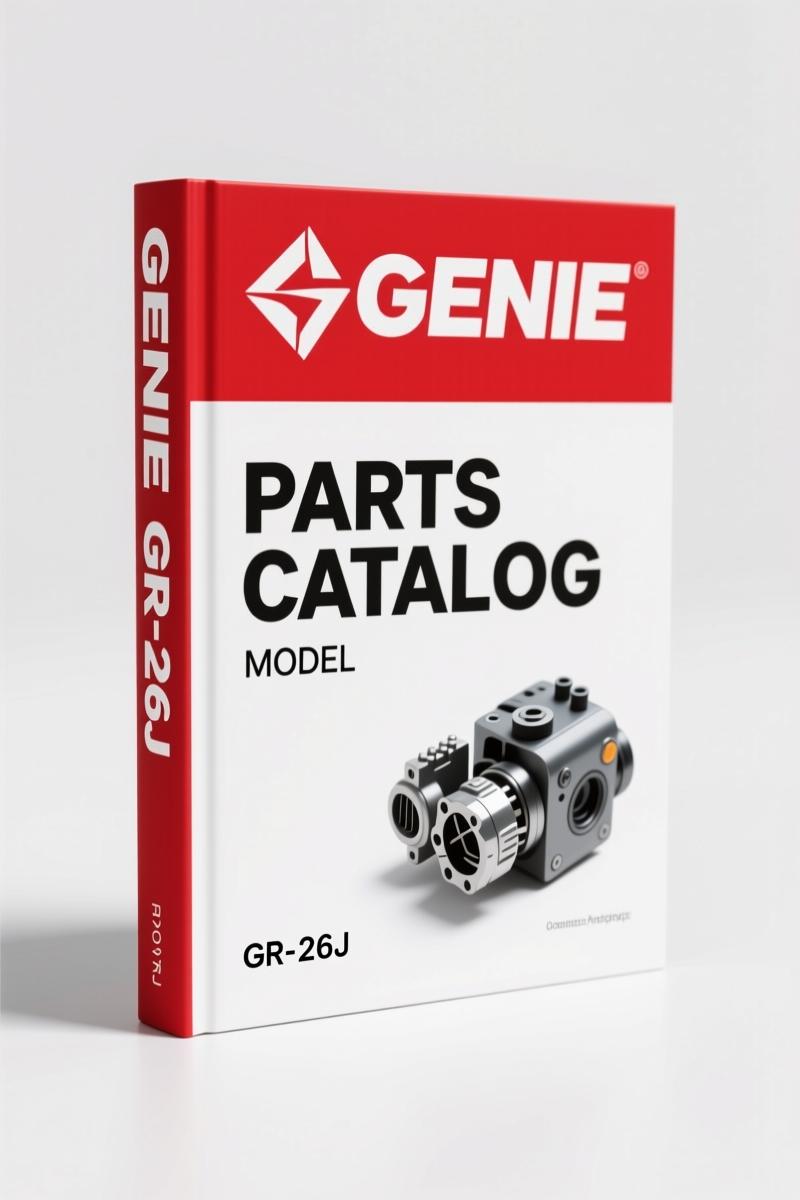
Genie GR-20J, GR-26J 2017 Parts Catalog OEM Part Numbers
Original price was: $38.50.$25.00Current price is: $25.00.
82-page OEM Parts Catalog for Genie GR-20J and GR-26J (2017) with serial number breaks, decal diagrams, and ordering instructions.
Description
Genie GR-20J, GR-26J 2017 Parts Catalog
If you are ordering replacement parts for a Genie GR-20J or GR-26J lift, the wrong part number costs you time and money. I have seen too many guys grab a generic catalog and order a hydraulic filter that does not fit because the serial number split was missed. This Genie GR-20J, GR-26J 2017 Parts Catalog from the factory solves that problem. It is 82 pages of Genie-verified part numbers, decal layouts, and serial number ranges. No guesswork.
Identifying the Right Part Starts Here
The manual opens with the serial number breakdown. Page 3 shows two separate systems: lifts built before September 1, 2016 use a different serial number format than those after. The GR-20J runs from SN GRJ10-101 to GRJ16-1151. The GR-26J splits at GRJ16L-1152 to GRJ16L-1999, then from GRJL-2000 onward. That is the kind of detail aftermarket catalogs leave out. Match your machine’s SN to the correct table, and you will not order a decal that belongs on a different year.
82 Pages of Factory Part Numbers
This is a parts catalog, not a service manual. It focuses on what you need to order. The Parts Stocking List on page 7 gives you a quick reference of commonly replaced items. The How to Order Parts section (page 8) explains how to use the figure numbers and reference numbers. Then the Service Parts Fax Order Form on page 9 is a fillable sheet you can photocopy. The bulk of the catalog is organized by figures: Decals, Hydraulics, Controls, Chassis, Engine, Turntable. Each figure lists every part with its Genie part number, description, and quantity. You do not have to cross-reference third-party databases.
If you work on multiple Genie scissor lifts, check out the Genie S-60, S-65 2012 Parts Catalog – Factory OEM Manual for larger boom models. The same factory documentation standard applies.
Decals and Symbols: Don’t Skip the Safety Labels
Decals get torn, faded, or peeled off. Replacing them with the correct part matters for safety compliance. Section 100 covers decals across three figures. Figure 101.1 (page 10) lists decals with symbols for CE units up to serial number GRJ12-393. Figure 101.2 (page 12) covers CE decals from GRJ12-394 onward. Figure 102.1 continues with decals that have warnings. Each decal has a Genie part number and placement diagram. The Automotive Industry Overview might give you general context, but only this catalog gives you the exact decal for your machine’s serial range.
How to Order Parts: Using This Catalog
Open the PDF to the figure that matches your subsystem. Each figure has a table below it. Locate the reference number from the exploded view, then find the part number and description. Write down the part number and the quantity. Use the fax order form on page 9 or order directly from Genie. The catalog notes revision D6, July 2017, so these part numbers are current for that build period. Do not use a 2015 catalog for a 2017 machine – hydraulic hoses and electrical components change between revs.
For another example of Genie OEM documentation, the Genie S-80, S-85 2012 Parts Catalog – OEM Factory Parts Manual covers the larger articulated booms. Same attention to serial number splits and factory part numbers.
Why OEM Parts Catalogs Beat Aftermarket
Aftermarket part catalogs often reprint old data or merge multiple years into one table. This manual was printed by Genie (a Terex brand) in July 2017. It includes the serial number cutoffs and revision history. The PDF is an exact scan of the printed original – no reprints, no third-party modifications. The Genie S-80, S-85 2012 Parts Catalog – OEM Factory Specs follows the same policy. When you order a part from this catalog, you get the part Genie designed for that specific lift. That prevents returns and downtime.
Automotive Industry Overview – not much help here. Stick with the factory source.
Who Needs This Manual?
Fleet managers who stock parts for multiple GR-20J and GR-26J lifts. Shop mechanics who replace hydraulic components, decals, or engine parts. Equipment owners who want to verify part numbers before calling a dealer. Even if you are a home garage enthusiast with one lift, having the factory parts catalog saves you from ordering the wrong filter and waiting another week for the correct one.
Avoid the trap of using a generic parts website that guesses the part based on model name. The serial number splits in this catalog are exact. Page 3 will tell you if your GR-26J is pre- or post-September 2016. That is the difference between a $15 decal and a $150 control box.
Short paragraph: That matters.
Frequently Asked Questions
- Does this manual include torque specs or repair procedures?
- No. This is a parts catalog. It lists Genie part numbers, decal layouts, and ordering forms. For torque specs, refer to the Genie GR-20J/GR-26J Service and Repair Manual.
- My GR-20J has a serial number GRJ12-0500. Which decal figure should I use?
- Your machine falls in the range up to GRJ12-393 for CE decals? Actually GRJ12-0500 is below GRJ12-393? No, 500 is above 393. Wait – check the serial number ranges. Page 10 says figure 101.1 covers CE decals to GRJ12-393. Your SN GRJ12-0500 is 500, which is greater than 393, so you need figure 101.2 on page 12 that covers from GRJ12-394 onward. Always verify your exact serial number – the manual uses decimal sequence numbers, not model year. If your SN has a letter prefix, refer to the how-to-read section on page 3. Take the time to read that page. I have seen guys order the wrong decal because they assumed the number was a year code. It is not. The serial number is stamped on the chassis, and the manual explains the two formats (before and after Sep 1, 2016). For a GRJ12-0500, the ’12’ is facility code, not year. Read the manual carefully.
- Can I use this catalog for a GR-20 from 2010?
- No. This catalog covers GR-20J and GR-26J from the serial number ranges listed on page 1. Earlier models have different part numbers. Order the catalog that matches your machine’s serial number range.
- Does the PDF include the fax order form that I can fill out?
- Yes. Page 9 is a Service Parts Fax Order Form. Print it, fill in the figure and reference numbers from the catalog, and fax it to Genie. The PDF is searchable, so you can jump to figures quickly.
Stop wasting time with aftermarket part lists. Access the Factory Manual now and keep a copy at your parts counter. Every time you order a part, reference the figure and serial number. Your lift will be back in service faster.
Additional information
| Brand | Genie |
|---|---|
| Language | English |
2 reviews for Genie GR-20J, GR-26J 2017 Parts Catalog OEM Part Numbers
Only logged in customers who have purchased this product may leave a review.
You may also like…
-
Sale!
Genie Z-34/22 2011 Service Manual – OEM Repair Specs
Original price was: $70.50.$50.00Current price is: $50.00. -
Sale!
Genie GTH-3007, AGRI-730, GTH-2506, AGRI-625 2008 Service Manual
Original price was: $92.40.$60.00Current price is: $60.00. -
Sale!
Genie GTH-6025 2008 Service Manual – Factory OEM Repair Specs
Original price was: $90.35.$65.00Current price is: $65.00. -
Sale!
Genie V-2470, V-2470RT Service Manual – OEM Specs & Torque Data
Original price was: $68.40.$45.00Current price is: $45.00.
Related products
-
Sale!

1991 Electrical Schematic – 112-Page OEM Wiring Diagram for International 1000-3000 Series
Original price was: $22.75.$17.50Current price is: $17.50. -
Sale!

1991 Operators Manual – International Truck OEM Specs (108 Pages)
Original price was: $13.63.$10.99Current price is: $10.99. -
Sale!
1992 Electrical Schematic – OEM Wiring Diagrams for International 1000-3800
Original price was: $24.48.$18.00Current price is: $18.00. -
Sale!
1989 Service Manual – International 1000-4000, 7000, 8000 Instruments
Original price was: $58.80.$40.00Current price is: $40.00.
workshop_guy –
Excellent workshop guide. The file looks clean. It guided me to repair my Genie GR20J, engine. Saved my repair job! Thank you.
gearhead88 –
Outstanding! The scan is high-quality and easy to navigate. It helped me to fix my Genie GR20J, electrical system. I will definitely buy again.