
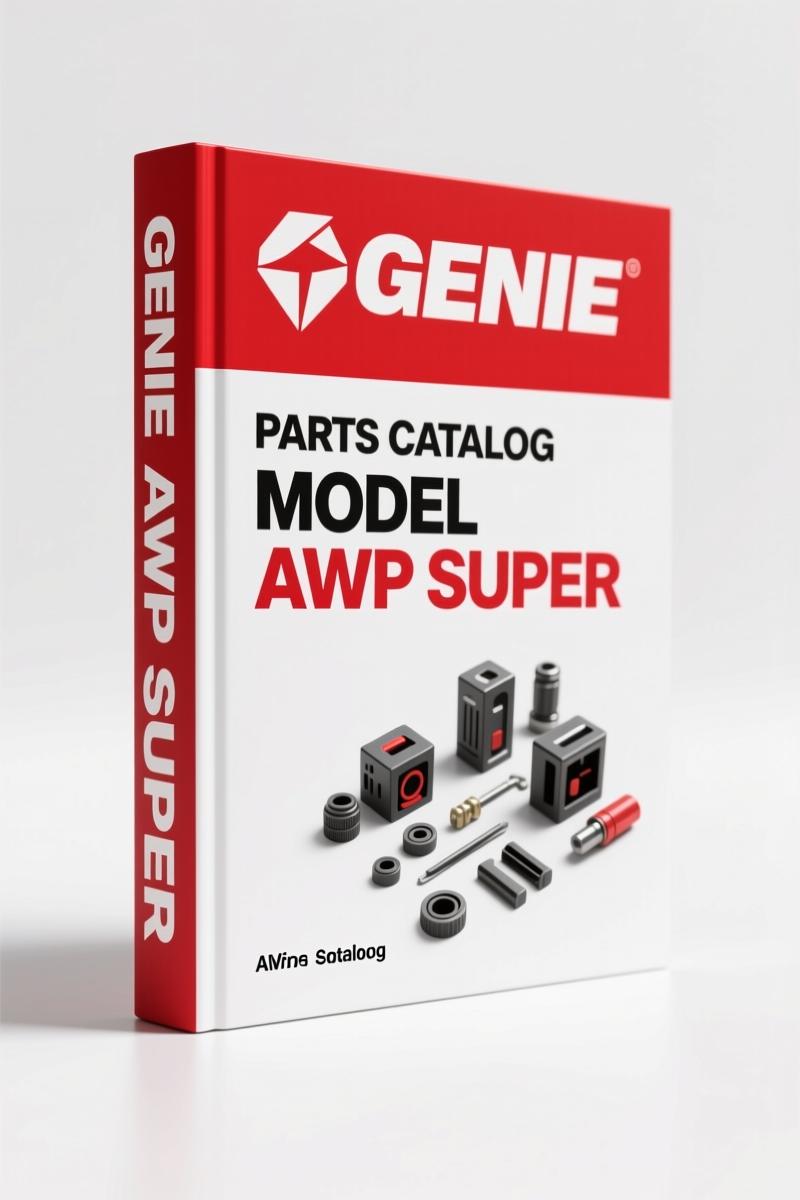
Genie AWP Super 2017 Parts Catalog – 180-Page OEM Parts Manual
Original price was: $33.75.$25.00Current price is: $25.00.
OEM parts catalog for Genie AWP Super series (2017). 180 pages of exploded diagrams, part numbers, and ordering info.
Description
Genie AWP Super 2017 Parts Catalog
If you’ve ever ordered the wrong part for a Genie AWP Super and had to eat the cost, you know why this Genie AWP Super 2017 Parts Catalog belongs on your bench. I’ve spent 28 years tearing down lifts and boom trucks, and I’ve watched guys blow whole afternoons chasing part numbers from third-party websites. Those generic listings don’t carry the revision history or the exact serial-number cutoffs Genie built into this 180-page factory document. This catalog is the same PDF Genie’s own parts desks use. It comes straight from the Terex print stream—Rev H36, July 2017—and covers serial numbers from 3896-101 up to AWP05-49999. No guesswork, no cross-referencing some online forum. Just the real deal.
Serial Number Breakdown
Page 3 of the catalog shows you exactly how to read your machine’s serial label. Genie uses a format like AWP04-27772: the first four characters encode the year of manufacture (04 = 2004), and the five-digit sequence number follows. If your AWP Super falls outside the ranges listed on the cover—from SN 3896-101 to 3801-99999 and from SN AWP02-21194 to AWP05-49999—this revision won’t match. Don’t skip that check. I’ve seen techs order a base assembly for a 2005 machine only to find it doesn’t fit the 2009 revision. That’s a week of downtime you can avoid by reading page 3 first.
What Models Does This Parts Catalog Cover?
This catalog covers the entire AWP Super series within the stated serial number ranges. That includes the AWP-308 model shown on the machine’s data plate. The document lists the specific serial label format and the CE compliance info. If you have an AWP Super with a serial number that starts with something outside those ranges, you need a different revision. Genie updates these catalogs frequently—check the “Technical Publications” note on page 2. They even tell you to access new figures from genielift.com if you have a printed copy. For a PDF like this, you’re always current.
180 Pages of Exploded Views
The core of this catalog is the exploded diagrams. Each figure breaks down an assembly—decals, base, mast, platform, controls—with callouts that lead directly to a part number. The Parts Stocking List on page 7 gives you a quick reference to frequently replaced items. I keep a printed copy of that page in my toolbox. When a customer needs a limit switch or a cable set, I check the list first, then flip to the figure. For example, the decal figures start at page 10. There are two different decal sections: one for machines up to SN AWP04-29899 and another from SN AWP04-29900 onward. That kind of detail saves you from ordering a decal kit that has the wrong warning labels.
Match Your Serial Number First
Before you click “add to cart” on any part, walk out to the machine and copy the serial number off the label. The label is on the chassis, usually near the control box. Compare it to the ranges on the cover of this catalog. If it matches, every part number in here is correct for your unit. If it doesn’t, you need a different revision. I’ve seen DIY guys buy a used AWP Super and assume any parts catalog works. It doesn’t. Genie made changes between production runs, and the revision letter (H36 in this case) tells you which run. Page 3 has the exact serial format. Use it.
Genie AWP Super 2017 Parts Catalog: Identifying the Right Revision
Revision control matters more than most home mechanics realize. The 2017 edition (Part No. 38138, Rev H36) supersedes earlier printings. Genie’s copyright page shows this is an eighth printing of the First Edition, updated in July 2017. If you’re working on a machine built after that date, you may need a later revision. But for the serial numbers covered, this is the definitive parts source. The catalog includes a “How to Order Parts” section on page 8 with a fax order form. Most shops order online now, but the part numbers are identical. Use them.
How to Order Parts Using This Catalog
Page 8 gives you a step-by-step process: locate the figure, find the item number, write down the part number, specify quantity, and include your serial number. That last step is critical—Genie ties every part to a serial range. The fax order form on page 9 is a good template even if you email the order. For related models, check the Genie S-60, S-65 2012 Parts Catalog – Factory OEM Manual if you service that line. For larger booms, the Genie S-80, S-85 2012 Parts Catalog – OEM Factory Parts Manual follows the same structure, and the Genie S-80, S-85 2012 Parts Catalog – OEM Factory Specs gives you torque and fluid data. Stick with factory documents. Aftermarket parts catalogs for equipment like Supercharger Systems are a different world—don’t apply their logic here. Understanding the broader Automotive Industry Overview is fine for context, but when ordering parts for an aerial lift, you need Genie-specific part numbers from the OEM source. Period.
Frequently Asked Questions
- Can I use this catalog for older AWP Super units?
- Yes, if the serial number falls within the ranges listed on the cover.
- Are torque specs included in a parts catalog?
- Parts catalogs show exploded views and part numbers, not repair procedures. Torque values are found in the service manual. This catalog helps you identify the correct replacement part. If you need installation specs, you’ll need the Genie AWP Super Service and Repair Manual. Don’t assume a part fits because it looks identical – check the serial number range. Many revisions exist, and using the wrong part can cause a safety hazard. Genie updates these catalogs yearly; this 2017 edition covers specific serial ranges. Always confirm your machine’s serial number before ordering.
- How do I read the serial number?
- The serial label on the machine shows format like AWP04-27772. The first four characters indicate year of manufacture (04=2004). The five-digit number is the sequence. Page 3 of the catalog explains this fully.
- Does this manual include decal diagrams?
- Yes, decals are covered beginning on page 10.
Stop chasing parts through online forums and generic websites. Access the Factory Manual and get the exact part numbers your Genie AWP Super needs. Every figure, every part number, every serial cutoff—it’s all here. One access, and you’ve got 180 pages of factory-correct data on your screen or printed in your shop.
Additional information
| Brand | Genie |
|---|---|
| Language | English |
4 reviews for Genie AWP Super 2017 Parts Catalog – 180-Page OEM Parts Manual
Only logged in customers who have purchased this product may leave a review.
You may also like…
-
Sale!
Genie V-2470, V-2470RT Service Manual – OEM Specs & Torque Data
Original price was: $68.40.$45.00Current price is: $45.00. -
Sale!
Genie GTH-6025 2008 Service Manual – Factory OEM Repair Specs
Original price was: $90.35.$65.00Current price is: $65.00. -
Sale!
Genie GTH-3007, AGRI-730, GTH-2506, AGRI-625 2008 Service Manual
Original price was: $92.40.$60.00Current price is: $60.00. -
Sale!
Genie Z-34/22 2011 Service Manual – OEM Repair Specs
Original price was: $70.50.$50.00Current price is: $50.00.
Related products
-
Sale!

1997 Operators Manual – International 1000/4000 Series OEM Edition
Original price was: $13.49.$9.99Current price is: $9.99. -
Sale!

2006 Service Manual – International DT 466E, 530E Diesel Engine
Original price was: $67.50.$50.00Current price is: $50.00. -
Sale!
International 1000-3000 Series Operators Manual – 132 Pages of OEM Specs
Original price was: $14.40.$10.99Current price is: $10.99. -
Sale!

Acura Integra 1998 Service Manual – 1891 Pages Factory OEM Documentation
Original price was: $31.75.$25.00Current price is: $25.00.
James L. –
I am very pleased with this manual. The pages are clean and well indexed. It helped me to repair my Genie AWP electrical system. Highly recommended for mechanics.
diy_master –
I am so happy with this manual. It is very easy to read on my tablet without losing quality. Every spec sheet is included for Genie AWP. I will definitely buy again.
David K. –
Excellent factory service manual. It is easily zoomable on my iPad without blur. It guided me to troubleshoot my Genie AWP transmission. Saved my repair job! Thanks.
Thomas B. –
I am so happy with this manual. Instant access after checkout. Every torque spec is provided for Genie AWP. Highly recommended for mechanics.