
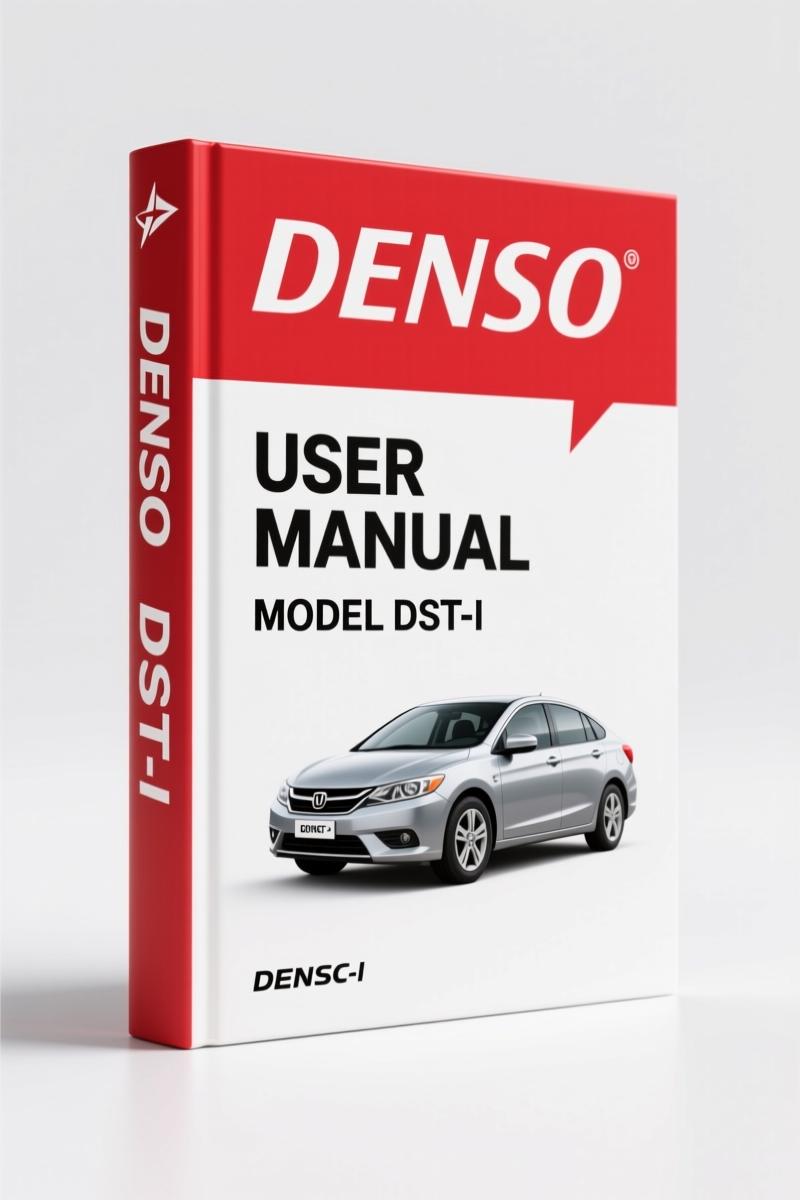
Denso DST-i User Manual – PC Oscilloscope Software Diagnostics Guide
Original price was: $15.98.$9.99Current price is: $9.99.
100-page factory-certified Denso DST-i User Manual for PC oscilloscope diagnostic software. Covers waveform observation, measurement, and troubleshooting.
Description
Denso DST-i User Manual
If you have ever had a PC oscilloscope lock up in the middle of a diagnostic or seen garbage waveforms because the software setup was wrong, you know the value of a real OEM manual. The Denso DST-i User Manual is the document that tells you exactly how to prepare, install, and operate the DST-i software the way Denso intended. I have watched techs skip the safety instructions on page 3 and then spend an hour trying to figure out why the system message popped up. That is lost time nobody gets back. This manual is 100 pages of factory procedure, not a generic third-party rewrite. You get the actual TOC from the Denso engineers: Safety Instructions, 1 Before Use, 2 Functions of the PC Oscilloscope Software, 3 Operation, 4 Troubleshooting, 5 Appendix. Every section is there for a reason.
Safety Instructions: The First Thing You Read
Page 3 covers the warnings and cautions for handling the DST-i. The manual makes it clear: this product is intended for a properly trained automotive technician. It tells you to route cables so they do not tangle with the technician or the operation control unit. That is not a suggestion. I have seen a cable snag a pedal and cause a car to lurch while the tech was under the hood. The manual also references page v for safe diagnostics – you need to follow the vehicle manufacturer’s diagnosis procedures as well. If you ignore the safety section, you are on your own. Denso put it there because they know what can happen.
PC Requirements and Software Installation
Section 1-1 lists the PC requirements you need before you even install the software. You need an SD memory card (optional, but if you want to record long-duration data, you better have one). The manual walks you through preparing the SD card, installing the software, and checking the PC before use. It covers the starting flow step by step: preparing the DST-i, then starting the PC oscilloscope software. If you have ever tried to use a tool that did not recognize the hardware, you know how critical that startup sequence is. This manual gives you the correct order so you do not waste time chasing a connection issue.
Waveform Observation: What the Manual Covers
Section 3-1 is where the real work happens. It covers screen configuration, stopping and starting the waveform, display/non-display switching, voltage range setting, ground position setting, time range setting, and trigger setting. Each setting is explained with the exact menus and options you will see on the software. You do not have to guess what “trigger mode” means – the manual tells you. For long-duration data measurement (section 3-2), you get the flow, trigger mode setting, time range, and how to set conditions for recording. You can record with or without a start trigger. The marking (flag) function is also documented. If you have ever tried to find a specific event in a 10-minute waveform, you know the flag function is a lifesaver. The manual shows you how to use it.
Why You Need the Official Denso Documentation
Aftermarket PDFs for oscilloscope software are often missing the safety warnings, they skip the appendix with the relation between sampling rate and time range, and they use generic screen shots. This manual is a direct scan of the Denso OEM document. The appendix (section 5) shows the exact relationship between sampling rate and time range, and between sampling rate, record time, and pretime. That is the kind of math you need when you are setting up a long-duration capture on a fuel trim issue. If you use a third-party copy, you risk getting the wrong table. The OEM manual also includes the version information display procedure – something aftermarket versions often leave out.
For related Denso training, check out the DENSO Spark Plugs Training Manual and the Denso R5 Starter Installation Guide 2002 Columbia. If you need repair procedures for older Denso starters, the Denso Aluminum NSR, Copper NSR, Copper SR Repair Manual – 33 Pages is also available. For broader drivetrain knowledge, see Manual Transmission and Manual Transmission for external references.
Troubleshooting: When the Screen Freezes
Section 4 covers exactly what to do if the screen freezes while using or if a system message is displayed. No guesswork. The manual tells you the likely causes and the steps to recover. This is the part that saves you from calling tech support or re-installing the software three times. The troubleshooting section is short (two subsections) but it covers the most common failures. You also get the system setting section (3-7) where you can change screen color, toggle save confirmation messages, and set the waveform style. Every detail is documented.
FAQ
- Does this manual cover the DST-i hardware itself?
- No. It covers the PC oscilloscope software only. The hardware is referenced for setup and connection.
- What are the PC requirements for the DST-i software?
- Section 1-1 lists the specific PC requirements. You need a compatible operating system, sufficient RAM, and USB ports. The manual also notes that an SD memory card is optional but required for long-duration recording. Check the manual for the exact specs – they vary by software version.
- Can I use this manual with other oscilloscope software?
- This manual is written specifically for the Denso DST-i PC oscilloscope software. Menus, button names, and procedures are unique to this software. Using it for a different tool will lead to confusion.
- How do I save and retrieve data using the DST-i software?
- Section 3-3 covers saving data – you can save all data or a selected range. Section 3-4 covers retrieving data. The manual shows the exact menu paths and file formats. For long-duration data, you can also replay recorded measurements (section 3-2). The marking function lets you flag specific points so you can jump to them later. When you save a reference waveform (section 3-6), you can retrieve it later and overlay it on a live waveform for comparison. That is critical for diagnosing intermittent faults.
Stop guessing with generic instructions. You need the actual Denso document that tells you the correct trigger settings, the safe cable routing, and the exact sampling rate table. Access the Factory Manual and get the 100 pages of OEM procedure that your diagnostic work depends on.
Additional information
| Brand | Denso |
|---|---|
| Language | English |
2 reviews for Denso DST-i User Manual – PC Oscilloscope Software Diagnostics Guide
Only logged in customers who have purchased this product may leave a review.
You may also like…
-
Sale!
Denso 6HK1, 6SD1 2003 Service Manual – Factory Common Rail Specs
Original price was: $64.80.$45.00Current price is: $45.00. -
Sale!
Denso SUPRA Training Manual – 100 Pages of Ignition System & Spark Plug Diagnostics
Original price was: $56.80.$40.00Current price is: $40.00. -
Sale!
Denso J05D J08E 2010 Service Manual – Factory CRS Operation Guide
Original price was: $46.55.$35.00Current price is: $35.00. -
Sale!
Denso YD1-K2 2003 Service Manual – Factory Common Rail System for NISSAN
Original price was: $57.15.$45.00Current price is: $45.00.
Related products
-
Sale!

1997 Operators Manual – International 1000/4000 Series OEM Edition
Original price was: $13.49.$9.99Current price is: $9.99. -
Sale!

2004 Acura TSX Wiring Diagram – 73-Page Factory Electrical Schematics
Original price was: $15.88.$9.99Current price is: $9.99. -
Sale!

1989 Service Manual – International 2000-8000 Electrical Systems
Original price was: $72.00.$50.00Current price is: $50.00. -
Sale!

Technical Manual – International 6.0L Power Stroke FICM Diagnostics
Original price was: $29.80.$20.00Current price is: $20.00.
Thomas B. –
Perfect OEM spec sheet. The scan is high-quality and easy to navigate. Contains clear wiring diagrams for Denso. Saved my weekend project! Thanks.
John S. –
Superb resource! Quick access after checkout. Contains precise schematics for Denso. Saves me so much money.