
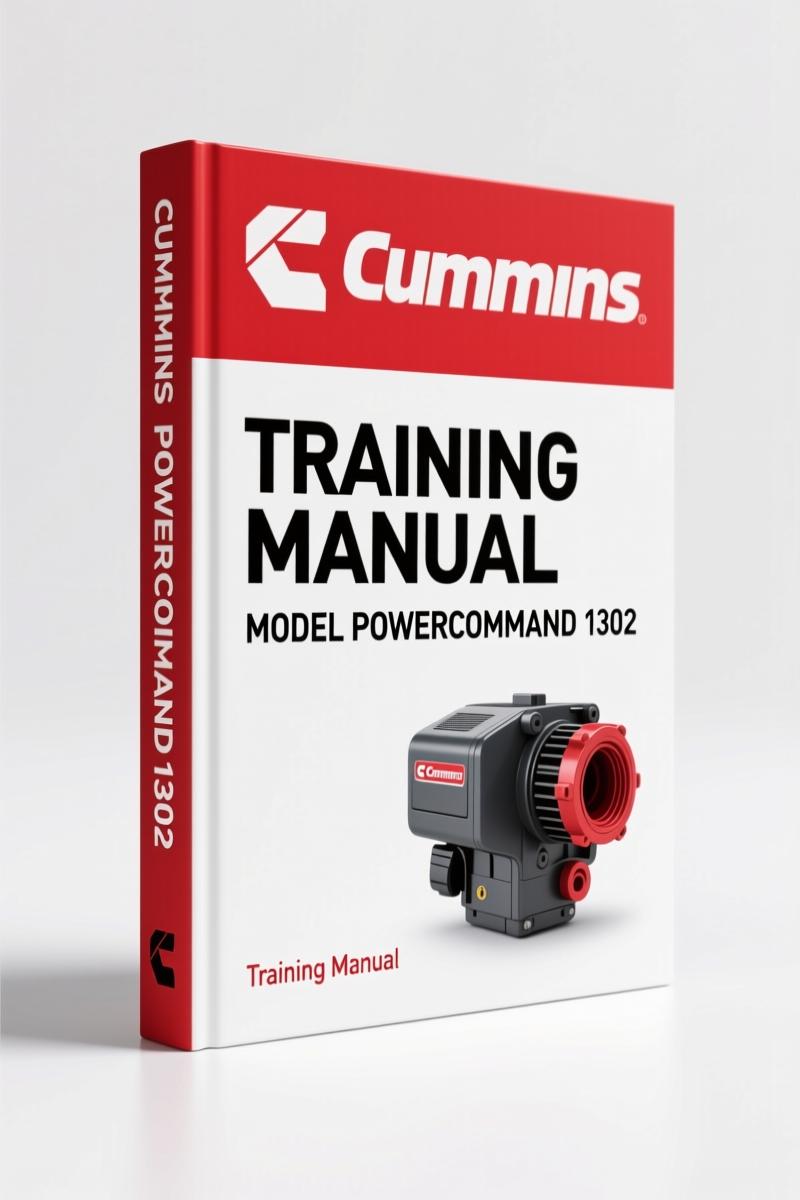
Cummins PowerCommand 1302 2008 Training Manual – OEM Gen-Set Control Guide
Original price was: $37.00.$25.00Current price is: $25.00.
290-page OEM training manual for the Cummins PowerCommand 1302 gen-set control. Covers installation, setup, PCCNet, ModBus, and PGICAN.
Description
Cummins PowerCommand 1302 2008 Training Manual
You’ve got a PowerCommand 1302 that’s refusing to handshake with the network, or the HMI is showing a fault code you don’t recognize. This ain’t the time for guesswork. The Cummins PowerCommand 1302 2008 Training Manual is the OEM participant’s guide used in factory training classes. 290 pages, printed in 2008, covering exactly what the factory teaches their own technicians. If you’re working on a PCC 1302 – generator set control or standalone unit – this is the document that keeps you from chasing ghosts.
PowerCommand Control 1302 Control Board and Options
Chapter 1 walks through the physical board layout, standard features, and available options. You need to know what each DIP switch does and which connector carries the J1939 CAN bus. The manual identifies the PCC 1302 as a member of the PowerCommand Control 1.1 family, and spells out the differences between the base board and the HMI 211 interface. This isn’t a sales brochure – it’s a parts-and-pinout breakdown.
PCCNet Network for the PCC 1302 – Factory Setup
Chapter 6 covers the PCCNet network components and how they talk to each other. If you’ve got multiple gensets or remote annunciators, you’ll use this section to verify wiring, termination resistors, and node addresses. The manual includes network configuration steps that the generic aftermarket PDFs gloss over. I’ve seen techs pull their hair out because they skipped the PCCNet termination spec – don’t be that guy.
Sequence of Operation – Why You Can’t Skip This
Chapter 3 lays out the exact sequence from startup to shutdown. Cranking, warm-up, fault detection, load acceptance – each state is documented with what the control expects to see. If the generator cranks but won’t transfer, this is where you find the missing sensor input or the timing logic that locks out the transfer. Page 3 of the TOC shows it listed as “Sequence of Operation” – and it’s worth reading twice.
ModBus and PGICAN – Factory Communications Setup
Chapters 7 and 8 cover ModBus and J1939 CAN (PGICAN). The ModBus section explains register mapping, baud rates, and how to use InPower to test the link. The PGICAN section introduces CAN basics for Full Authority Engine controls. If you’re integrating the PCC 1302 into a building management system, these chapters are your wiring and software bible. The manual shows configuration parameters that third-party manuals get wrong – I’ve seen it happen.
Control Setup with InPower
Chapter 5 is dedicated to using InPower software for adjustments and configuration. This is the only supported way to set gains, timers, and alternator parameters. The manual includes step-by-step procedures for reading and writing controller parameters. If you try to hack the settings through the HMI alone, you’ll miss half the options. Use InPower – the manual tells you how.
Activities and Appendix – Not Just Filler
Section 10 contains participant activities and quizzes used in the factory training. Section 11 has reference guides and tables. Use these to test your understanding or to train a junior tech. The appendix alone might save you a phone call to Cummins support. Also, the glossary (Section 9) defines every acronym you’ll encounter – PCCNet, PGICAN, HMI, InPower, ModBus. Keep a bookmark on that page.
Source Authenticity – OEM Cummins, Zero Aftermarket
This is not a scanned copy of a photocopy. This is the original 2008 training manual from Cummins Power Generation, part number CMT0949-EN-PG. The copyright page (page 2) shows revision v2.00 dated 1/2008. Every page matches what you’d get if you attended the factory class in Minneapolis. Aftermarket manuals mix up wiring diagrams and skip the service menu details – this one doesn’t. If you’re serious about keeping the PowerCommand 1302 running, you use OEM documentation.
- Is this manual suitable only for the PowerCommand 1302 control module?
- Yes. The entire 290 pages focus on the PCC 1302 – its hardware, software, and network interfaces. It does not cover other PowerCommand controls except to compare differences in the preface. If you need information on the HMI 320 or older PCC 2100, look at the related manuals below.
- Does it include full wiring diagrams for the generator set?
- Section 12 (Diagrams) contains copies of all prints used in the course – schematic and interconnection drawings for the PCC 1302. You get the wiring references needed to trace power supply, CAN bus, and I/O connections. However, this is a training manual, not a specific generator model service manual. For exact wire colors and terminal numbers, you’ll want the matching engine and generator service manual for your particular set. The diagrams here teach you how to read them, not replace them.
Related Manuals
- Cummins QSK45, QSK60 Training Manual – Factory OEM 134-Page PDF
- Cummins PowerCommand 3.3 HMI 320 2008 Training Manual – OEM Factory
- Cummins N14 1995 Training Manual – Jacobs C Brake Focus
For background on mechanical drivetrains, see Manual Transmission and Manual Transmission.
You’ve read the TOC, you’ve seen the chapters – now stop wasting billable hours guessing at PCC 1302 parameters. Access the Factory Manual from AutoRepairManuals and get the same information Cummins pays their trainers to deliver.
Additional information
| Brand | Cummins |
|---|---|
| Language | English |
4 reviews for Cummins PowerCommand 1302 2008 Training Manual – OEM Gen-Set Control Guide
Only logged in customers who have purchased this product may leave a review.
You may also like…
-
Sale!

Cummins ISB, ISBe2, ISBe3, ISBe4, QSB4.5 Troubleshooting Manual
Original price was: $92.30.$65.00Current price is: $65.00. -
Sale!

Cummins QSB6.7, ISL, ISC, ISB, QSB4.5 2014 Repair Manual – 810 Pages
Original price was: $109.20.$70.00Current price is: $70.00. -
Sale!

Cummins NT 855 Service Manual – 693 Pages of OEM Repair Data for Big Cam III & IV
Original price was: $104.00.$65.00Current price is: $65.00. -
Sale!

Cummins 495, 743, 855, V-1710, KT-1150 Service Manual – 143 Pages
Original price was: $89.70.$65.00Current price is: $65.00.
Related products
-
Sale!

Acura NSX 1991 Service Manual – 1420 Pages OEM
Original price was: $102.05.$65.00Current price is: $65.00. -
Sale!

1993 Electrical Schematic – International 1000/3000/4000 Bus Chassis OEM Wiring Diagrams
Original price was: $29.26.$22.00Current price is: $22.00. -
Sale!
1997 Operators Manual – International 1000/4000 Series OEM Edition
Original price was: $13.49.$9.99Current price is: $9.99. -
Sale!

Technical Manual – International 6.0L Power Stroke FICM Diagnostics
Original price was: $29.80.$20.00Current price is: $20.00.
workshop_guy –
This is just what I required. The pages are clean and easy to navigate. A must-have for any Cummins PowerCommand owner doing repairs. Saves me hundreds of money.
pro_mechanic –
Excellent workshop guide. The document quality is excellent. A must-have for any Cummins PowerCommand owner doing repairs. Saved my weekend project! Thank you.
John S. –
I am extremely satisfied with this manual. It is easily zoomable on my laptop without blur. Every wiring layout is included for Cummins PowerCommand. I will definitely buy again.
Thomas B. –
Excellent OEM spec sheet. The scan is high-quality and easy to navigate. Every wiring layout is provided for Cummins PowerCommand. Saves me a lot of dollars.