
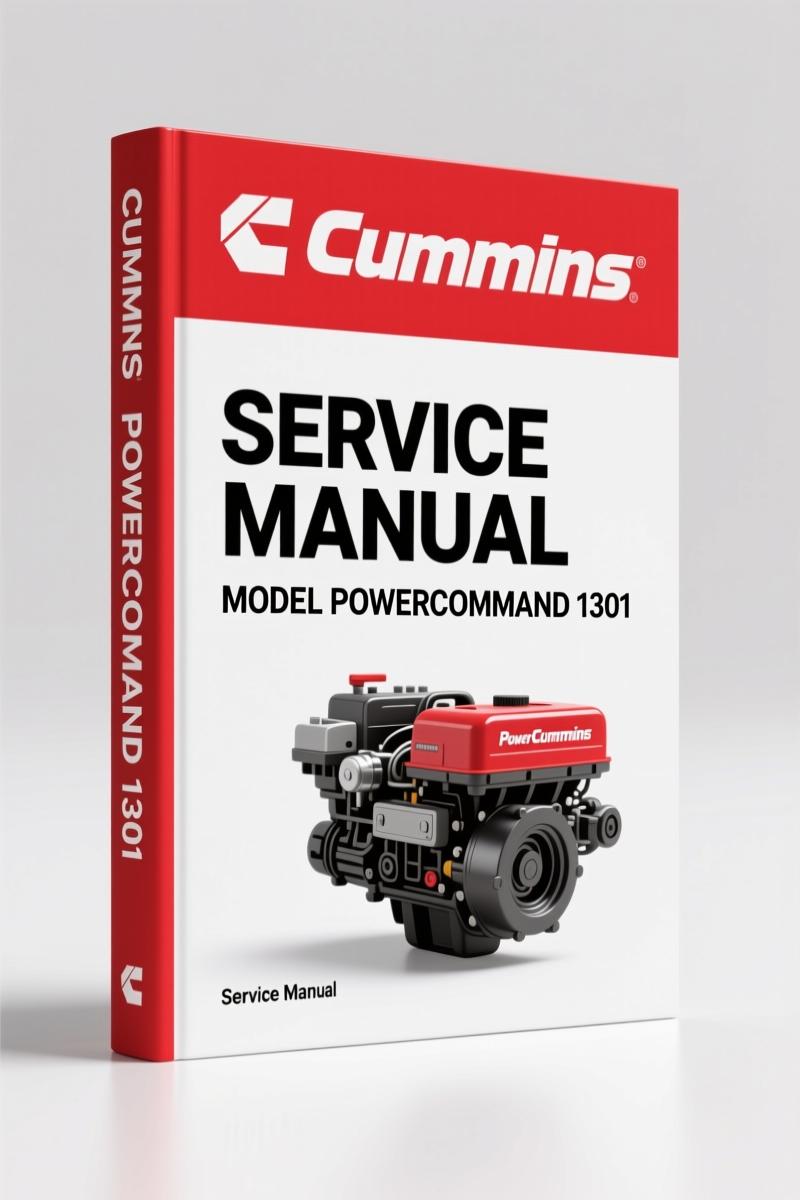
Cummins PowerCommand 1301 2012 Service Manual – Factory Controller Diagnostics
Original price was: $37.50.$25.00Current price is: $25.00.
Factory 2012 service manual for Cummins PowerCommand 1301 controller. 125 pages of circuit board removal, control menus, AVR setup, and fault diagnostics.
Description
Cummins PowerCommand 1301 2012 Service Manual – 125 Pages OEM Specs
If you are working on a Cummins PowerCommand 1301 controller, you already know that the factory documentation is the only thing that keeps you from chasing ghost faults or torquing a terminal strip until it cracks. This 2012 Service Manual from Cummins runs 125 pages and covers the controller from the base board TB1 connections all the way through the Modbus submenus. Aftermarket rewrite jobs never get the sleep mode logic right—ask me how I know.
Page ix lists the safety precautions, and if you skip them, you deserve the arc flash. The manual tells you what test equipment is required (page 1-1), and I recommend you actually have it before you open the panel. The PowerCommand 1301 is not a lawn mower controller; one wrong probe slip and you’re replacing the whole board.
Circuit Board and Base Board Coverage
Section 2 breaks down the circuit board layout, including the TB1 customer connections, DS1 LED status indicator, and the S1 sleep mode selection. Page 2-3 shows you exactly which pins do what. If your generator refuses to wake up, check the sleep mode jumper before you start swapping boards. I’ve seen three techs spend a day on that because they didn’t have the print. The Cummins PowerCommand 1301 Service Manual gives you the actual factory routing—no redrawn diagrams that miss a ground.
Control Operation: Display, Modes, and Menus
Section 3 covers the control panel: graphical display, menu selection buttons, and the indicators you need to read (Not in Auto, Shutdown, Warning, Remote Start). The manual walks you through selecting Auto, Manual Run, and Off modes, including the access code procedure on page 3-8. If you ever get a “Fault Acknowledgment” stuck, page 3-7 has the exact reset sequence. This is not a “push any button” situation.
Operator menus include Engine Status, Alternator Status, and line-to-neutral voltage readouts. The Service menus go into Network Status, History/About submenus, and the Screen Adjust menu. For fault tracing, the Fault History Menu on page 3-19 lists every event code with timestamps. I have watched guys clear faults without reading the history—then blame the controller when it comes back. Don’t be that guy.
Control Adjustment and Service (Section 4)
This is where the real work happens. Setup password menu, Genset Service submenus, AVR setup, Electronic Governor adjustments, and Customer I/O programming. Page 4-4 shows how to adjust values using the setup password. Cycle crank menu on page 4-8 sets the number of cranking attempts before lockout. If your unit cranks six times and stops, that is where you change it.
The manual also covers Annunciator inputs and outputs (page 4-19) and Modbus enable menu (page 4-22). For metering calibration, the Metering submenus (page 4-17) let you adjust voltage and current readings if your display shows 122 V when the meter says 120. You need a known-good DMM with a CAT III rating—the manual says that, and I agree.
3 Systems You Cannot Tune Without This Manual
- AVR Gains: Volts/Hz rolloff and regulator gains require the exact factory range. Too high and the generator hunts; too low and it drops voltage under load. Page 4-11 has the submenus.
- Electronic Governor: Crank fuel, governor regulator, and enable speed settings. Page 4-13. One wrong digit and the engine either floods or starves during starting.
- Customer I/O: Inputs and outputs for remote alarms, fuel solenoid, or breaker trip. Page 4-15. Wire it per the manual or you get smoke.
Does This Manual Cover the Fuel System and Start/Stop Delays?
Yes. The Genset Service submenus include a Fuel System submenu (page 4-6) where you set the prime duration and run-on time. Start/Stop Delay menu (page 4-6) lets you configure cooldown time in seconds. If you ever had a generator shut down hot because the cooldown was set to zero, you know why this matters.
Source Authenticity – Why OEM Beats Aftermarket Every Time
I have a drawer full of aftermarket manuals that claim to be “compatible” with the PowerCommand 1301. They show the wrong pin numbers, they skip the Mode Change Access Code step, and they never include the list of acronyms (page xiii) or glossary (page xv) that define terms like “ESX” or “AVR.” The OEM manual from Cummins is printed from the same source that the factory training school uses. If you want to trust your diagnosis, use the original.
Related manuals you might need: Cummins M915-M920 Big Cam III 2001 Service Manual (940 pgs) for engine-side work, Cummins QSV81, QSV91G Service Manual – 1173 Pages of Factory Specs for larger gensets, and Cummins QSC8.3 1999 Service Manual – 386 Pages OEM Operation & Maintenance for the engine base.
External resources: If you are not familiar with how a Manual Transmission works and you are trying to diagnose a generator controller that interacts with a mechanical PTO, brush up first. I know it sounds unrelated, but electrical and mechanical faults cross paths.
FAQ
- Can I use this manual for the PowerCommand 1301 with a different build date?
- This is the 2012 edition (A031B792 Issue 2). If your controller has a later software revision, some menu paths may differ. The hardware base board layout remains the same through 2015. Check the control serial number against the manual’s table of contents.
- Does it include wiring diagrams for customer connections?
- Page 2-3 for TB1.
Access the Factory Manual and keep a printed copy in the panel door. When the generator drops offline at 2 AM and you need to check the governor crank fuel setting, you will be glad you have it.
Additional information
| Brand | Cummins |
|---|---|
| Language | English |
2 reviews for Cummins PowerCommand 1301 2012 Service Manual – Factory Controller Diagnostics
Only logged in customers who have purchased this product may leave a review.
You may also like…
-
Sale!

Cummins 495, 743, 855, V-1710, KT-1150 Service Manual – 143 Pages
Original price was: $89.70.$65.00Current price is: $65.00. -
Sale!

Cummins NT 855 Service Manual – 693 Pages of OEM Repair Data for Big Cam III & IV
Original price was: $104.00.$65.00Current price is: $65.00. -
Sale!

Cummins QSB6.7, ISL, ISC, ISB, QSB4.5 2014 Repair Manual – 810 Pages
Original price was: $109.20.$70.00Current price is: $70.00. -
Sale!

Cummins ISB, ISBe2, ISBe3, ISBe4, QSB4.5 Troubleshooting Manual
Original price was: $92.30.$65.00Current price is: $65.00.
Related products
-
Sale!

Technical Manual – International 6.0L Power Stroke FICM Diagnostics
Original price was: $29.80.$20.00Current price is: $20.00. -
Sale!

2012 Service Manual – Body Builder Electrical Systems 480 Pages
Original price was: $48.28.$34.00Current price is: $34.00. -
Sale!

Service Manual – International HS 2.8L Engine – 130 Pages of Factory Specs
Original price was: $56.40.$40.00Current price is: $40.00. -
Sale!

Technical Manual – International DT 530 & HT 530 (118 Pages)
Original price was: $37.00.$25.00Current price is: $25.00.
gearhead88 –
Great OEM spec sheet. The document is very clear. Contains precise bolt torque specs for Cummins. Saves me so much money.
Thomas B. –
Excellent quality! The file looks clean. Every wiring layout is provided for Cummins PowerCommand. Worth every penny.