
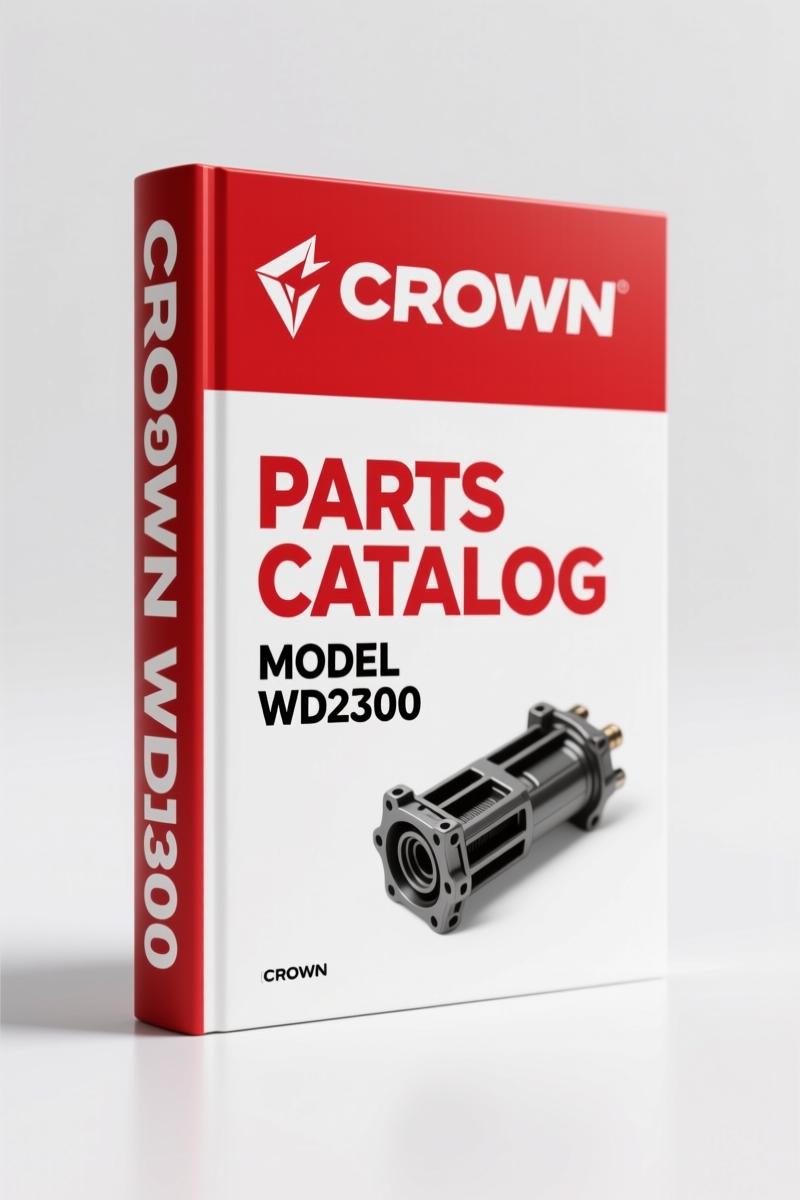
Crown WD2300 Parts Catalog – 96-Page OEM Parts Identification
Original price was: $58.40.$40.00Current price is: $40.00.
Factory Crown WD2300 parts catalog: 96 pages of exploded views, part numbers, and serial break information for the WD2300 series.
Description
Crown WD2300 Parts Catalog
I’ve been turning wrenches for 28 years, and I’ve seen more aftermarket parts diagrams that are plain wrong than I’ve had hot meals. If you’re working on a Crown WD2300 and you’re trying to track down a correct part number using a third-party source, you’re setting yourself up for a return trip to the parts counter. This Crown WD2300 Parts Catalog is the actual factory document – 96 pages of exploded views, part numbers, and revision stamps that tell you exactly what goes where. No guesswork, no “close enough” dimensions. That’s the difference between a job that sticks and one that leaks.
This manual came off Crown’s own press. It’s revision B, printed in Germany, and it’s meant for authorized Crown dealers. That means the part numbers are traceable back to the OEM. If you’re ordering a brake caliper or a contactor for the electrical system, you want that number, not a cross-reference that someone typed in after lunch. The TOC alone tells you everything: Introduction, Covers, Hydraulic System, Drive Unit, Electrical System, Brake System, Lifting Mechanism, Cylinders, Platform, Miscellaneous. That’s the whole machine, broken down by system.
Electrical System Parts: Reading the Schematic on Page 36
The Electrical System section starts at page 36. You’ll find the contactor, control handle parts (both Part 1 and Part 2), emergency disconnector, battery connector, instrument panel, horn – everything. Crown calls out the electrical parts with specific serial number cuts, so you can match the revision to your truck. If you’ve ever swapped a contactor only to find it doesn’t fit because the bracket changed halfway through production, you’ll appreciate the numbered illustrations. Page 36 is where you start if you’re chasing a no-start or a dead battery circuit. Don’t trust a generic wiring diagram – this is the real layout.
Brake System: What the Manual Shows
The Brake System section is a single page, but it’s the one you need when the pedal goes soft or the parking brake won’t hold. Crown lists the brake assembly with part numbers for the shoes, springs, and hardware. I’ve seen guys order a universal brake kit and then spend an hour filing down parts that don’t fit. That’s wasted time. With this catalog, you get the factory part number, and you order it once. The page also includes the revision date – 07/06 on some sheets – so you know you’re working with the latest factory release.
Drive Unit and Gearbox: Page 24 Coverage
The Drive Unit section starts at page 24, covering the drive unit, gearbox, drive motor, knuckle, and knuckle/platform. If you’re rebuilding the gearbox, you need the exact bearing and seal part numbers. The manual shows the exploded view with part numbers right next to the callouts. Page 26 is the gearbox page – you’ll find the torque specs for the drive motor bolts? Actually, the parts catalog doesn’t list torque values – that’s for the service manual. But the part numbers are dead-on. Pair this with the factory service manual and you’ve got the full picture.
Understand the Parts Before You Order
Here’s a tip I’ve learned the hard way: always check the serial number cut on the page. Crown updates parts over time, and the manual shows the serial number range where each component applies. For example, the Control Handle Part 2 appears twice in the bookmarks – that’s because there’s a revision. If you order the wrong revision, the handle won’t mate with the old wiring harness. This catalog lets you verify that before you hit “buy.” The “Important customer information” section in the manual tells you how to read the serial number cuts and how to order spare parts properly. Page 3 of the manual (in the Introduction) covers that.
Does This Manual Cover the Hydraulic System?
Yes, and it does it with tube/hose layout drawings. The Hydraulic System section has three pages: Tube/Hose Layout Part 1 (two pages) and Part 2. If you’re replacing a hose that’s leaking, you need to see the routing so you don’t kink the new line. The drawings show the exact bends and connections. Page 16 and 18 cover Part 1, page 20 covers Part 2. That’s factory data, not a sketch from a third-party website. When you’re dealing with hydraulic fluid under pressure, you don’t want guesswork – you want the right hose length and fitting type.
Source Authenticity: OEM vs Aftermarket
I’ve seen aftermarket parts catalogs that list a part number that’s been superseded or that never existed. Crown’s own documentation is the only source I trust. This manual is a direct scan of the original Crown binder, complete with the copyright notice and revision history. It’s not a reprint that’s been re-typed. The file name – Crown_WD2300_Parts_Catalog_en-20914001489.pdf – tells you it’s the English version from Crown’s internal system. If you’re working on a forklift that’s used in a warehouse, you can’t afford to have the wrong part cause downtime. The Crown FC4000 2002 Parts Catalog – Factory OEM Parts Manual covers a different model, but the same principle applies: get the factory document.
For more heavy-duty coverage, check the Crown SP3400 Parts Catalog – Factory OEM Parts Manual 198 Pages or the Crown RT3020 Parts Catalog – Factory OEM Parts Breakdown (76 Pages). Each one is a factory print, not a composite.
I’ve also seen the Automotive Industry Overview page on Wikipedia that talks about global supply chains – but that doesn’t tell you which bolt fits the Crown WD2300 mast. The Automotive Industry Overview article is interesting, but it won’t help you when the forklift is down. Stick with the factory manual.
Frequently Asked Questions
- Is this manual the same as the one from the Crown dealer?
- Yes, it’s a direct factory print – same part numbers, same revision stamps.
- What if I need a part number that’s not listed in the catalog?
- If you can’t find a part number, first check the serial number cut on the page – the manual has specific cuts for different production runs. If the part still isn’t listed, it might be a field-installed option or a superseded component. Contact Crown directly with the truck serial number. The manual’s “Ordering Spare Parts” section (page 3) explains how to give them the correct info. I’ve had to do that a few times when a machine had non-standard modifications. The factory number is still the gold standard.
- Can I use this manual for a different Crown model?
- No. This is specifically for the WD2300 series. Parts are model-specific. Using it for a different model will get you the wrong numbers.
- Does the manual include torque specifications for assembly?
- No. This is a parts catalog, not a service manual. It shows exploded views and part numbers, but not torque values. You’ll need the Crown service manual for that. Pair them together for best results.
Look, I’ve been in the business long enough to know that the right part number saves you a trip to the dealer and a headache. This Crown WD2300 Parts Catalog is the real deal. If you’re serious about keeping your forklift running without chasing wrong parts, Access the Factory Manual now and get the data that’s stamped on the parts themselves.
Additional information
| Brand | Crown |
|---|---|
| Language | English |
2 reviews for Crown WD2300 Parts Catalog – 96-Page OEM Parts Identification
Only logged in customers who have purchased this product may leave a review.
You may also like…
-
Sale!
Crown ESR4000 Service Manual – OEM Factory Specs for Certified Technicians
Original price was: $63.90.$45.00Current price is: $45.00. -
Sale!
Crown SC3000 Parts Catalog – 234-Page OEM Parts Manual
Original price was: $65.25.$45.00Current price is: $45.00. -
Sale!
Crown LP3010, LP3020 Parts Catalog – OEM Exploded Diagrams & Part Numbers
Original price was: $66.60.$45.00Current price is: $45.00. -
Sale!
Crown SP3400 Parts Catalog – OEM Exploded Diagrams & Part Numbers
Original price was: $64.80.$45.00Current price is: $45.00.
Related products
-
Sale!

CDS 705D, 706D, 708D, 766 1983 Parts Catalog – OEM Forklift Specs
Original price was: $43.75.$35.00Current price is: $35.00. -
Sale!
E-P Equipment CPCD40-RG24, CPCD45-RG24 2006 Operators Manual – OEM Specs
Original price was: $12.10.$10.00Current price is: $10.00. -
Sale!

SMV SC 4127 TA – SC 4531 CA User Manual (119 pages)
Original price was: $12.29.$9.99Current price is: $9.99. -
Sale!

E-P Equipment CPC10/15/18N-RG26 Parts Catalog – 262 Pages OEM
Original price was: $35.00.$28.00Current price is: $28.00.
James L. –
Perfect factory service manual. The document is high resolution. A must-have for any Crown WD2300 DIYer doing repairs. Worth every penny.
Richard G. –
I am so happy with this manual. Instant access after payment. Contains detailed bolt torque specs for Crown. I will recommend this shop to others.