
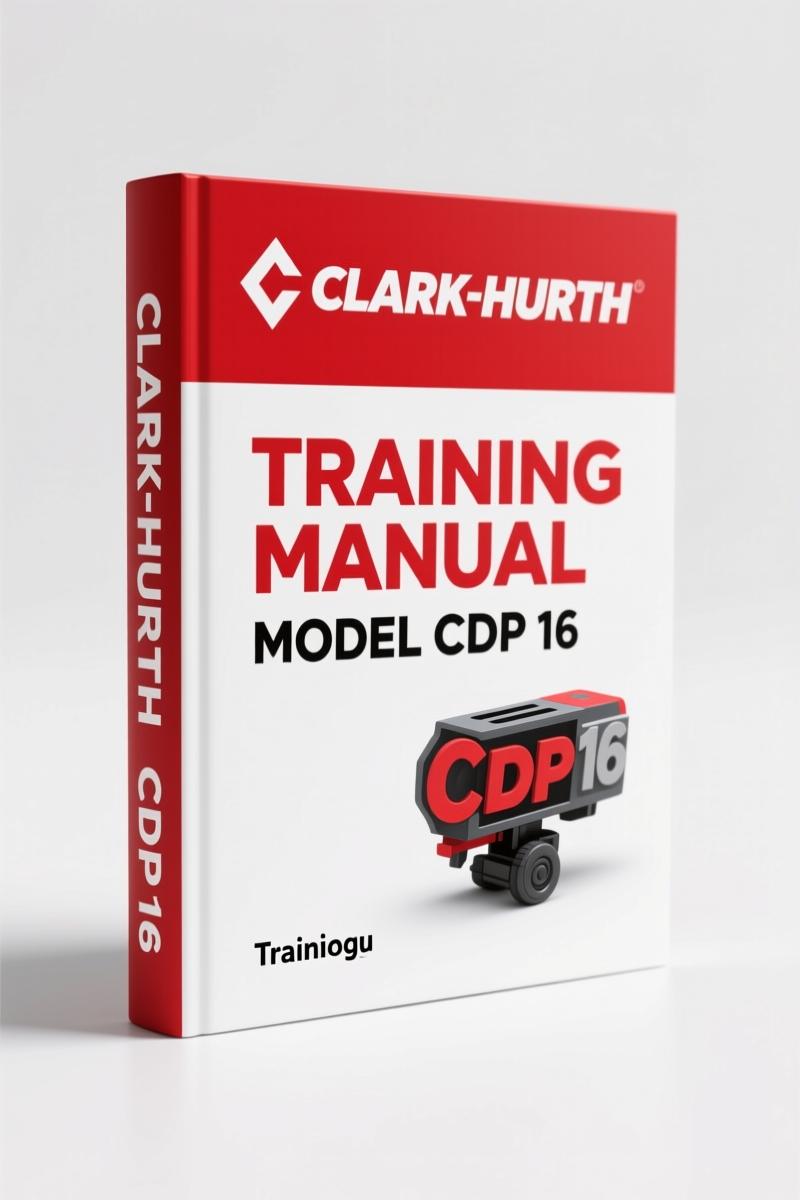
Clark-hurth CDP 16/50H & CGP 16/50H Training Manual – 362 Pages
Original price was: $31.75.$25.00Current price is: $25.00.
Factory training manual for Clark-hurth CDP 16, CGP 16, CDP 50H, CGP 50H. 362 pages covering WinGPI software, brake pedal setup, and hydrostatic diagnostics.
Description
Clark-hurth CDP 16, CGP 16, CDP 50H, CGP 50H Training Manual – OEM Factory Specs
I’ve seen too many lift trucks come in with scrambled parameters because a tech skipped the WinGPI software setup and started guessing. That’s how you burn a brake solenoid or get an antistall error that takes hours to clear. The Clark-hurth CDP 16, CGP 16, CDP 50H, CGP 50H Training Manual is the factory document that keeps you off the guesswork treadmill. 362 pages of procedures written for the technician who needs to know exactly what each menu item does before touching the keyboard. Aftermarket PDFs? I won’t touch them. They leave out the SUSMIC descriptions and the GPI program history. This is the real deal – direct from Clark-hurth.
GPI Software Parameter Setup – 20 Menu Functions
Every parameter from <1>Software Version to <0>Run Screen is laid out in order. You get the Throttle Setup, Brake Pedal Setup, Lift Sensor Setup, and all the way through Pump Parameter and Service Adjustment. The manual walks you through accessing application software and default parameters onto the laptop. No shortcuts. Section 4 (Brake Pedal Setup) alone can save you a new pedal assembly if you calibrate it right the first time. Page references inside the PDF let you jump straight to the EDC min/max current procedure when a drive motor is surging.
What Does the Brake Pedal Setup Cover?
Brake system calibration is a pain point on these machines. The manual dedicates a full submenu to <4>Brake Pedal Setup. It shows you how to adjust the pedal sensor voltage range, set the deadband, and verify the brake release switch. Couple that with <16>Disable Brake & Antistall – a feature used during diagnostic mode when you need to run the truck on jack stands without the parking brake interfering. One wrong move and the truck thinks you’re rolling away. The manual flags those risks. I’ve seen a shop skip the antistall disable step and lose a $2,000 controller. Don’t be that guy.
20 Main Menu Functions – What Each Number Means
Numbers 1 through 20 cover everything from default parameter setup to governor control parameters. The manual explains each menu’s purpose and the consequences of changing values. For example, <8>Automotive Parameter controls how the truck responds to throttle tip-in. Set it too aggressive and you’ll spill a load. The manual gives the factory default ranges so you can reset if needed. <12>Governor Control Parameter is another critical one – it manages engine speed limiting under load. Without this section, you’re flying blind. Pair this training manual with the CLARK CDP/CGP 16/18/20 Service Manual for the mechanical side of the drivetrain.
Set the EDC Min and Max Current Correctly
EDC min. Current Setup and EDC max. Current Setup are two separate procedures in the manual. They tell you the steps to adjust the electronic displacement control on the hydraulic pump. Too low and you get sluggish travel. Too high and you overheat the oil. The manual includes a specific procedure for each – not just a generic “adjust until it feels right”. You’ll see the exact current values to target and how to verify them with a multimeter on the GPI service screen. Aftermarket manuals skip this detail because they copy from a different model. This one doesn’t.
Disable Brake & Antistall: When to Use It
Menu function <16>Disable Brake & Antistall is a diagnostic tool. The manual explains that you only enable it when the truck is stationary and supported. It overrides the safety interlock that prevents the truck from moving when the parking brake is set. Use it during parameter changes that require the engine to run without load. The manual also covers the Error Help Screen and Error Screen sections for setup errors and operation errors. If you get a “Setup Error” after changing a parameter, the Error Help Screen tells you exactly which value is out of range. That’s factory precision you can’t get from a forum post.
Source Authenticity – Why OEM Training Manuals Matter
I’ve been in the trade long enough to know that a third-party manual is a gamble. They reprint old editions, blur the wiring diagrams, and lose the key codes. The Clark-hurth CDP 16, CGP 16, CDP 50H, CGP 50H Training Manual comes straight from Clark-hurth’s training department (BT Svenska AB). It includes the full GPI program description, the SUSMIC hydraulic valve explanation, and drive axle specifics for each model – CDP/CGP 16-20H, 25-35H, and 40-50H. The PDF is scanned from the original factory document, not a copy of a copy. You see the original Swedish notes and the English parameter list. For the mechanical transmission side, refer to the Manual Transmission fundamentals, but this training manual is about the electronic brain of the truck. Combine it with the Clark-hurth HPB1 Training Manual – 60-Page Factory OEM for a complete understanding of the hydraulic braking system. And if you need the full drivetrain training, grab the Factory OEM Clark-hurth CDP 16-50H CGP 16-50H Training Manual – this is the same one, so order the correct SKU.
FAQ – Three Questions I Hear Most
- Is this manual in English?
- Yes, the main text is English.
- What if I don’t have the WinGPI software?
- The manual covers the connection and operation of the laptop with GPI, but you need the actual WinGPI software from Clark-hurth to follow along. Without it, you can still learn the parameter structure and error codes, but hands-on setup requires the software. The manual does not include the software itself.
- Does this cover torque specs?
- No. This is a training manual focused on electronics and hydraulics, not engine or driveline torque values. Check the service manual for that.
- Can I use this for older Clark models?
- This manual specifically covers CDP 16, CGP 16, CDP 50H, and CGP 50H. Older models use different software.
For the manual transmission mechanical principles that underpin the drivetrain, the Manual Transmission overview on Wikipedia gives you the basics. But for the actual setup of these Clark-hurth trucks, nothing beats the factory PDF. Stop throwing parts at the problem. Access the Factory Manual and work through the parameter list step by step.
Additional information
| Brand | Clark-hurth |
|---|---|
| Language | English |
4 reviews for Clark-hurth CDP 16/50H & CGP 16/50H Training Manual – 362 Pages
Only logged in customers who have purchased this product may leave a review.
You may also like…
-
Sale!
Clark-hurth 292, 292B 1990 Parts Catalog – OEM Parts Data
Original price was: $92.25.$75.00Current price is: $75.00. -
Sale!
Clark-hurth 280IIIA 1978 Parts Catalog – Factory Parts Manual
Original price was: $108.00.$75.00Current price is: $75.00. -
Sale!
Clark-hurth 55R, 55AWS 1965 Parts Catalog – Factory Parts Manual for Tractor Shovels
Original price was: $103.50.$75.00Current price is: $75.00. -
Sale!
Clark-hurth C15-33, C15-32C 2005 Service Manual – 1006 Pages of OEM Specs
Original price was: $89.05.$65.00Current price is: $65.00.
Related products
-
Sale!

Technical Manual – International DT 530 & HT 530 (118 Pages)
Original price was: $37.00.$25.00Current price is: $25.00. -
Sale!

1991 Electrical Schematic – 112-Page OEM Wiring Diagram for International 1000-3000 Series
Original price was: $22.75.$17.50Current price is: $17.50. -
Sale!

Service Manual – International HS 2.8L Engine – 130 Pages of Factory Specs
Original price was: $56.40.$40.00Current price is: $40.00. -
Sale!
1993 Operators Manual – International Bus 1000-3000 OEM Specs
Original price was: $12.30.$7.99Current price is: $7.99.
James L. –
Highly recommended! Immediate link after payment. Contains detailed schematics for Clark-hurth. Worth every penny.
Charles W. –
This is just what I required. The text is searchable and easy to navigate. Contains detailed schematics for Clark-hurth. Saves me so much dollars.
workshop_guy –
Perfect workshop guide. Instant access after checkout process. It guided me to repair my Clark-hurth CDP transmission. Highly recommended for mechanics.
Michael T. –
This is exactly what I was looking for. It is very easy to read on my laptop without losing quality. A must-have for any Clark-hurth CDP mechanic doing repairs. Worth every penny.