
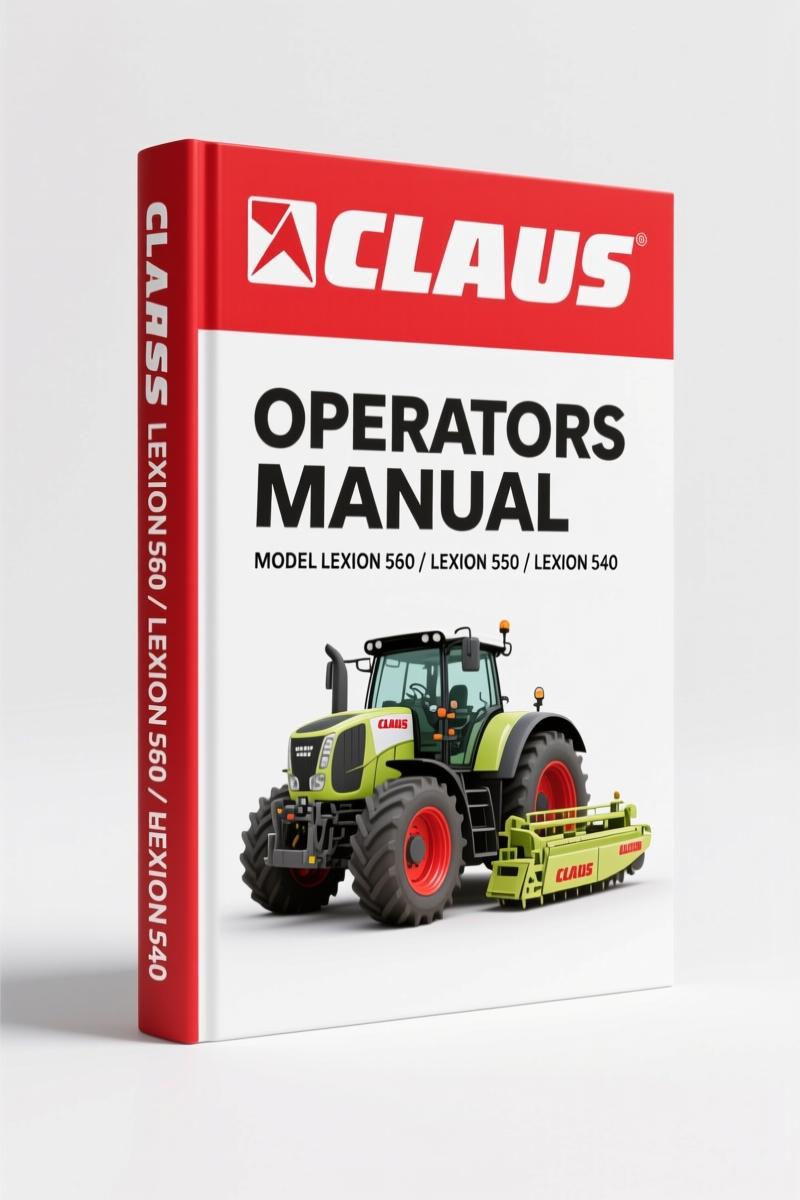
Claas LEXION 560, 550, 540, 540 C, 530 Operators Manual – 103 Pages | AutoFix Global
Original price was: $15.08.$9.99Current price is: $9.99.
Factory Claas LEXION 560/550/540/540C/530 Operators Manual. 103 pages of CEBIS, GPS, header setup, yield measurement. No generic fluff.
Description
Claas LEXION 560, LEXION 550, LEXION 540, LEXION 540 C, LEXION 530 Operators Manual
Let me tell you something about running a LEXION. If you’ve ever watched a rookie try to set the header height without the factory screen logic, you’ve seen a field turned into a mess. I’ve been wrenching on these combines since the 90s, and the one thing that separates a smooth harvest from a nightmare is understanding the Claas LEXION 560, LEXION 550, LEXION 540, LEXION 540 C, LEXION 530 Operators Manual. This isn’t a generic third-party translation. It’s the original Claas document – 103 pages of the stuff that actually matters: where every button on the CEBIS panel goes, how to calibrate the yield sensor, and what the hell that alarm means at 3 AM.
Skip this manual and you’ll be digging through menus blind. I’ve seen it happen. A guy on a 540 spent two hours trying to get the auto-contour system to stop bouncing the header off the ground. Turns out he had the sensitivity set for corn when he was cutting wheat. That’s a $4,000 mistake in downtime and missed bushels. The manual walks you through each adjustment – no guessing, no shortcuts. Just a straight line from problem to fix.
CEBIS System: The Brain of the LEXION
The CEBIS onboard information system is where everything happens. Section 8.2.1 lays out the monitor and rotary switch layout. You get the keypad field C, the rotary switch D, and the multifunction handle M. Each one has a specific job, and if you treat the handle like a joystick in a video game, you’ll engage the partial-width header when you meant to raise the reel. Page 8.2.3 shows the exact zones. Memorize it. The manual also covers the flag box setup – that’s for marking field obstacles in the GPS map. Don’t skip it.
Before the first startup, the manual walks you through travel overview and harvesting overview. I’ve watched guys crank the engine and start rolling without checking the reel height preset. That’s how you snap a tine. The procedure on page 8.2.7 tells you what to verify – hydraulic pressure, linkage positions, all of it. Treat it like a pre-flight checklist.
GPS Mapping and Yield Data – Calibration Matters
Yield mapping is where the LEXION really earns its keep, but only if you calibrate right. The manual covers the yield measurement instrument in detail – components (page 8.2.26), base calibration, and how to prepare for a yield measurement. You get the moisture measurement ON/OFF, correction for moisture, and dry moisture. That’s critical if you’re dealing with variable moisture across the field. The calibrating coefficient and zero point for yield are on page 8.2.29. I’ve seen guys skip the control weighing step and then wonder why their maps show 20% error. The manual tells you to do a controlled weigh – it’s not optional.
For GPS, the manual explains cartography ON/OFF, cartography indication, and loading GPS data. If you want to create application maps for variable-rate seeding or fertilizer, you need the zero point for slope and the stored moisture settings. All of it is in this Operators Manual. No need to call the dealer for a password.
Preliminary Header Adjustments – Reel and Attachment Setup
A combine is only as good as its header setup. The manual dedicates sections to reel adjustment: horizontal position, reel speed, and reel height. Then attachment settings: distance between stripper plates, table length, cutting height, and the auto-contour CAC system specifically for LEXION Montana. Each adjustment has a range and a factory-recommended starting point. You can save your own custom settings and load them later – the manual shows how to save personal settings in the crop list. That’s a time-saver when switching between wheat and canola on the same day.
Partial-width header switching is covered too. If you’ve ever hit an obstacle with one side of the header and had the whole thing jam, you know why this matters. The manual tells you which switches engage which sections. Respect the safety warnings here – the manual has a dedicated safety instructions section. I’ve clipped that out and laminated it for my guys.
Crop-Specific Settings and Calibration – Tailor the Machine
Different crops demand different settings. The manual includes a list of threshable crops, with options to load Claas values or load your own personal settings. You can save, print, and view Claas values. There’s a blower adjustment section. For yield measurement, you get the calibration coefficient, zero point of yield, control weighing, and slope zero point. The stored moisture setting and indicator for dry status are there. If you’re harvesting at high moisture, you need the correction factors – page 8.2.31 explains moisture correction and storage moisture. This is the difference between a moldy bin and a clean one.
The manual also covers registration – planned orders, start/stop, completed orders, and the daily counter. You can print daily totals and overall totals. The copying of card with microchip is covered. These features help you track field performance and operator efficiency. Don’t rely on memory; the manual shows you the keystrokes.
Troubleshooting and Alarm Signals – Don’t Panic
When the CEBIS lights up with a fault code, the manual has a signal and message section. It lists faults and troubleshooting for the yield measurement instrument. There’s a reference table with orientation values of impulses per 100 meters. I’ve used this to diagnose a bad sensor on the reel drive without calling tech support. The manual also covers engine load display and engine diagnostics. That alone can save you a tow bill.
Related manuals: Claas LEXION 510/580/500 Technical Manual – 532-Page Hydraulic Systems for deeper hydraulic work. Claas Dominator 68 S Operator’s Manual for older models. Claas JAGUAR 900 2002 Training Manual – Factory Specs for Speedstar for forage harvesters.
External reference: Manual Transmission – not applicable here, but good to know how gearboxes work. Manual Transmission – same principle applies to the combine’s ground drive.
- Does this manual cover the LEXION 560 GPS setup?
- Yes. Sections on GPS mapping, cartography ON/OFF, and loading GPS data are included. Covers yield mapping integration with CEBIS.
- What if I can’t read Russian? The manual appears to be in Russian.
- This particular copy is in Russian, reflecting the original export region. Many North American operators use it with a translation app for the CEBIS menus. The diagrams and screen captures are universal – you can follow the procedures by matching icons. That said, we also carry English versions for select models – check our Claas collection. The factory torque values and adjustment ranges are printed regardless of language, so you get the numbers you need.
You need the real factory documentation to keep that LEXION in the field where it belongs. Access the Factory Manual now and get the CEBIS system dialed in before the next harvest.
Additional information
| Brand | Claas |
|---|---|
| Language | English |
2 reviews for Claas LEXION 560, 550, 540, 540 C, 530 Operators Manual – 103 Pages | AutoFix Global
Only logged in customers who have purchased this product may leave a review.
You may also like…
-
Sale!
Claas AVERO 240, AVERO 160 2015 Repair Manual – Factory Specs
Original price was: $88.80.$60.00Current price is: $60.00. -
Sale!
Claas QUADRANT 2200, QUADRANT 2200 ROTO CUT Repair Manual – 433 Pages of Factory Specs
Original price was: $100.10.$65.00Current price is: $65.00. -
Sale!
Claas DOMINATOR 108 VX & 88 VX Service Manual – 1044 Pages
Original price was: $59.85.$45.00Current price is: $45.00. -
Sale!
Claas Quadrant 1200 1993 Repair Manual – Factory OEM Specs
Original price was: $101.50.$70.00Current price is: $70.00.
Related products
-
Sale!

1992 Electrical Schematic – International 1000/3000/4000/2554 OEM Wiring Diagrams (132 Pages)
Original price was: $26.40.$20.00Current price is: $20.00. -
Sale!

2006 Service Manual – International DT 466E, 530E Diesel Engine
Original price was: $67.50.$50.00Current price is: $50.00. -
Sale!
International 1000-3000 Series Operators Manual – 132 Pages of OEM Specs
Original price was: $14.40.$10.99Current price is: $10.99. -
Sale!

Service Manual – International HS 2.8L Engine – 130 Pages of Factory Specs
Original price was: $56.40.$40.00Current price is: $40.00.
John S. –
Great workshop guide. Instant access after checkout process. Contains detailed wiring diagrams for Claas. Great value for money.
Thomas B. –
I am very pleased with this manual. The text is searchable and easy to navigate. Every spec sheet is included for Claas LEXION. Saves me so much money.