
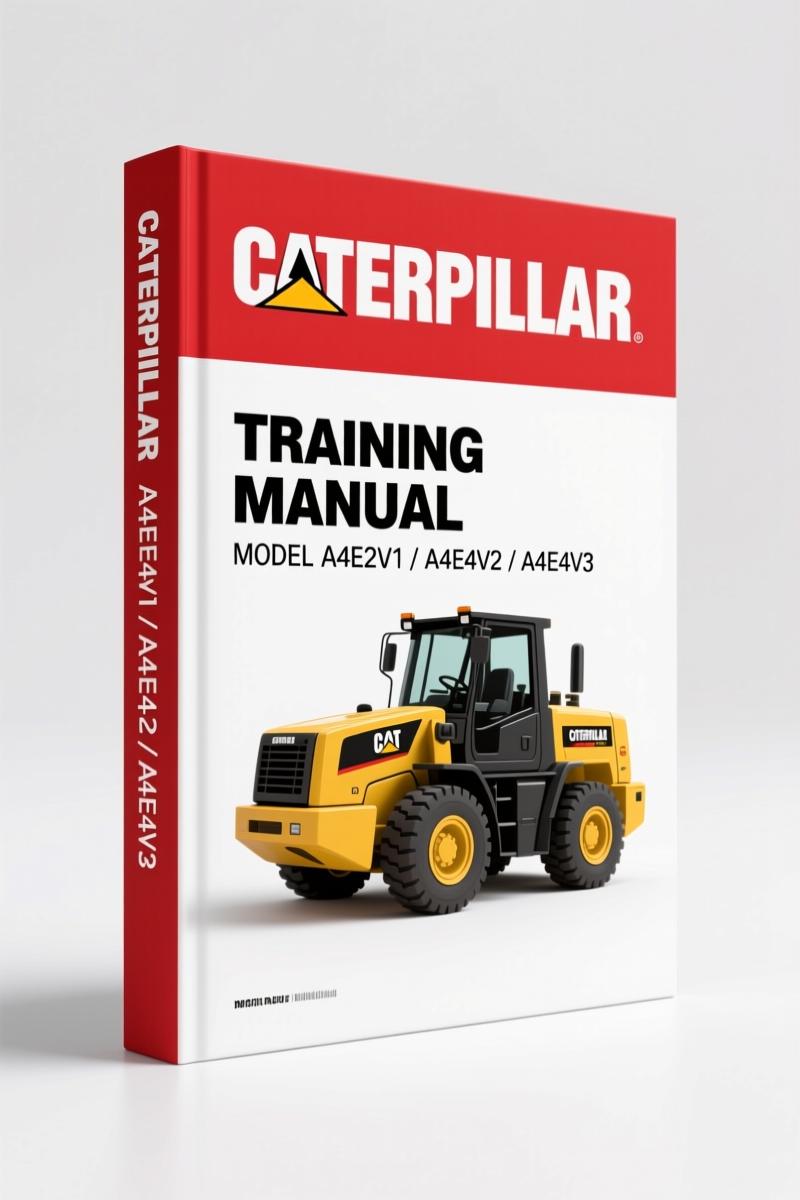
Caterpillar A4E2V1, A4E4V2, A4E4V3 Training Manual – ECM Clearing
Original price was: $46.50.$30.00Current price is: $30.00.
Factory 30-page training manual for ECM clearing on Caterpillar A4E2V1, A4E4V2, A4E4V3. Includes suffix codes, datalink requirements, and Cat ET 2013B procedure.
Description
Caterpillar A4E2V1, A4E4V2, A4E4V3 Training Manual – ECM Clearing That Works
If you’ve ever had a truck down because the ECM threw a code you couldn’t clear, you know the drill: pull the part, box it up, send it to the dealer, wait a week, pay the freight. That’s billable time you lose and a machine sitting idle. The Caterpillar A4E2V1, A4E4V2, A4E4V3 Training Manual is the factory document that walks you through clearing those ECMs yourself. It’s a 30-page PDF direct from Caterpillar’s Dealer ECM Clearing Training — yellow-level confidential, written for techs who need the procedure correct the first time.
Dealer ECM Clearing Process: What the Manual Covers
This isn’t a generic write-up. Page 2 of the manual clearly states that ECM Clearing is supported on the A4E2V1, A4E4V2, and A4E4V3 Engine ECMs. It also tells you that Cat ET 2013B or newer is required. Missing that requirement means your software won’t communicate — the manual saves you that wasted afternoon. The procedure described on pages 3 through 5 covers which datalink to use (J1939, not CDL), which breakout harness pinouts match, and the exact suffix codes that are clearable.
Compatible ECMs and Suffix Codes
Not every A4E2V1 ECM can be cleared in the field. The manual lists the specific suffix codes — the last two digits of the ECM serial number — that are compatible. For the A4E2V1: JZ, LA, LC. For the A4E4V2: JV, JW, JX, JY, LS, JL, JM. For the A4E4V3: LF, LG, LH, LJ, LK, LL, LM, MC, MD, ME, MF, RA, RB, RC, RD, RE. if your suffix isn’t on that list, the process won’t work. The manual tells you to check before you start, so you aren’t chasing a problem that can’t be solved.
J1939 Datalink vs. CDL Datalink: Why It Matters
Page 5 includes a direct warning: the ECM Clearing process must be performed using the J1939 datalink. It will NOT work on the CDL datalink. I’ve seen guys plug into the wrong harness and fry a driver because they assumed any data port would work. This manual gives you the breakout harness schematic — verify your harness conforms to the drawing before you apply power. That’s the difference between a successful job and a new ECM.
Cat ET 2013B Requirement
Another common screw-up: using an older version of Cat ET. The manual names 2013B as the minimum. If you’re running anything older, the ECM Clearing function won’t show up in the menus. The manual also tells you that for ECMs not supported by the clearing process, you can use ECM Test Mode instead. That’s a fallback you won’t find in third-party documentation. OEM source, OEM solution.
Breakout Harness Schematics and Wiring
The manual includes precise pinout diagrams for the breakout harness. You get the correct schematic for each ECM variant. This isn’t a generic “use the right wire” — it’s the actual connector view from the factory. If you’ve ever chased a wiring error because the aftermarket manual showed the wrong pin, you’ll appreciate having the real document. That schematic alone is worth the access.
FAQ – Caterpillar A4E2V1, A4E4V2, A4E4V3 Training Manual
- Does this manual cover the entire ECM removal and installation?
- No. It only covers the in-chassis clearing process using Cat ET. It assumes the ECM is already installed and wired correctly. For removal/installation, you need the corresponding service manual.
- Can I use this manual for other Caterpillar ECM models?
- No. Only A4E2V1, A4E4V2, and A4E4V3 are supported. Other models require their own procedure.
- What tools do I need besides Cat ET 2013B?
- A laptop with Cat ET 2013B or newer, a J1939 adapter cable, the correct breakout harness matching the schematic in the manual, and a multimeter to verify pin continuity before connecting power. The manual assumes you have access to these.
- How do I know if my ECM suffix code is clearable?
- Check the sticker on the ECM. The last two digits of the serial number must match one of the codes listed on page 4. If it does, the process should work. If not, you’ll need to send the ECM to Caterpillar for clearing.
If you’re working on a machine with an A4E-series ECM and need to clear it without pulling the part, this Caterpillar A4E2V1, A4E4V2, A4E4V3 Training Manual is exactly what the dealer techs use. Don’t guess the datalink or waste time on wrong suffix codes. Access the Factory Manual and get the procedure straight from Caterpillar.
Related manuals you may need: Caterpillar 994F, 994D, 992G 2005 Training Manual Review’>Caterpillar 994F, 994D, 992G 2005 Training Manual Review, Caterpillar 307D 308D CR 308D CR SB 2008 Training Manual Review’>Caterpillar 307D 308D CR 308D CR SB 2008 Training Manual Review, Caterpillar 246C 256C 262C 272C 277C 2007 Training Manual’>Caterpillar 246C 256C 262C 272C 277C 2007 Training Manual. For background on transmission fundamentals, see Manual Transmission and Manual Transmission.
Additional information
| Brand | Caterpillar |
|---|---|
| Language | English |
4 reviews for Caterpillar A4E2V1, A4E4V2, A4E4V3 Training Manual – ECM Clearing
Only logged in customers who have purchased this product may leave a review.
You may also like…
-
Sale!

Caterpillar CP-563E CS-563E CS-573E CS-583E 2002 Service Manual
Original price was: $102.70.$65.00Current price is: $65.00. -
Sale!

Caterpillar 14M, 16M 2007 Training Manual – OEM Service Training Guide
Original price was: $108.50.$70.00Current price is: $70.00. -
Sale!

Caterpillar 3500B 2000 Service Manual – MEUI Fuel System
Original price was: $93.00.$75.00Current price is: $75.00. -
Sale!

Caterpillar 3116, 3126, 3114 2010 Troubleshooting Manual – 89 Pages
Original price was: $107.10.$70.00Current price is: $70.00.
Related products
-
Sale!

Acura NSX 1991 Service Manual – 1420 Pages OEM
Original price was: $102.05.$65.00Current price is: $65.00. -
Sale!

1991 Operators Manual – International Truck OEM Specs (108 Pages)
Original price was: $13.63.$10.99Current price is: $10.99. -
Sale!

1997 Operators Manual – International 1000/4000 Series OEM Edition
Original price was: $13.49.$9.99Current price is: $9.99. -
Sale!
1989 Service Manual – International 1000-4000, 7000, 8000 Instruments
Original price was: $58.80.$40.00Current price is: $40.00.
Thomas B. –
Perfect OEM spec sheet. The file quality is excellent. A must-have for any Caterpillar A4E2V1, DIYer doing maintenance. Highly recommended for mechanics.
Richard G. –
Superb resource! Quick access after payment. A must-have for any Caterpillar A4E2V1, DIYer doing maintenance. I will definitely buy again.
William H. –
This is exactly what I needed. It is easily zoomable on my iPad without losing quality. A must-have for any Caterpillar A4E2V1, owner doing repairs. Great value for money.
James L. –
This is exactly what I needed. It is very easy to read on my laptop without losing quality. Every spec sheet is included for Caterpillar A4E2V1,. Saved my weekend project! Thank you.