
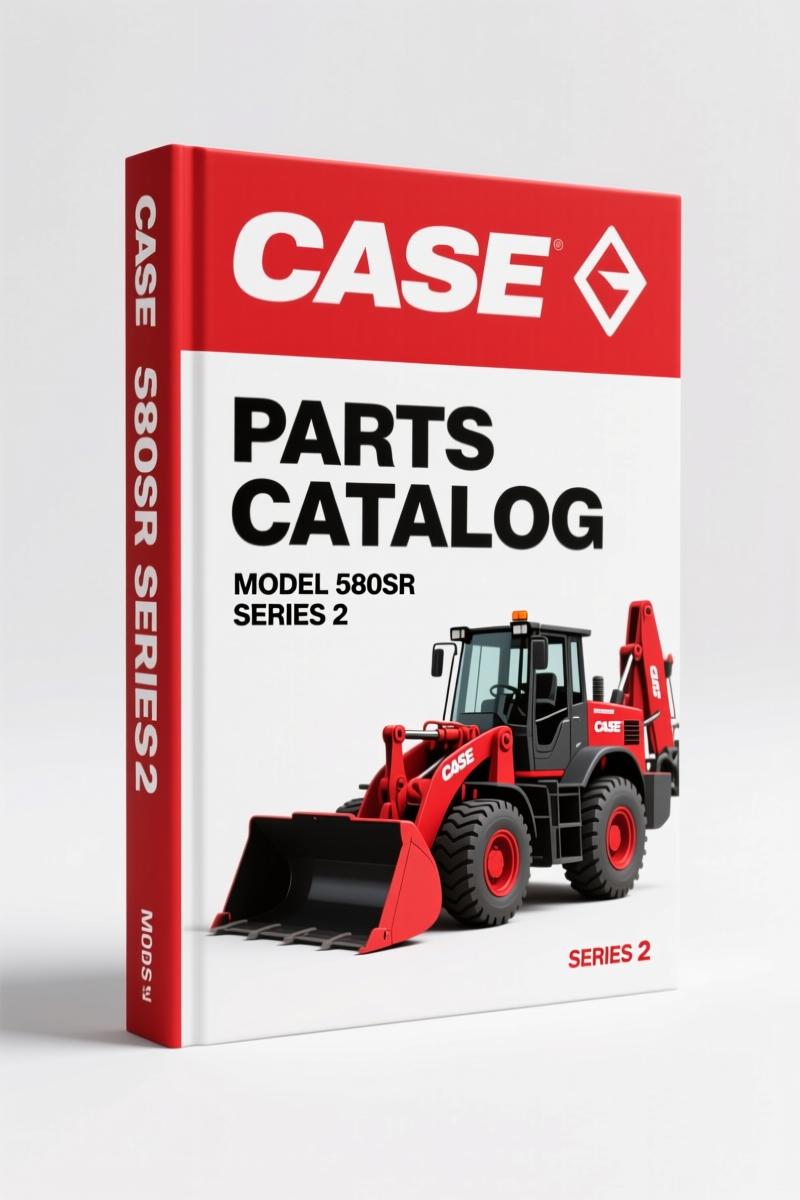
Case 580SR Series 2 Parts Catalog – 1060-Page OEM Parts Identification
Original price was: $31.68.$24.00Current price is: $24.00.
Original Case 580SR Series 2 Parts Catalog – 1060 pages of factory part numbers, exploded views, and maintenance sections for backhoe loaders.
Description
Case 580SR Series 2 Parts Catalog – Why You Need the OEM Specs
You got a 580SR Series 2 backhoe that’s down because you ordered the wrong filter. Again. I’ve seen it a hundred times. A parts catalog – the OEM one – is the difference between a one-hour fix and a three-day wait. This is that catalog. Case 580SR Series 2 Parts Catalog from the factory, 1060 pages of exploded diagrams, part numbers, and cross-references. No aftermarket abbreviations, no “this might fit” nonsense. Every part number in here came off the same line as your machine.
What a Parts Catalog Does That a Repair Manual Can’t
A repair manual tells you how to take it apart. A parts catalog tells you which exact bolt goes back in. On a 580SR Series 2, the hydraulic filter has multiple variants – see page 5 of this catalog shows part number 85826027 for the air filter element, but there are three different air filters listed depending on your build date. Without the catalog, you’re guessing. That’s downtime. That’s money. This catalog gives you the Case factory part number, the quantity, and a reference to the illustration page so you can see exactly where it lives.
If you’re ordering parts for a fleet or just your own machine, you need the reference numbers from the factory. I’ve watched guys waste half a day because they ordered a “universal” filter that didn’t seal. Universal doesn’t exist on a 580SR Series 2. Use the book.
Inside the 1060 Pages: Maintenance Parts and Beyond
The OCR from this catalog shows a dedicated “MAINTENANCE PARTS” section. That’s the first place you’ll go for daily service items: fuel filter (part 47135707), engine oil filter (87803261), hydraulic oil filter for the power shuttle (85826021). Each entry has a page reference to the illustration – page 0.200 for the fuel filter, page 1.28-C for the hydraulic filter. You get the part number, the description, and the exact diagram. No flipping back and forth guessing which filter goes where.
But the catalog covers the whole machine: engine, transmission, backhoe attachment, steering, electrical. 1060 pages means every nut, every seal, every hose clip is listed. If you need the O-ring for the loader control valve, it’s in here. You just need to know the section – and the catalog has a main sections diagram on page 2 that labels each section with a number (engine = 1, transmission = 2, backhoe = 3, etc.). Cross-reference the number, find the page, get the part.
3 Signs You’re Using an Aftermarket Parts List (and Why It Hurts)
Aftermarket parts lists usually drop the supersession data. Case updates part numbers regularly. A 2005 580SR Series 2 might have a different starter motor than a 2008 build. Aftermarket lists often give you one number and say “fits all years.” That’s a lie. The OEM catalog lists every supersession. On page 2 of this PDF you see the model range: “580SR CASE SERIES 2 SUPER-R BACKHOE LOADER (3/05-)” – that date range is important. If your machine is older than 2005, you need a different catalog. This one is for Series 2 from March 2005 onward. Get the right catalog for your serial number.
Another sign: aftermarket catalogs combine multiple models into one list. You get a generic diagram that shows both 580SR and 580ST parts. That’s useless. The OEM catalog is model-specific. Every part in this PDF is for the 580SR Series 2. Nothing else.
Third sign: aftermarket catalogs omit the quantity. The OEM catalog says “Qty 1” for the fuel filter, but the illustration shows it takes one. Some aftermarket lists don’t tell you how many you need. Order one when you need two? That’s another trip to the dealer.
Using the Catalog: The Section Diagram on Page 2
Open the PDF. Look at page 2. There’s a circle diagram with numbered sections – engine, transmission, backhoe, etc. Each number corresponds to a main section of the catalog. Click or scroll to that section. If you need steering parts, find section 6 (steering) on the diagram, then go to the pages under that section. The catalog uses a decimal numbering system – e.g., “Page 0.200” for fuel filter. That means section 0 (maintenance) subsection 200. Don’t overthink it. The catalog is designed for a parts counter guy who needs to find the part in 30 seconds. You can do it too.
For beginners: start with the “MAINTENANCE PARTS” section. That’s where the filters, belts, and fluids live. Once you get comfortable, move into the major assemblies. The diagram on page 2 is your map. Use it.
Does This 1060-Page PDF Replace a Service Manual?
Hell no. A parts catalog doesn’t give you torque specs, fluid capacities, or removal procedures. If you need to rebuild the transmission, you need the service repair manual. This catalog is for ordering parts. Have both. If you’re a DIYer who only owns one machine, you probably need both. But if you’re a shop that works on these machines weekly, you need this catalog on the workbench right next to the service manual. The parts catalog is the reference for the parts numbers you write on the work order. The service manual is for the how-to. They work together.
Related manuals you might need: Case CX160B 2007 Parts Catalog – OEM Undercarriage Hydraulics, Case CX27B 2007 Parts Catalog – OEM Factory Specs for Mini Excavator, Case CX40B 2010 Parts Catalog – OEM Factory Spec Data.
For context on why OEM documentation matters across the Automotive Industry Overview and the construction equipment industry, factory parts books are the only reliable source for supersession data. You can also read about the Automotive Industry Overview for background on standardization, but for your 580SR Series 2, stick with the OEM book.
- Can I use this parts catalog for a 580ST or 580SM?
- No. This is specifically for the 580SR Series 2 (Super-R) from March 2005 onward. Different model, different parts.
- How do I look up a part number if I don’t know the section?
- Use the index at the end of the PDF – it’s a searchable file. Or start on page 2 with the main sections diagram. If you have an existing part number, search the PDF for that number to see cross-references.
- Does this catalog include part prices?
- No. It’s a parts catalog with part numbers, descriptions, quantities, and illustration references. Prices are set by dealers. Use the numbers to call your local Case dealer.
- Will this work offline?
- Yes. It’s a PDF format. Print it, put it in a binder, or keep it on a tablet. No internet required once obtained.
Stop wasting time on aftermarket part number lookups. Get the factory data that matches your machine. Access the Factory Manual now.
Additional information
| Brand | Case |
|---|---|
| Language | English |
2 reviews for Case 580SR Series 2 Parts Catalog – 1060-Page OEM Parts Identification
Only logged in customers who have purchased this product may leave a review.
You may also like…
-
Sale!
Case 26, 26B, 26S 1975 Parts Catalog – Factory Exploded-View Parts Identification
Original price was: $114.00.$75.00Current price is: $75.00. -
Sale!
Case 34, 680 CK 1967 Parts Catalog – OEM Factory Parts
Original price was: $107.25.$75.00Current price is: $75.00. -
Sale!
Case 2500 Service Manual – OEM Factory Specs for Cruz-Crane
Original price was: $97.30.$70.00Current price is: $70.00. -
Sale!
Case 50 Crawler Series D Service Manual – Factory Specs & Electrical
Original price was: $98.00.$70.00Current price is: $70.00.
Related products
-
Sale!

1989 Service Manual – International 1000-4000, 7000, 8000 Instruments
Original price was: $58.80.$40.00Current price is: $40.00. -
Sale!

2006 Service Manual – International DT 466E, 530E Diesel Engine
Original price was: $67.50.$50.00Current price is: $50.00. -
Sale!
1994 Troubleshooting Manual – International 1000-4000 FBC
Original price was: $60.00.$50.00Current price is: $50.00. -
Sale!

2004 Acura TSX Wiring Diagram – 73-Page Factory Electrical Schematics
Original price was: $15.88.$9.99Current price is: $9.99.
James L. –
I am so happy with this manual. The scan is high-quality and well indexed. A must-have for any Case 580SR owner doing maintenance. Saved my weekend project! Thank you.
gearhead88 –
I am extremely satisfied with this manual. Quick access after checkout. A must-have for any Case 580SR DIYer doing maintenance. Highly recommended for mechanics.