
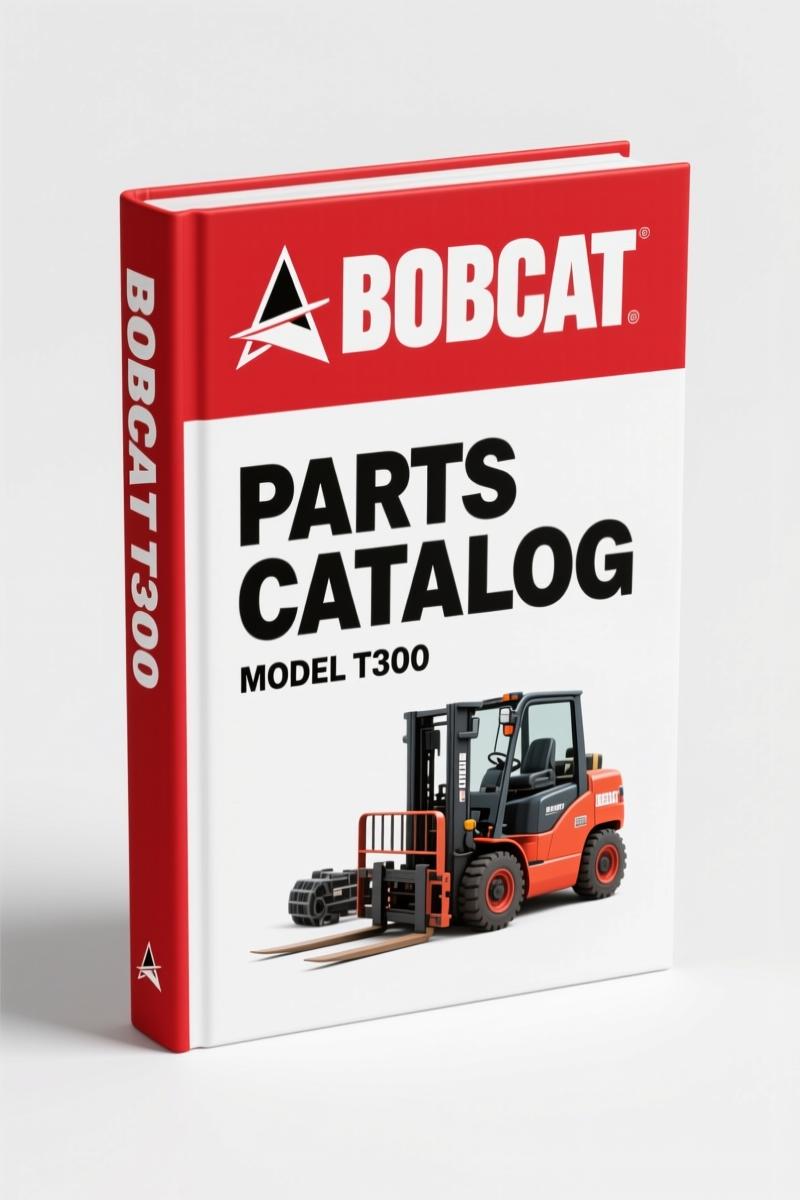
Bobcat T300 2005 Parts Catalog – 381 Pages, OEM Exploded Views & Part Numbers
Original price was: $40.00.$25.00Current price is: $25.00.
381-page OEM parts index for Bobcat T300 (2005). Exploded diagrams, factory part numbers, and supersession data. For mechanics and fleet shops.
Description
Bobcat T300 2005 Parts Catalog – Factory Specs on the Workbench
If you’ve ever ordered a part for a Bobcat T300 and ended up with the wrong piece because the parts guy read the serial number wrong, you know the pain. This 2005 Parts Catalog – 381 pages of factory drawings and part numbers – is what you need to get it right the first time. I’ve rebuilt enough Bobcat undercarriages to tell you: aftermarket cross-reference lists will burn you. Stick to the OEM source.
381 Pages of Factory Parts Data
That’s what you get: a full factory-issued Parts Catalog published by Bobcat Company in 2005. Every page from 1 to 381 breaks down the T300 into assemblies – drive train, hydraulic system, cab, BICS control, you name it. The exploded-view illustrations show you exactly how things go together. No guessing which seal goes where. The part number is right next to the arrow. Flip to the index and you’re done in under a minute.
Which Serial Numbers Are Covered?
This catalog applies to Bobcat T300 machines with S/N 5320 11001 & Above and S/N 5321 11001 & Above. If you’re working on a machine outside that range, you need a different manual. Check the plate on the frame rail – I’ve seen too many techs skip that step and order a hydraulic pump that doesn’t fit. Don’t be that guy.
BICS System: Parts Breakdown in This Catalog
The Bobcat Interlock Control System (BICS) is a safety interlock that locks out hydraulics if an operator leaves the seat with the engine running. This catalog includes the specific part numbers for the BICS controller, seat switches, and wiring harness sections. Page 26 (roughly – each copy may paginate slightly different) gives you the BICS component locator diagram. If the BICS light is flashing on your T300, don’t start swapping parts blind. Use the catalog to identify the faulty component, then order the exact replacement.
Look Up the Right Part Fast
Flip to the Parts Index at the back – it lists every component alphabetically. Need a fuel injection pump seal? Look under “I” for injection, or “P” for pump. The index gives you the figure number and item number. From there, the exploded drawing shows the part, the quantity, and the Bobcat part number. No more calling the dealer three times to confirm a flange bolt. Write the number down, call once, done.
Why OEM Documentation Beats Aftermarket
I’ve seen aftermarket parts catalogs that swap in a generic O-ring where Bobcat calls for a specific backup ring. That leak costs you a day of labor. This Bobcat T300 2005 Parts Catalog is the same book the dealership parts counter uses. It’s printed by Bobcat Company, not a third-party reprint house. The part numbers, quantities, and supersession notes are current as of 2005. If you need later updates, check with Bobcat service bulletins. But for a 2005 T300, this is the definitive source.
Related manuals you might need on the same shelf: Bobcat T300 2006 Service Manual”>Bobcat T300 2006 Service Manual, Bobcat T3571, T3571L 2005 Parts Catalog – OEM Factory Specs”>Bobcat T3571, T3571L 2005 Parts Catalog, and Bobcat S/N 5310, S/N 5309 2005 Parts Catalog – OEM Factory Specs”>Bobcat S/N 5310, S/N 5309 2005 Parts Catalog.
For context on why OEM factory data matters in heavy equipment repair, check the Automotive Industry Overview and Automotive Industry Overview – the same standards apply to construction equipment like Bobcat.
- Q: Does this parts catalog include engine overhaul specs?
- No. It lists part numbers and exploded views, not service procedures. You need the service manual for torque values and rebuild steps.
- Q: Can I use this catalog for a Bobcat T300 built in 2008?
- Only if the serial number falls within the range listed. Later machines had updates not in this 2005 edition.
- Q: What’s the best way to confirm a part number from the catalog?
- Cross-reference the figure and item number with the parts list on the same page. If the drawing shows a washer but the list calls it a seal, trust the list. The drawings are representative; the part numbers are exact. Also look for superseded numbers – Bobcat sometimes changes a part but keeps the old number in the manual. Call a dealer with the number to verify before ordering if the part is expensive or critical (like a hydraulic pump). I’ve seen guys order a $1,200 drive motor only to find it was superseded twice. Save yourself the return shipping.
- Q: Is this a digital access or a physical book?
- Digital access – PDF format, 381 pages, searchable. You can print pages for the workbench.
If you work on Bobcat T300 machines, having the factory parts catalog on your laptop or tablet saves you time and prevents the wrong part from landing on your bench. Access the Factory Manual now and keep it within arm’s reach of every repair.
Additional information
| Brand | Bobcat |
|---|---|
| Language | English |
3 reviews for Bobcat T300 2005 Parts Catalog – 381 Pages, OEM Exploded Views & Part Numbers
Only logged in customers who have purchased this product may leave a review.
You may also like…
-
Sale!
Bobcat 337, 341 2007 Service Manual – Factory OEM Repair Specs
Original price was: $92.95.$65.00Current price is: $65.00. -
Sale!
Bobcat 2000 RTF 1983 Service Manual – Factory Specs for Construction Equipment
Original price was: $133.00.$100.00Current price is: $100.00. -
Sale!
Bobcat 1213 1985 Service Manual – Factory Specs for Skid-Steer
Original price was: $105.00.$70.00Current price is: $70.00. -
Sale!
Bobcat 316 2006 Service Manual – Factory Specs for Excavator
Original price was: $109.60.$80.00Current price is: $80.00.
Related products
-
Sale!

1992 Electrical Schematic – OEM Wiring Diagrams for International 1000-3800
Original price was: $24.48.$18.00Current price is: $18.00. -
Sale!
1995 Operators Manual – International 1000-4000 Series | OEM Documentation
Original price was: $12.49.$9.99Current price is: $9.99. -
Sale!

Acura Integra 1998 Service Manual – 1891 Pages Factory OEM Documentation
Original price was: $31.75.$25.00Current price is: $25.00. -
Sale!
1991 Electrical Schematic – 112-Page OEM Wiring Diagram for International 1000-3000 Series
Original price was: $22.75.$17.50Current price is: $17.50.
diy_master –
Excellent quality! The pages are clean and easy to navigate. Every spec sheet is included for Bobcat T300. Saves me so much time.
workshop_guy –
This is exactly what I was looking for. The text is searchable and easy to navigate. Every wiring layout is included for Bobcat T300. Saves me a lot of dollars.
Charles W. –
This is just what I was looking for. It is very easy to read on my phone without losing quality. Every spec sheet is included for Bobcat T300. Saves me a lot of dollars.