
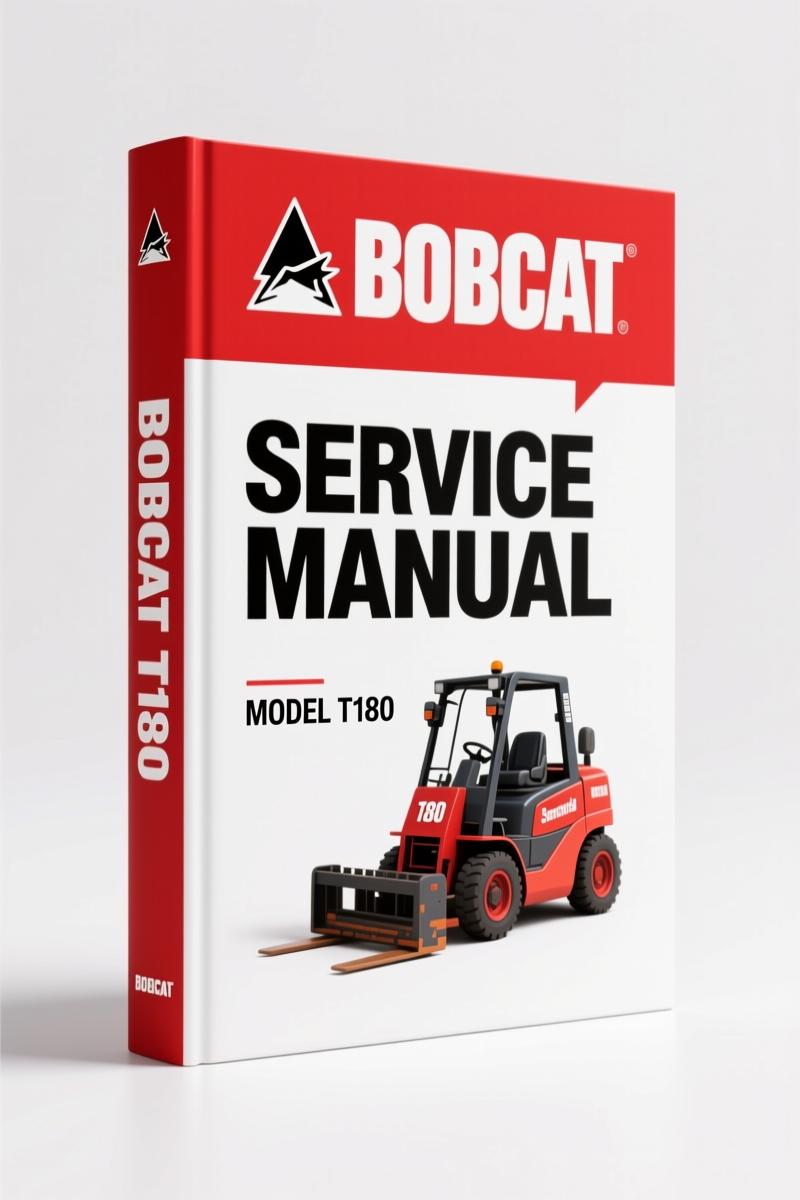
Bobcat T180 2008 Service Manual – Factory 868-Page Technical Documentation
Original price was: $85.80.$65.00Current price is: $65.00.
Factory 868-page service manual for Bobcat T180 compact track loader. Covers engine, hydraulics, electrical, and BICS diagnostics with OEM torque values and fluid specs.
Description
Bobcat T180 2008 Service Manual – Factory Print, Not Aftermarket Copy
If you have ever cracked open a third-party manual looking for the charge pressure on a Bobcat T180 and found a generic line drawing instead of the actual test port location, you know why this 2008 Service Manual matters. I am Mike Callahan. I have pulled wrenches in San Antonio for twenty-eight years, and I have seen one too many hydrostatic pumps ruined because someone used a torque value from an aftermarket reprint. The manual you are looking at is the original factory print – 868 pages, Bobcat part number 6987042, printed 5-08. It covers S/N 531460001 & Above and S/N 531560001 & Above. That is the machine you actually have, not a generic cousin.
Fire Prevention Procedures – Electrical and Fueling Sections
The TOC starts with Safety Instructions and Fire Prevention that breaks down by system: Maintenance, Operation, Electrical, Hydraulic System, Fueling, Starting, Spark Arrestor Exhaust System, Welding And Grinding. The electrical subsection is not a page of vague warnings. It tells you exactly where the battery terminals sit and what tool to use to disconnect the ground first. For the Engine compartment, the Fueling section specifies the diesel grade and biodiesel blend limits. If you skip the part about the spark arrestor muffler cleaning procedure, you risk a hot exhaust fire – the manual calls it out on page 2 with the safety alert symbol. You will not find that level of detail in a generic repair handbook.
Engine Lubrication System – Oil Specs and Filter Change
The Engine Lubrication System chapter gives you the oil chart with viscosity grades by ambient temperature. You get the correct Imperial quarts. The removal and replacement procedure for the oil filter includes a torque spec for the filter canister – hand-tighten then a specific rotation. Do not guess. The manual also walks you through priming the system after an oil change so you do not run the bearings dry on startup. For the T180, the oil capacity is listed right next to the part number for the filter.
Hydraulic/Hydrostatic System – Charge Filter and Case Drain Filters
This is where most of the expensive mistakes happen. The Bobcat T180 2008 Service Manual includes the Hydraulic/Hydrostatic System section with charts for fluid type and capacity. You get the procedure for removing and replacing the hydraulic charge filter and the case drain filters. Those case drain filters plug up if you do not change them on schedule, and the symptoms look like a failed pump. The manual’s troubleshooting table on the Hydraulic System Information page tells you what to check before you condemn any component. There is a breather cap service interval too – something your local parts counter will not mention.
Hydraulic Control Valve – Port Relief and Spool Removal
Under the Hydraulic System section, the Hydraulic Control Valve (Standard) chapter covers removal and installation of the lift spool and detent, tilt spool, auxiliary spool, and all the port relief valves. Each subsection has a parts identification diagram. If you need to rebuild the valve bank, you get the disassembly sequence in the correct order. The anti-cavitation valve removal and installation steps are there – do not attempt to pull the base end port relief without the proper hex socket or you will strip the bore.
Lifting and Blocking the Loader – Safety That Saves Fingers
The Safety & Maintenance section starts with Lifting And Blocking The Loader. It covers the lift arm support device installation and removal. You will see a warning: never go under raised lift arms without that support device. The procedure shows where to place the blocking and what height to raise the arms before engaging the lock. That is not optional text. If you work on a T180 without reading that page, you risk the boom dropping on you. I have seen the aftermath. Read that section.
Does This Manual Cover the Electrical System Schematics?
Yes. The OCR shows “Electrical” under Fire Prevention, but the full manual includes the Hydraulic/Hydrostatic Schematics section. Those schematics cover the solenoid circuits, the Bobcat Interlock Control System (BICS), and the Cab Door Sensor. The manual also includes Remote Start Tool procedures for both kits – MEL1563 and 6689779 – with harness diagrams. If you need to diagnose a no-crank condition, you trace voltage at the service tool harness connector following the OEM test points. You will not find those pins labeled in a generic wiring diagram.
Source Validity – OEM Bobcat, Not a Reprint
Every page of this manual carries the Bobcat Company copyright 2008 and the line “Dealer Copy – Not for Resale.” The original file name is Bobcat_T180_2008_Service_Manual_en-16709000819.pdf. The table of contents includes the Delivery Report and Loader Identification pages – the dealer would fill those in at delivery. Aftermarket manuals omit those. If you want the actual factory torque values for the engine head bolts, the hydraulic fitting O-ring face seal torque, and the wheel lug nut specs, you need the factory document. For related parts and service info, check the Bobcat Filter Reference Guide 2010 Parts Catalog and the Bobcat T180 2006 Service Manual for earlier model years. If you are working with a T180 and a [Manual Transmission] variant? That link is for a [Manual Transmission] document, not this loader. This manual applies only to the compact track loader with hydrostatic drive.
- Does the Bobcat T180 2008 Service Manual include engine torque specs?
- It covers the engine lubrication system with oil chart and filter replacement, but for specific internal engine torque values like head bolts or main bearing caps, you need the engine service supplement – this manual refers to the engine manufacturer’s data. The hydraulic component torque specs are listed in each removal and installation sub-section.
- Is this manual for the T180 with the Kubota engine?
- Yes.
- Can I use this manual to troubleshoot the BICS system?
- The manual includes the Remote Start Tool procedures for both MEL1563 and 6689779 kits, which interact with the BICS system. The Hydraulic/Hydrostatic Schematics section shows the interlock circuit. If you need the full diagnostic flow, the manual gives you test point voltages and connector pinouts. It does not skip the cab door sensor adjustment procedure either.
- How many pages are dedicated to the hydraulic system?
- Roughly 200+ pages cover the hydraulic/hydrostatic system including schematics, cylinder rebuilds, control valve overhaul, and the main relief valve adjustment. The exact page count varies by section – the Hydraulic Control Valve chapter alone runs dozens of pages with parts identification.
If you are still flipping through a dog-eared photocopy or chasing specs on a forum, you are wasting billable time. The OEM print saves you the headache of stripped threads and misdiagnosed components. Access the Factory Manual for your Bobcat T180 2008 right now – open it, print the pages you need, and get back to the workbench with the right numbers.
Additional information
| Brand | Bobcat |
|---|---|
| Language | English |
3 reviews for Bobcat T180 2008 Service Manual – Factory 868-Page Technical Documentation
Only logged in customers who have purchased this product may leave a review.
You may also like…
-
Sale!
Bobcat 337, 341 2007 Service Manual – Factory OEM Repair Specs
Original price was: $92.95.$65.00Current price is: $65.00. -
Sale!
Bobcat 2000 RTF 1983 Service Manual – Factory Specs for Construction Equipment
Original price was: $133.00.$100.00Current price is: $100.00. -
Sale!
Bobcat 316 2006 Service Manual – Factory Specs for Excavator
Original price was: $109.60.$80.00Current price is: $80.00. -
Sale!
Bobcat 1213 1985 Service Manual – Factory Specs for Skid-Steer
Original price was: $105.00.$70.00Current price is: $70.00.
Related products
-
Sale!

1989 Service Manual – International 1000-4000, 7000, 8000 Instruments
Original price was: $58.80.$40.00Current price is: $40.00. -
Sale!

2005 Parts Catalog – International NGD 3.0 L Engine (77 pages)
Original price was: $44.70.$30.00Current price is: $30.00. -
Sale!

Technical Manual – International 6.0L Power Stroke FICM Diagnostics
Original price was: $29.80.$20.00Current price is: $20.00. -
Sale!

2011 Parts Catalog – International 7400 SFA 6X6 – 1886 Pages of OEM Part Numbers
Original price was: $32.00.$25.00Current price is: $25.00.
David K. –
I am so happy with this transaction. Quick access after checkout. Every torque spec is provided for Bobcat T180. Worth every penny.
James L. –
This is exactly what I required. The document quality is excellent. It guided me to troubleshoot my Bobcat T180 electrical system. Worth every penny.
John S. –
I am very pleased with this manual. Instant access after checkout. Contains clear bolt torque specs for Bobcat. Worth every penny.