
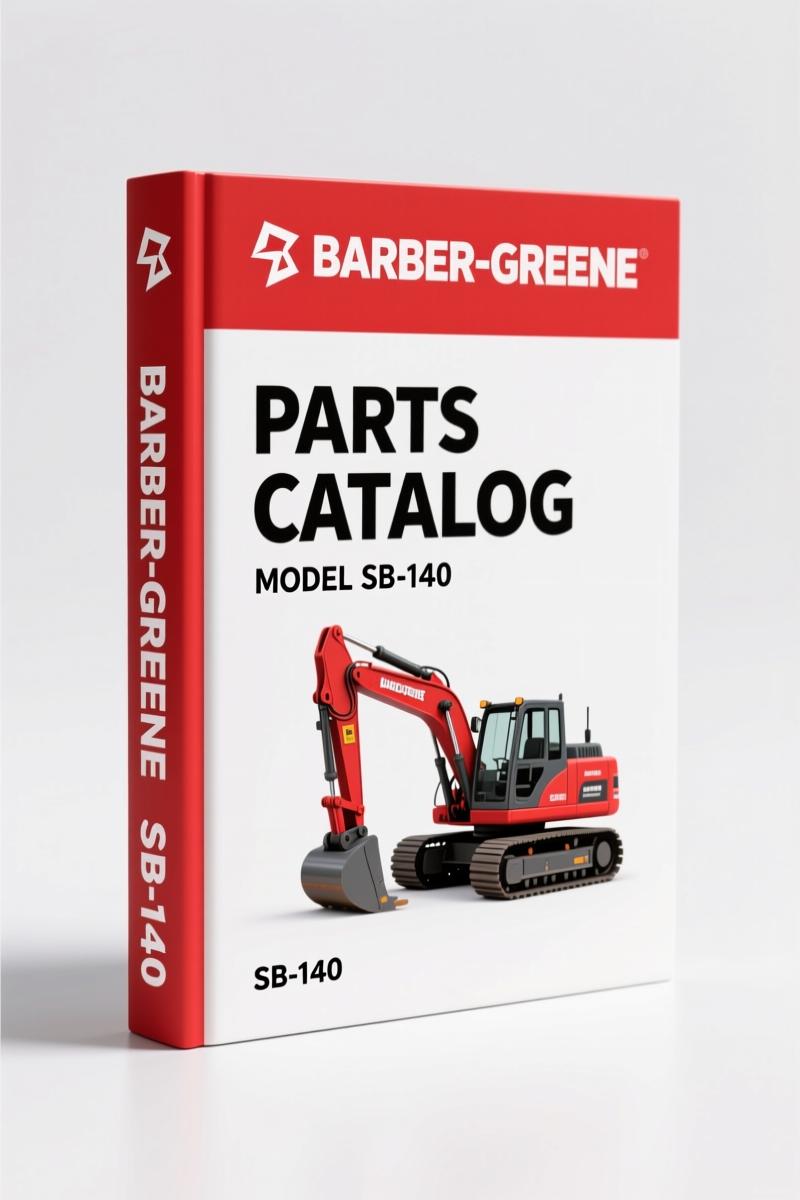
Barber-greene SB-140 1995 Parts Catalog – OEM Part Numbers
Original price was: $41.70.$30.00Current price is: $30.00.
OEM parts catalog for Barber-greene SB-140 asphalt paver (1995). 254 pages of factory part numbers, assembly callouts, and ordering instructions.
Description
Barber-greene SB-140 1995 Parts Catalog
Barber-greene SB-140 1995 Parts Catalog – if you’ve ever ordered a part for an asphalt paver and got the wrong one because you guessed the serial number, you know the pain. This factory catalog is 254 pages of serial-number-specific listings. No guesswork, no aftermarket chaff. Every check mark tells you exactly which parts apply to your machine.
I’ve torn down enough equipment to know that ordering a single wrong bearing can stall a job for a day. That’s why I use factory parts catalogs. This one covers the SB-140 asphalt paver for machines SB140X101 and up. The 1995 edition includes all updates to that point. It’s a digital reproduction of the original binder.
Parts Catalog Breakdown: What’s Inside
The catalog is organized by assembly groups. Each section starts with an exploded view and parts list. Conveyor belts, feed systems, screed assemblies – it’s all there. Page 2 shows the ordering instructions: you must include machine serial number, part number, quantity, and sub-assembly name. Follow that or expect delays.
Does This Manual Cover Your Machine’s Serial Number?
Look at the front cover for the serial number range. The Barber-greene SB-140 1995 Parts Catalog applies to SB140X101 and up. If your machine has a different prefix, you need a different edition. Each page has a check mark (✓) for the AS-BUILT configurations that match that serial number. Do not order from a listing without a check mark.
Check the serial number.
3 Steps to Order Parts Correctly
First, locate your machine’s serial number plate. Second, find the corresponding assembly section in the catalog. Third, read all notes on the page – they flag important differences. The catalog uses indentations to show parts included in a kit. Order the assembly part number to get everything, or order individual indented parts if you only need one piece. For reference, the Barber-greene SB-140 1993 Operators Manual – Factory Specs for Asphalt Paver provides operating instructions.
If you need older models, check the Barber-Greene SA-41, SA41 X 101, SA41 X 868 1971 Parts Catalog for legacy machines.
For the BG260 series, the Barber-Greene BG260 Parts Manual covers that line.
Avoid Aftermarket Parts Manual Pitfalls
Aftermarket catalogs often use generic part numbers or miss supersessions. This is an original Barber-greene publication from 1995, printed by Caterpillar. The part numbers are factory-correct. The automotive industry has standards, as noted in Automotive Industry Overview, but this factory manual adheres to OEM specs. For further reading, Automotive Industry Overview.
Why OEM Documentation Matters for the SB-140
The Barber-greene SB-140 is a common paver in North America, but parts availability depends on accurate identification. The 254 pages include detailed lists for every sub-assembly – from the engine to the hydraulic system. Need a new conveyor belt? The catalog lists the cleated belt length (24″ x 16′-5″) and the Fasteners, Flexco-Lok tape. That kind of spec is what prevents a return. Without the factory numbers, you’re guessing at interchangeability. I’ve seen shops order a belt that was an inch too short because they used a generic number. That’s a day of downtime and a freight charge for the return. The catalog also includes notes on superseded parts and kit indentations, so you can order the exact assembly or individual components. This is the difference between a job that runs and a job that waits.
- How do I know this parts catalog matches my machine?
- Check the serial number range on page 2.
- What if I need a part that’s not listed?
- The manual is specific to SB140X101 and up serial numbers. If your machine falls outside that range, you need the correct edition. The AS-BUILT check marks on each page indicate which listings apply to your serial number. Do not order from an unchecked listing. If a part is missing, it may be superseded; contact your dealer with the part number from the catalog.
Don’t risk ordering the wrong parts for your Barber-greene SB-140. Access the Factory Manual and get the correct part numbers every time.
Additional information
| Brand | Barber-greene |
|---|---|
| Language | English |
4 reviews for Barber-greene SB-140 1995 Parts Catalog – OEM Part Numbers
Only logged in customers who have purchased this product may leave a review.
You may also like…
-
Sale!
Barber-greene BG210B 1996 Parts Catalog – OEM Specs for Asphalt Paver
Original price was: $43.20.$36.00Current price is: $36.00. -
Sale!
Barber-greene BG-220B Parts Catalog – Factory Specs for Asphalt Paver
Original price was: $51.87.$39.00Current price is: $39.00. -
Sale!
Barber-greene BG-245B, BG-260B, BG-265B, BG-270B, BG-750 Technical Manual
Original price was: $63.90.$45.00Current price is: $45.00. -
Sale!
Barber-greene SRA1 Parts Catalog – OEM Part Numbers for Screed Assembly
Original price was: $51.75.$37.50Current price is: $37.50.
Related products
-
Sale!

2005 Parts Catalog – International NGD 3.0 L Engine (77 pages)
Original price was: $44.70.$30.00Current price is: $30.00. -
Sale!

Technical Manual – International DT 530 & HT 530 (118 Pages)
Original price was: $37.00.$25.00Current price is: $25.00. -
Sale!

2004 Acura TSX Wiring Diagram – 73-Page Factory Electrical Schematics
Original price was: $15.88.$9.99Current price is: $9.99. -
Sale!

Acura Integra 1998 Service Manual – 1891 Pages Factory OEM Documentation
Original price was: $31.75.$25.00Current price is: $25.00.
David K. –
This is just what I was looking for. The file is very clear. It guided me to troubleshoot my Barber-greene SB140 electrical system. Saves me so much dollars.
workshop_guy –
This is exactly what I was looking for. Instant access after checkout process. A must-have for any Barber-greene SB140 DIYer doing repairs. Great value for money.
diy_master –
Excellent quality! Immediate link after checkout process. It helped me to rebuild my Barber-greene SB140 transmission. Saves me so much dollars.
Charles W. –
Great workshop guide. The file quality is excellent. Every spec sheet is included for Barber-greene SB140. Saved my repair job! Thank you.