
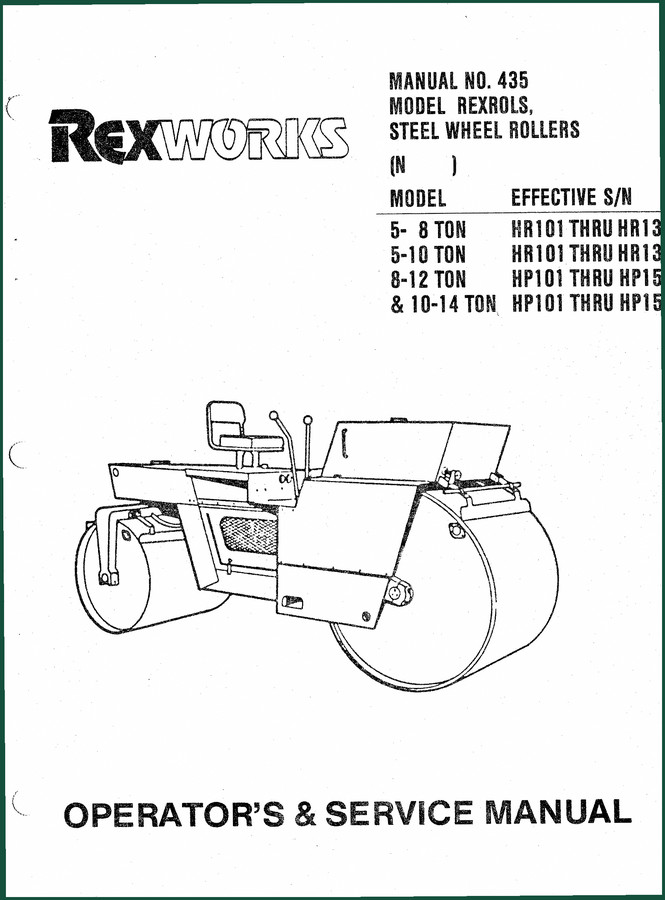
Rexworks HR101, HR135, HP101, HP150 Operators Manual – Factory Pre-Operational Guide
Original price was: $11.19.$7.99Current price is: $7.99.
Factory-certified operator’s manual for Rexworks HR101, HR135, HP101, HP150. 58 pages covering pre-operational inspections, fluid capacities, and warranty terms.
Description
Rexworks HR101, HR135, HP101, HP150 Operators Manual – Factory Specs for Steel Wheel Rollers
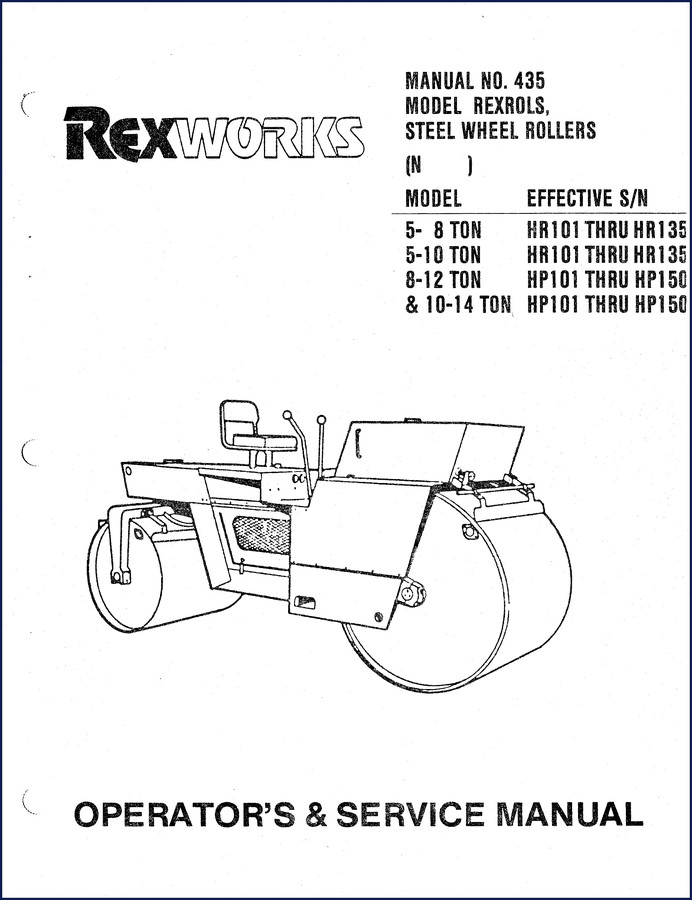
If you’re running a Rexworks steel wheel roller – HR101, HR135, HP101, or HP150 – and you’re trying to get by with a photocopy or some aftermarket PDF that calls itself a manual, you’re asking for a seized bearing or a cracked frame. I’ve seen it happen. The problem isn’t that you don’t know how to operate the machine; it’s that the aftermarket stuff leaves out critical torque values and adjustment specs. This is the original 58-page Rexworks HR101, HR135, HP101, HP150 Operators Manual from Rexworks. It’s what the factory sent with the machine. Not a reprint. Not a scan of a scan. This thing has the actual warranty language, the pre-operational inspection steps, and the operating lever diagrams. You need it if you want to keep that roller running without burning a weekend chasing a problem that’s already documented on page 3.
Rexworks HR101, HR135, HP101, HP150 Operators Manual: Factory Documentation
Page 1 lays out exactly which models this manual covers: the 5-8 ton HR101 through HR135, and the 8-12 ton HP101 through HP150. It also gives you the effective serial number ranges. That’s important because later revisions had different coolant capacities or hydraulic pressures. If you’re working on a HP150, this is the document that tells you what changed. The manual number is 435. Keep that handy if you ever need to call the factory for support. (And good luck finding that number in a third-party copy.)
Pre-Operational Inspection Checklist
On page 3, the manual shows you the pre-op inspection that Rexworks expects every operator to run. It’s not optional: hydraulic oil level in the tank, coolant in the radiator, fuel tank full, oil level in the engine crankcase and transmissions, grease all fittings, and check the battery electrolyte. They also specifically tell you to tighten all nuts and bolts and inspect fuel and hydraulic lines for leaks. I’ve had guys skip the line inspection and lose a full drum of hydraulic oil on the first pass. Don’t be that guy. This checklist is short, but it’s the difference between a day of work and a day of cleanup.
3 Critical Safety Checks from the Manual
The manual doesn’t mess around with safety. It covers the parking brake system – there’s a diagram of the operating levers showing neutral, reverse, forward, and parking brake positions. It also shows the steering ram and the scraper power setup. You need to verify that the parking brake actually engages before you leave the seat. The manual doesn’t assume you know; it shows you. The cocoa-mat scraper system is also detailed – that’s the part that keeps the drum clean. If that’s not adjusted right, you get uneven compaction and a ride that’ll rattle your teeth.
Does This Manual Cover the Warranty and Damage Claims?
Yes, and that’s one of the reasons you want the original. The warranty section on page 3 explains what Chain Belt Company (the original manufacturer) covers – six months from shipment, defects in workmanship and material. It also tells you exactly how to handle damage claims when you receive a part. They make it clear: you need a damage description on the freight bill by the carrier agent, or the claim won’t stick. That’s the kind of detail that saves you money when a part shows up cracked. No aftermarket manual includes that legal language verbatim.
Use Page 1 to Confirm Model and Serial Number
Before you torque anything or adjust the steering, confirm your model and serial number against page 1. The manual lists effective serial numbers for each model. If your machine falls outside that range, you need a different revision. I’ve seen guys use the wrong torque spec because they assumed the manual covered all years. It doesn’t. Page 1 is your first checkpoint. After that, move to the operating lever diagrams and the pre-op inspection. That’s the sequence the factory intended.
The manual also covers the steering control system, the drive roll, and the sprinkler control. If you’re dealing with a vibration issue or a steering drift, the diagrams on page 3 (Figure 1) show the layout of the hydraulic components. The Manual Transmission section isn’t in this operators manual – this is a roller, not a truck – but the transmission check is part of the pre-op. You’ll need a separate service manual for deeper transmission work. Check out the related manuals below for those.
Speaking of Manual Transmission, if you’re working on a Rexworks roller that has a manual transmission, the operators manual tells you to check the oil level. That’s it. For rebuild specs, you’ll need the service manual. But for day-to-day operation and maintenance, this operators manual is where you start.
Related Manuals:
- REXWORKS SP-848B Vibratory Roller Parts & Service Manual
- REXWORKS SP400 Parts & Service Manual (R 382)
- REXWORKS SP-600D Parts & Service Manual
Frequently Asked Questions
- What models does this operators manual cover?
- It covers Rexworks HR101 through HR135 (5-8 ton and 5-10 ton) and HP101 through HP150 (8-12 ton and 10-14 ton) steel wheel rollers. Effective serial numbers are listed on page 1.
- Is this a reprint or a copy?
- No. This is the original factory operators manual, scanned from the OEM document. It is not a third-party reprint. You get the exact wording from Chain Belt Company, including warranty and damage claim procedures.
- How many pages does the manual have?
- 58 pages of factory documentation.
- Does this manual include torque specifications?
- This is an operators manual, not a service manual. It includes general tightening instructions for nuts and bolts and fluid capacities. For specific torque values on engine or hydraulic components, you need the service manual. However, the operators manual does provide the proper sequence for pre-op checks that prevent overtightening or undertightening. Without that sequence, you could damage the frame or seals. The manual explicitly states to tighten all nuts and bolts before operation, but does not list specific foot-pounds values. That’s not its job. If you need torque specs, get the service manual for your specific model.
Look, I’ve been turning wrenches long enough to know that the difference between a smooth day and a nightmare is having the right documentation. The original Rexworks operators manual for the HR101, HR135, HP101, and HP150 gives you the factory procedures for pre-op inspection, warranty handling, and safety checks. If you’re responsible for one of these rollers, you owe it to yourself and your crew to have this on your tablet or in your toolbox. Access the Factory Manual now and stop guessing.
Additional information
| Brand | Rexworks |
|---|---|
| Language | English |
4 reviews for Rexworks HR101, HR135, HP101, HP150 Operators Manual – Factory Pre-Operational Guide
Only logged in customers who have purchased this product may leave a review.
You may also like…
-
Sale!

Rexworks 5 to 8 Ton, 7 to 10 Ton 1973 Parts Catalog – OEM Exploded Views
Original price was: $124.00.$100.00Current price is: $100.00. -
Sale!
Rexworks SP-1100B Service Manual – Factory Specs for Dual Vibratory Roller
Original price was: $44.10.$30.00Current price is: $30.00. -
Sale!
Rexworks R 870 Service Manual – Factory Specs for Vibratory Roller
Original price was: $44.40.$30.00Current price is: $30.00. -
Sale!
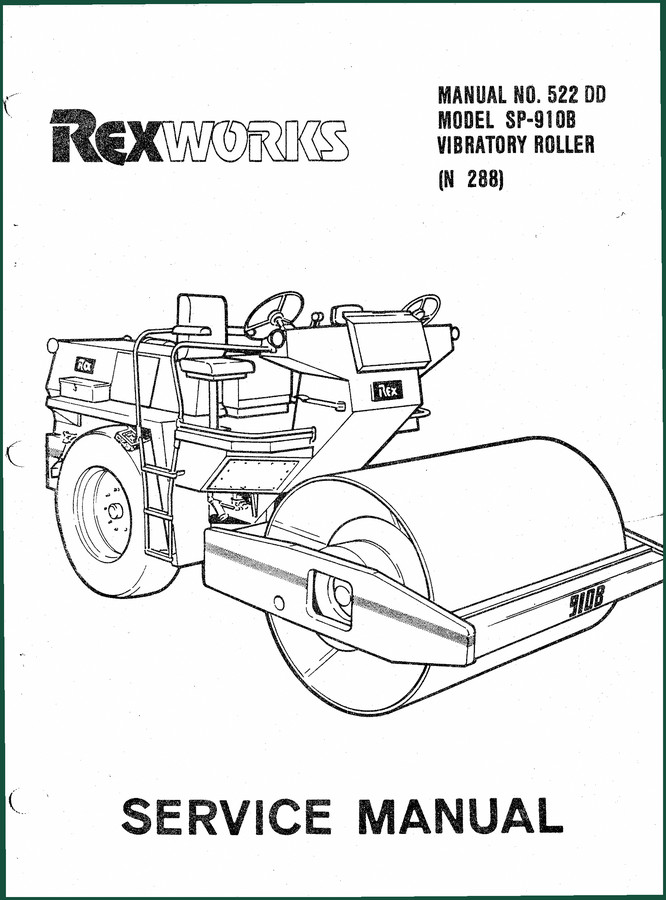
Rexworks SP-910B Service Manual – Factory-Certified Specifications
Original price was: $54.38.$37.50Current price is: $37.50.
Related products
-
Sale!

1993 Electrical Schematic – International 1000/3000/4000 Bus Chassis OEM Wiring Diagrams
Original price was: $29.26.$22.00Current price is: $22.00. -
Sale!

1989 Service Manual – International 2000-8000 Electrical Systems
Original price was: $72.00.$50.00Current price is: $50.00. -
Sale!

2006 Service Manual – International DT 466E, 530E Diesel Engine
Original price was: $67.50.$50.00Current price is: $50.00. -
Sale!
1994 Troubleshooting Manual – International 1000-4000 FBC
Original price was: $60.00.$50.00Current price is: $50.00.
Thomas B. –
Perfect factory service manual. The scan is high-quality and well indexed. A must-have for any Rexworks HR101, owner doing maintenance. Saved my weekend project! Thank you.
John S. –
Outstanding! Instant access after payment. Every wiring layout is provided for Rexworks HR101,. Great value for money.
gearhead88 –
Great factory service manual. The PDF looks clean. A must-have for any Rexworks HR101, DIYer doing repairs. Saved my weekend project! Thanks.
diy_master –
Highly recommended! The document is very clear. Contains clear schematics for Rexworks. Saved my repair job! Thank you.