
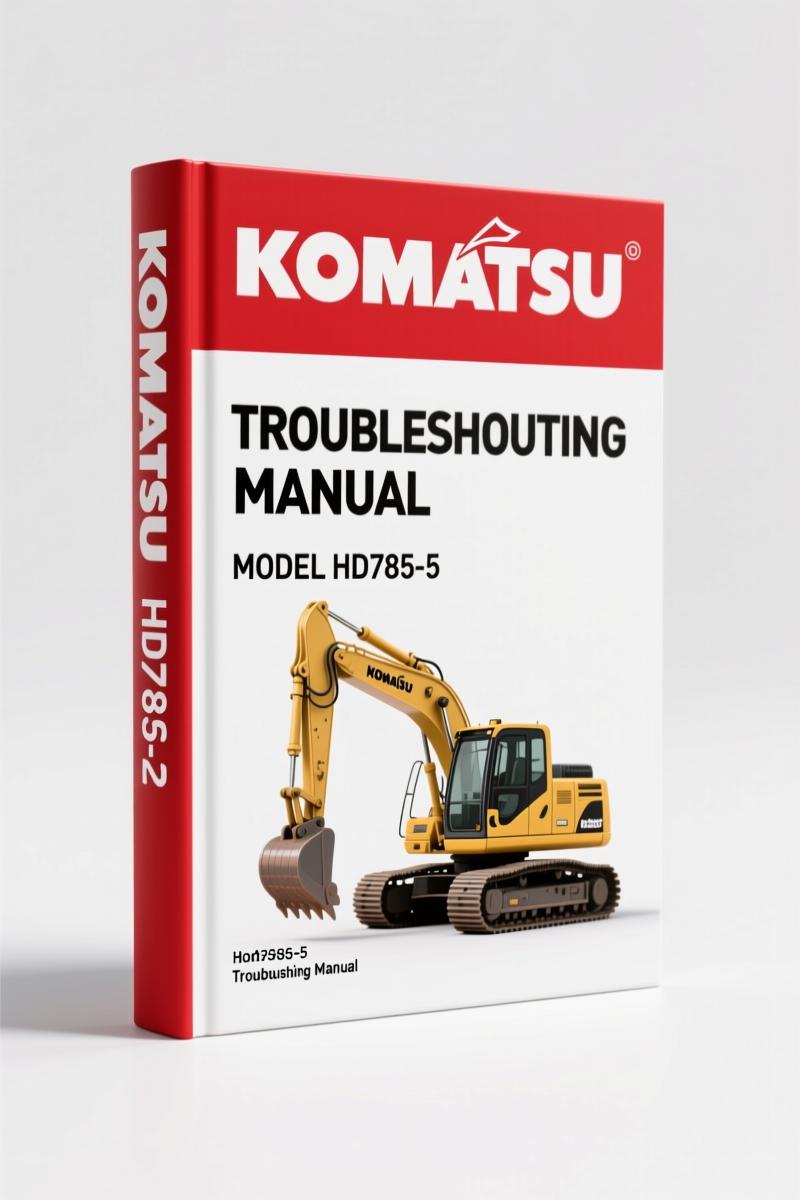
Komatsu HD785-5 Troubleshooting Manual – 19 Pages OEM VHMS Data
Original price was: $32.00.$25.00Current price is: $25.00.
Factory-certified troubleshooting manual for Komatsu HD785-5. 19 pages covering VHMS initialization, controller replacement, and communication controller procedures.
Description
If you have ever had a VHMS controller lock you out mid-job or watched a 7-segment display flash patterns you couldn’t decode, you already know why the Komatsu HD785-5 Troubleshooting Manual belongs on your bench. This is not a reprint from some third-party site that guesses at pinouts. It is the factory document Komatsu issued for the HD785-5 dump truck – 19 pages of pure troubleshooting logic. No filler. No fluff. Just the procedures a field technician needs when the VHMS system stops talking.
What the Manual Covers: VHMS Initialization and Controller Replacement
The manual opens with a warning I respect: when installing the system for the first time or replacing the VHMS controller or any component (transmission, engine, etc.), you are requested to initialize the system. That initialization requires a PC, access software (799-608-3210), and a cable (799-608-3220). A person who accomplished the necessary education shall execute the initialization under the guidance of a responsible person. Otherwise, contact Komatsu Ltd. That is not advice you get from aftermarket sheets. That is a manufacturer telling you where to stop guessing.
Section 9-1 covers what happens when the VHMS controller is replaced. The answer: initialize. Section 9-2 deals with the communication controller. There are five specific scenarios – from reinstalling the controller to a different machine to disposing the machine itself – that trigger important procedures like opening or closing statuses. The manual tells you to follow instructions of the responsible person or contact Komatsu Ltd. I do not care how many years you have turned wrenches; that level of specificity is what keeps a $50,000 truck from bricking.
7-Second Display Flashes: Troubleshooting Procedure for Initial Setup
One of the most practical sections in this manual starts on the second page. It lays out the timing and operation steps for the initial setup of the VHMS system. Before starting operation, you gather the tools: 799-608-3220 access cable, 799-608-3211 setup program (VHMS technical analysis tool box), and a PC. Then you check the machine and component nameplates – machine model, transmission, VHMS controller serial numbers. You connect the cable to the controller and to the RS232C terminal of the desktop PC. Next you check the 7-segment display window. When the operation is not normal, the display flashes in various patterns. When it moves in a rotating movement, then displays the hexadecimal count-up. For details, see the shop manual. That is exactly the kind of real-time symptom-to-action mapping that saves a tech hours of trial-and-error.
If you have ever stared at a flashing 7-segment display without a reference, you know the frustration. This manual eliminates that. It tells you what to look for and what tool to use next: click the VHMS initial setup tool icon on your PC. If the definition data for the connected machines is not in the VHMS analysis tool box, it documents automatically from the controller. That is a factory workflow. You cannot get that from a generic scan-tool manual.
Tools and Equipment You Must Have On Hand
The manual is specific about what you need: access cable 799-608-3220, setup program 799-608-3211, and a PC with an RS232C port. Do not think you can substitute a generic USB-to-serial adaptor and hope. The initialization software expects a direct connection. The manual also calls for a check sheet – a literal paper form – to record serial numbers from the machine, transmission, and VHMS controller. That kind of documentation is what prevents a tech from mixing up two trucks on the same yard. I have seen it happen. Write the numbers down.
The manual does not call out torque specs because the focus is troubleshooting, not mechanical repair. But the same wiring diagrams and controller pinouts that let you troubleshoot are also what let you verify voltage drops and ground integrity. If you need the full mechanical torque values, you would pair this with the shop manual. For diagnostics alone, this document is the right tool.
Source Validity: OEM vs Aftermarket Documentation
I have torqued enough bolts to spot a reprinted manual from ten feet. Aftermarket troubleshooting guides lift data from blogs and forum posts. The Komatsu HD785-5 Troubleshooting Manual comes from the manufacturer’s own PDF with 19 pages scanned from an original document. The page numbers are sequential – scan0001 through scan0018. The table of contents mirrors the factory bookmarks. There are no third-party watermarks, no “for reference only” disclaimers. When a procedure says “contact Komatsu Ltd. for initialization,” that is the OEM telling you their escalation path. That is trust you cannot buy from a $9.99 access site.
If you are working on the HD785-5, you should also look at related manuals: Komatsu 12V140E-3 Troubleshooting Manual – Electrical Error Codes covers engine-specific codes. The Komatsu PC400LC-8 PC450LC-8 Troubleshooting Manual – Factory Specs and Komatsu PC200-7 PC220-7 Troubleshooting Manual – OEM Electrical Diagrams are good for cross-referencing controller logic. For understanding the transmission side, see Manual Transmission and Manual Transmission – both link to authoritative Wikipedia articles on transmission fundamentals that help you interpret the fault data.
FAQ
- Does this manual cover the mechanical engine overhaul?
- No. This is strictly a troubleshooting manual for the VHMS and communication controller. It does not include engine disassembly or rebuild procedures.
- What year models does the HD785-5 troubleshooting manual apply to?
- Manual covers the HD785-5 series, typically produced from the late 1990s through early 2000s. The document references HD785/985-5 in the initialization procedure, so it fits both models.
- Can I initialize the VHMS system without a PC?
- No. The manual explicitly requires a PC, access cable (799-608-3220), and the setup program (799-608-3211). There is no workaround.
- What is the most critical step when replacing the communication controller?
- The manual lists five scenarios (A through E) ranging from upgrading to disposing. Each requires opening or closing controller statuses. You must follow the responsible person or contact Komatsu Ltd. Do not skip this – a misconfigured controller can disable the entire monitoring network.
This manual is a focused tool. It does not try to be everything to everyone. It tells you exactly how to initialize, replace, and troubleshoot the VHMS and communication controllers on the Komatsu HD785-5. If that is the job you are facing, get the factory source. Access the Factory Manual and put it on your tablet or print it for the toolbox. Either way, you will have the correct procedure – not a guess.
Additional information
| Brand | Komatsu |
|---|---|
| Language | English |
3 reviews for Komatsu HD785-5 Troubleshooting Manual – 19 Pages OEM VHMS Data
Only logged in customers who have purchased this product may leave a review.
You may also like…
-
Sale!
Komatsu HD1200 1980 Workshop Manual – Factory Specs & Procedures
Original price was: $91.50.$75.00Current price is: $75.00. -
Sale!
Komatsu PC600LC-6 Workshop Manual – Factory Service Data for 732-Page Excavator Guide
Original price was: $112.80.$80.00Current price is: $80.00. -
Sale!
Komatsu PC5500E-6 Workshop Manual – 1378 Pages
Original price was: $150.00.$100.00Current price is: $100.00. -
Sale!
Komatsu D65EX, D65PX, D65WX Workshop Manual – 2820 Pages
Original price was: $108.75.$75.00Current price is: $75.00.
Related products
-
Sale!

1996 Operators Manual – International 1000-4000 Series (246 pages)
Original price was: $15.28.$9.99Current price is: $9.99. -
Sale!

1989 Service Manual – International 2000-8000 Electrical Systems
Original price was: $72.00.$50.00Current price is: $50.00. -
Sale!

2011 Parts Catalog – International 7400 SFA 6X6 – 1886 Pages of OEM Part Numbers
Original price was: $32.00.$25.00Current price is: $25.00. -
Sale!

1991 Operators Manual – International Truck OEM Specs (108 Pages)
Original price was: $13.63.$10.99Current price is: $10.99.
diy_master –
Excellent quality! The scan is high-quality and well indexed. A must-have for any Komatsu HD7855 mechanic doing repairs. Great value for money.
John S. –
Excellent workshop guide. Immediate link after payment. Every wiring layout is provided for Komatsu HD7855. Saved my repair job! Thanks.
Robert M. –
Great OEM spec sheet. The file is very clear. It helped me to troubleshoot my Komatsu HD7855 electrical system. Highly recommended for mechanics.