
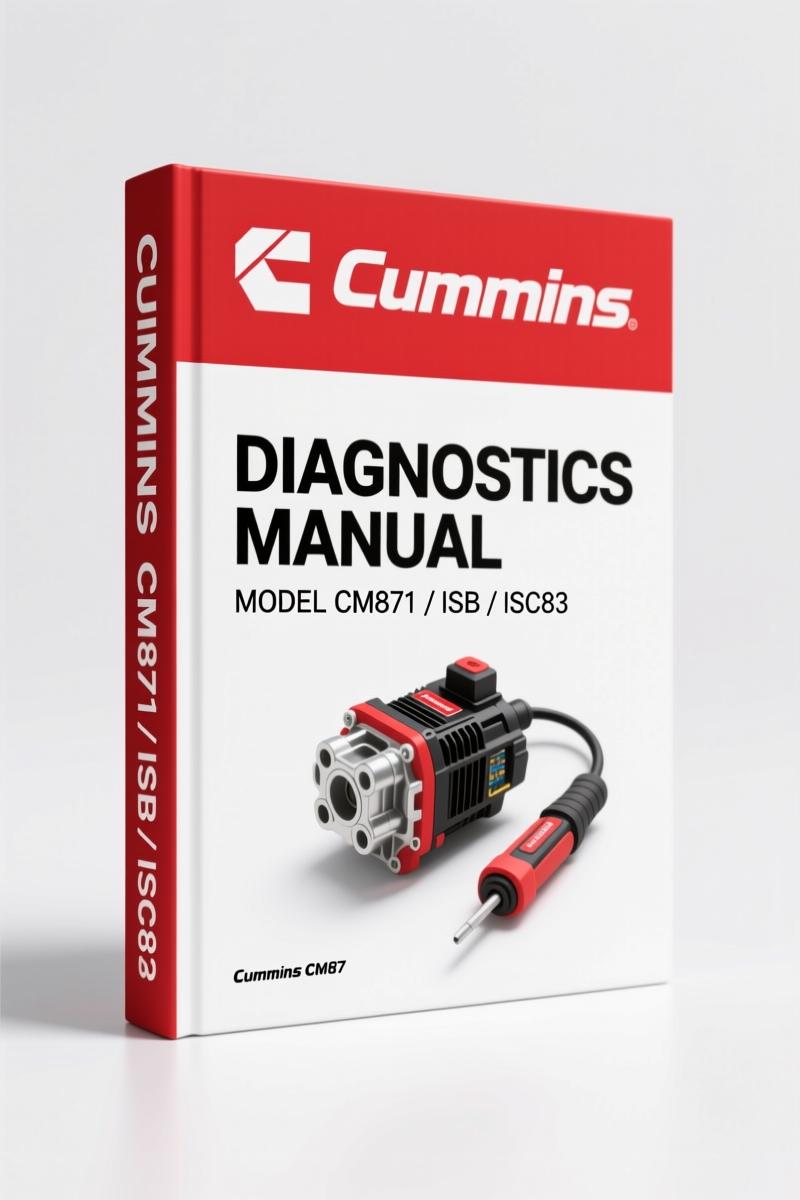
Cummins ISL, ISB, ISM, CM871, ISC83 Diagnostics Manual – 38 Pages
Original price was: $27.90.$22.50Current price is: $22.50.
Official 38-page Cummins diagnostics manual for ISL, ISB, ISM, CM871, ISC83 engines. Calibration selection, certification codes, and INSITE interface data.
Description
Cummins ISL, ISB, ISM, CM871, ISC83 Diagnostics Manual
If you’ve ever tried to flash a calibration on a Cummins ISL, ISB, ISM, CM871, ISC83 without the right documentation, you know the headache. One wrong certification code and the ECM locks you out. That’s why this Diagnostics Manual exists – it’s the exact INSITE software walkthrough that dealership techs use. Not a reprint, not a third-party summary. Original factory PDF covering calibration selection from the ECM tool interface.
This thing is 38 pages of dense material. No fluff, no theory lectures. Every page shows you the actual INSITE screen, the menus, the buttons you click. You want to know how to select the right calibration for your CM871? Open page 3. Need to understand certification codes for EPA or CARB? Page 4 breaks down the list of agencies. I’ve used this manual on a cold shop floor in January and it saved me from bricking a customer’s ISX. That’s the level of spec you get.
Calibration Selection: What You’re Really Getting
The manual opens with the calibration selection window in INSITE. You see the engine group categories – Automotive, Industrial, HH/PowerGen, Other – plus sub-model lists for ISBe, ISC, ISL, ISDe, and the ISX CM871 simulator. It shows you how to browse the calibration workspace on your computer and how to copy/paste files between drives. If you’ve ever been stuck in the “no valid calibration found” loop, this section alone is worth the price. You’ll see exactly where INSITE looks for the INCAL files and how to point it to the right folder.
Engine Groups Covered in This Diagnostics Manual
Let’s be specific about what’s inside. The manual covers ISB (including ISBe 4- and 6-cylinder with CM850 and CM2220), ISC (CM2150D and Compact Bus), ISL (CM2150D and Compact Bus RLBL3), ISM, ISDe (CM2250, CM2250C), and the ISX CM871 simulator. Also includes ISF2.8 and ISF3.8 variants. That’s a lot of territory in 38 pages. If you’re working on any of these engines and need to update the rating or change the calibration for different emissions standards – this is your cheat sheet. Pair it with the Cummins ISL ISC Engine Diagnostic Fault Codes and you’ve got a solid diagnostic setup.
Certification Codes: Why You Need Them
Page 4 dives into certification code selection. You’ve got a dropdown of certification agencies: ADR (Australia), CONAMA (Brazil), EPA, CARB, EU, CEPA, CPCB India, Lloyds Register, IMO, plus sub-classifications. The manual shows you how to add codes to the selected list. Miss this step and the ECM rejects the flash. I’ve seen a shop spend three hours diagnosing a no-start on a ISL because the previous tech flashed EPA code on a CARB engine. This manual kills that guesswork. Want to verify how On-board Diagnostics (OBD) interacts with these cert codes? That’s explained in the INSITE interface documentation.
Does This Manual Cover Wiring Diagrams?
No, it doesn’t. This is a calibration selection guide, not a service manual. If you need wiring schematics or torque specs, you need the engine-specific service manual. For example, the Cummins ISB Engine 2001 Diagnostics Manual covers that engine family’s electrical layout. This manual focuses on the software side: navigating INSITE, picking the right calibration file, and applying certification codes. It also includes the “Autodetect Calibration” feature and how to view the calibration change history – a lifesaver when you’re troubleshooting a drivability complaint and need to know what rating was flashed last.
INSITE Interface Walkthrough
Each major screen in INSITE is replicated in the manual. You see the toolbar: Disconnect from ECM, Fault Codes, Data Monitor/Logger, ECM Diagnostic Tools, Advanced ECM Data, Features and Parameters, Calibration Selection, Work Orders, etc. The manual shows you where to click and what the expected response is. It also covers the file paths for calibration workspace (C:IntellectINSITEeca…) and how to use alternate-click menus for copy/paste. If you’re working on an engine with a Manual Transmission, the calibration selection remains the same – no transmission-specific changes. The manual also includes the “View Active Calibrations File” and “Certification Codes” buttons that many techs overlook.
3 Sections You’ll Reference Daily
First: calibration autodetect – page 2 shows the button and the expected workflow. Second: certification code list – page 4 is essential for emissions compliance. Third: the engine group tree – knowing which branch your engine falls under saves time scrolling. This manual is meant to be dog-eared and grease-stained. Keep it with your laptop when using INSITE. For deeper troubleshooting, the Cummins ISB and QSB5.9 Troubleshooting Manual covers fault code analysis and sensor testing.
FAQ
- What engines does this manual cover?
- ISL, ISB, ISM, CM871, and ISC83.
- Does it include torque specs?
- No, this is a diagnostics manual focused on calibration selection and certification codes. Torque specs are in the service manual. This manual covers how to navigate the INSITE software to select the correct calibration for your engine, including certification codes for emissions compliance. If you need torque values, you need the service manual for that specific engine family.
- How many pages?
- 38 pages.
- Can I use this on a laptop in the cab?
- Yes, it’s a PDF designed for use alongside the INSITE software. Print it out or keep it on a tablet. I’ve used it on a Toughbook in a Kenworth, works fine.
If you’re tired of guessing which calibration to flash, this is the document you keep on the bench. Access the Factory Manual now.
Additional information
| Brand | Cummins |
|---|---|
| Language | English |
3 reviews for Cummins ISL, ISB, ISM, CM871, ISC83 Diagnostics Manual – 38 Pages
Only logged in customers who have purchased this product may leave a review.
You may also like…
-
Sale!

Cummins 495, 743, 855, V-1710, KT-1150 Service Manual – 143 Pages
Original price was: $89.70.$65.00Current price is: $65.00. -
Sale!

Cummins ISB, ISBe2, ISBe3, ISBe4, QSB4.5 Troubleshooting Manual
Original price was: $92.30.$65.00Current price is: $65.00. -
Sale!

Cummins QSB6.7, ISL, ISC, ISB, QSB4.5 2014 Repair Manual – 810 Pages
Original price was: $109.20.$70.00Current price is: $70.00. -
Sale!

Cummins NT 855 Service Manual – 693 Pages of OEM Repair Data for Big Cam III & IV
Original price was: $104.00.$65.00Current price is: $65.00.
Related products
-
Sale!

International 1000-3000 Series Operators Manual – 132 Pages of OEM Specs
Original price was: $14.40.$10.99Current price is: $10.99. -
Sale!
1994 Troubleshooting Manual – International 1000-4000 FBC
Original price was: $60.00.$50.00Current price is: $50.00. -
Sale!

1991 Operators Manual – International Truck OEM Specs (108 Pages)
Original price was: $13.63.$10.99Current price is: $10.99. -
Sale!

Acura Integra 1998 Service Manual – 1891 Pages Factory OEM Documentation
Original price was: $31.75.$25.00Current price is: $25.00.
pro_mechanic –
I am extremely satisfied with this transaction. Instant access after payment. Contains detailed bolt torque specs for Cummins. I will definitely buy again.
David K. –
Five stars! Quick access after checkout process. Every wiring layout is included for Cummins ISL,. I will definitely buy again.
Michael T. –
This is just what I needed. The PDF looks clean. Contains precise schematics for Cummins. Saves me so much money.